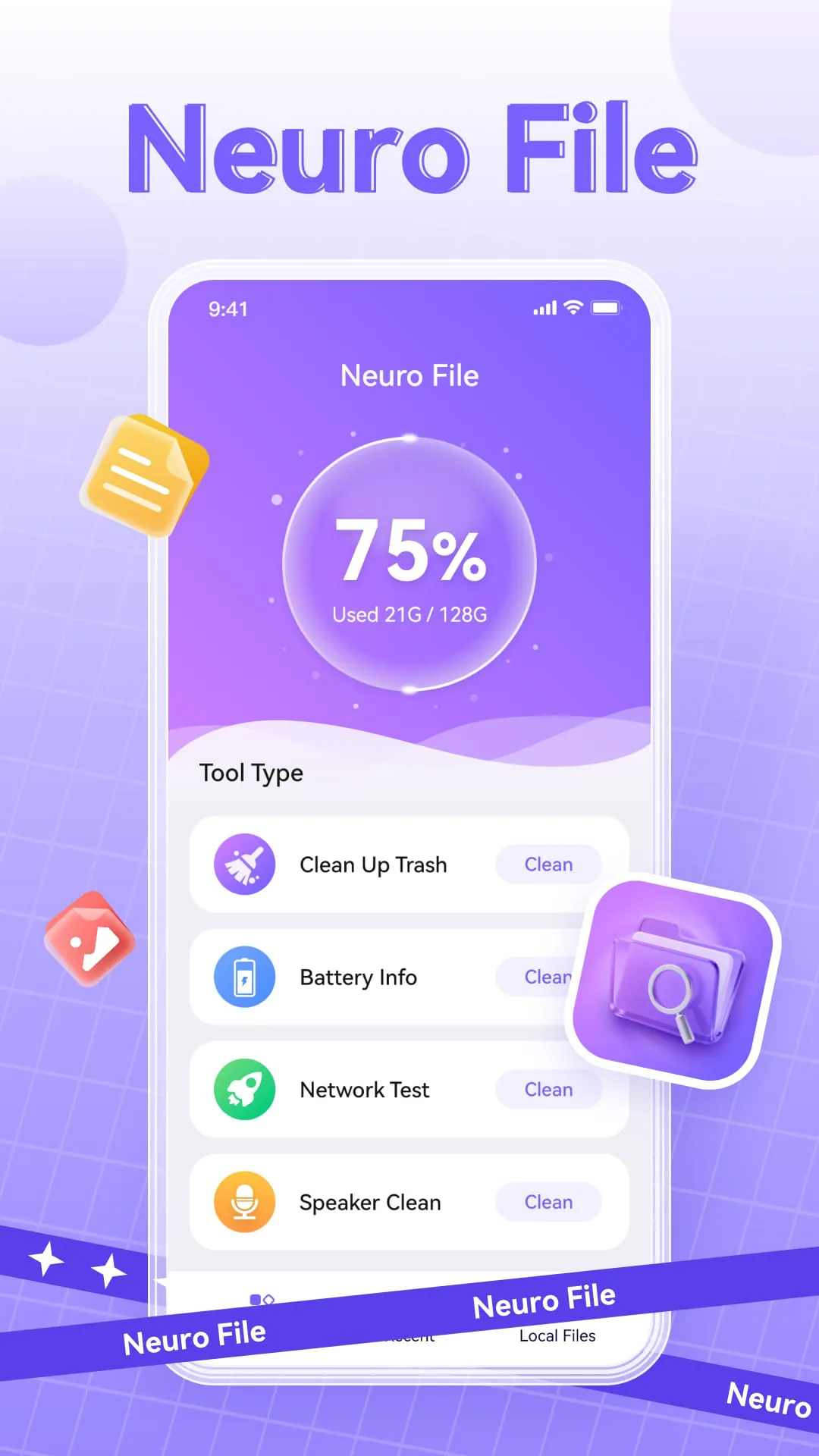
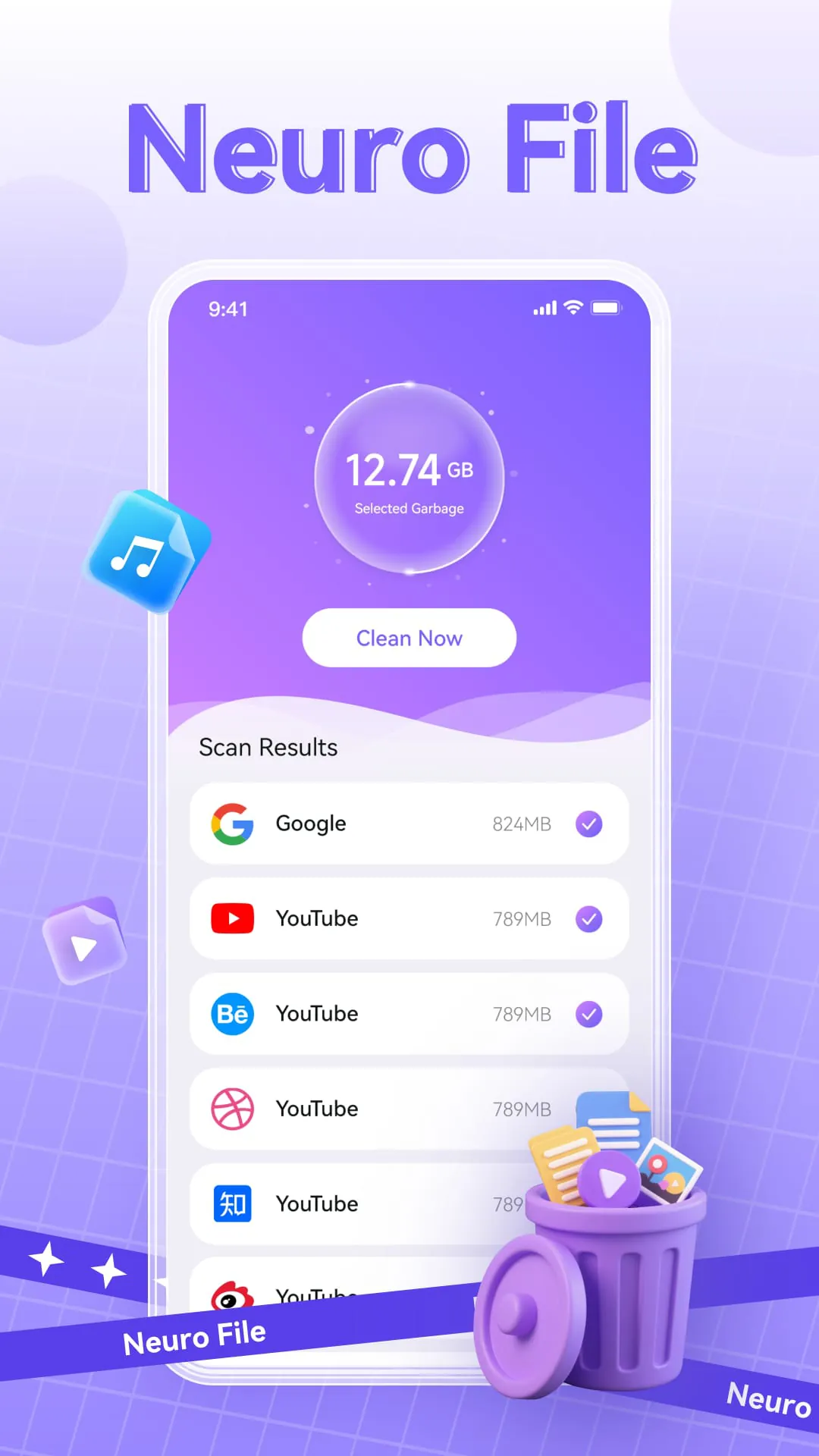
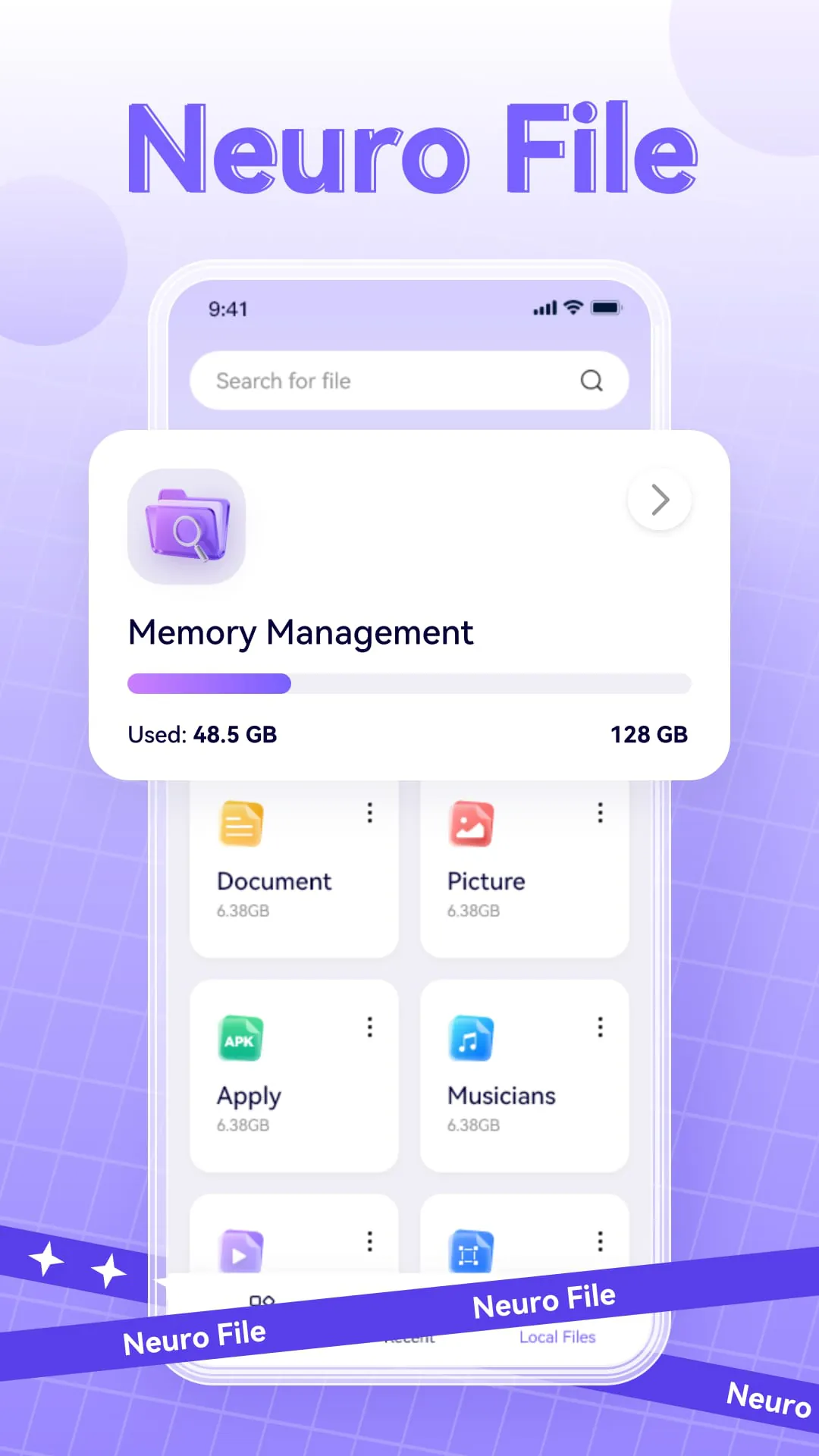
NeuronFile is presented as a streamlined and effective file management application designed to provide users with a clear understanding of their mobile phone's storage space while facilitating essential file operations such as deletion, classification, and sharing. The application emphasizes simplicity and efficiency, aiming to make the management of mobile phone files a straightforward and organized process. Its core functionality revolves around offering users a suite of tools to maintain and optimize their device's storage and performance. The key functions highlighted include comprehensive file management, junk cleaning, battery information viewing, speaker cleaning, and download speed testing. Each of these functions contributes to the overall goal of providing users with a convenient and user-friendly experience in managing their mobile phone's resources. The file management feature allows users to view all files on their phone at a glance, offering filtering options by file type for efficient navigation. It also supports batch deletion, enabling users to quickly remove multiple files simultaneously, and quick sharing, allowing them to easily share files with others. This feature is designed to streamline the process of organizing and managing files, making it easier for users to find and manipulate the files they need. The junk cleaning function identifies and removes useless caches and temporary files, helping users free up valuable storage space on their phones. This function is particularly useful for users who frequently download and install apps, as these activities can often lead to the accumulation of unnecessary files that take up storage space. By removing these files, NeuronFile helps users optimize their device's performance and storage capacity. The battery information viewing function provides users with real-time information about the health, power status, and temperature of their mobile phone battery. This information can be valuable for users who want to monitor their battery's performance and identify potential issues. By keeping track of battery health, users can take steps to prolong the life of their battery and avoid unexpected shutdowns. The speaker cleaning function utilizes vibration mode to help remove dust and impurities from the phone's speaker. This function can be useful for users who frequently use their phone's speaker, as dust and debris can accumulate over time and affect the speaker's performance. By cleaning the speaker, NeuronFile helps users maintain the quality of their audio output. The download speed test function allows users to quickly assess their current network download speed, providing them with insights into their network status. This function can be useful for users who want to troubleshoot network connectivity issues or simply monitor their internet speed. By providing users with this information, NeuronFile helps them stay informed about their network performance. NeuronFile distinguishes itself by prioritizing simplicity and stability in its tool functions. The application features a user-friendly interface with a clear and intuitive operation process, making it accessible to users of all technical skill levels. Whether the user's goal is to free up memory space or manage daily files, NeuronFile aims to be a reliable and trustworthy solution. The application's focus on simplicity and stability ensures that users can easily navigate and utilize its features without encountering unnecessary complexity or technical issues.
The emphasis on a simple interface and clear operation process underscores NeuronFile's commitment to user-friendliness. The application is designed to be intuitive, ensuring that users can easily navigate its features and accomplish their desired tasks without requiring extensive technical knowledge. This focus on simplicity makes NeuronFile accessible to a wide range of users, from those who are tech-savvy to those who are less familiar with mobile phone technology. The clear operation process ensures that users can quickly understand how to use the application's various functions, minimizing the learning curve and maximizing efficiency. The application's design reflects a deliberate effort to avoid unnecessary complexity, ensuring that users can focus on managing their files and optimizing their device's performance without being overwhelmed by technical jargon or convoluted interfaces. The junk cleaning feature is particularly beneficial for users who are concerned about optimizing their device's storage space. By identifying and removing useless caches and temporary files, NeuronFile helps users reclaim valuable storage space that would otherwise be occupied by unnecessary data. This feature can be especially useful for users who have limited storage capacity on their devices or who frequently download and install new applications. The junk cleaning process is automated, making it easy for users to maintain their device's storage without requiring manual intervention. The application intelligently identifies files that are safe to remove, ensuring that users do not accidentally delete important data. The battery information viewing feature provides users with valuable insights into their battery's health and performance. By monitoring the battery's health, power status, and temperature, users can identify potential issues and take steps to prolong the life of their battery. This feature can be particularly useful for users who rely heavily on their mobile phones and want to ensure that their battery lasts throughout the day. The application provides users with clear and concise information about their battery's condition, allowing them to make informed decisions about how to optimize its performance. The speaker cleaning function is a unique feature that helps users maintain the quality of their phone's audio output. By using vibration mode to remove dust and impurities from the speaker, NeuronFile helps users ensure that their speaker remains clear and functional. This feature can be especially useful for users who frequently use their phone's speaker for calls, music, or other audio applications. The speaker cleaning process is simple and effective, requiring minimal effort from the user. The download speed test function allows users to quickly assess their network connectivity and identify potential issues. By measuring the current network download speed, NeuronFile provides users with valuable information about their internet connection. This feature can be particularly useful for users who are experiencing slow download speeds or who want to troubleshoot network problems. The application provides users with a clear and accurate measurement of their download speed, allowing them to make informed decisions about their network usage.
In summary, NeuronFile is positioned as a user-centric file management application that prioritizes simplicity, efficiency, and stability. The application offers a range of functions designed to help users manage their mobile phone files, optimize their device's performance, and stay informed about their device's status. The file management feature provides users with a comprehensive overview of their files, allowing them to easily organize, delete, and share files. The junk cleaning feature helps users free up valuable storage space by removing unnecessary files. The battery information viewing feature provides users with insights into their battery's health and performance. The speaker cleaning function helps users maintain the quality of their phone's audio output. The download speed test function allows users to assess their network connectivity. The application's focus on a simple interface and clear operation process ensures that it is accessible to users of all technical skill levels. Whether a user is looking to clean up memory space or manage daily files, NeuronFile aims to be a reliable and trustworthy choice. The application's emphasis on user-friendliness and stability makes it a valuable tool for anyone who wants to manage their mobile phone files and optimize their device's performance. The combination of essential features, ease of use, and a focus on stability makes NeuronFile a compelling option for mobile phone users seeking a comprehensive file management solution. By providing users with the tools they need to manage their files, optimize their device's performance, and stay informed about their device's status, NeuronFile empowers users to take control of their mobile phone experience. The application's commitment to simplicity and efficiency ensures that users can accomplish their tasks quickly and easily, without being bogged down by unnecessary complexity or technical issues. NeuronFile stands out as a practical and effective solution for mobile phone users who want to streamline their file management and optimize their device's performance. Its user-friendly interface, comprehensive feature set, and focus on stability make it a valuable tool for anyone who wants to take control of their mobile phone experience. The application's commitment to simplicity and efficiency ensures that users can accomplish their tasks quickly and easily, without being bogged down by unnecessary complexity or technical issues. By providing users with the tools they need to manage their files, optimize their device's performance, and stay informed about their device's status, NeuronFile empowers users to make the most of their mobile phones.





 APK
APK  Google Play
  iOS
iOS  4.50
4.50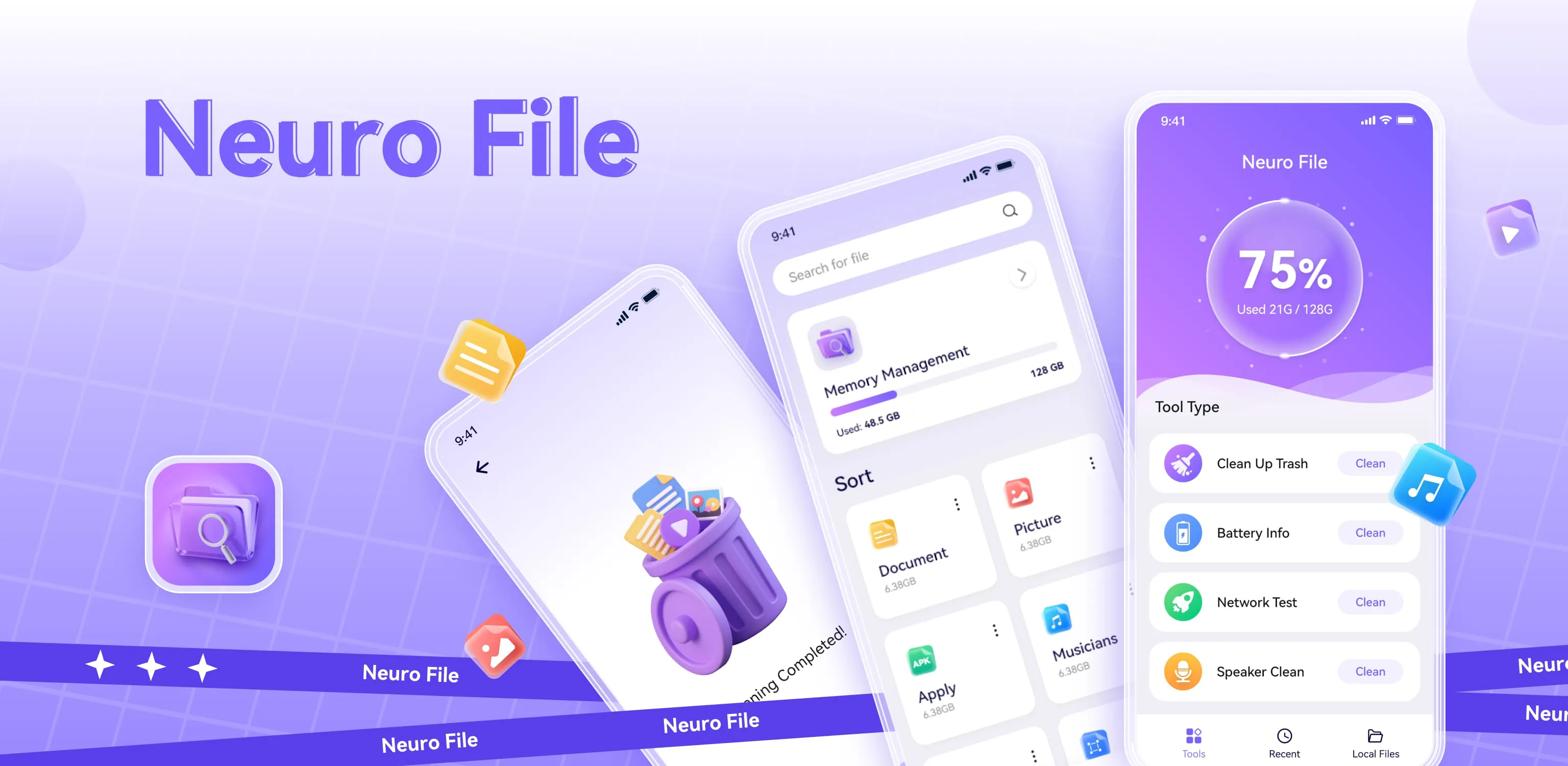
 Download








