




Network Analyzer Pro Network Analyzer Pro
Category
ToolsTag
Network Analyzer | Wi-Fi diagnostics | Network troubleshooting | Port scanner | DNS lookup
Rate
4.90
★★★★★
Reviews
500 +
Installs
100k +
Developer
Jiri Techet
Content Rating
Everyone
The ultimate tool for network analysis, wifi scanning and problem detection.
 APK
APK  Google Play
  iOS
iOS  4.90
4.90 Author's Review
Appspicked Review
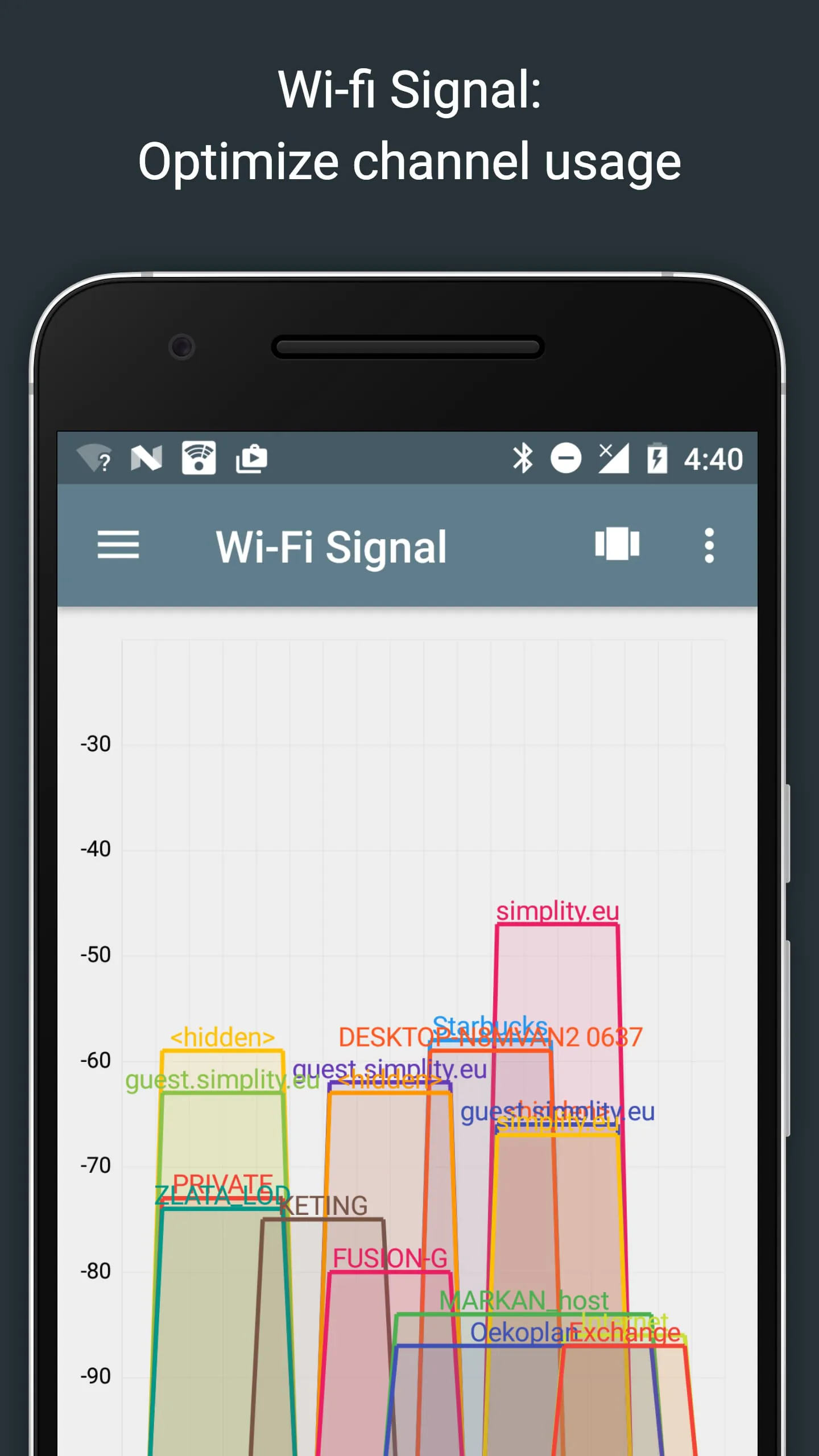
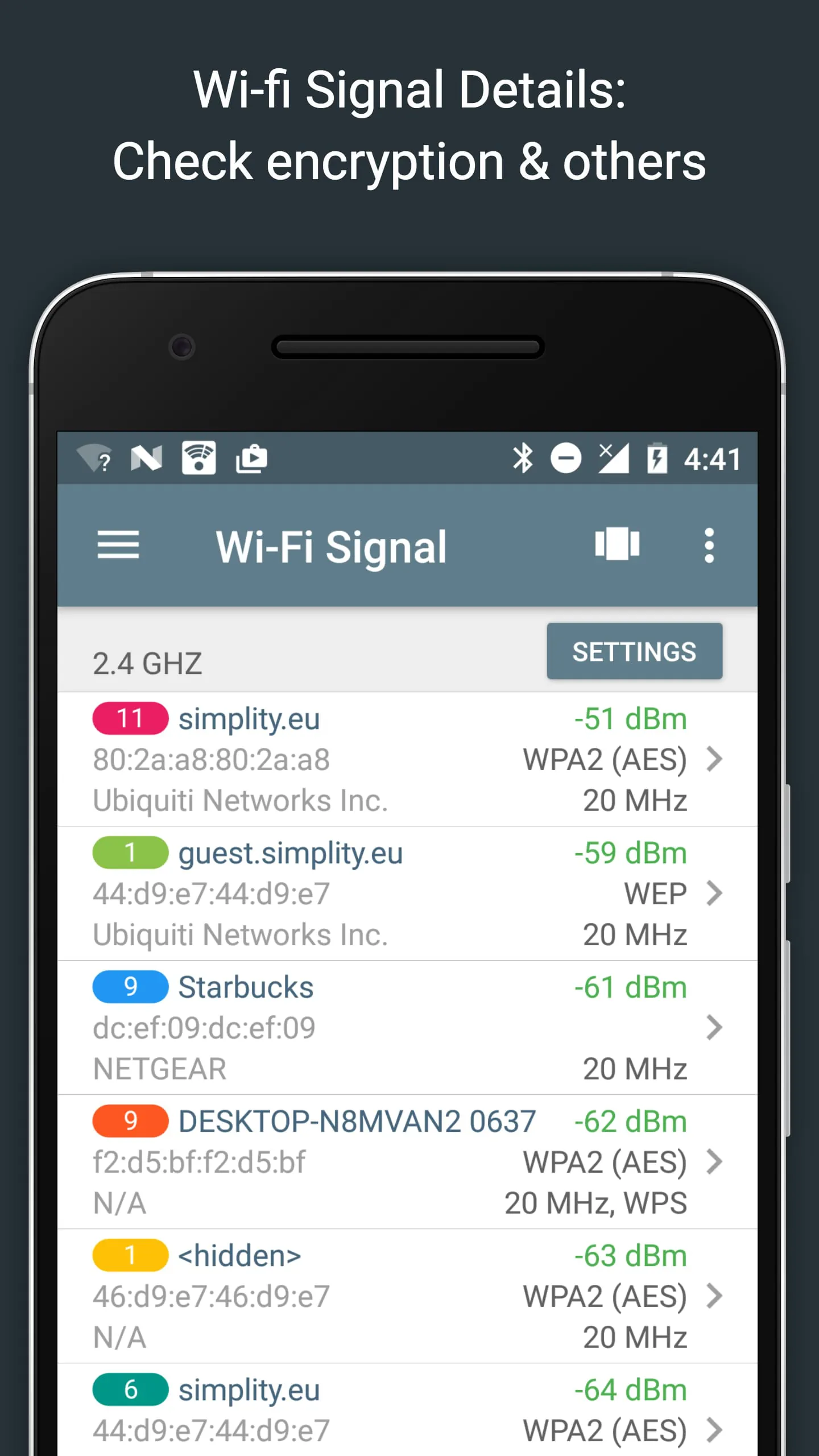
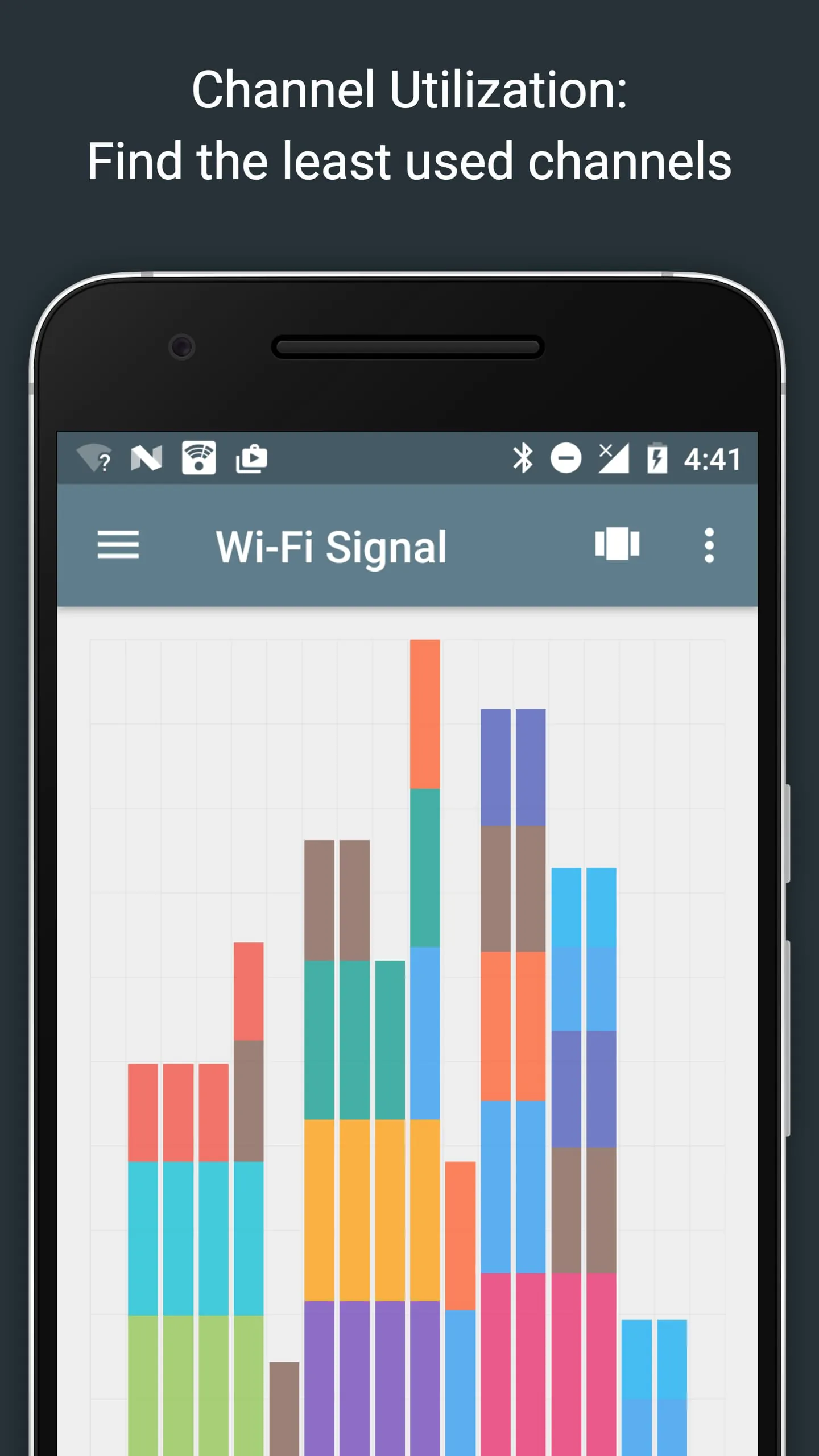
The Network Analyzer is a versatile tool designed to assist users in diagnosing and resolving a wide array of network-related issues, spanning from local Wi-Fi network configurations and internet connectivity problems to detecting issues on remote servers. It achieves this by integrating a comprehensive suite of tools that cater to both novice and advanced users. At its core, the Network Analyzer boasts a fast and efficient Wi-Fi device discovery tool, which swiftly identifies all devices connected to the local area network (LAN), providing essential information such as their IP addresses, device names, and the Bonjour/DLNA services they offer. This initial discovery phase is crucial for understanding the network's topology and identifying potential bottlenecks or misconfigurations. Beyond simple device discovery, the Network Analyzer incorporates standard network diagnostic tools that are indispensable for troubleshooting network issues. These tools include ping, which tests the reachability of network devices; traceroute, which maps the path that network packets take to reach a destination, identifying potential points of failure or latency; a port scanner, which probes network devices for open ports, revealing potential vulnerabilities or misconfigured services; DNS lookup, which resolves domain names to IP addresses; whois, which provides information about domain name registration and ownership; and a network speed test, which measures the upload and download speeds of the network connection. These tools collectively provide a holistic view of the network's health and performance, enabling users to pinpoint the root cause of network problems. The Network Analyzer also provides detailed information about neighboring Wi-Fi networks, including signal strength, encryption type, and router manufacturer. This feature is particularly useful for optimizing the performance of wireless routers by identifying the best channel to use, minimizing interference from other networks. The tool supports both IPv4 and IPv6, ensuring compatibility with modern network infrastructure. Furthermore, the Network Analyzer offers a Wi-Fi signal meter that presents both graphical and textual representations of network channels and signal strengths. This allows users to visualize channel utilization and identify potential congestion issues. The meter also displays key information about the Wi-Fi network, such as the network type (WEP, WPA, WPA2), encryption type (AES, TKIP), BSSID (router MAC address), manufacturer, and WPS support. On Android 6 and newer devices, the meter also provides bandwidth information. The LAN scanner within the Network Analyzer offers fast and reliable detection of all network devices, providing their IP addresses, NetBIOS, mDNS (Bonjour), LLMNR, and DNS names where available. The scanner also includes a pingability test to verify the reachability of discovered devices, as well as IPv6 availability and discovered IPv6 addresses. The tool also supports Wake on LAN (WOL), including remote WOL, allowing users to remotely power on devices. Users can also specify custom IP ranges to scan and filter and search the discovered device list. Overall, the Network Analyzer provides a comprehensive suite of tools for diagnosing and resolving network-related issues, making it an invaluable asset for both home users and network administrators. Its intuitive interface and detailed information make it easy to identify and address network problems, improving network performance and security. The combination of device discovery, diagnostic tools, and Wi-Fi analysis features makes it a one-stop solution for network troubleshooting.
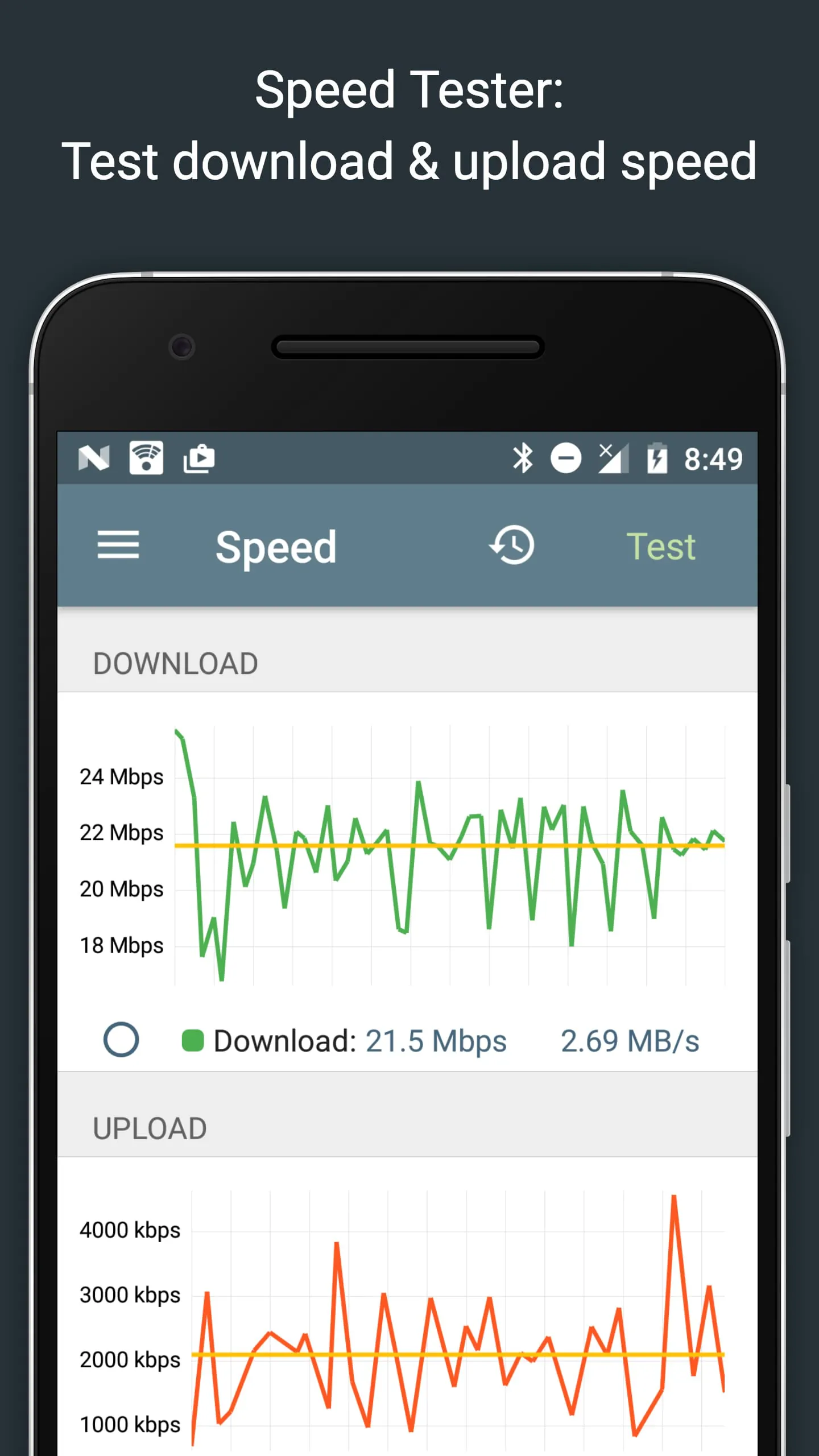
The Network Analyzer further enhances its diagnostic capabilities by providing detailed routing table information, including destination and gateway addresses, the interface used, and flags. This allows users to understand the network's routing configuration and identify potential routing issues. Both IPv4 and IPv6 routing tables are supported. The Ping & traceroute tools within the Network Analyzer offer advanced features such as round trip delay measurement, IP address and hostname resolution for every network node, geolocation data (latitude, longitude, country, city, and time zone), AS number and network name information, complete trace route visualization on the map, and graphical ping statistics updated in real time. These features provide a comprehensive view of network latency and routing paths, enabling users to identify network bottlenecks and potential points of failure. The Port scanner in the Network Analyzer employs a fast, adaptive algorithm for scanning the most common ports or user-specified port ranges. It detects closed, firewalled, and open ports, and provides descriptions of known open port services. Users can scan a complete port range or edit the list of common ports to scan. The tool supports both IPv4 and IPv6. The Whois tool allows users to perform Whois lookups of domains, IP addresses, and AS numbers, providing information about domain name registration and ownership. The DNS lookup tool provides functionality similar to nslookup or dig, supporting A, AAAA, SOA, PTR, MX, CNAME, NS, TXT, SPF, and SRV records. The Internet speed test feature measures both download and upload speeds, providing a graphical speed test view and a speedtest history. This allows users to monitor their internet connection performance over time. The Network Analyzer also provides comprehensive network information, including the default gateway, external IP addresses (v4 and v6), DNS server, HTTP proxy, Wi-Fi network information (SSID, BSSID, IP address, subnet mask, signal strength, etc.), and cell (3G, LTE) network information (IP address, signal strength, network provider, MCC, MNC, etc.). This information provides a detailed overview of the network configuration and connectivity status. The Local service discovery feature allows users to browse Bonjour and UPNP/DLNA services and devices, enabling them to easily discover and access local network resources. The Network Analyzer also offers full IPv6 support throughout, ensuring compatibility with modern network infrastructure. It maintains a history of all performed tasks, allowing users to easily access previous results. Users can also mark favorite tasks for easy access. The tool supports exporting results via email and other means, as well as copy/paste functionality. Detailed help documentation is available, and the tool is regularly updated with new features and improvements. The Network Analyzer's support page provides additional resources and assistance. Overall, the Network Analyzer is a comprehensive and versatile tool that provides a wide range of features for diagnosing and resolving network-related issues. Its intuitive interface, detailed information, and comprehensive set of tools make it an invaluable asset for both home users and network administrators.
The continued evolution of network diagnostic tools like Network Analyzer reflects the increasing complexity of modern network environments and the growing need for users to effectively manage and troubleshoot their network connections. With the proliferation of IoT devices, cloud-based services, and bandwidth-intensive applications, networks are becoming more intricate and demanding. Network Analyzer addresses these challenges by providing a unified platform for monitoring network performance, identifying potential issues, and resolving problems efficiently. The tool's ability to perform comprehensive network scans, analyze Wi-Fi signals, and diagnose routing issues makes it an indispensable asset for network administrators and home users alike. Its intuitive interface and detailed reporting capabilities empower users to understand their network's behavior and make informed decisions to optimize performance and security. The inclusion of features like port scanning, DNS lookup, and Whois lookups further enhances the tool's diagnostic capabilities, allowing users to identify potential vulnerabilities and security risks. The Network Analyzer's support for both IPv4 and IPv6 ensures its compatibility with modern network infrastructure, while its regular updates and dedicated support page demonstrate the developer's commitment to providing a reliable and up-to-date solution. The tool's versatility extends beyond simple troubleshooting, as it can also be used for network planning and optimization. By analyzing Wi-Fi signal strengths, channel utilization, and routing paths, users can identify areas where network performance can be improved. The tool's ability to discover local network services and devices also simplifies the process of connecting to and managing network resources. In conclusion, Network Analyzer is a comprehensive and user-friendly tool that empowers users to take control of their network connections. Its wide range of features, intuitive interface, and detailed reporting capabilities make it an invaluable asset for diagnosing and resolving network-related issues, optimizing network performance, and ensuring network security. As network environments continue to evolve, tools like Network Analyzer will become increasingly essential for managing and maintaining the complex infrastructure that supports our digital lives. The ongoing development and refinement of these tools will be crucial for ensuring that networks remain reliable, secure, and capable of meeting the demands of modern applications and services. The Network Analyzer stands out as a testament to the power of combining comprehensive functionality with user-friendly design, creating a tool that is both powerful and accessible to a wide range of users.
Screenshots
 Download
 Additional Information
Category
ToolsVersion
Unknown
Tag
Network Analyzer | Wi-Fi diagnostics | Network troubleshooting | Port scanner | DNS lookup
Rate
4.90
★★★★★
Reviews
500 +
Installs
100k +
Developer
Jiri Techet
Content Rating
Everyone
The ultimate tool for network analysis, wifi scanning and problem detection.
Previous Versions
ZIP files require a Split APKs Installer (e.g., SAI) from Google Play to install. Steps: 1. Download SAI from Google Play; 2. Open SAI and tap "Install APKs"; 3. Select the ZIP file; 4. Complete installation.
You Might Like









