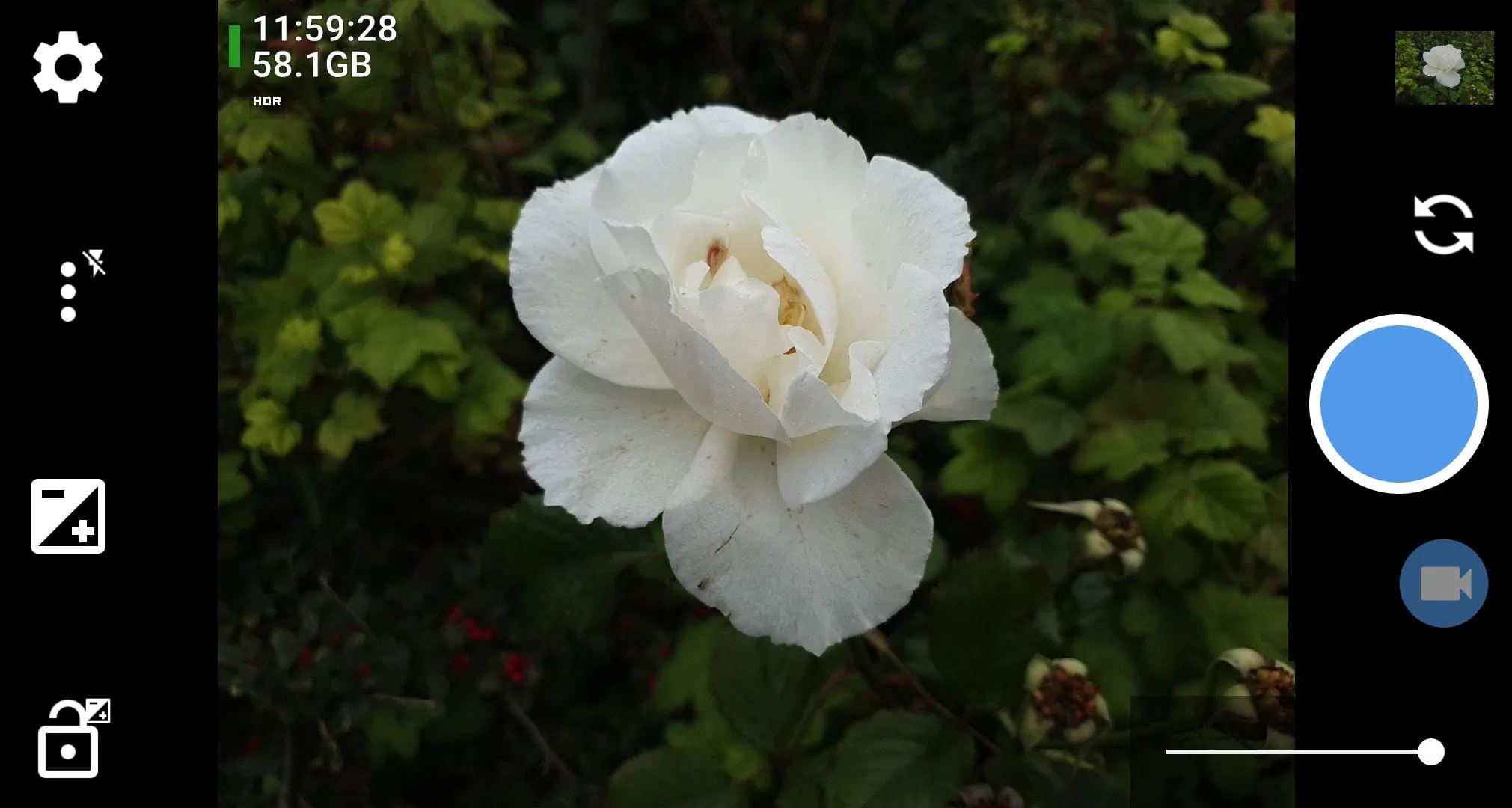
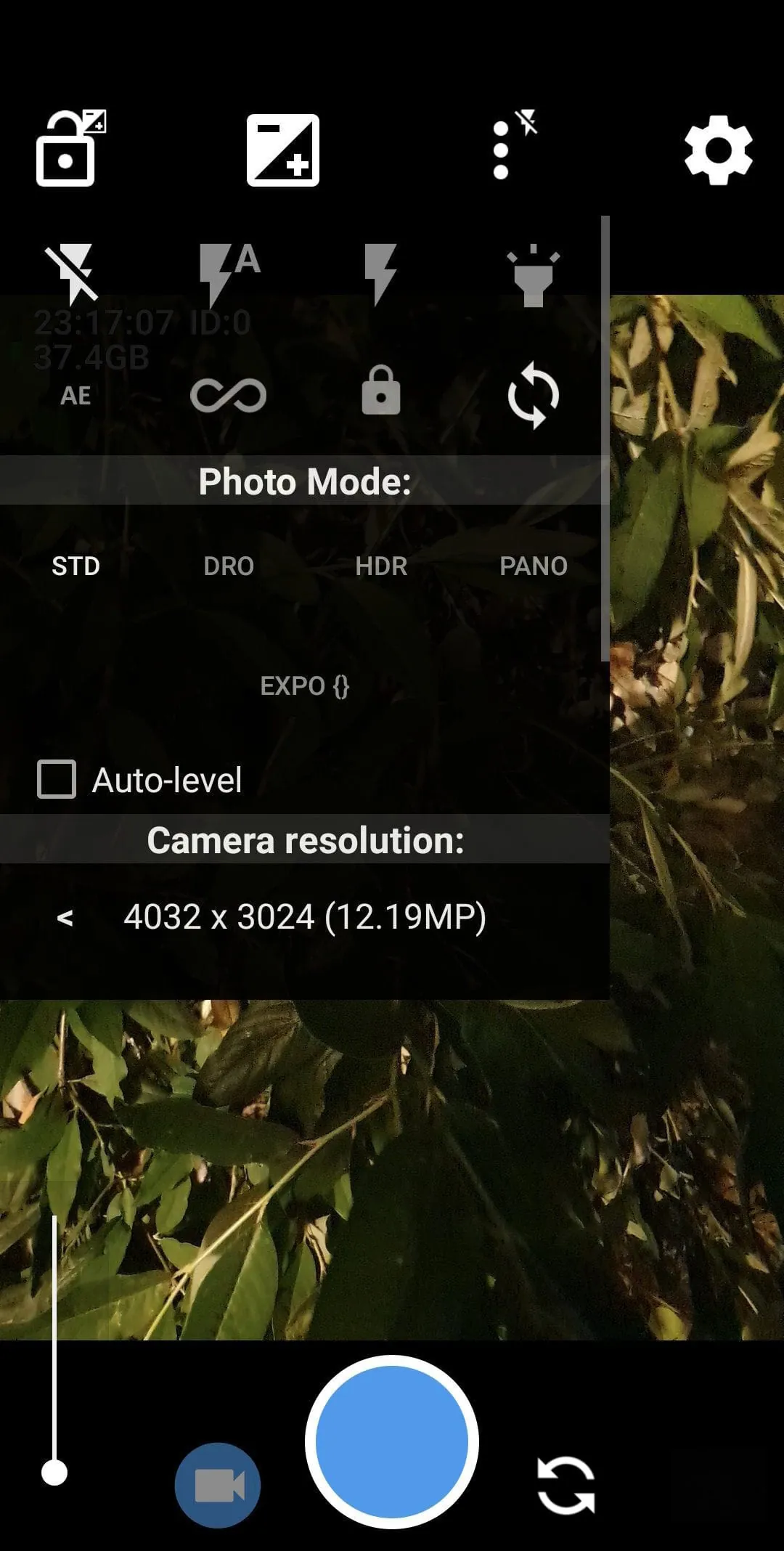
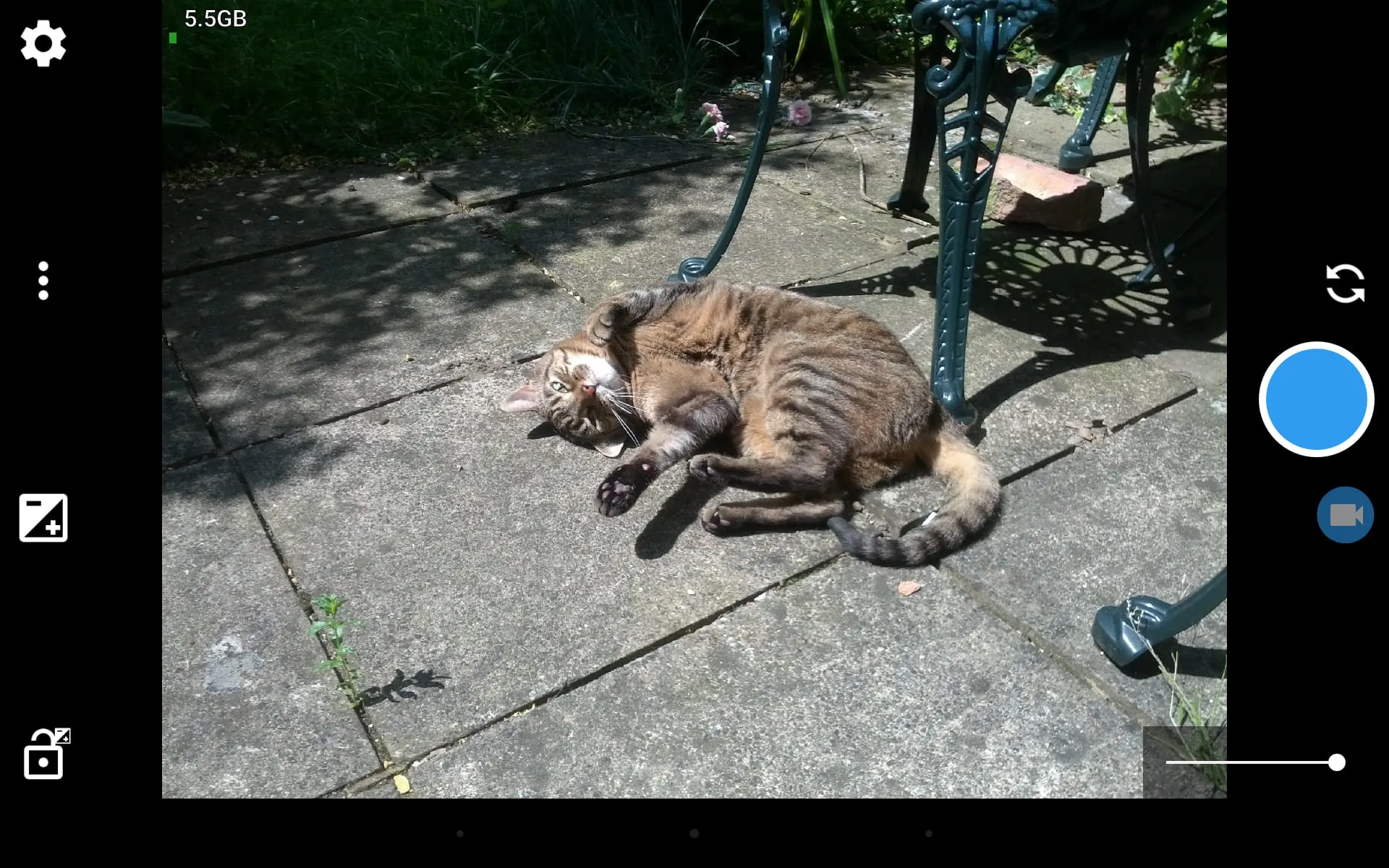
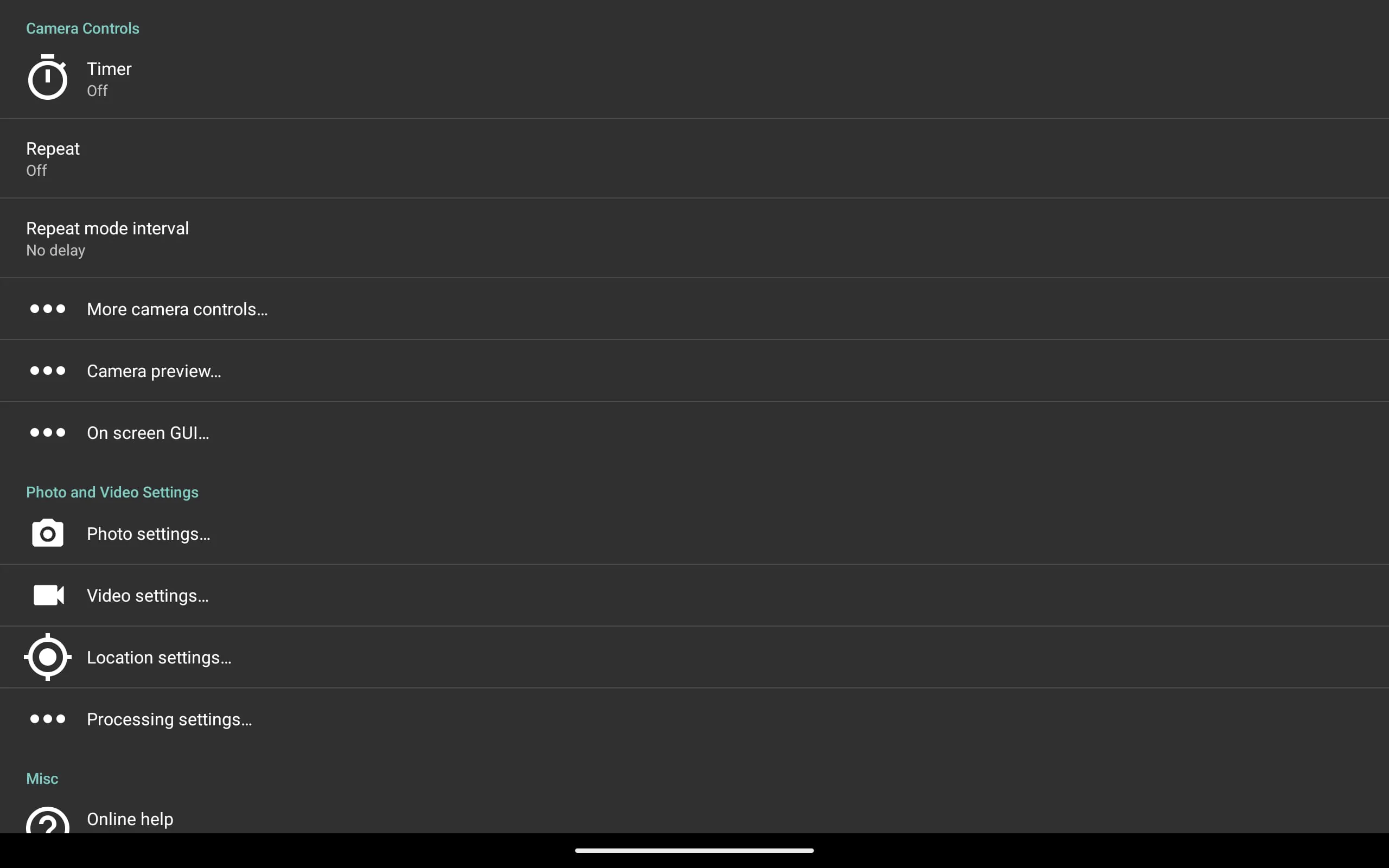
Open Camera is a free, open-source camera application for Android devices, designed to provide users with advanced photographic control and a clean, ad-free experience. It transforms your smartphone's built-in camera capabilities by offering manual settings typically found on professional cameras, making it a powerful tool for both photography enthusiasts and everyday users seeking more than the standard camera app.
Key Features
The app stands out for its depth of control and commitment to user privacy. It harnesses your device's hardware to its full potential without collecting personal data. A significant focus is on providing a transparent and powerful photography tool that respects the user.
- Full manual control over exposure, ISO, focus, white balance, and shutter speed.
- Supports capturing images in RAW (DNG) format for high-quality post-processing.
- Offers a comprehensive grid overlay library for improved composition.
- Includes anti-shake mode and a self-timer with configurable delay and interval.
- Features a voice-activated shutter for easier hands-free operation.
- Allows locking focus and exposure separately for greater creative freedom.
- Provides detailed on-screen information like a virtual horizon and exposure data.
- Enables external microphone support for improved video audio quality.
Pros & Cons
Like any specialized application, Open Camera presents a distinct set of advantages and some limitations based on user needs and device compatibility.
- Pros: It is completely free with no advertisements or in-app purchases. The level of manual control is exceptional for a mobile app, appealing to serious hobbyists. Support for RAW format is a major benefit for photo editing. Its open-source nature ensures transparency and regular community-driven updates.
- Cons: The extensive array of settings can overwhelm casual users looking for simple point-and-shoot functionality. Performance and feature availability can vary depending on the specific Android device and its camera hardware drivers. The interface, while functional, is not as polished as some commercial camera apps.
Functions
Beyond basic photo and video capture, Open Camera incorporates a suite of functions that enhance both the shooting process and the final output. These functions work together to give the photographer deliberate control over every aspect of the image.
- Advanced video recording with options for bitrate, resolution, and frame rate control.
- Photo and video geotagging using your device's GPS.
- Noise reduction and dynamic range optimization modes for challenging lighting.
- Burst mode for capturing fast-action sequences.
- Customizable volume keys to act as zoom or shutter controls.
- Option to save photos directly to an external SD card.
- Built-in photo editor for basic cropping and rotation after capture.
How to Use
Click the button "Check All Versions" below to download and install it. Once installed, launch the app and grant the necessary permissions for camera, storage, and optionally location for geotagging. Start by exploring the settings menu to familiarize yourself with the layout; you can customize which controls appear on the main screen. For everyday use, the auto mode works effectively. To dive deeper, switch to manual controls by tapping icons for ISO or shutter speed and adjusting the sliders. Utilize the grid overlays and horizon level to compose your shots, and experiment with the self-timer or voice control for group photos or stable captures.




 APK
APK  Google Play
  iOS
iOS  4.00
4.00