Nest is a smart home management application designed to give users seamless control over their connected devices from a single, intuitive platform. Whether you want to adjust your thermostat while away from home, receive alerts from security cameras, or automate daily routines like turning on lights at sunset, Nest brings all these capabilities together in one place. It’s built for convenience, energy efficiency, and peace of mind, making modern living simpler without requiring technical expertise.
Key Features
- Centralized dashboard for managing thermostats, cameras, doorbells, and smart locks.
- Custom automation schedules based on time, location, or device activity.
- Energy usage tracking with personalized tips for reducing consumption.
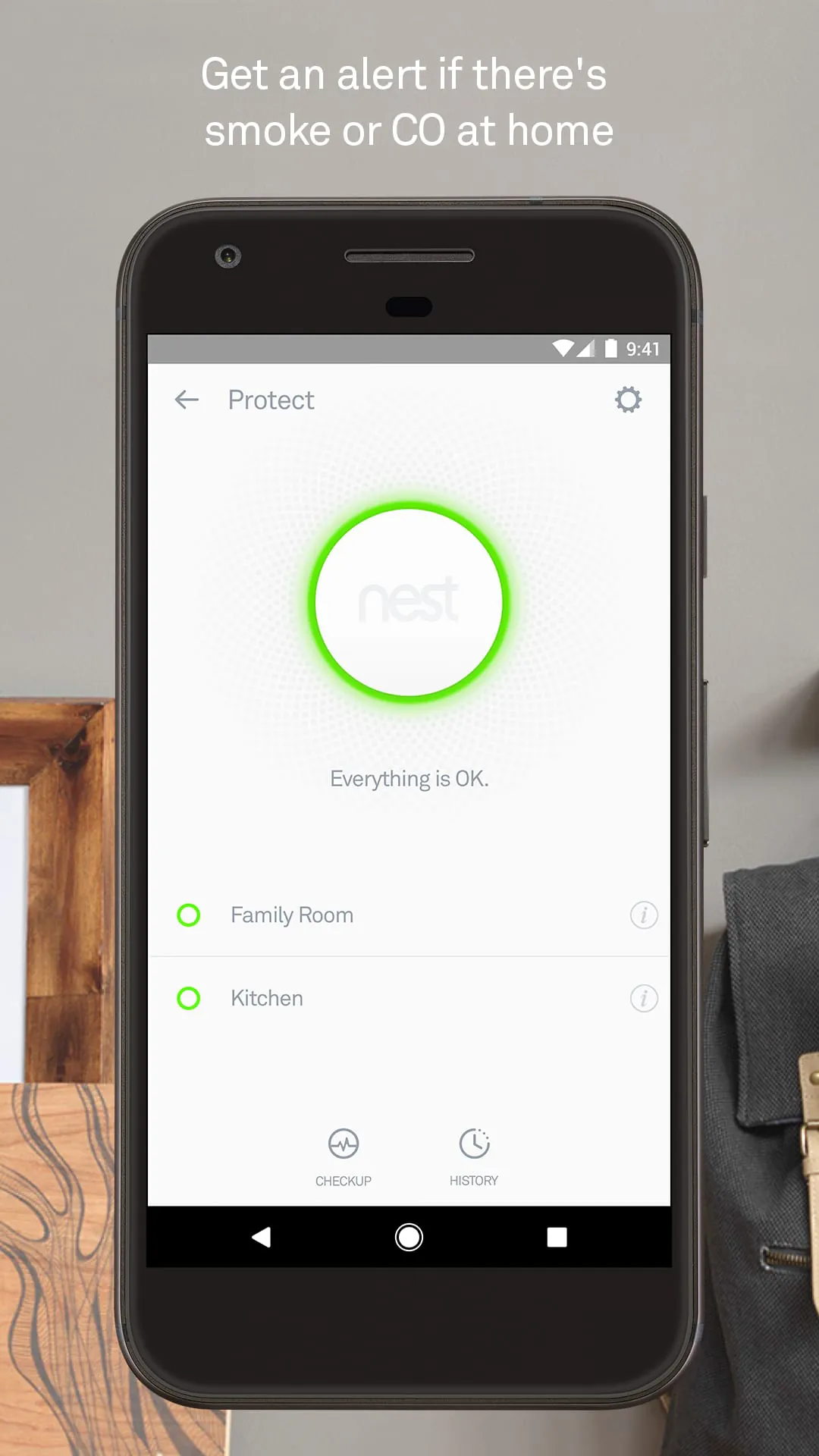
- Real-time notifications for motion detection, temperature changes, or security events.
- Compatibility with a wide range of third-party smart home products.
Pros & Cons
- Pros: User-friendly interface, reliable performance, strong integration across devices, helpful energy-saving insights.
- Cons: Some advanced features require a subscription, limited offline functionality, initial setup can be time-consuming for larger systems.
Functions
- Remote device control via smartphone or tablet.
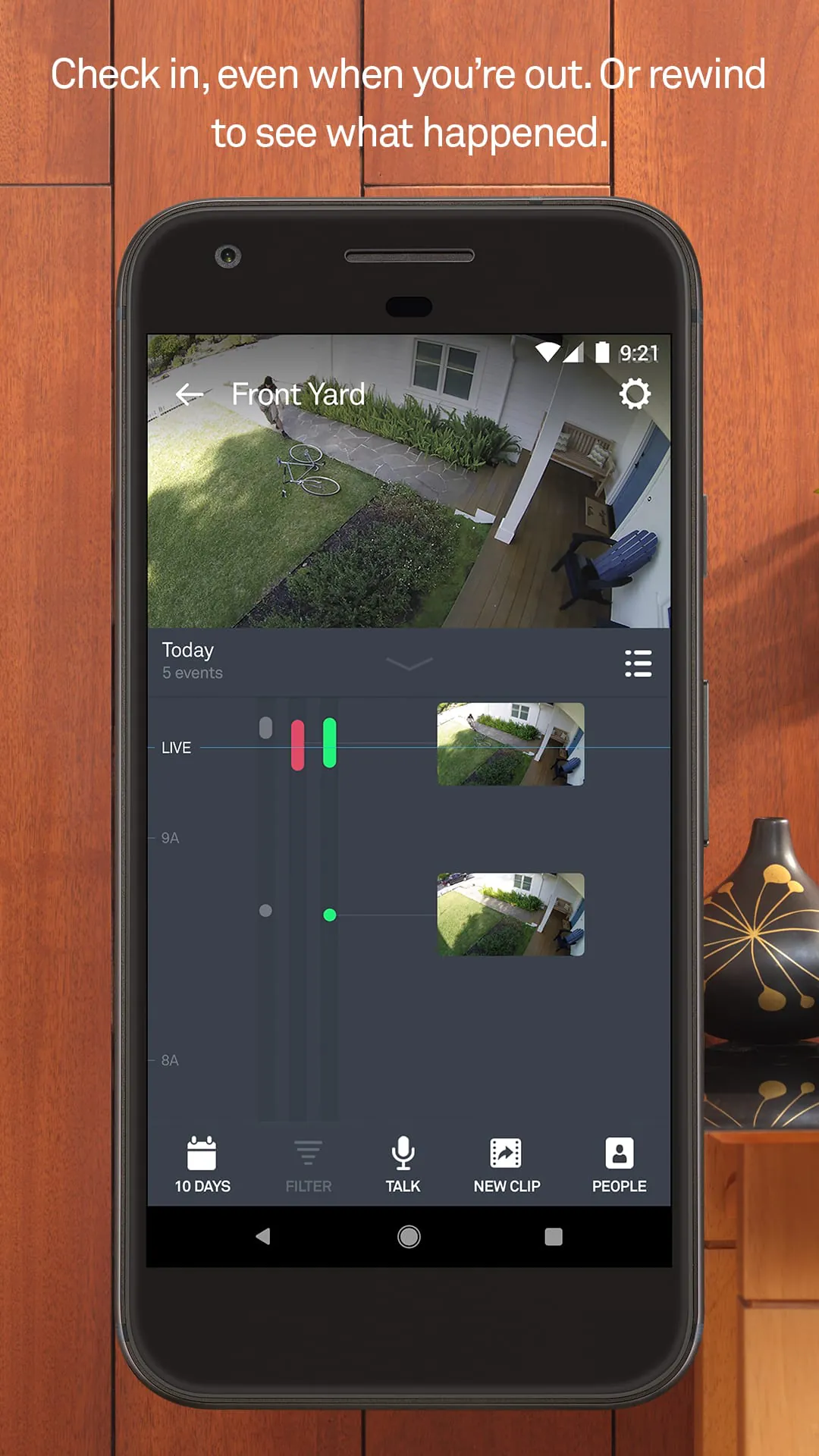
- Live video streaming from connected cameras with cloud storage options.
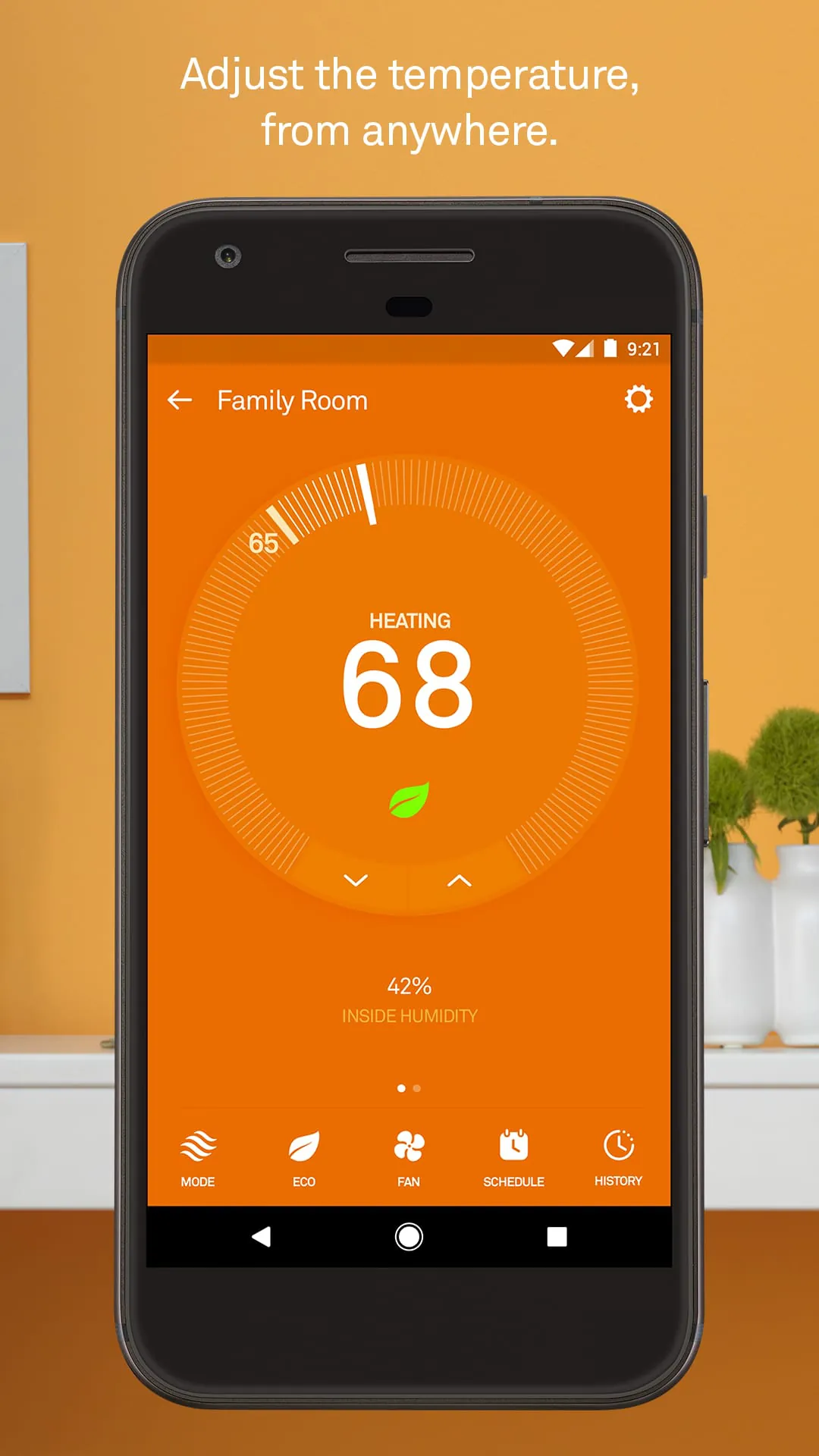
- Temperature scheduling and learning algorithms that adapt to user habits.
- Security monitoring with instant mobile alerts.
- Voice control compatibility with popular virtual assistants.
How to Use
Click the button "Check All Versions" below to download and install it. After installation, open the app and create an account or sign in. Follow the guided setup to add your smart devices—this usually involves connecting them to your Wi-Fi network through the app. Once added, you can organize devices into rooms, set automation rules, and customize notification preferences. Regularly check the dashboard for status updates, energy reports, and security alerts to make the most of your smart home experience.




 APK
APK  Google Play
  iOS
iOS  3.80
3.80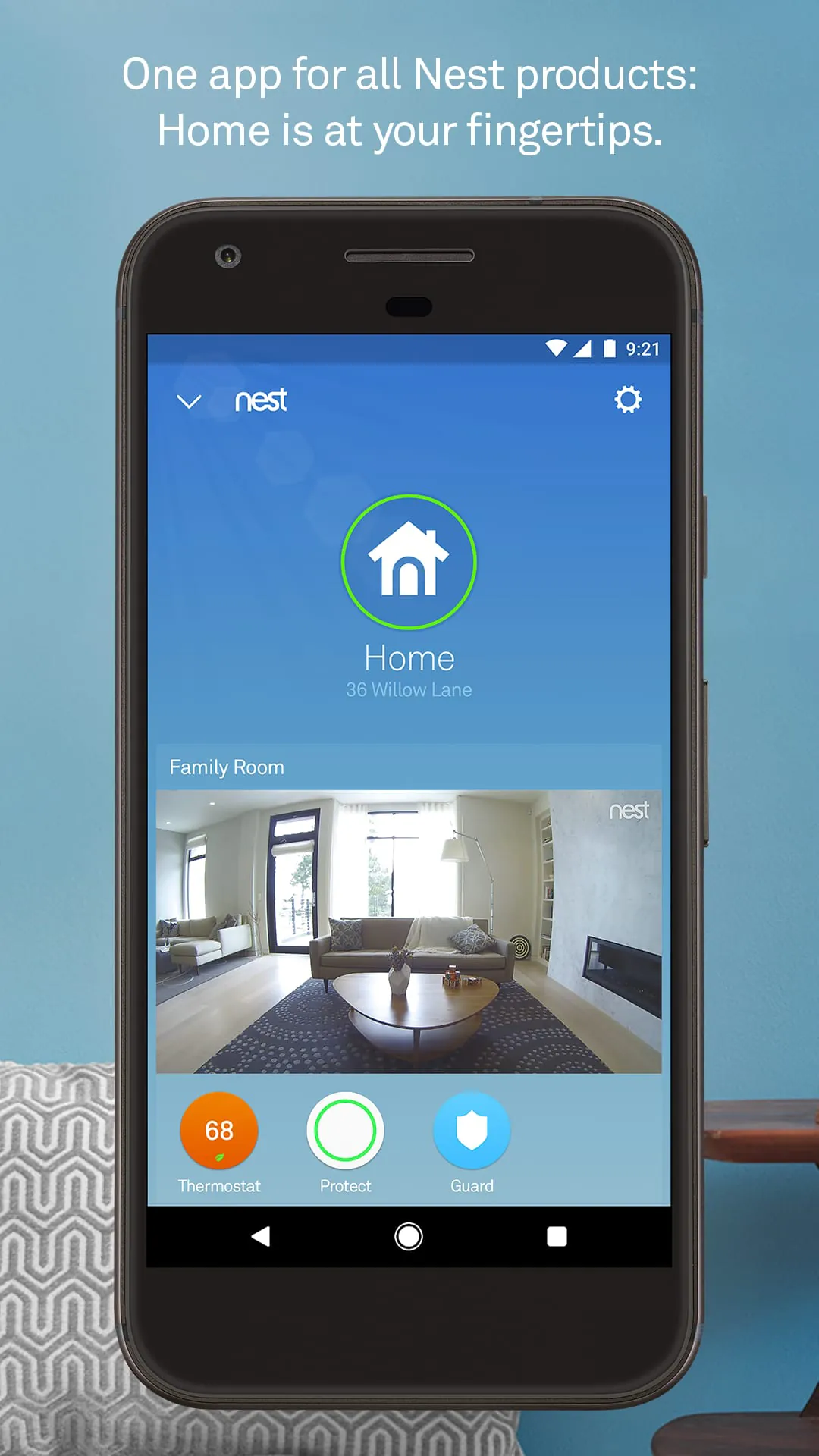
 Download








