NASCAR MOBILE is the official mobile application of the National Association for Stock Car Auto Racing, designed to bring the high-octane world of professional stock car racing directly to fans' smartphones. It serves as a comprehensive digital hub for everything NASCAR, providing real-time race coverage, exclusive content, and interactive experiences that keep users connected to the sport whether they are at the track or on the go.
Key Features
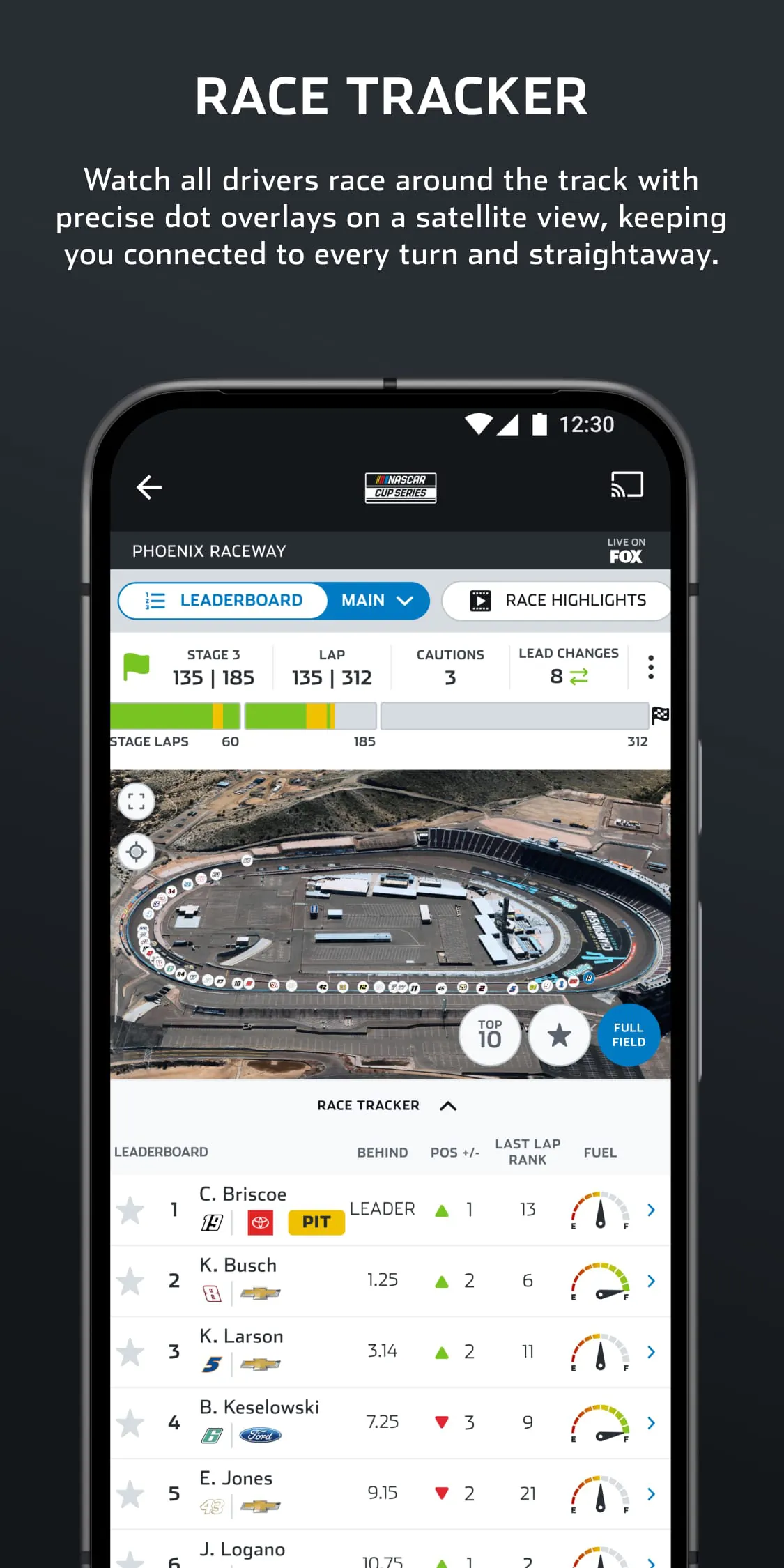
The app is packed with features tailored for racing enthusiasts. It offers live streaming of NASCAR races, allowing fans to watch the action unfold in real-time from anywhere. Users can access real-time leaderboards, driver statistics, and in-depth race analytics. The app also includes push notifications for major race events, crashes, and winner announcements, ensuring you never miss a moment. Additionally, it provides exclusive behind-the-scenes content, driver interviews, and the ability to manage your fantasy NASCAR team directly from your mobile device.
Pros & Cons
NASCAR MOBILE has several strengths but also some areas for improvement based on user feedback.
- Comprehensive live race coverage and real-time data.
- User-friendly interface that is easy to navigate.
- Excellent push notifications for important race moments.
- Integration with fantasy league management.
- Some advanced features may require a subscription or TV provider login.
- Streaming quality can be dependent on network connection.
- Occasional app crashes or bugs during high-traffic events.
- Not all historical race data is readily accessible.
Functions
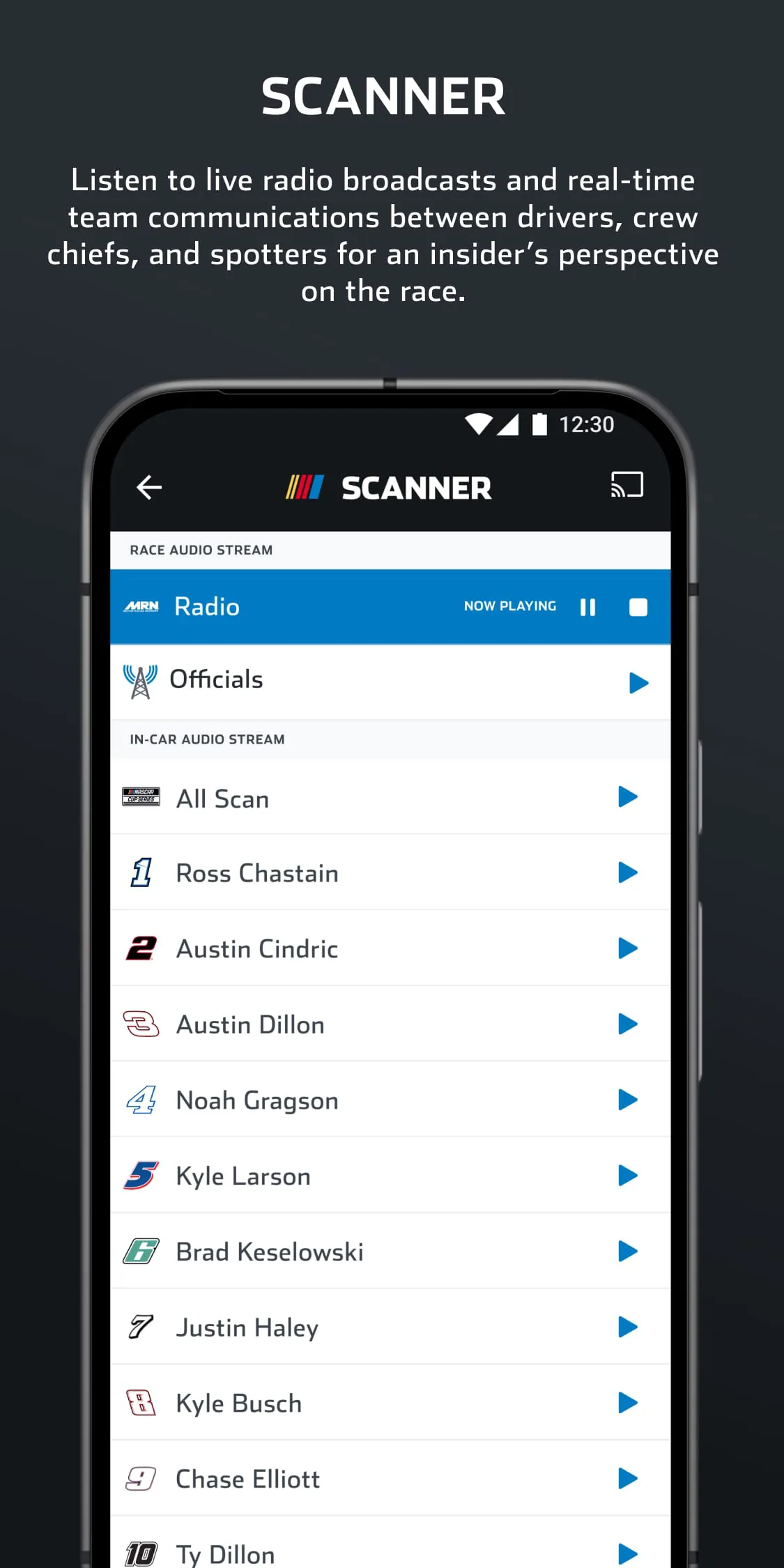
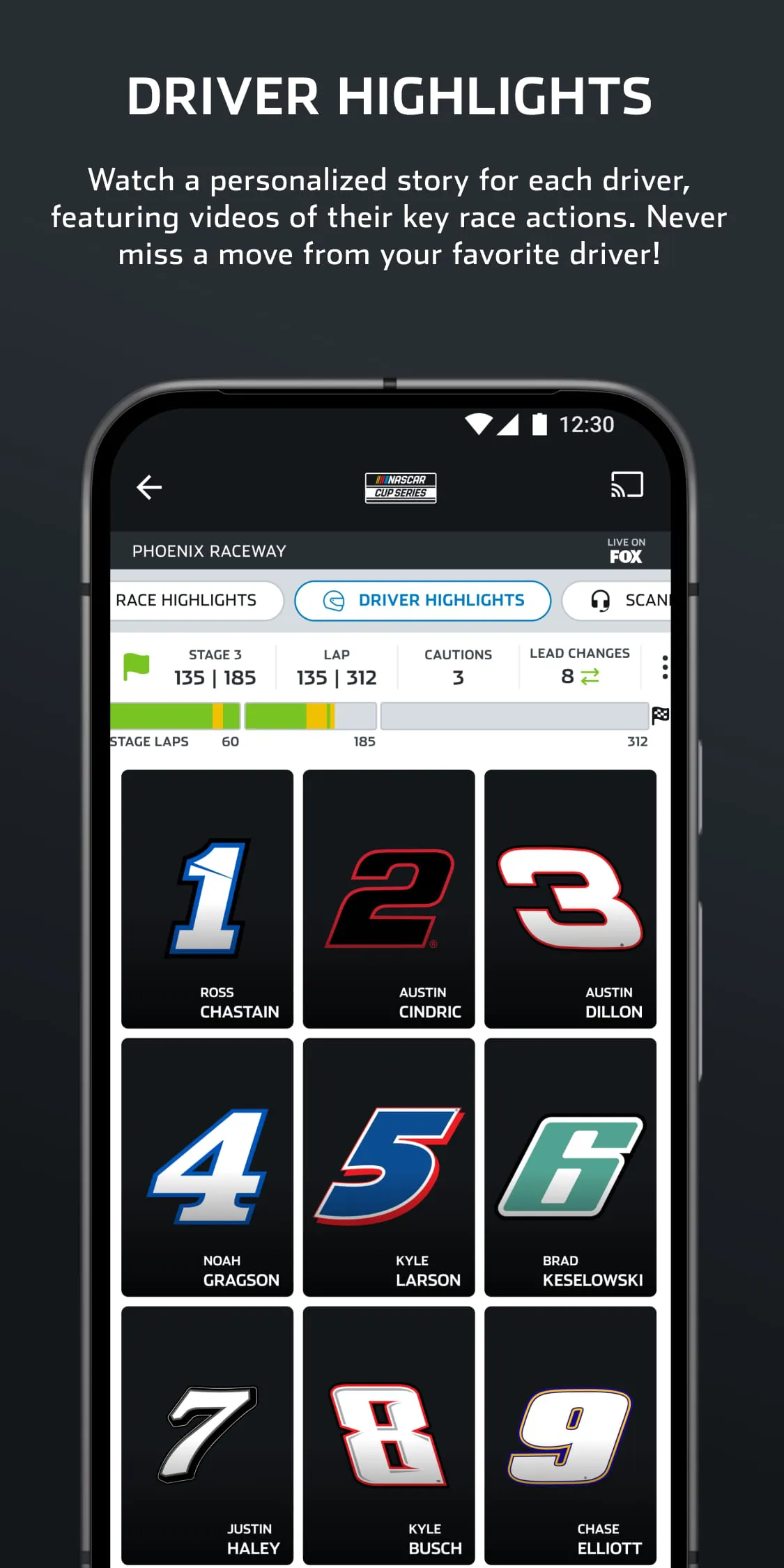
The application's core functions revolve around delivering a complete fan experience. It allows users to watch live races and full event replays on demand. The "Race Center" provides live timing and scoring, lap-by-lap analysis, and detailed driver profiles. Fans can customize their news feed to follow their favorite drivers and teams, and the in-app scanner lets them listen to team radio communications during races. The app also integrates e-commerce functionality for purchasing official merchandise and tickets to upcoming events.
How to Use
Click the button "Check All Versions" below to download and install it. After installation, open the app and create a free NASCAR account or log in with your existing credentials. Upon launching, grant the necessary permissions for notifications to receive race alerts. Navigate through the main menu to explore sections like "Live," "Schedule," "Drivers," and "News." To watch a live race, select the current event from the "Live" tab and follow the prompts to verify your TV provider if required. You can personalize your experience by favoriting drivers and setting up notifications for specific events.





 APK
APK  Google Play
  iOS
iOS  4.50
4.50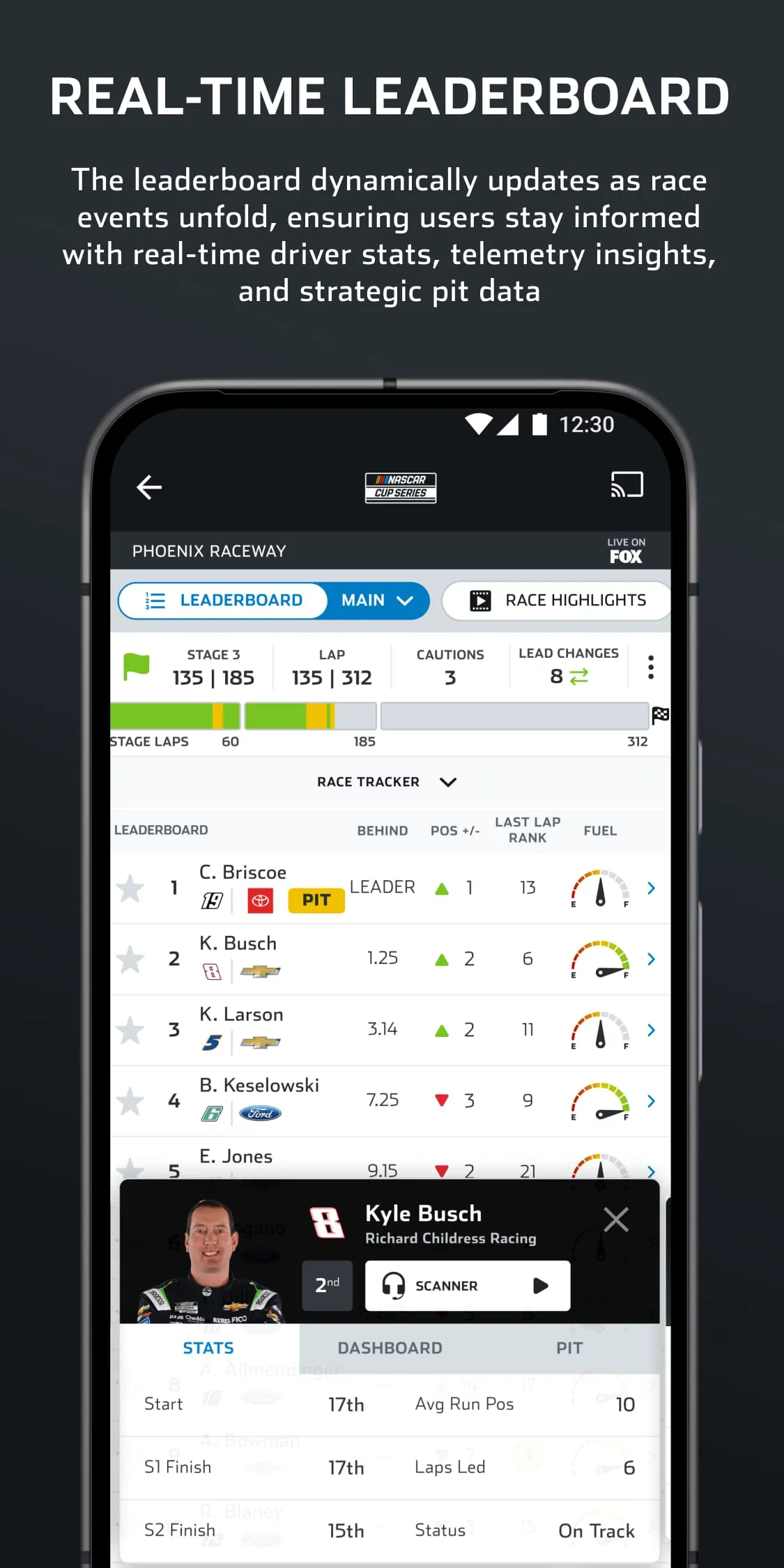
 Download








