Equalizer & Bass Booster is a powerful and user-friendly audio enhancement application designed for smartphones. It allows users to take full control of their device's sound output by providing a sophisticated equalizer, a dedicated bass booster, and a virtualizer to create a rich, immersive, and personalized listening experience for music, videos, and games directly through their headphones or speakers.
Key Features
The app stands out with a suite of features tailored for audio enthusiasts and casual listeners alike. It provides a high level of customization to suit any audio preference or genre.
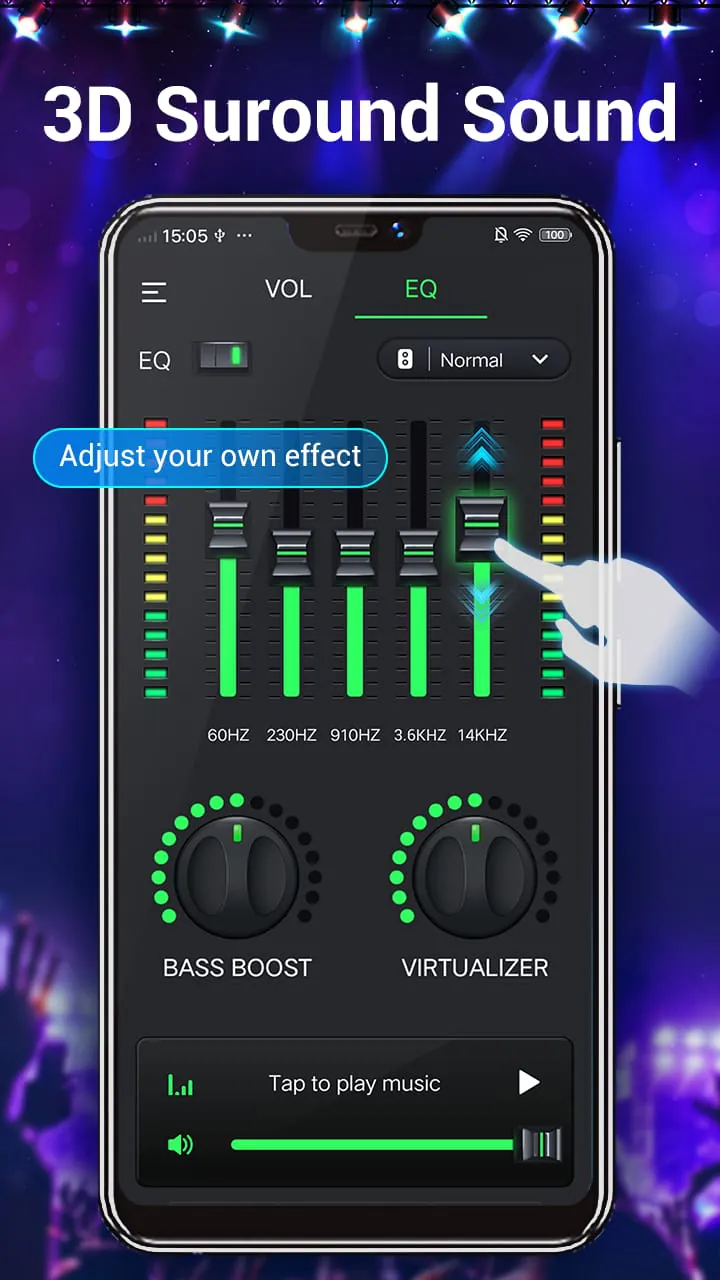
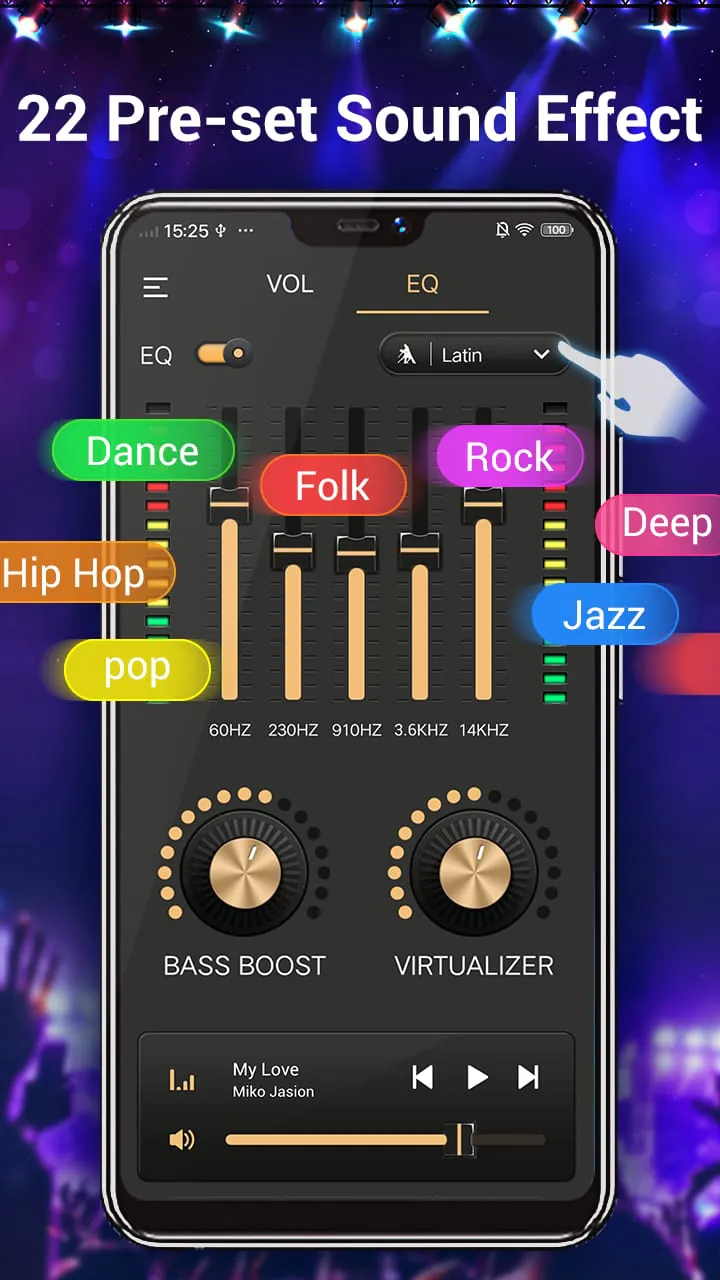
- A professional-grade graphic equalizer with multiple preset bands for precise frequency adjustment.
- A powerful dedicated bass booster to amplify low-end frequencies without distortion.
- A 3D virtualizer effect to widen the soundstage and create surround sound sensations.
- Volume booster functionality to safely increase the maximum audio output level.
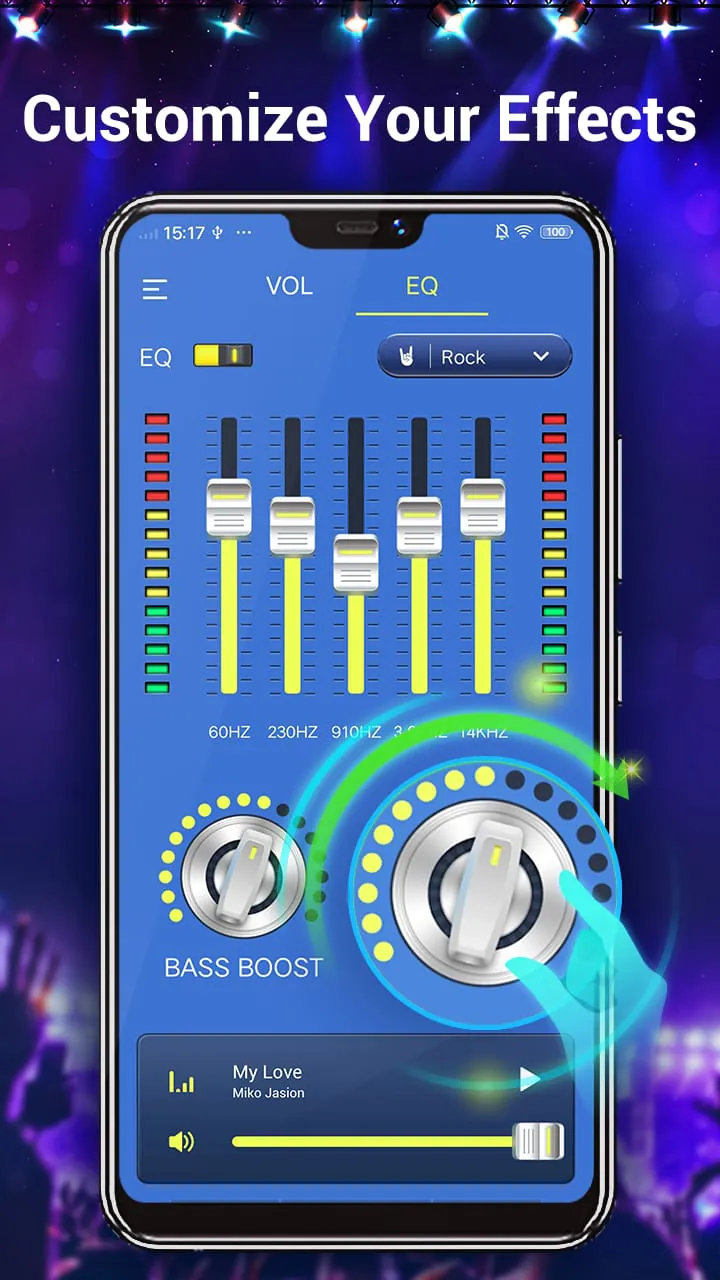
- Pre-configured audio presets for various music genres like Rock, Pop, Jazz, and Classical.
- A sleek, intuitive interface that makes advanced audio tuning accessible to everyone.
- Low latency processing ensures real-time audio adjustment without lag.
Pros & Cons
Like any application, Equalizer & Bass Booster has its strengths and weaknesses that users should consider.
- Pros: The app significantly enhances audio quality and depth, especially for standard device speakers. The bass boost feature is notably effective. It is generally lightweight and has a simple learning curve. The availability of genre presets saves time for users who prefer quick optimization.
- Cons: The effectiveness can vary depending on your device's hardware and original audio driver. Some advanced features may require a premium upgrade. On rare occasions, it might conflict with other audio-playing apps or cause slight audio clipping if settings are pushed to extremes.
Functions
The core functions of the app work together to transform your listening experience. Each component serves a distinct purpose in the audio processing chain.
- Equalizer: This is the central tool that lets you increase or decrease the volume of specific frequency ranges. You can fine-tune the treble, mids, and bass separately to correct audio flaws or match your personal taste.
- Bass Booster: This function specifically intensifies the lower frequencies, adding punch and rumble to kick drums, basslines, and sound effects, which is particularly satisfying for electronic, hip-hop, and action movie audio.
- Virtualizer: This feature creates a sense of spatial audio, making the sound feel like it's coming from around you rather than just the left and right channels, enhancing immersion in movies and games.
- Preset & Customization: Users can either select from ready-made presets for different activities or save their own custom EQ settings for different headphones, speakers, or types of media.
How to Use
Click the button "Check All Versions" below to download and install it. Once the app is installed on your device, open it and grant the necessary permissions for it to control your system audio. You will typically be greeted with the main equalizer interface. Start by choosing a preset that matches what you're listening to, such as "Bass Booster" or "Rock." For more control, manually adjust the sliders on the equalizer to your preference. Toggle the dedicated "Bass Booster" and "Virtualizer" switches on or off to feel their individual effects. Finally, play your music or video through your preferred media player to hear the changes in real-time. Remember to save your custom settings for future use.




 APK
APK  Google Play
  iOS
iOS  4.70
4.70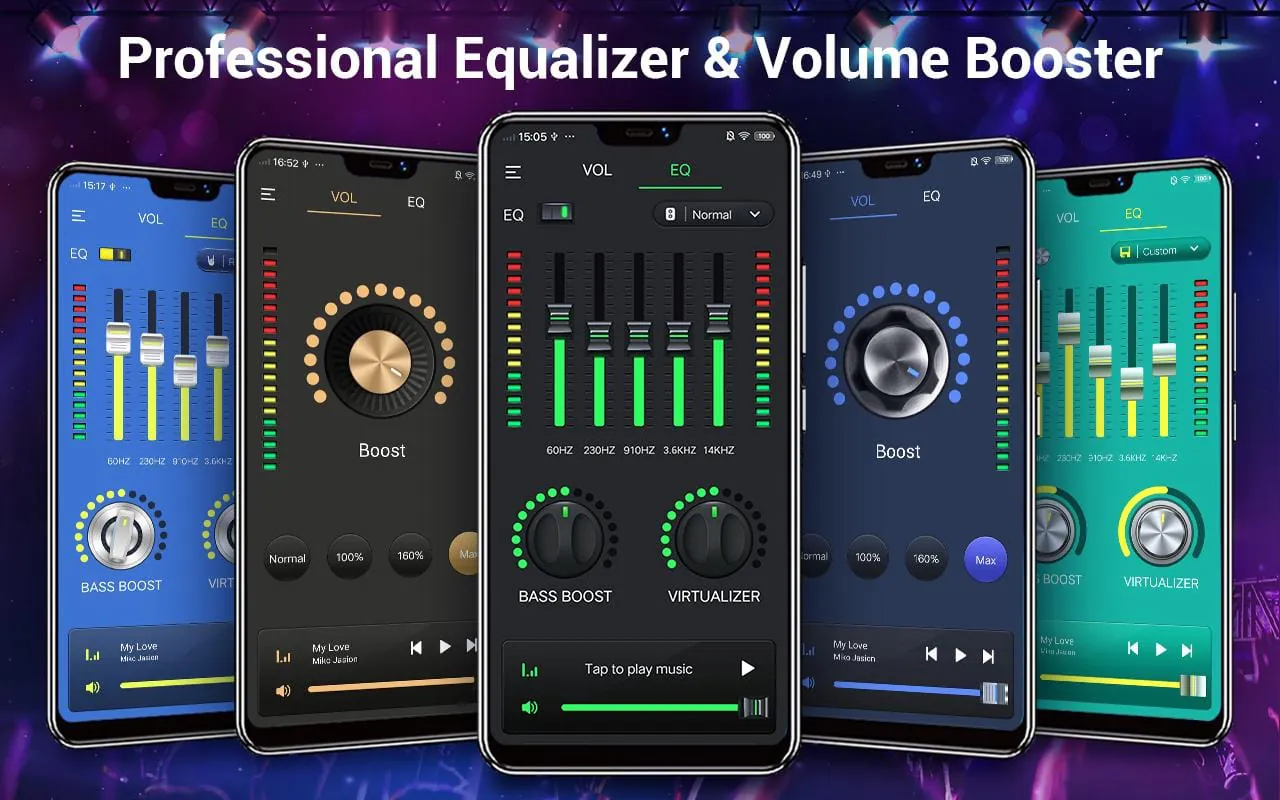
 Download








