This is an application specifically designed for the Mitsubasanko EDR series drive recorder. It allows for file playback, saving to the device, and EDR settings all within the app. However, there have been reports of unstable connections with some smartphones. If you are unable to connect via Wi-Fi, please refer to the "Troubleshooting Guide" in the app's "Guide" section.
If you are using a smartphone model from overseas, a global model, or a parallel import, there may be differences in the available Wi-Fi channels in Japan, which could result in the EDR device's SSID not being displayed. In such cases, please try turning off the EDR device, then switching it back to wireless LAN mode and attempting to connect again.
After connecting to the EDR device, there may be instances where the connection with this app is not possible due to the state of the smartphone or other installed apps. Restarting the smartphone, deleting and reconnecting to the EDR access point, stopping or changing the settings of security software, and stopping other Wi-Fi device apps or Wi-Fi-related apps may help resolve the issue. If the above steps do not solve the problem, please visit our corporate website's support page or contact our customer support center.
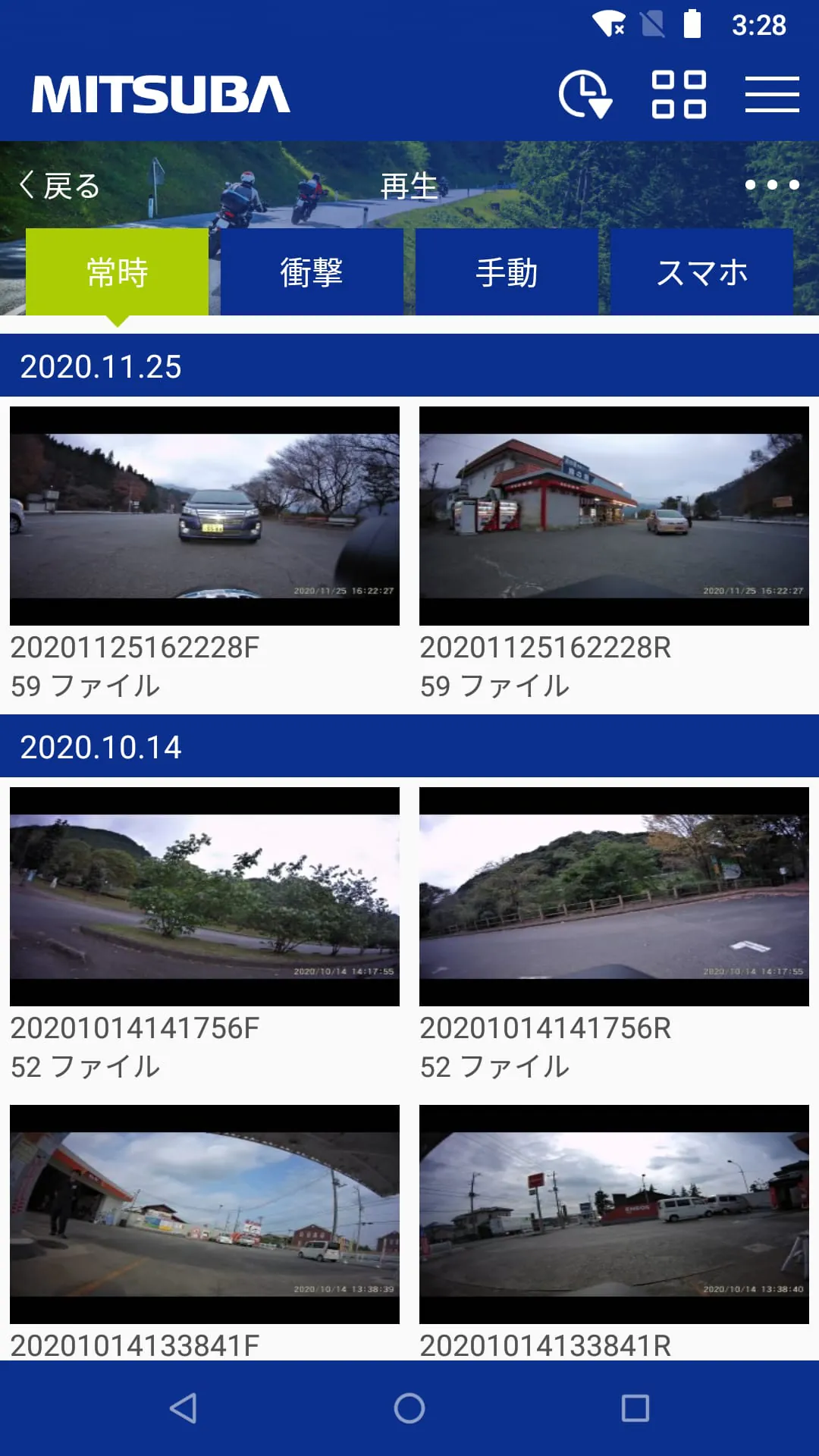
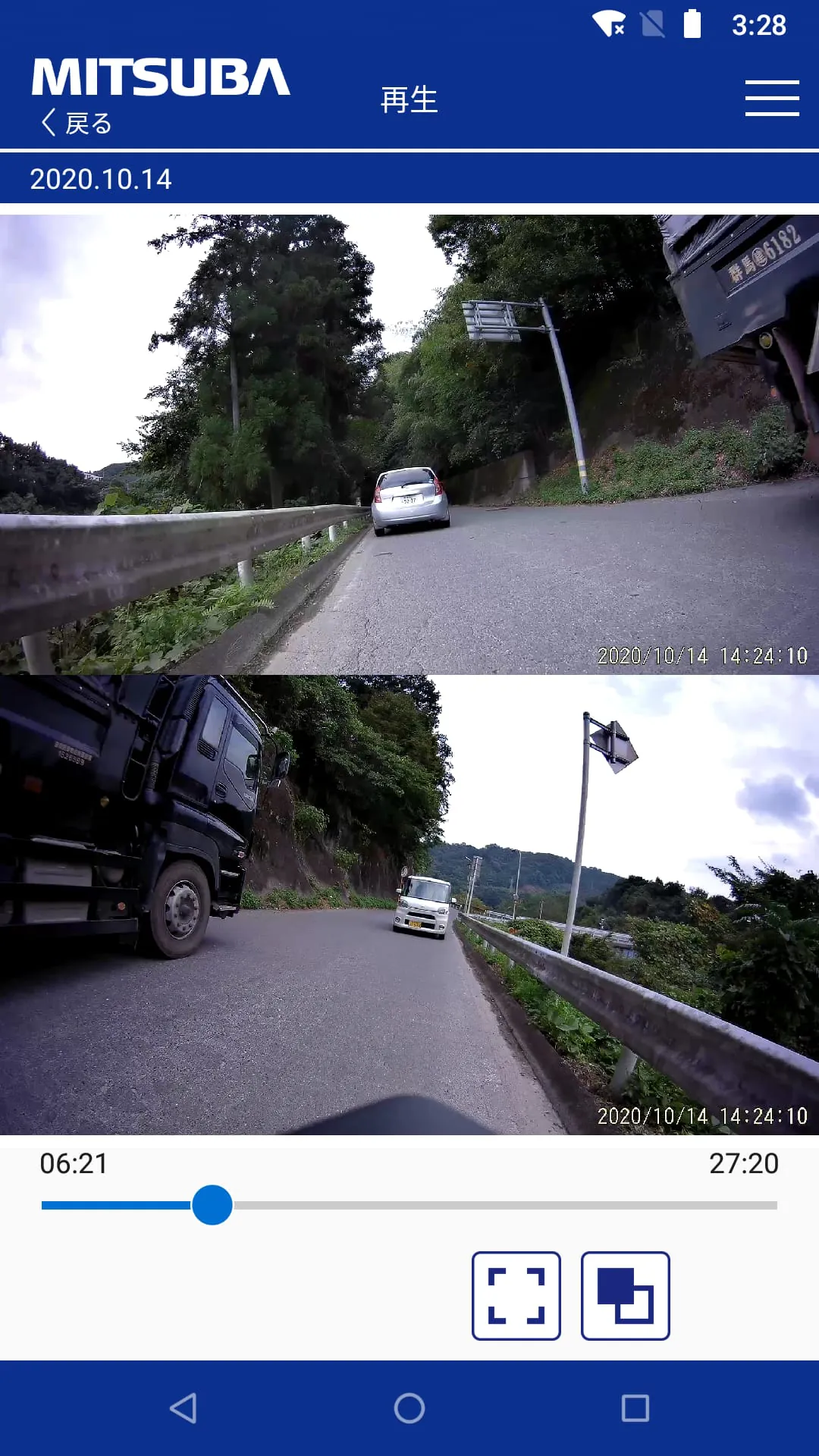
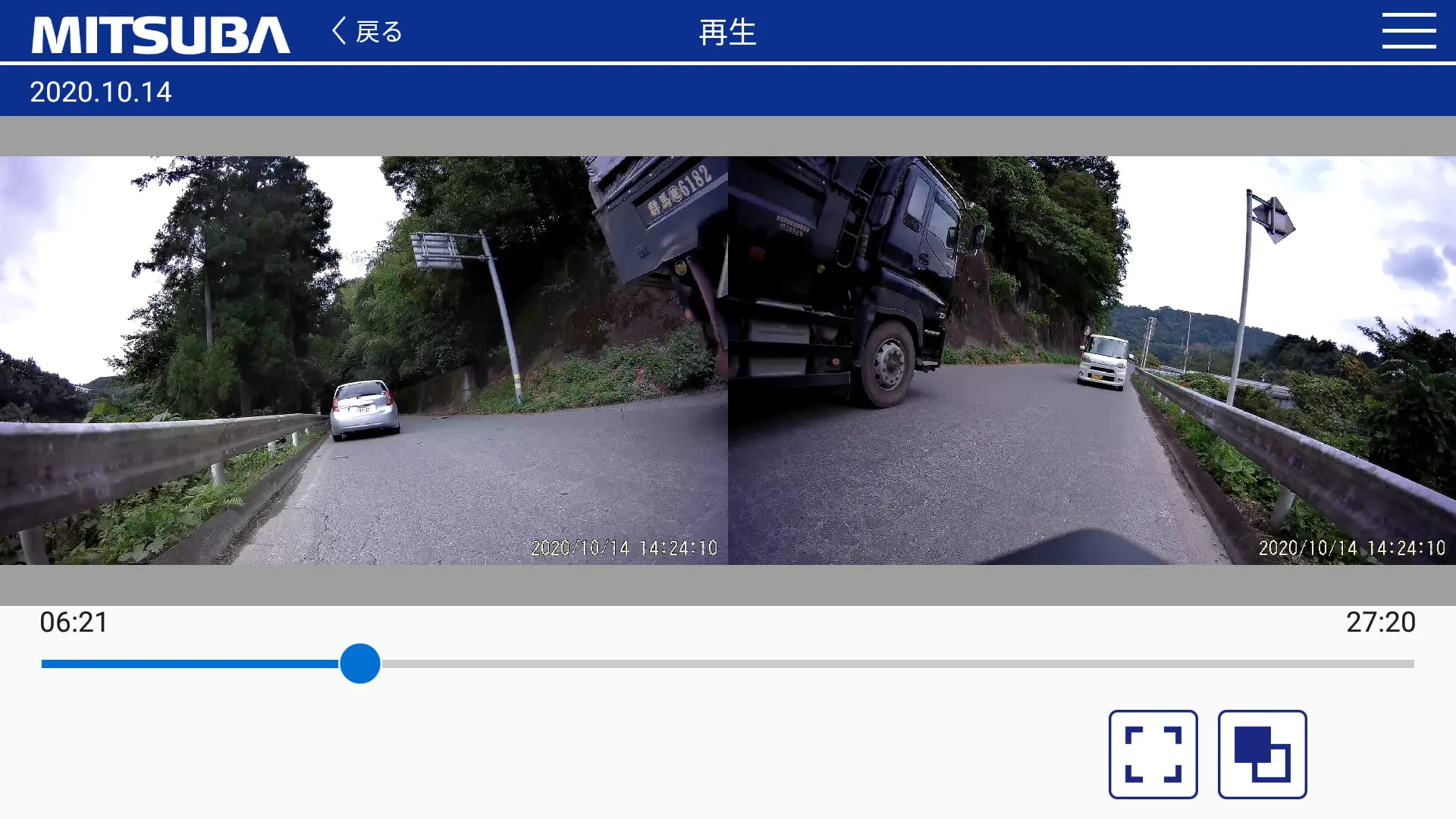
The app offers various features such as dual-screen streaming playback, checking driving trajectories (only available for GPS-equipped models and files backed up to the device), saving files to the device (backup), seamless concatenation and saving of files, file deletion, file protection and unprotection, various device settings (such as image quality and impact sensitivity), and access to various user guides via website shortcuts.
In terms of previous release notes, version 1.0.0 was the initial release. Version 1.1.0 simplified the connection process with the EDR device, added the ability to simultaneously play front and rear dual-screen videos, supported the display of driving trajectories (only for GPS-equipped models and backed-up files), added support for landscape mode playback, added the ability to seamlessly concatenate and save files, changed the user interface for file saving, optimized the timing of file list updates, allowed file list sorting in ascending or descending order, and changed the interface for file selection. It also added a guide for connecting with the EDR device and a troubleshooting guide for connection issues. Version 1.1.1 added compatibility with Android 12 (API level 31) and fixed a bug related to the EDR device's file recognition.




 APK
APK  Google Play
  iOS
iOS  0.00
0.00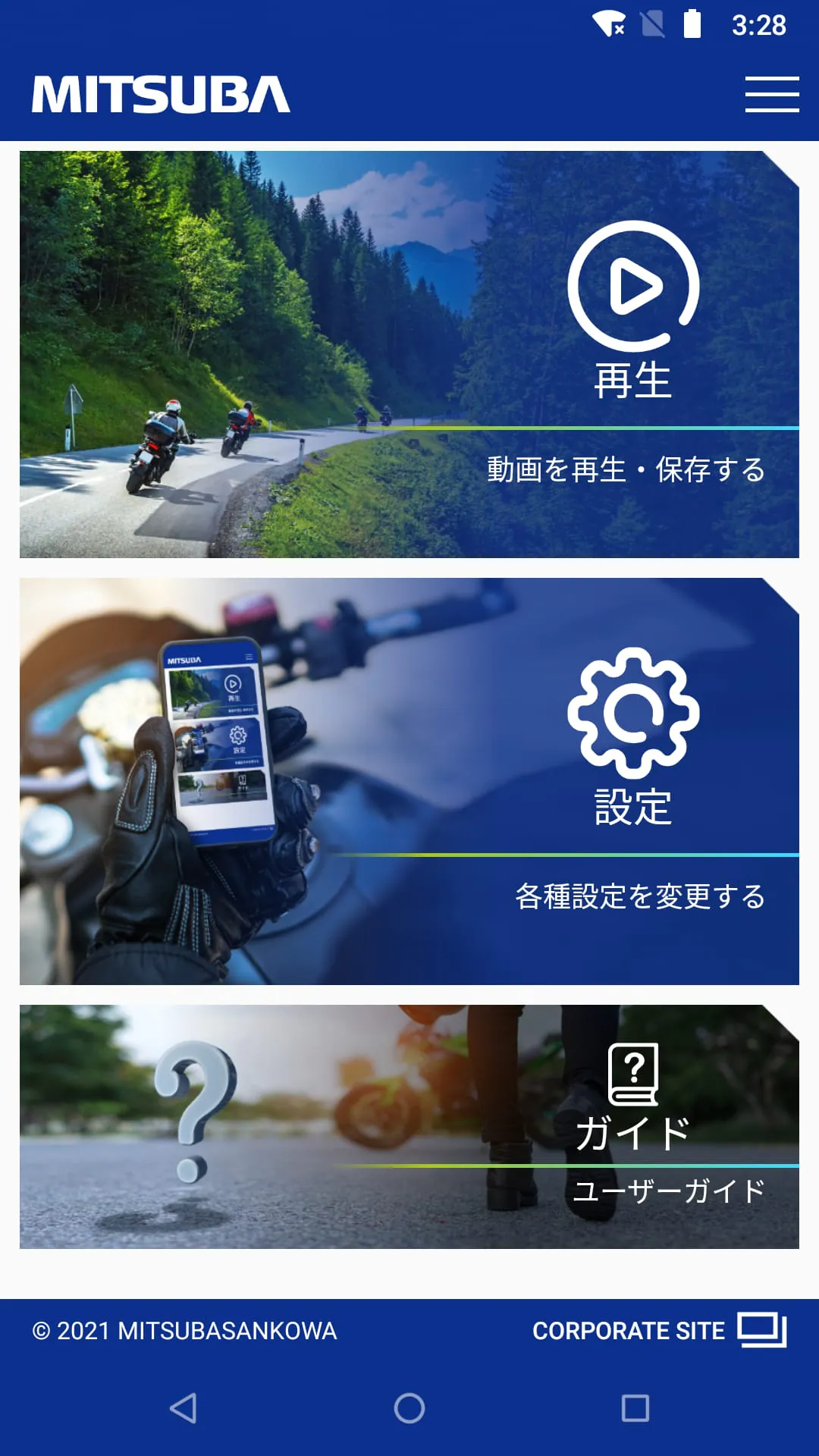
 Download








