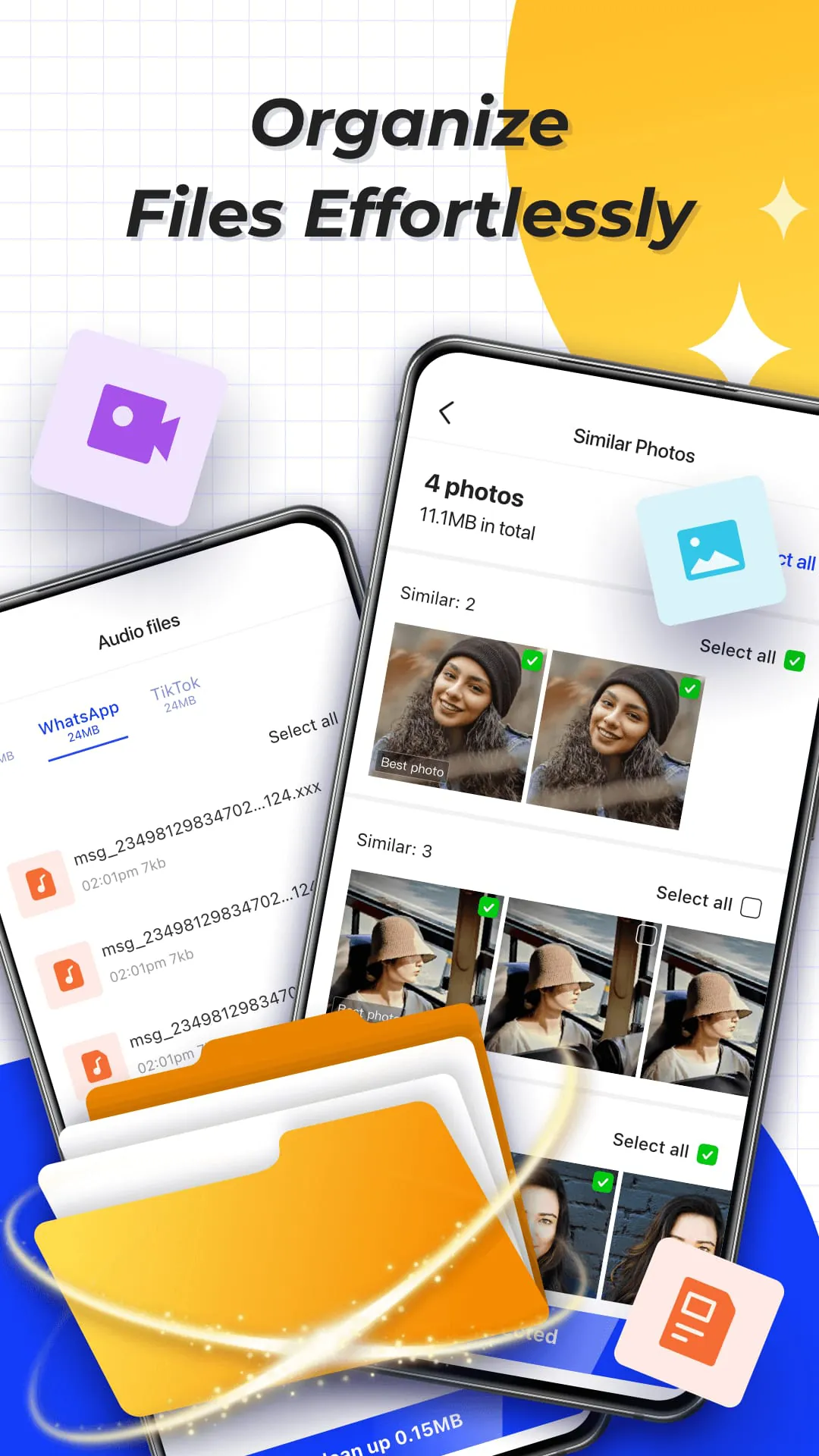
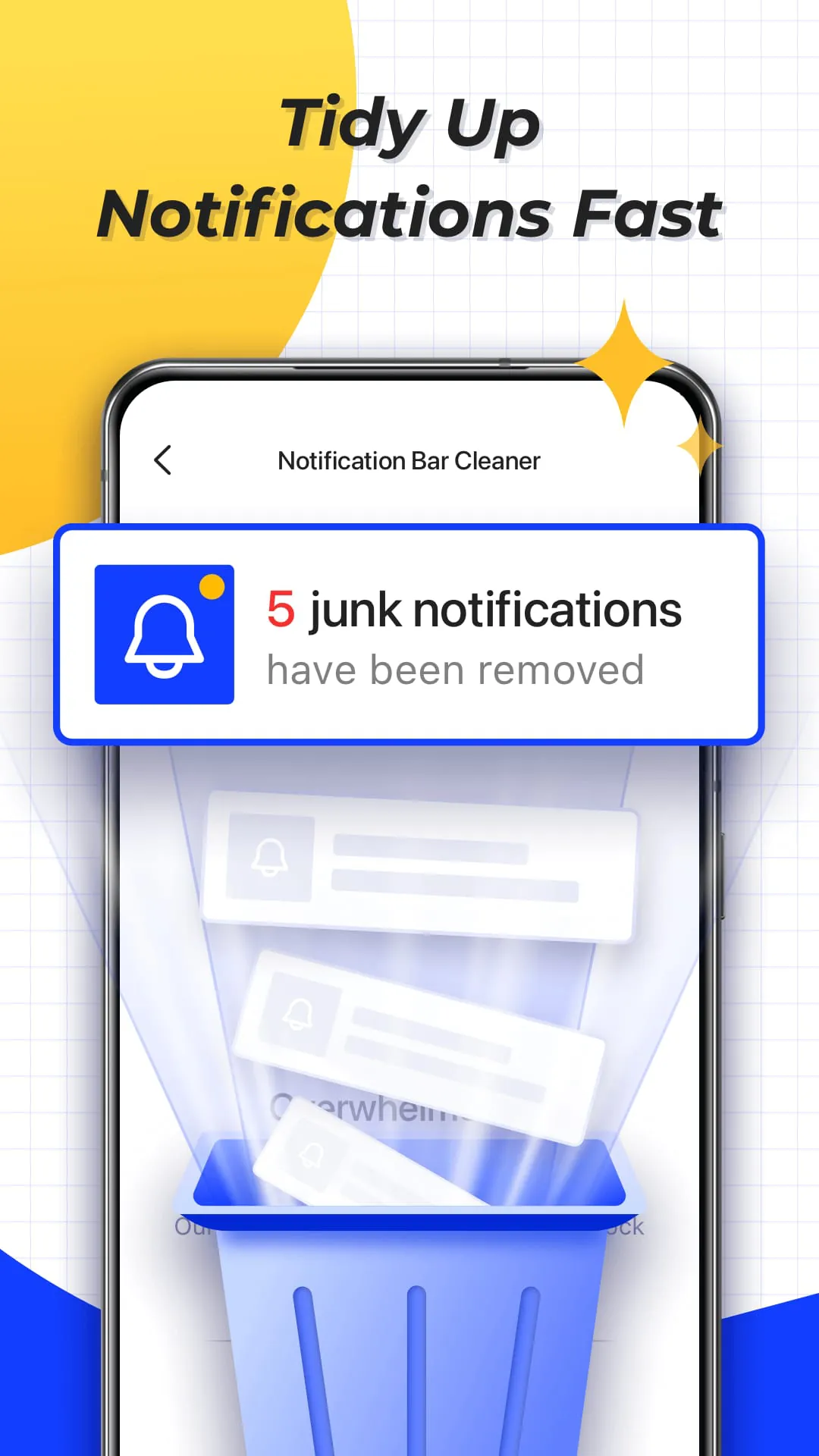
MiraClean is presented as a utility application designed to assist Android users in maintaining and optimizing their device's performance. The application focuses on several key areas of device management, including the removal of junk files, clearing unwanted notifications, managing files by type and size, monitoring network data usage, and conducting network speed tests. Each of these features contributes to the overall goal of providing users with a simple and effective way to keep their phone's storage and settings in order. The junk file removal function is a critical component of MiraClean, as it directly addresses the accumulation of unnecessary files that can lead to storage inefficiency and degraded performance. By identifying temporary files, app caches, and residual data, MiraClean allows users to selectively remove these items, freeing up valuable storage space and potentially improving the device's responsiveness. This feature is particularly useful for users who frequently install and uninstall applications, as leftover files from uninstalled apps can often take up a significant amount of storage. Furthermore, the ability to clear unwanted notifications is another valuable aspect of MiraClean. The constant barrage of notifications from various applications can be disruptive and overwhelming. MiraClean provides a centralized interface for managing and clearing these notifications, allowing users to maintain a cleaner and more organized notification bar. This feature can be especially beneficial for users who receive a high volume of notifications throughout the day. The file management capabilities of MiraClean extend beyond simple junk file removal. The application also helps users sort and organize their files by type and size, making it easier to identify and manage large files that may be consuming excessive storage space. This feature is particularly useful for users who store a large number of photos, videos, or other media files on their devices. By providing a clear overview of file storage, MiraClean empowers users to make informed decisions about which files to keep and which to remove. In addition to storage management, MiraClean also offers features for monitoring network data usage and conducting network speed tests. The data usage statistics provide users with insights into how much mobile or Wi-Fi data their apps are consuming, allowing them to identify and manage data-hungry applications. This feature is particularly important for users with limited data plans, as it helps them avoid exceeding their data limits and incurring additional charges. The network speed test feature allows users to measure their current download and upload speeds, providing them with a quick and easy way to assess their network connectivity. This feature can be useful for troubleshooting network issues or for comparing the performance of different Wi-Fi networks. Overall, MiraClean aims to provide a comprehensive set of tools for managing and optimizing Android device performance. The application is described as lightweight and privacy-conscious, suggesting that it is designed to be unobtrusive and respectful of user data. By focusing on key areas such as junk file removal, notification management, file organization, data usage monitoring, and network speed testing, MiraClean offers a valuable suite of features for users who want to keep their phones running smoothly and efficiently.
The description of MiraClean emphasizes its simplicity and ease of use, positioning it as an accessible tool for a wide range of Android users. The focus on basic maintenance tasks suggests that the application is designed to be intuitive and straightforward, even for users who are not technically savvy. This accessibility is further reinforced by the claim that MiraClean is lightweight and respects user privacy, indicating that it is not intended to be a resource-intensive application that collects excessive amounts of personal data. The application's approach to junk file removal is presented as a safe and selective process, identifying temporary files, app caches, and residual data that users may want to remove. This suggests that MiraClean does not automatically delete files without user consent, but instead provides users with the information they need to make informed decisions about which files to remove. The ability to clear unwanted notifications is another key feature that contributes to MiraClean's ease of use. By providing a centralized interface for managing notifications, the application simplifies the process of clearing notification clutter and maintaining a clean notification bar. This can be particularly beneficial for users who are overwhelmed by the constant stream of notifications from various applications. The file management capabilities of MiraClean are designed to be intuitive and user-friendly, helping users sort and organize their files by type and size. This feature makes it easier to identify and manage large files, as well as to locate specific files that may be buried within the device's storage. The network data usage statistics provide users with valuable insights into how their apps are consuming data, allowing them to identify and manage data-hungry applications. This feature is presented in a clear and concise manner, making it easy for users to understand their data usage patterns and take appropriate action. The network speed test feature is another example of MiraClean's user-friendly design. The application provides a simple and straightforward way to measure download and upload speeds, without requiring users to have any technical expertise. In summary, MiraClean is positioned as a user-friendly and accessible application that simplifies the process of maintaining and optimizing Android device performance. The application's focus on basic maintenance tasks, its lightweight design, and its respect for user privacy all contribute to its appeal as a tool for a wide range of Android users.
MiraClean's value proposition lies in its ability to streamline and simplify the often-complex task of Android device maintenance. By providing a suite of essential tools in a single, easy-to-use application, MiraClean empowers users to take control of their device's performance and storage. The emphasis on junk file removal, notification management, file organization, data usage monitoring, and network speed testing highlights the application's focus on addressing common pain points for Android users. The junk file removal feature is particularly valuable, as it directly addresses the issue of storage clutter that can lead to performance degradation. By identifying and removing temporary files, app caches, and residual data, MiraClean helps users free up valuable storage space and improve their device's responsiveness. The notification management feature is another key component of MiraClean's value proposition. By providing a centralized interface for clearing unwanted notifications, the application helps users maintain a cleaner and more organized notification bar, reducing distractions and improving productivity. The file management capabilities of MiraClean extend beyond simple junk file removal, offering users the ability to sort and organize their files by type and size. This feature makes it easier to identify and manage large files, as well as to locate specific files that may be buried within the device's storage. The network data usage statistics provide users with valuable insights into how their apps are consuming data, allowing them to identify and manage data-hungry applications. This feature is particularly important for users with limited data plans, as it helps them avoid exceeding their data limits and incurring additional charges. The network speed test feature provides users with a quick and easy way to assess their network connectivity, allowing them to troubleshoot network issues or compare the performance of different Wi-Fi networks. In conclusion, MiraClean offers a compelling value proposition by providing a comprehensive suite of tools for managing and optimizing Android device performance. The application's focus on simplicity, ease of use, and essential maintenance tasks makes it a valuable asset for any Android user who wants to keep their device running smoothly and efficiently.





 APK
APK  Google Play
  iOS
iOS  3.70
3.70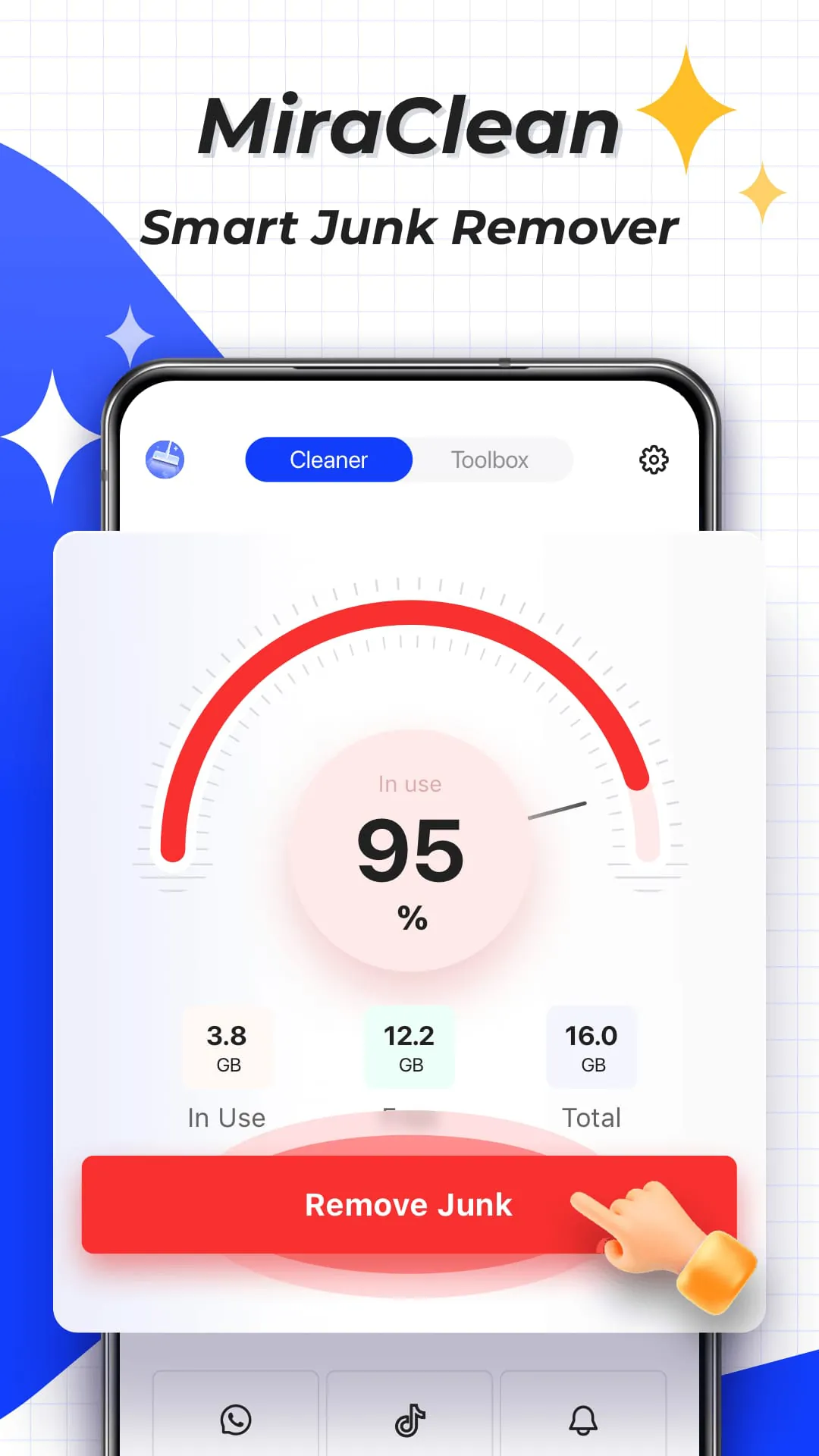

 Download








