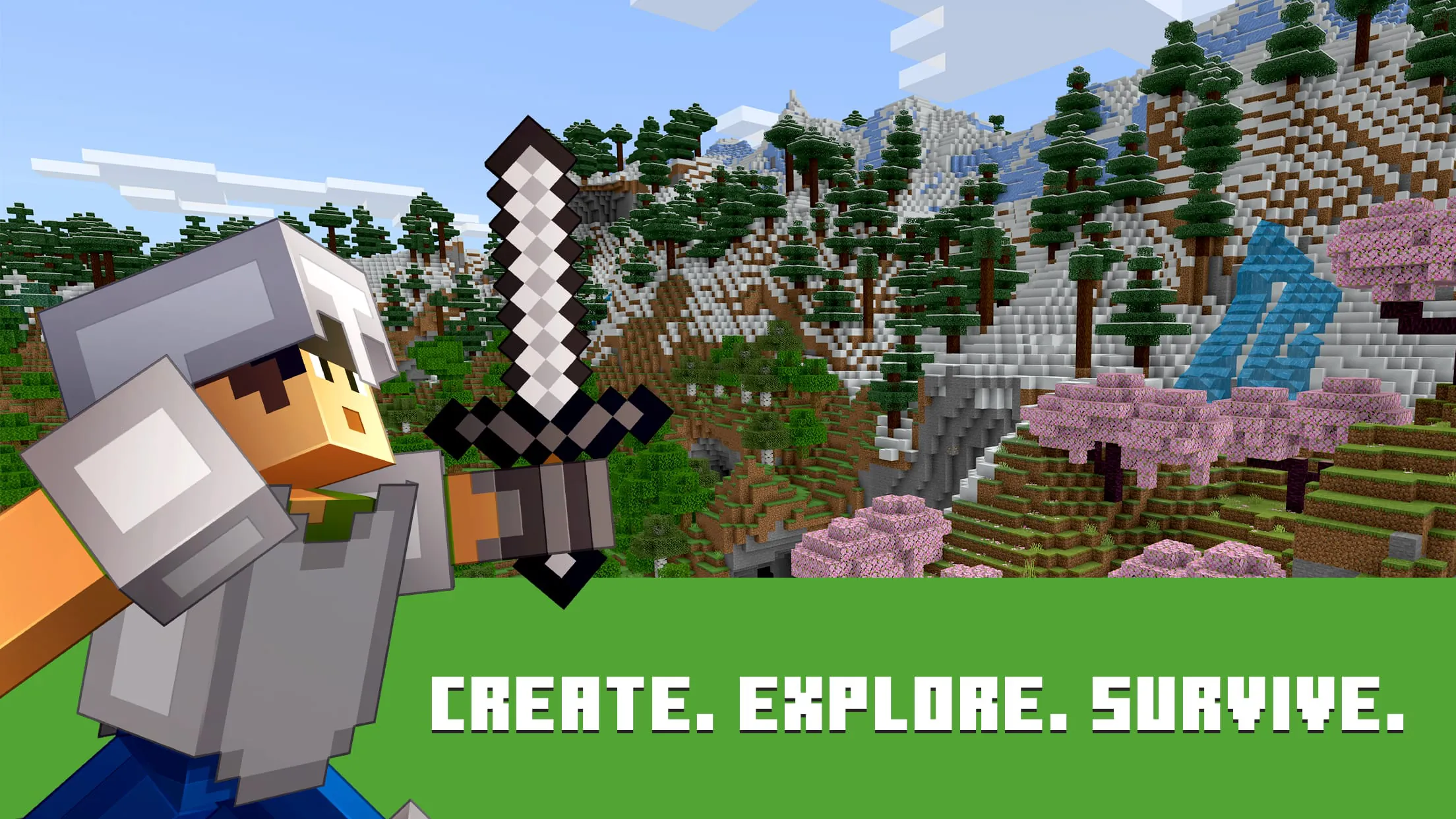
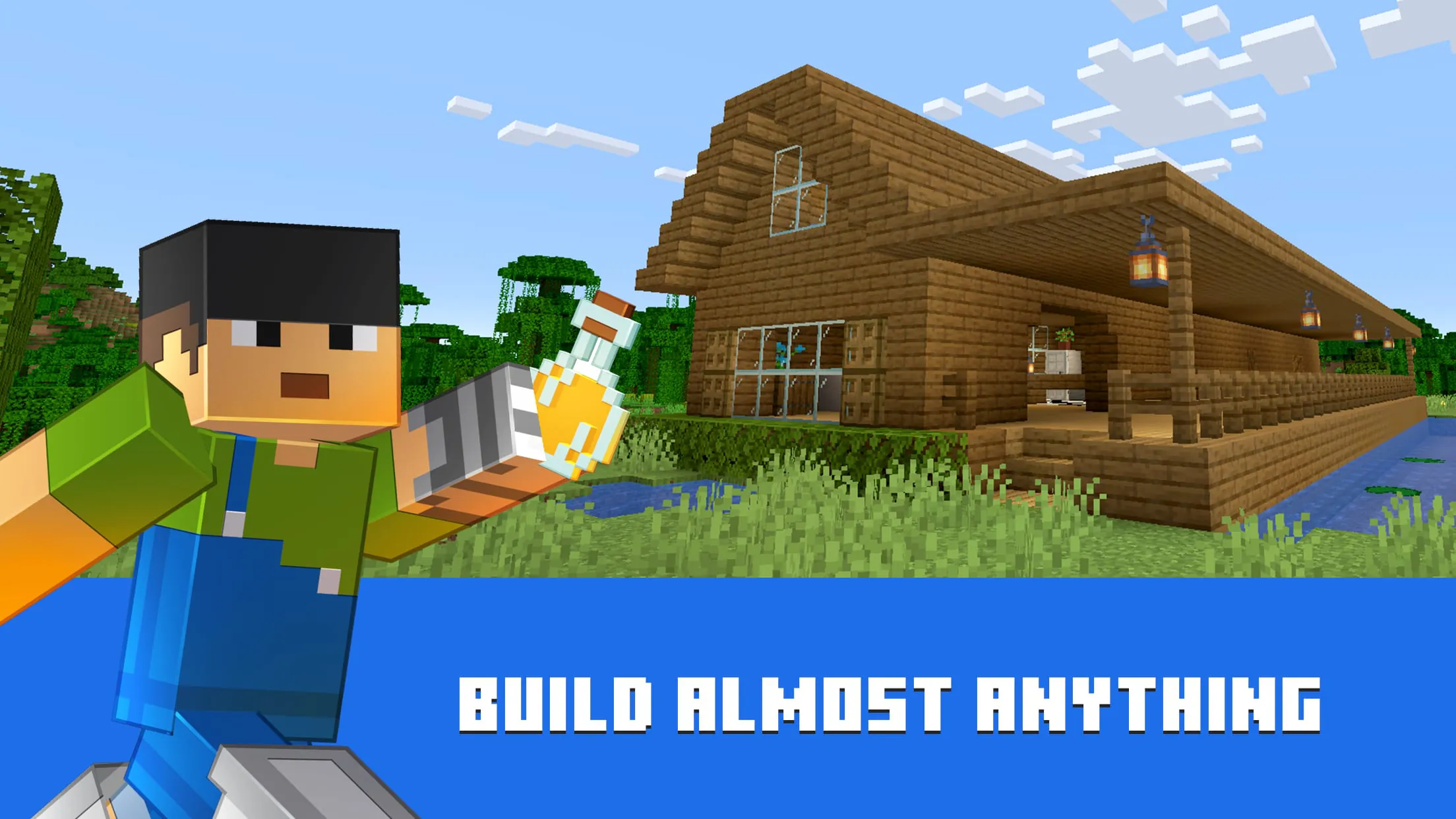
Minecraft is a wildly popular sandbox video game that allows players to explore, build, and survive in a blocky, procedurally generated 3D world. Developed by Mojang Studios and later acquired by Microsoft, it offers endless possibilities for creativity, whether you're constructing elaborate structures, mining deep underground, or battling hostile mobs. With its iconic pixelated graphics and open-ended gameplay, Minecraft appeals to players of all ages and has become a cultural phenomenon since its release in 2011.
Key Features
- Multiple game modes including Survival, Creative, Adventure, Spectator, and Hardcore
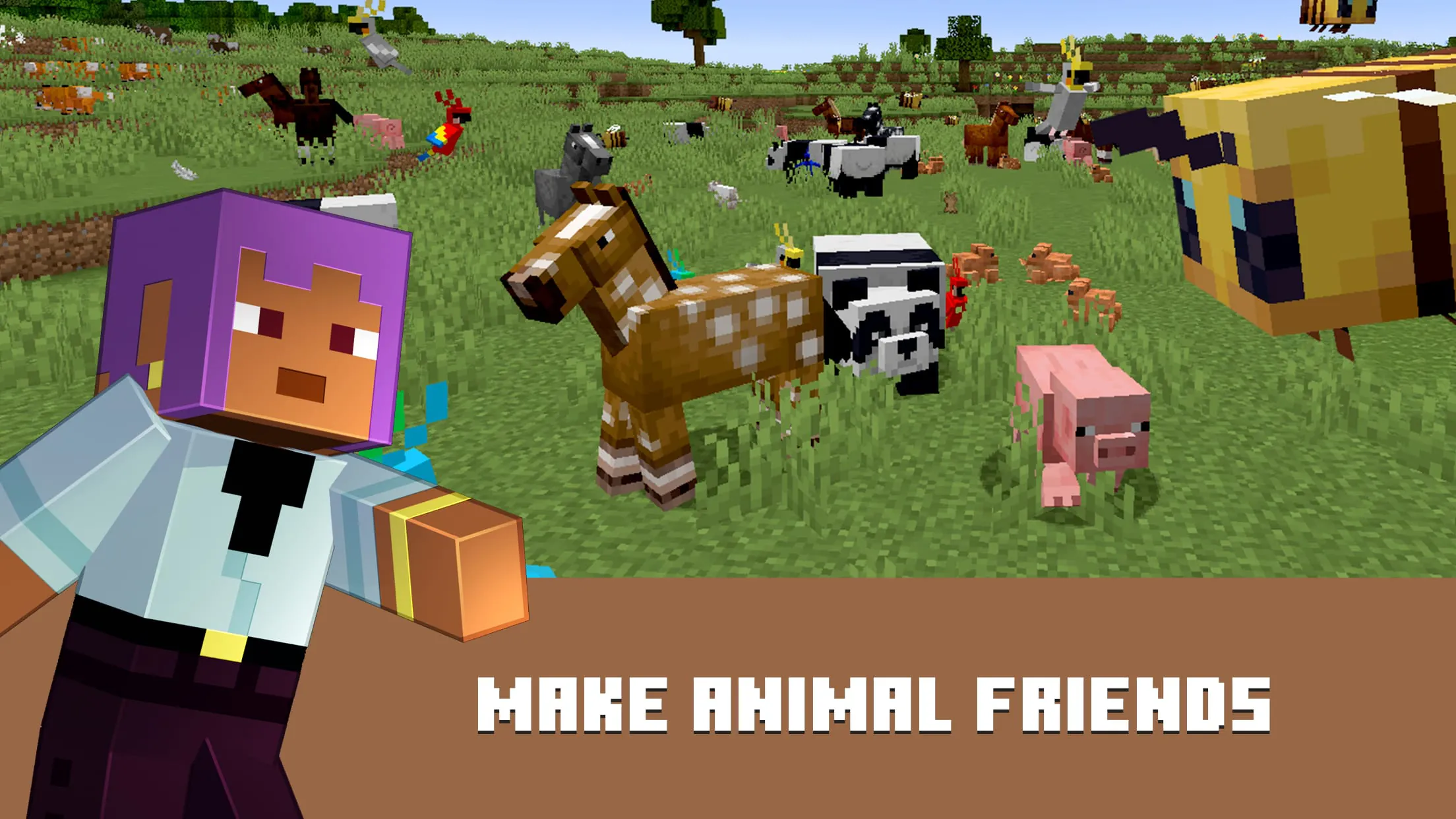
- Expansive worlds with diverse biomes such as forests, deserts, tundras, jungles, and oceans
- Redstone mechanics for creating complex machines and logic systems
- Multiplayer support via servers and LAN play
- Frequent updates introducing new blocks, mobs, and features
- Cross-platform compatibility across PC, consoles, and mobile devices
- Customizable skins, mods, and texture packs for personalized gameplay
Pros & Cons
- Pros:
- Encourages creativity, problem-solving, and collaboration
- Suitable for all age groups with adjustable difficulty
- Massive community with countless user-generated resources
- Educational value through coding, architecture, and engineering concepts
- Regular updates keep the game fresh and engaging
- Cons:
- Can be resource-intensive on lower-end devices
- Multiplayer servers may expose younger players to inappropriate content
- Limited storytelling or structured objectives in some modes
- Modding can be complex for beginners
Functions
- Crafting system allowing creation of tools, weapons, armor, and buildings
- Day-night cycle affecting mob behavior and environmental conditions
- Inventory management with item stacking and hotbar shortcuts
- Enchanting and brewing systems for enhancing gear and potions
- Command blocks and console commands for advanced customization
- World editing tools for building large-scale projects efficiently
- Realms subscription service for private multiplayer hosting
How to Use
Click the button "Check All Versions" below to download and install it. After installation, launch the game and create or log into your Microsoft account. From the main menu, select “Singleplayer” to start a new world or “Multiplayer” to join friends or public servers. Choose your preferred game mode and adjust settings like difficulty and world type. Once in-game, use WASD keys to move, spacebar to jump, and mouse to look around. Collect resources, craft items, and begin shaping your adventure. For advanced options, access the pause menu to tweak controls, audio, and video settings.




 APK
APK  Google Play
  iOS
iOS  4.30
4.30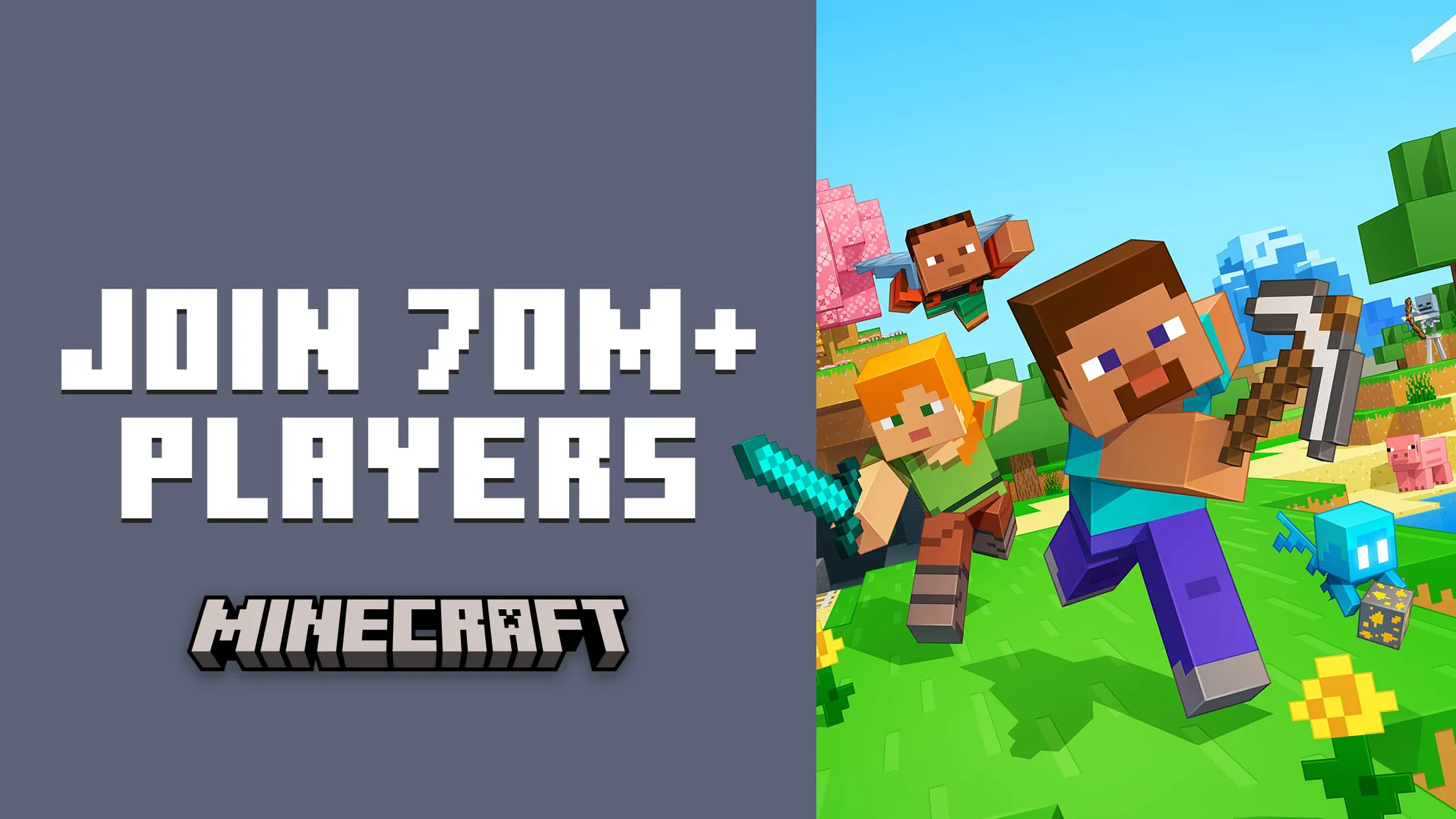
 Download








