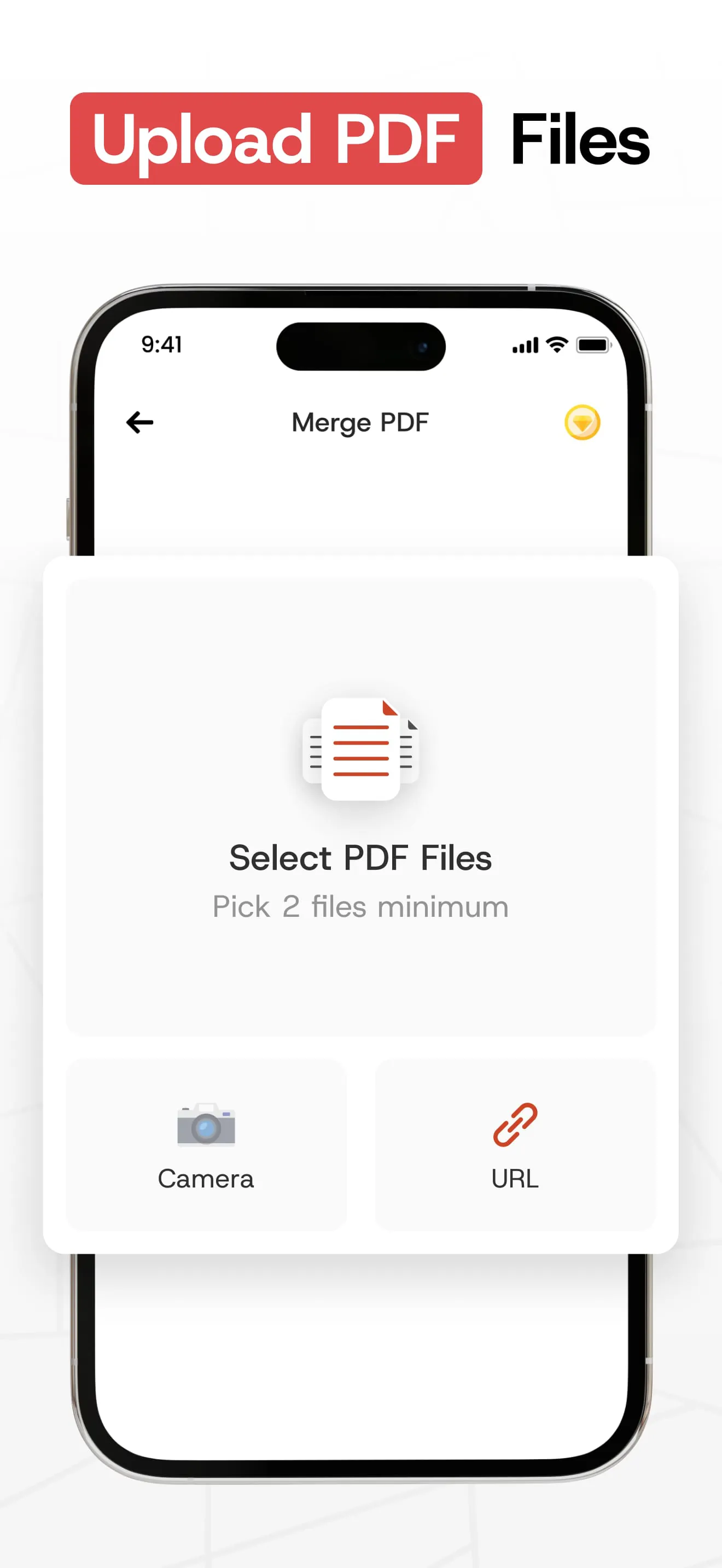
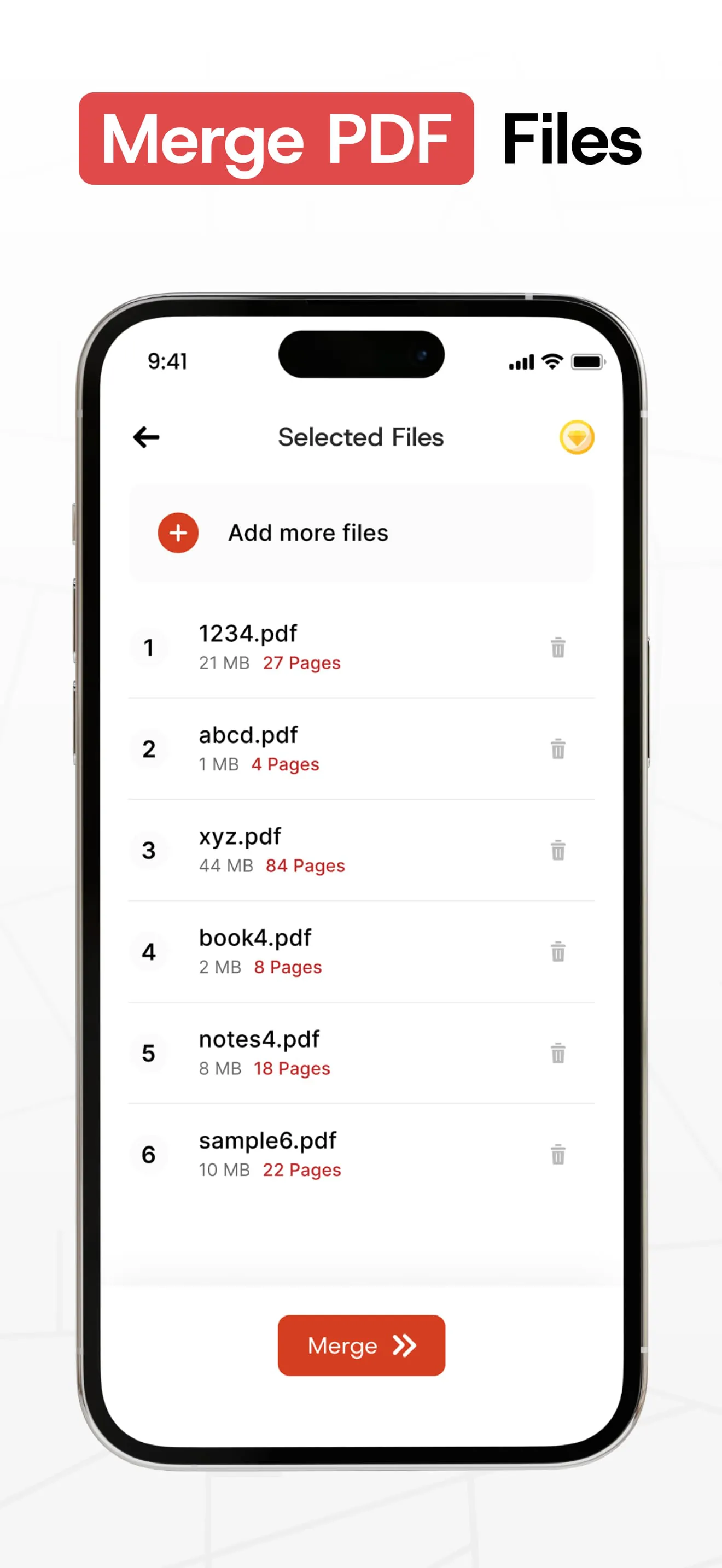
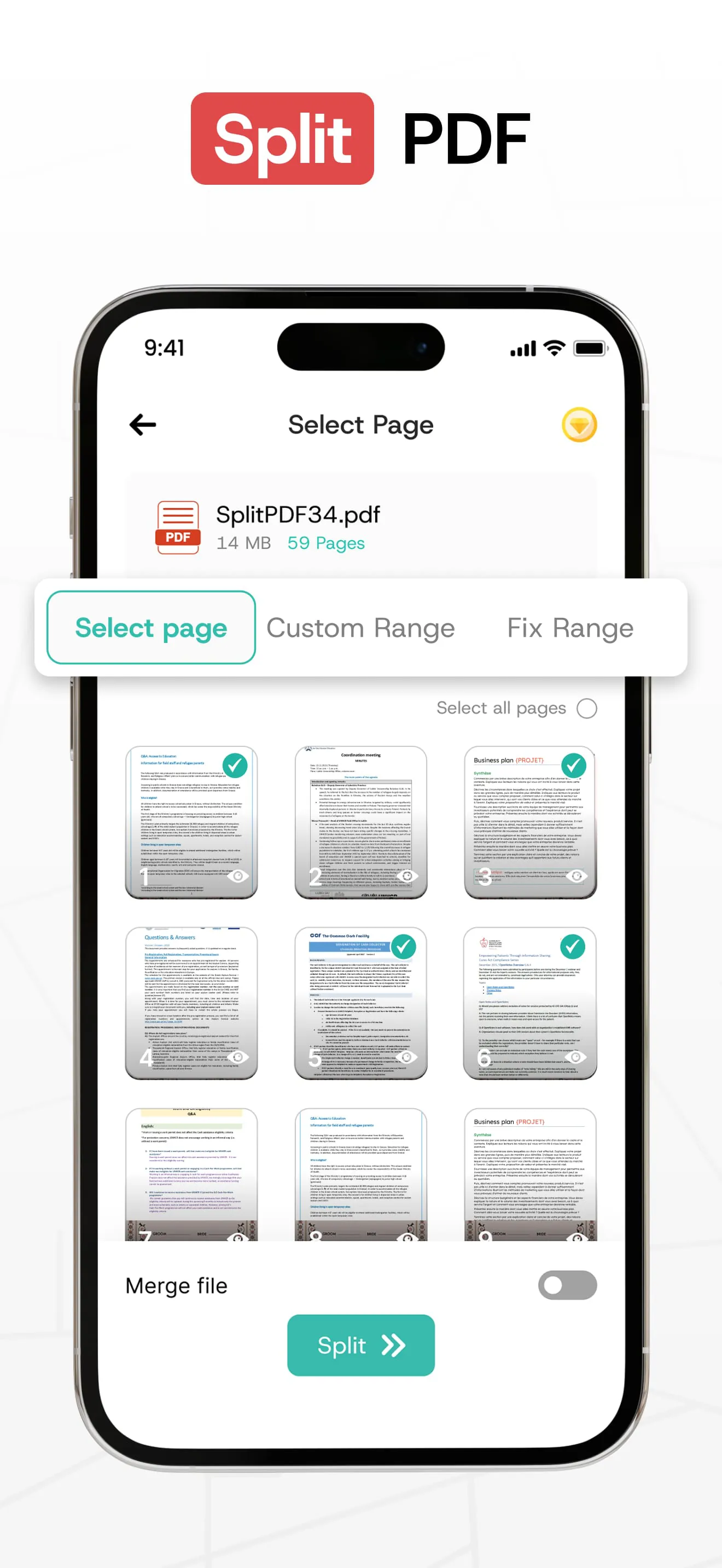
The "PDF Merge—PDF Split" application emerges as a robust and user-friendly tool designed to streamline PDF management tasks, offering a suite of features that cater to both individual and professional needs. At its core, the application provides seamless PDF merging and splitting capabilities, allowing users to consolidate multiple PDF files into a single document or divide large PDFs into smaller, more manageable segments. The merging process is engineered for speed and efficiency, ensuring that the content and quality of the original files are preserved throughout the operation. This is particularly useful for individuals who frequently deal with numerous PDF documents, such as students compiling research papers, business professionals assembling reports, or legal professionals organizing case files. The application's ability to handle a wide range of PDF-related tasks extends beyond merging and splitting. It incorporates robust security features, enabling users to protect their sensitive information by adding password protection to their PDF files. This feature is crucial for safeguarding confidential data and ensuring that only authorized individuals can access the contents of the documents. Conversely, the application also provides the functionality to remove password protection from PDFs, granting users the flexibility to unlock their documents when necessary. This comprehensive approach to PDF security underscores the application's commitment to providing users with complete control over their digital documents. Furthermore, the application offers a range of additional features designed to enhance PDF management efficiency. Users can easily delete unwanted pages from their PDFs, streamlining the content and creating more concise and focused documents. The application also facilitates seamless sharing of merged and split PDFs across various platforms, including social media, email, messaging apps, and cloud services. This allows users to collaborate and disseminate information quickly and easily. The application's intuitive interface and user-friendly design make it accessible to users of all skill levels. The merging and splitting processes are simplified to a few taps, allowing users to complete their tasks quickly and efficiently. The application also provides clear instructions and helpful tips to guide users through the various features and functionalities. The application's offline functionality ensures that users can access and manage their PDFs even without an internet connection, making it a valuable tool for users who are frequently on the go.
The "PDF Merge—PDF Split" application distinguishes itself through its versatility and applicability across a diverse range of professions and scenarios, catering to the unique needs of various user groups. For educators, the application serves as an invaluable tool for organizing and distributing course materials. Teachers can seamlessly merge lesson plans, handouts, and supplementary readings into a single PDF document, streamlining the distribution process and ensuring that students have easy access to all necessary resources. This eliminates the need for multiple files and simplifies the management of course content. Business professionals can leverage the application to consolidate reports, presentations, and other critical documents into cohesive packages. By merging multiple files into a single PDF, professionals can create comprehensive reports that are easy to share with clients and colleagues. This streamlines communication and enhances collaboration, ensuring that everyone is on the same page. Legal professionals can utilize the application to organize and manage case files, contracts, and other legal documents. The application's merging and splitting capabilities allow legal professionals to create well-organized and easily navigable files, improving efficiency and accuracy in their work. The application's security features also provide an added layer of protection for sensitive legal documents. Real estate agents can benefit from the application by consolidating property listings, contracts, and other relevant documents into a single PDF file. This allows agents to provide potential buyers with comprehensive property information in a convenient and easily accessible format. The application's sharing capabilities also enable agents to quickly disseminate property information to a wide audience. Healthcare professionals can utilize the application to organize and share medical records, reports, and other patient-related documents. The application's security features ensure that sensitive patient information is protected and shared only with authorized individuals. Freelancers can streamline their business operations by using the application to consolidate invoices, contracts, and other client-related documents into a single PDF file. This simplifies the process of sending and managing important documents, improving efficiency and organization. The application's versatility extends beyond these specific examples, making it a valuable tool for anyone who regularly works with PDF documents. Its user-friendly design and comprehensive feature set make it an ideal solution for managing and organizing digital documents in a variety of contexts.
The "PDF Merge—PDF Split" application positions itself as a comprehensive solution for individuals seeking to optimize their PDF management workflows, emphasizing ease of use, efficiency, and accessibility. The application's intuitive design allows users to perform complex PDF operations with minimal effort, eliminating the need for specialized technical skills. Its streamlined interface guides users through each step of the process, ensuring a smooth and seamless experience. The application's focus on efficiency is evident in its rapid merging and splitting capabilities, enabling users to quickly process large PDF files without sacrificing quality or accuracy. The application also minimizes resource consumption, ensuring that it operates smoothly even on devices with limited processing power. The application's commitment to accessibility extends beyond its user-friendly design. It is available as a free download, making it accessible to users of all income levels. The application also supports a wide range of devices and operating systems, ensuring that it can be used by virtually anyone. The application's offline functionality further enhances its accessibility, allowing users to manage their PDFs even without an internet connection. The application's comprehensive feature set and user-friendly design make it an ideal solution for individuals who are new to PDF management. The application's clear instructions and helpful tips guide users through each step of the process, ensuring that they can quickly master the application's various features and functionalities. The application's versatility and applicability across a diverse range of professions and scenarios also make it a valuable tool for experienced PDF users. Its ability to handle a wide range of PDF-related tasks, from merging and splitting to security and sharing, makes it a one-stop solution for all PDF management needs. The application's commitment to providing a free, accessible, and user-friendly PDF management solution underscores its dedication to empowering users to take control of their digital documents. By streamlining PDF workflows, enhancing security, and simplifying sharing, the application enables users to focus on their core tasks without being burdened by complex PDF management processes. The application's ongoing development and updates ensure that it remains at the forefront of PDF management technology, providing users with the latest features and functionalities.




 APK
APK  Google Play
  iOS
iOS  4.70
4.70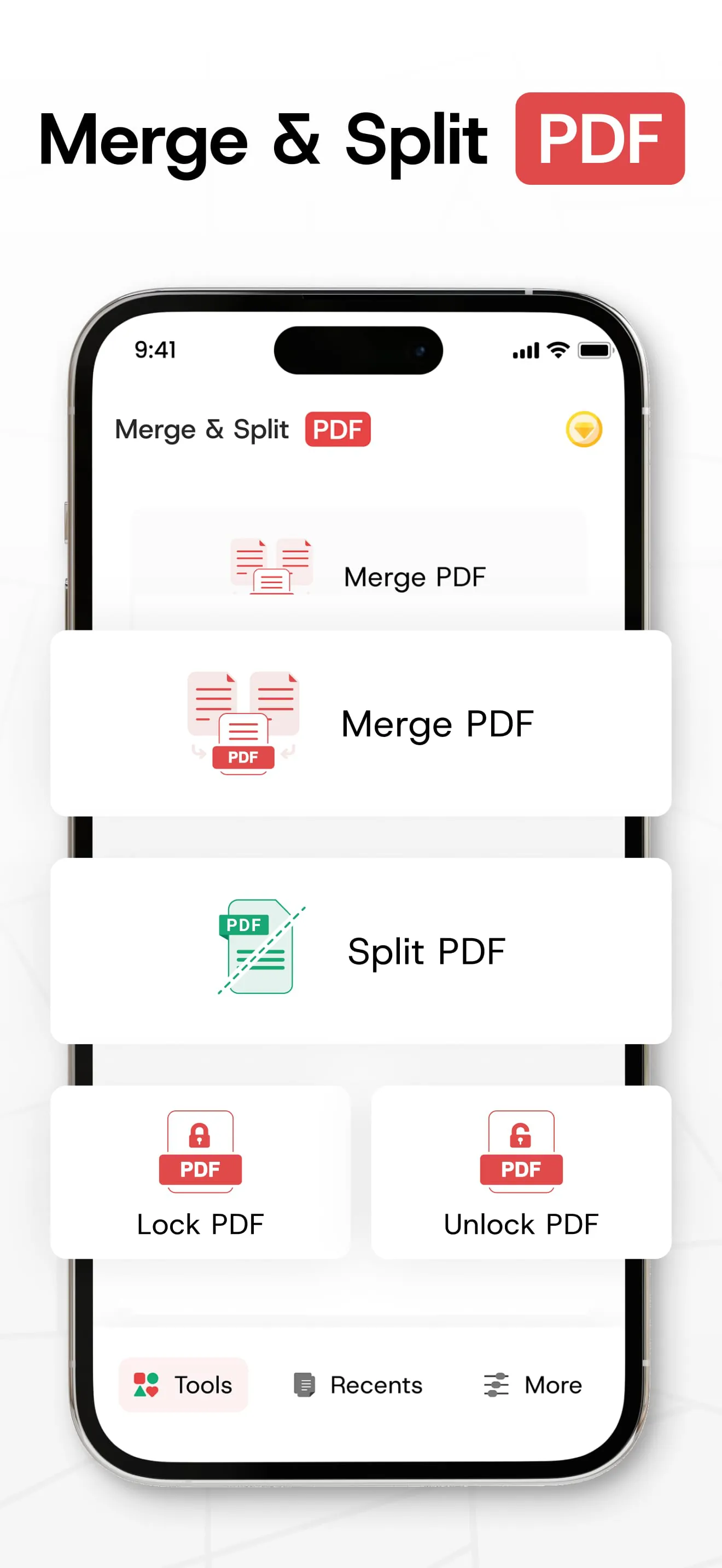
 Download








