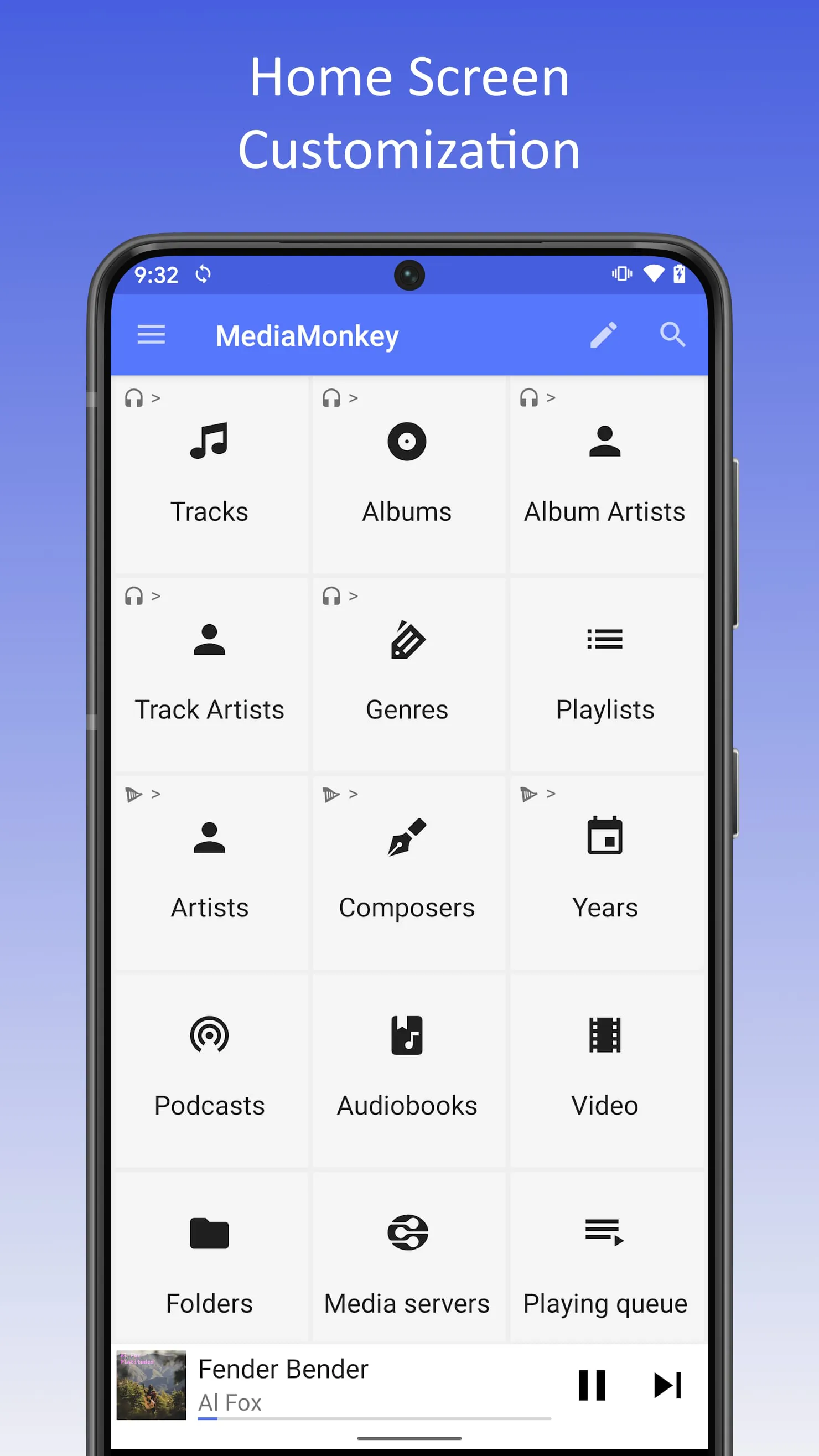
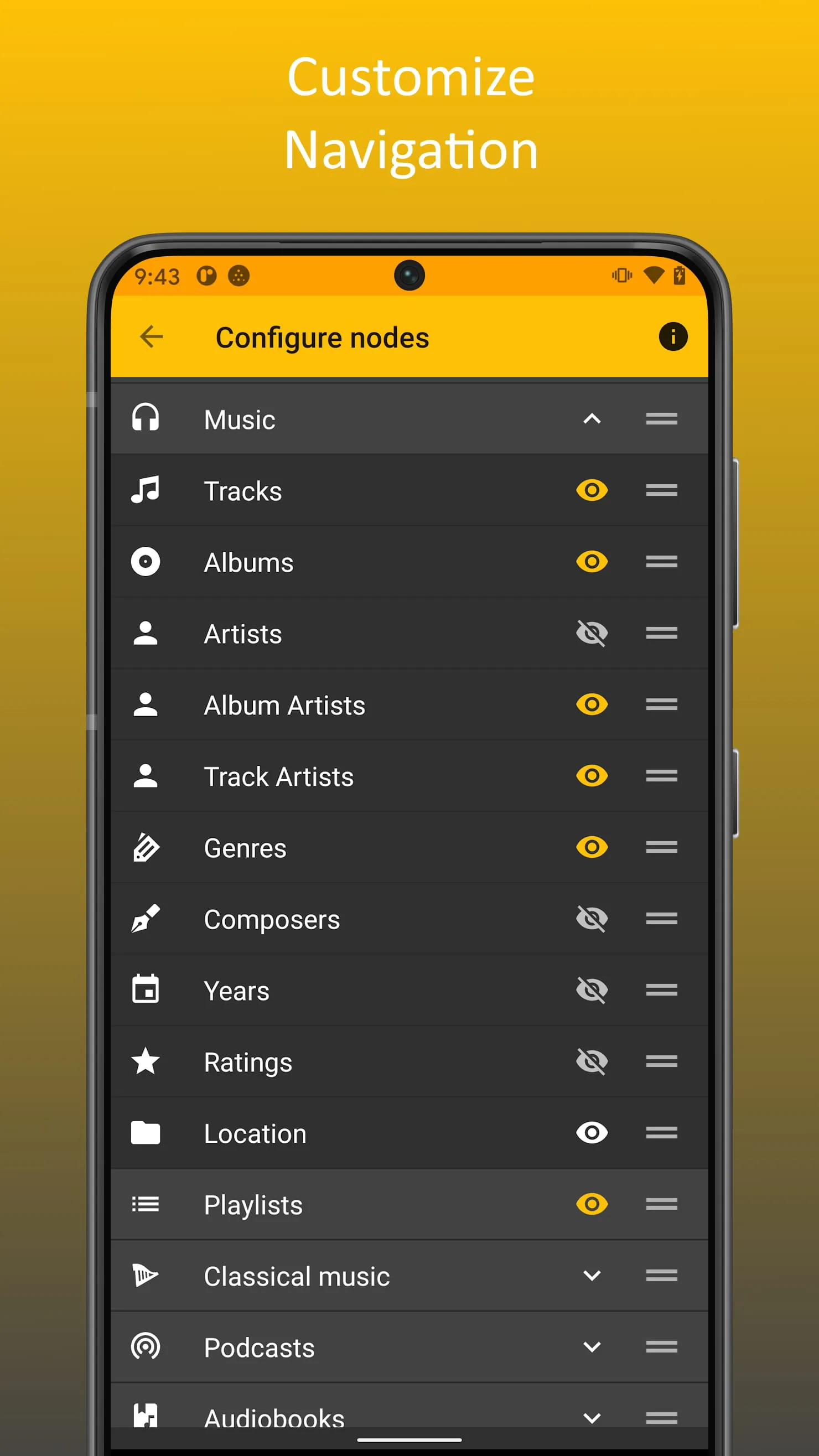
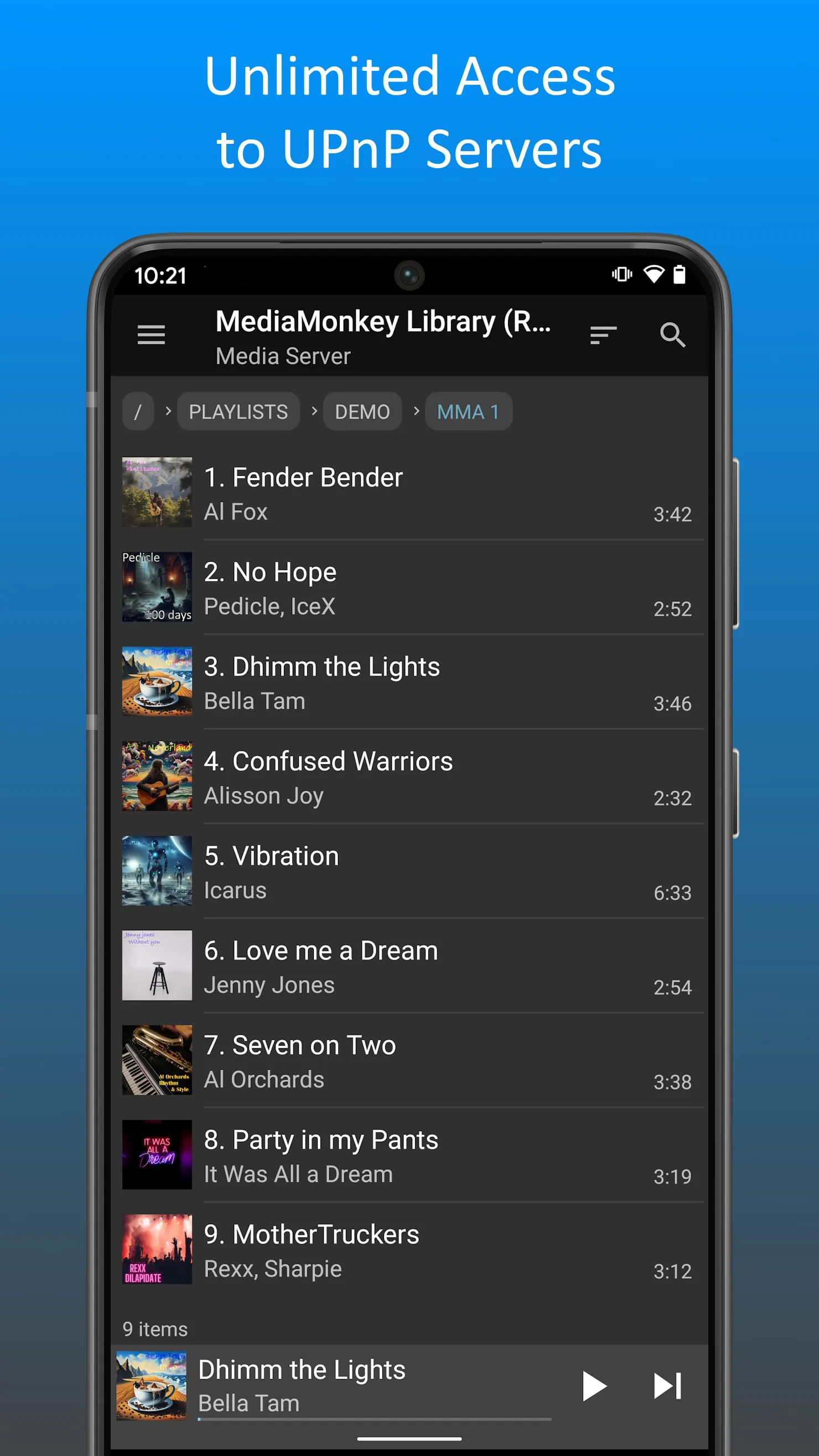
MediaMonkey is positioned as a robust music management solution tailored for dedicated collectors, offering a comprehensive suite of features designed to organize, synchronize, and enhance the music listening experience. The core functionality of MediaMonkey revolves around its ability to manage extensive music libraries, providing users with tools to tag, sort, and categorize their audio files efficiently. This includes support for various file formats, automatic tagging based on online databases, and advanced filtering options to quickly locate specific tracks or albums. Beyond basic management, MediaMonkey offers advanced playback features, allowing users to create playlists, manage volume levels, and customize audio output through equalization settings. The integration of podcast management further expands its utility, enabling users to subscribe to and download their favorite podcasts directly within the application. MediaMonkey Pro unlocks a range of advanced features that cater to users seeking enhanced control and flexibility over their music management. The Wi-Fi Sync feature allows for seamless synchronization of the user's music library between their mobile device and Windows PC, ensuring that playlists, ratings, play history, and volume levels are consistent across devices. This eliminates the need for manual file transfers and ensures that users always have the latest version of their music library available, regardless of the device they are using. The UPnP/DLNA support enables MediaMonkey to act as a media server, allowing users to stream their music to other devices on their home network, such as smart TVs, speakers, and other media players. This transforms MediaMonkey into a central hub for music distribution, making it easy to enjoy music throughout the home. Furthermore, the ability to browse the music library through the device's physical file hierarchy provides an alternative method of navigation, catering to users who prefer organizing their music files in a traditional folder structure. This feature is particularly useful for users who have meticulously organized their music libraries over the years and want to maintain that structure within MediaMonkey. The configurable home screen allows users to customize the content that is displayed, prioritizing the features and information that are most relevant to their individual needs. This personalization enhances the user experience by providing quick access to frequently used functions and relevant data. In essence, MediaMonkey Pro builds upon the foundation of the free version, adding a layer of advanced features that cater to the needs of serious music collectors who demand a comprehensive and customizable music management solution. By offering features such as Wi-Fi Sync, UPnP/DLNA support, folder browsing, and a configurable home screen, MediaMonkey Pro empowers users to take complete control of their music libraries and enjoy their music in a way that is tailored to their individual preferences. The ongoing development of MediaMonkey is supported by user purchases of MediaMonkey Pro, ensuring that the application continues to evolve and improve over time, providing users with a cutting-edge music management experience.





 APK
APK  Google Play
  iOS
iOS  4.40
4.40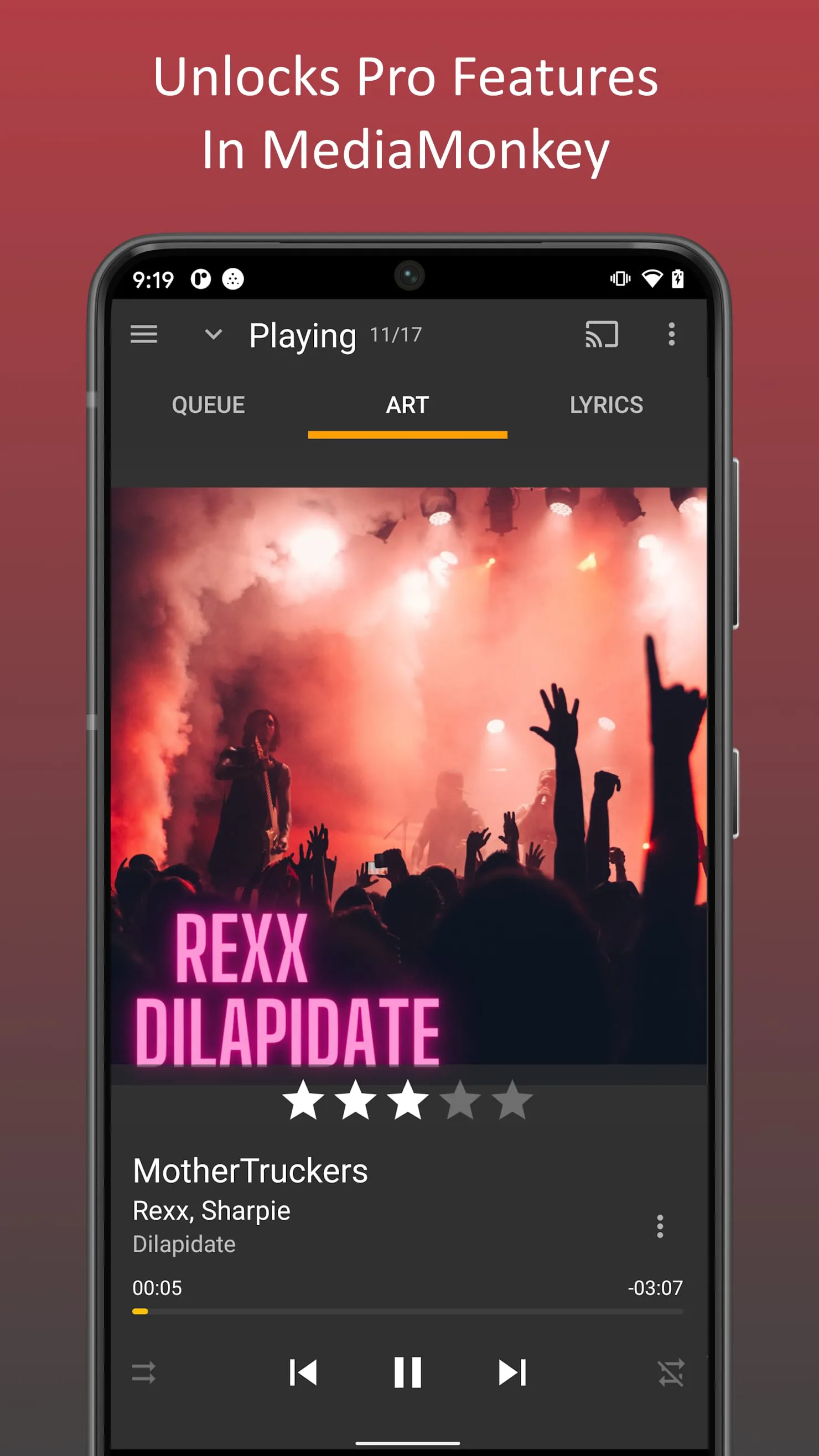
 Download








