The LG TV Remote Control app is presented as a comprehensive solution for individuals who frequently misplace their physical remote controls, struggle with drained batteries, or find themselves confused by multiple, identical remotes. The app addresses the common frustrations associated with traditional TV remote controls by offering a centralized, digital alternative accessible directly from a smartphone. It aims to simplify the user experience by eliminating the need to juggle various remotes, providing a single, unified interface for controlling all LG TVs. The app boasts compatibility across all LG brands, ensuring a seamless experience regardless of the specific TV model. This universal compatibility removes the concern of whether the app will function correctly with a particular LG television, making it a reliable choice for users with multiple LG TVs or those upgrading their televisions in the future. Furthermore, the LG TV Remote Control app extends its functionality beyond basic remote control features. It includes an IPTV Player, which allows users to easily add and manage their favorite channels, creating a personalized streaming experience. This feature is particularly appealing to users who frequently stream content online, as it consolidates their viewing options into a single, easily accessible platform. The app's user-friendly interface and comprehensive feature set position it as a valuable tool for enhancing the overall TV viewing experience. The app also supports IR (Infrared) blaster technology, enabling control of traditional, non-smart TVs. This feature caters to users who own older television models without smart capabilities, providing a modern control solution for devices that might otherwise be limited by outdated technology. The IR TV Remote Control function replicates the functionality of a physical remote, allowing users to change channels, adjust volume, and switch inputs with ease. This ensures that users can control all their LG TVs, regardless of whether they are smart TVs or older, non-smart models, using a single app on their smartphone. This broad compatibility makes the app a versatile and practical choice for households with a mix of television technologies. Beyond televisions, the IR Remote feature extends control to a wide range of other devices, including air conditioners, projectors, DVD players, audio-visual systems, soundbars, home theater systems, HDMI switches, and cable/satellite boxes. This comprehensive control capability transforms the smartphone into a universal remote, streamlining the management of various electronic devices within the home. Users can consolidate multiple remote controls into a single app, reducing clutter and simplifying their entertainment setup. This feature is especially beneficial for users with complex home entertainment systems, as it provides a centralized control point for all their devices. The app is designed to offer a convenient and efficient way to manage and enjoy their home entertainment experience. The app's versatility, ease of use, and broad device compatibility make it a standout solution in the realm of smart remote control applications, directly addressing and resolving common user pain points associated with traditional remote controls and the management of multiple electronic devices.
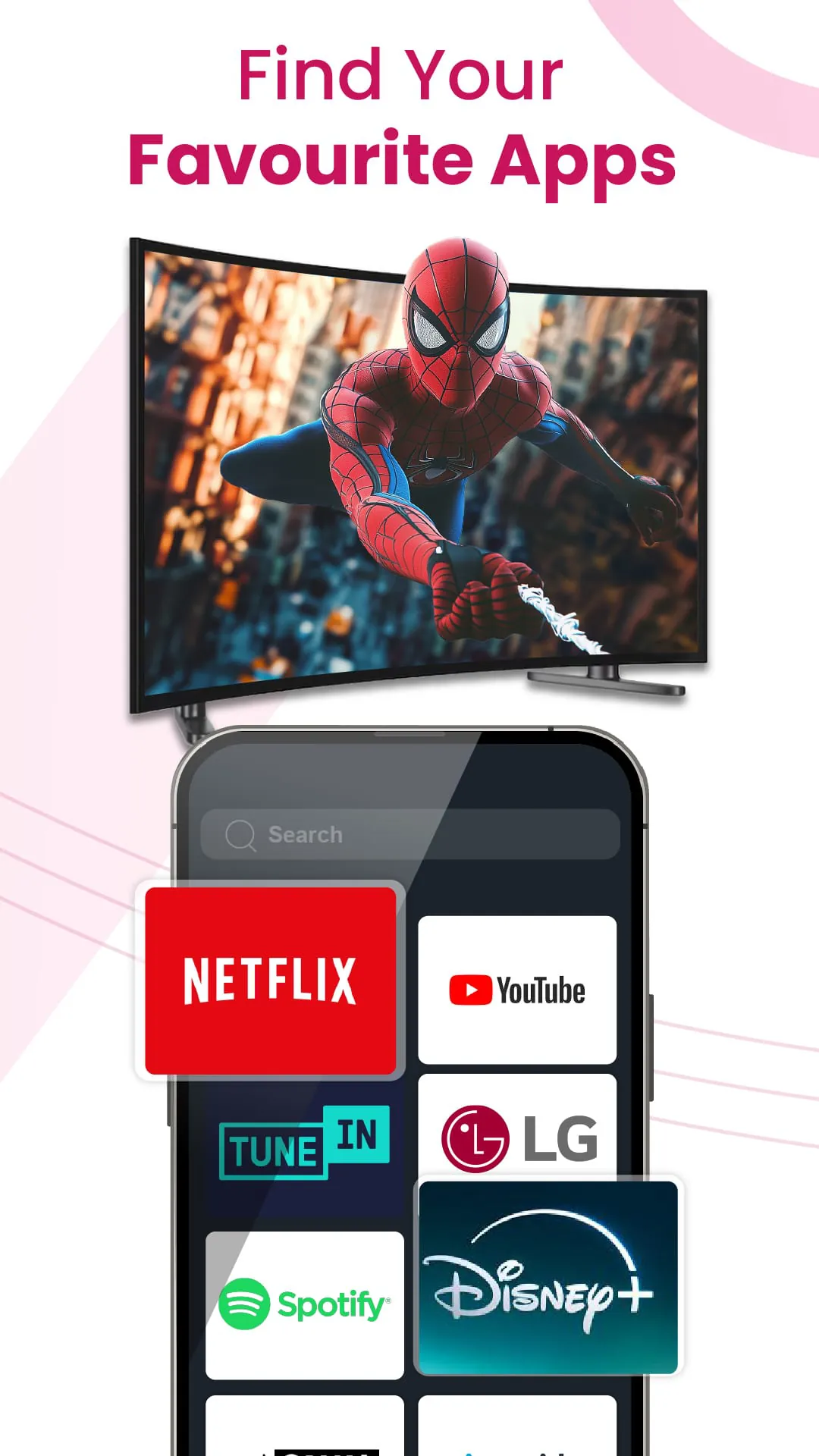
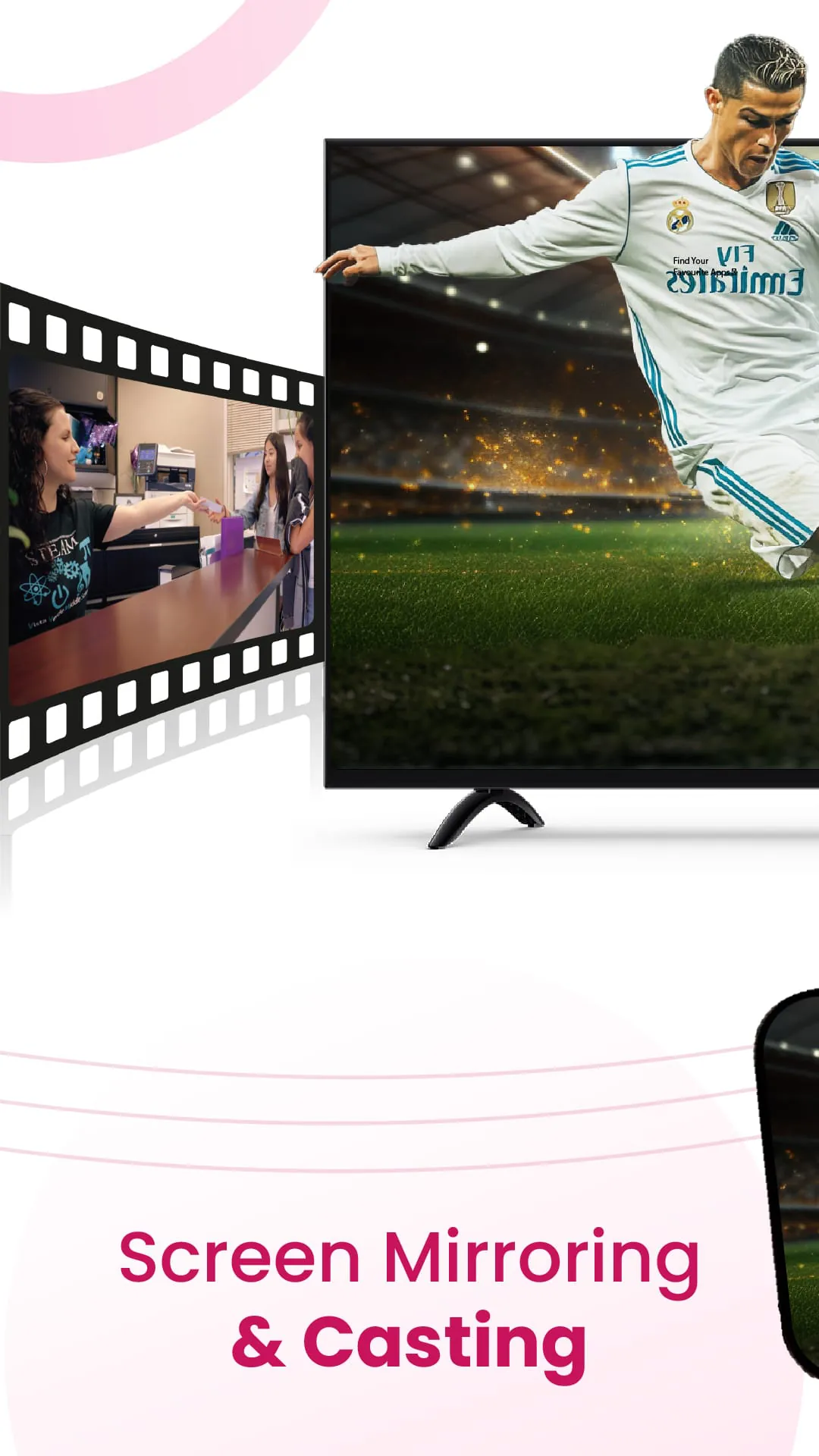
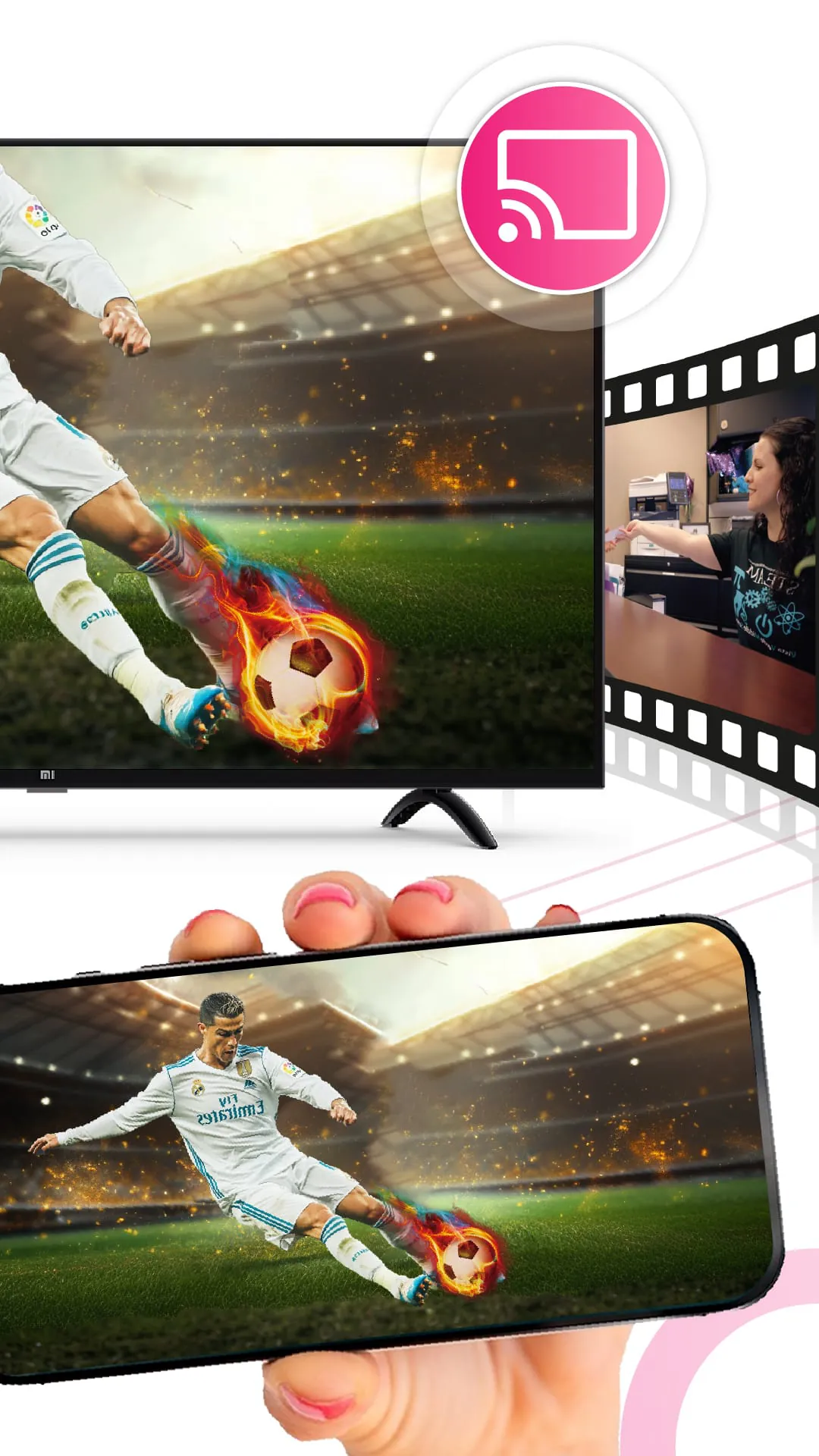
The LG TV Remote Control app incorporates a range of impressive features designed to enhance the user experience and provide seamless control over LG TVs and other compatible devices. One of the key features is the ability to effortlessly turn the TV on or off directly from the app. This eliminates the need to physically locate the remote control, providing a convenient solution for users who may have misplaced their remote or simply prefer the ease of using their smartphone. The app also allows for precise volume control, enabling users to increase, decrease, or mute the volume with a simple tap on their smartphone screen. This feature is particularly useful for users who want to quickly adjust the volume without having to fumble with physical buttons. The app provides a user-friendly interface for browsing channels, allowing users to easily navigate through available channels using up/down buttons or by directly entering channel numbers. This streamlined channel browsing experience simplifies the process of finding and selecting desired content, enhancing the overall viewing experience. The app offers full menu navigation, allowing users to access and adjust TV settings without the need for the physical remote. This feature provides complete control over the TV's functionality, enabling users to customize their viewing experience to their preferences. The app features simple and intuitive directional controls, making it easy to navigate menus, browse content, and interact with various TV functions. These controls are designed to be user-friendly and responsive, ensuring a smooth and seamless user experience. The app includes voice-to-text functionality, allowing users to input text using their voice. This feature is particularly useful for searching for content or entering login credentials, streamlining the input process and saving time. The app incorporates a built-in keyboard, providing a convenient way to type text directly on the smartphone screen. This feature is essential for entering passwords, searching for content, or interacting with apps that require text input. The app allows users to cast their screen, enabling them to stream web content, photos, and videos directly to their TV. This feature supports screen mirroring, screencasting, and webcasting, providing a versatile way to share content on a larger screen. The app supports seamless streaming with the integrated IPTV Player, allowing users to access and enjoy their favorite online content directly on their TV. This feature streamlines the streaming experience, providing a centralized platform for accessing various online content sources. The app offers screen mirroring capabilities, allowing users to instantly cast their phone's screen onto their TV. This feature enables users to enjoy apps, photos, videos, and games on a larger screen, enhancing the viewing experience. The app supports screencasting, allowing users to share presentations, watch content, or play games on a larger screen without lags. This feature is particularly useful for collaborative work or entertainment purposes. The app supports webcasting, allowing users to directly cast web pages from their browser to the LG TV screen. This feature enables users to browse their favorite websites, watch online videos, and display web content easily on their TV.
The LG TV Remote Control app further enhances user experience through its advanced casting functionalities and user-friendly design, ensuring seamless integration and ease of use. The web casting feature allows users to directly cast web pages from their browser to the LG TV screen. This functionality enables users to browse their favorite websites, watch online videos, and display web content effortlessly on their TV, transforming the television into a large-screen display for internet browsing. This feature is especially useful for viewing content that is not readily available through traditional streaming services or apps, providing a versatile way to access a wide range of online content. To ensure optimal performance, the app requires that the user's phone and TV are connected to the same Wi-Fi network. This requirement ensures a stable and reliable connection, minimizing lag and buffering during streaming and casting. For users with IR-enabled TVs, the app requires that their phone is equipped with an IR blaster. This hardware component allows the phone to communicate directly with the TV using infrared signals, replicating the functionality of a traditional remote control. The app emphasizes that it is not officially associated with any TV brands but is fully compatible with most models. This disclaimer highlights the app's independent development and broad compatibility, assuring users that it is designed to work effectively with a wide range of LG TVs and other compatible devices. This compatibility is achieved through careful engineering and adherence to industry standards, ensuring a seamless and reliable user experience. The user-friendly design of the LG TV Remote Control app is a key factor in its overall appeal. The app features an intuitive interface that is easy to navigate, even for users who are not tech-savvy. The controls are clearly labeled and responsive, ensuring that users can quickly and easily access the functions they need. The app also provides helpful tips and instructions, guiding users through the setup process and explaining how to use the various features. In addition to its user-friendly design, the LG TV Remote Control app is also highly customizable. Users can personalize the app's settings to suit their individual preferences, such as choosing a different theme or customizing the layout of the controls. This level of customization allows users to create a remote control experience that is tailored to their specific needs and preferences. The app is regularly updated with new features and improvements, ensuring that it remains a cutting-edge solution for controlling LG TVs and other compatible devices. These updates are based on user feedback and industry trends, ensuring that the app continues to meet the evolving needs of its users. The LG TV Remote Control app is a comprehensive and user-friendly solution for controlling LG TVs and other compatible devices. Its advanced features, intuitive design, and broad compatibility make it a valuable tool for enhancing the home entertainment experience, providing users with a convenient and efficient way to manage their TVs and other electronic devices.




 APK
APK  Google Play
  iOS
iOS  3.40
3.40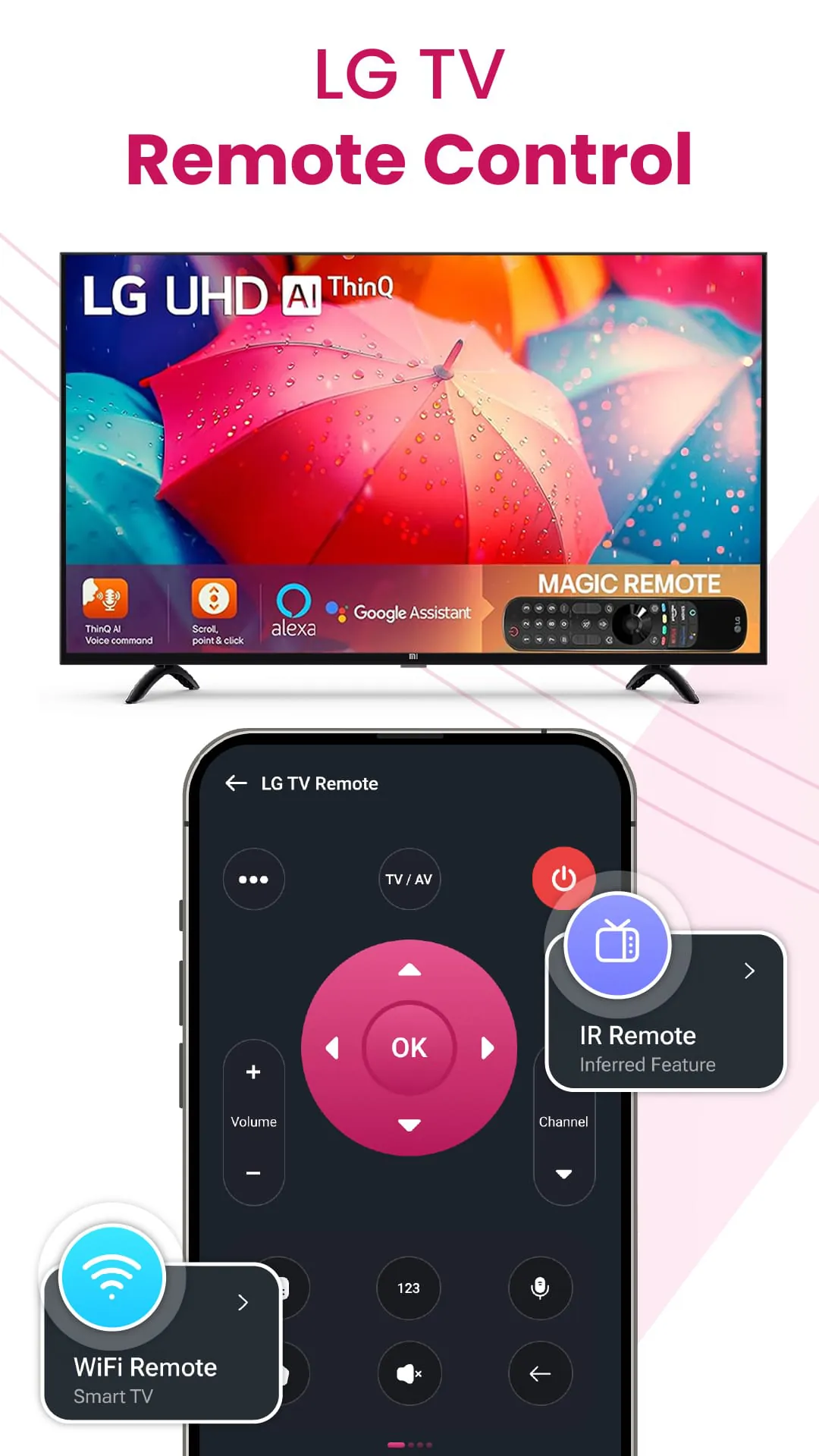
 Download








