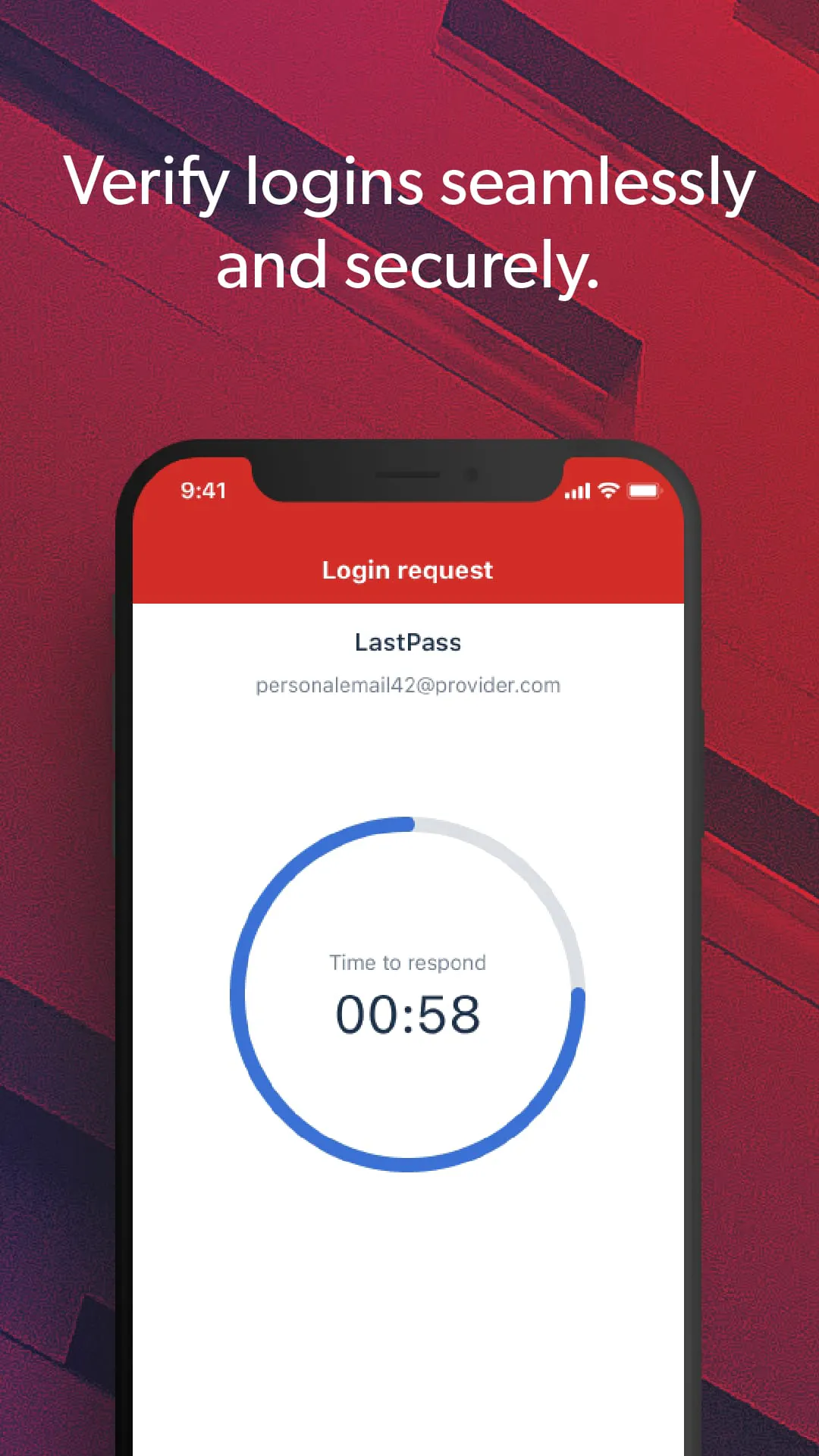
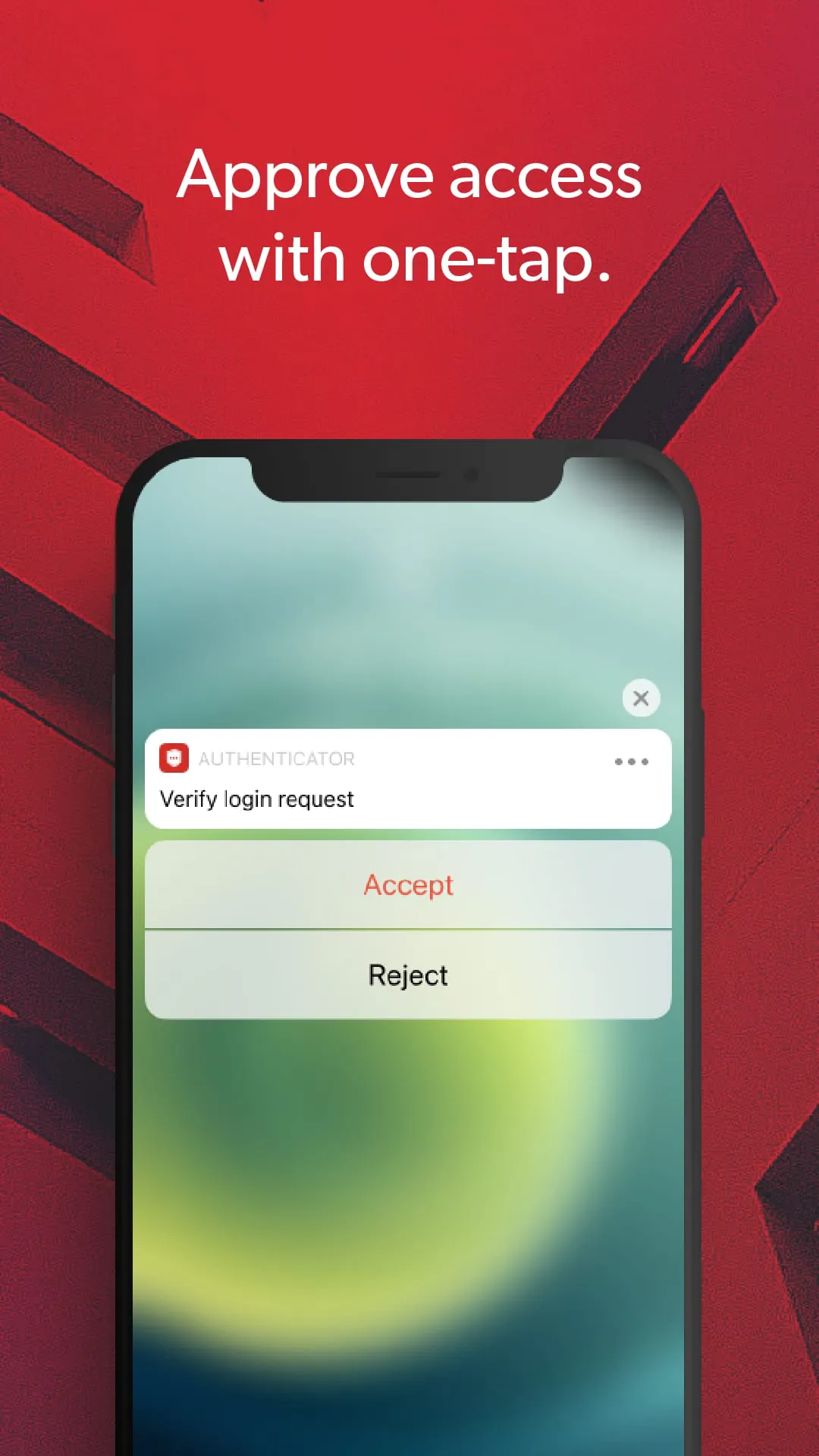
LastPass Authenticator is presented as a user-friendly solution designed to enhance the security of your LastPass account and other supported applications through the implementation of two-factor authentication (2FA). This method provides an additional layer of protection beyond a simple password, significantly reducing the risk of unauthorized access even if your password becomes compromised. The core functionality of LastPass Authenticator revolves around generating time-based, six-digit codes or facilitating one-tap approval via push notifications, thereby streamlining the login process while bolstering security. The application supports a wide range of services and apps that are compatible with Google Authenticator or Time-Based One-Time Password (TOTP) protocols, making it a versatile tool for securing various online accounts. A key feature highlighted is the ability to mark devices as 'trusted,' which eliminates the need for repeated code entry on those devices, offering a balance between convenience and security. The setup process is designed to be straightforward, involving downloading the app, accessing account settings within LastPass on a computer, scanning a barcode, and setting preferences. Furthermore, the application offers free encrypted backups to restore tokens on new or reinstalled devices, ensuring that users do not lose access to their accounts in case of device loss or changes. LastPass Authenticator aims to provide a seamless and robust security experience, addressing the common frustrations associated with traditional two-factor authentication methods. By offering multiple authentication options, including push notifications and SMS codes, the application caters to different user preferences and security needs. The emphasis on ease of use, combined with comprehensive security features, positions LastPass Authenticator as a valuable tool for individuals and organizations looking to strengthen their online security posture. The integration with Wear OS for LastPass Premium, Families, Business, and Teams customers further extends the accessibility and convenience of the application, allowing users to manage their authentication directly from their smartwatches. This holistic approach to security and usability underscores the commitment of LastPass to providing a reliable and efficient authentication solution for its users, ensuring that their accounts remain protected against unauthorized access and potential security breaches. The continuous development and support for various platforms and services highlight the ongoing effort to maintain a secure and user-friendly environment for LastPass users, solidifying its position as a leading password management and authentication solution provider. The availability of automated setup via QR code simplifies the onboarding process, making it easier for users to adopt two-factor authentication and improve their overall security. By providing a free and encrypted backup solution, LastPass ensures that users can easily recover their authentication tokens in case of device loss or replacement, minimizing disruption and maintaining continuous access to their accounts. This comprehensive suite of features and functionalities demonstrates the value of LastPass Authenticator as a robust and user-friendly solution for enhancing online security and protecting sensitive information.
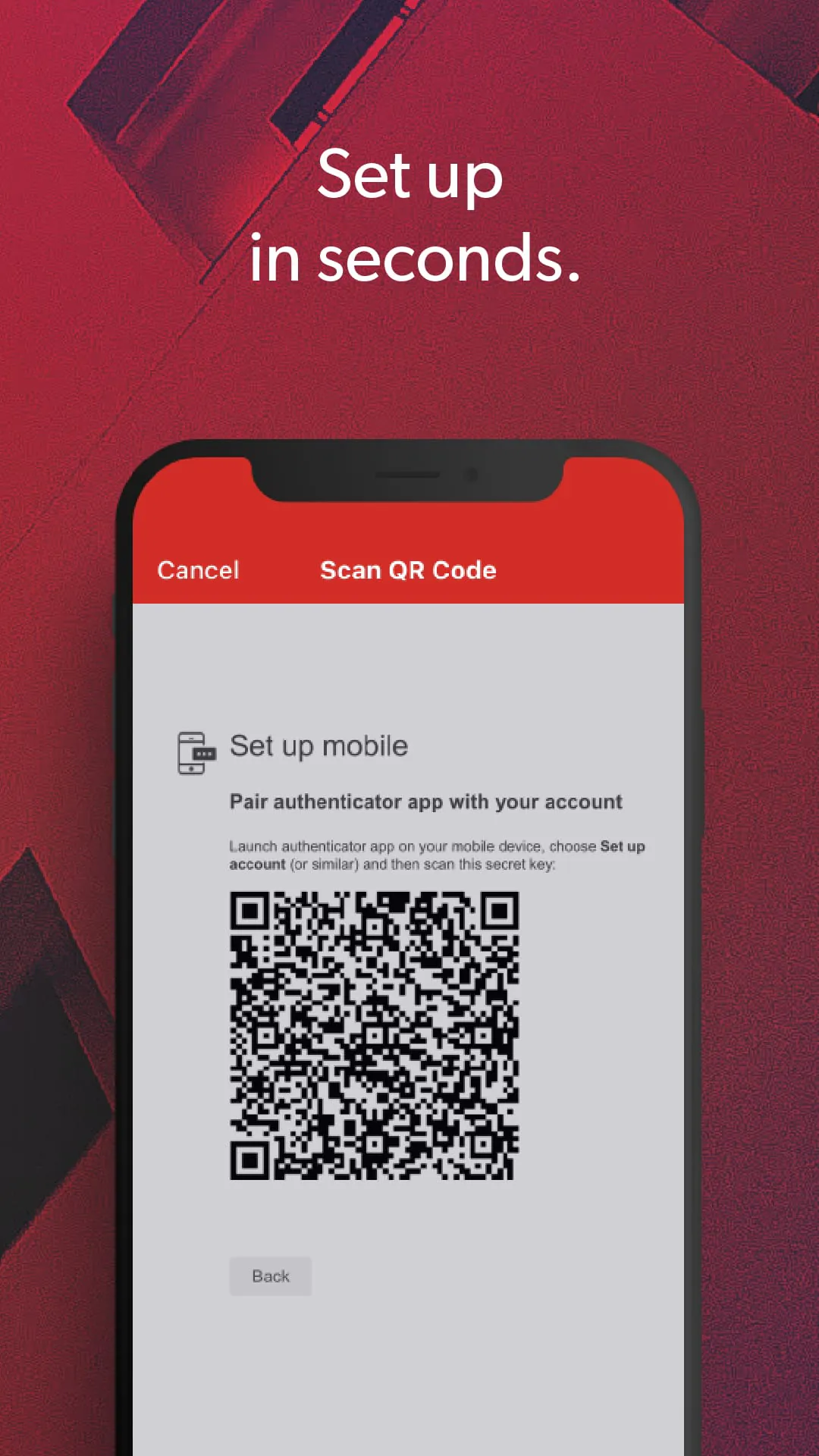
The process of enabling LastPass Authenticator involves a few simple steps, starting with downloading the application to your mobile device. Once installed, you need to log in to your LastPass account on a computer and navigate to the 'Account Settings' section within your vault. Here, you'll find the 'Multifactor Options,' where you can edit the LastPass Authenticator settings and view a unique barcode. This barcode is then scanned using the LastPass Authenticator app on your mobile device, which establishes a secure connection between your LastPass account and the authenticator app. After scanning the barcode, you can customize your preferences within the app and save the changes to activate the two-factor authentication. This setup process is designed to be intuitive and user-friendly, ensuring that even those with limited technical expertise can easily enable this additional layer of security for their LastPass account. The application also supports enabling two-factor authentication for other services and apps that are compatible with Google Authenticator or TOTP-based authentication. This versatility makes LastPass Authenticator a valuable tool for securing multiple online accounts, providing a centralized and convenient solution for managing your authentication needs. When logging in to your LastPass account or other supported services, the app generates a six-digit code that changes every 30 seconds, providing a dynamic and secure authentication factor. Alternatively, you can opt for push notifications, which allow you to approve or deny login requests with a single tap. In cases where neither of these options is available, the app also supports sending SMS codes as a backup authentication method. This multi-faceted approach ensures that you can always access your accounts, even if you encounter issues with the primary authentication methods. The ability to add multiple accounts to the LastPass Authenticator app further enhances its convenience and usability, allowing you to manage the authentication for all your important online accounts in one place. The app's support for both Android and iOS platforms ensures that it is accessible to a wide range of users, regardless of their mobile operating system. With Wear OS support for LastPass Premium, Families, Business, and Teams customers, users can even manage their authentication directly from their smartwatches, providing an added layer of convenience and accessibility. The seamless integration with LastPass and other supported services makes LastPass Authenticator a powerful tool for enhancing online security and protecting your sensitive information.
LastPass Authenticator boasts a comprehensive suite of features designed to provide a secure and user-friendly two-factor authentication experience. The application generates six-digit codes every 30 seconds, ensuring that the authentication factor is constantly changing and difficult to compromise. Push notifications offer a convenient alternative to manual code entry, allowing users to approve or deny login requests with a single tap on their mobile device. This feature streamlines the login process and enhances the overall user experience. A key feature of LastPass Authenticator is its free encrypted backup, which allows users to restore their authentication tokens on a new or reinstalled device. This ensures that users do not lose access to their accounts in case of device loss or changes, providing peace of mind and minimizing disruption. The application also supports SMS codes as a backup authentication method, providing an alternative option in cases where push notifications or code generation are not available. Automated set-up via QR code simplifies the onboarding process, making it easier for users to enable two-factor authentication and improve their overall security. LastPass Authenticator seamlessly integrates with LastPass accounts, providing a consistent and unified security experience. The application also supports other TOTP-compatible services and apps, including those that support Google Authenticator, making it a versatile tool for securing multiple online accounts. Users can add multiple accounts to the LastPass Authenticator app, allowing them to manage the authentication for all their important online accounts in one place. The application is available on both Android and iOS platforms, ensuring that it is accessible to a wide range of users. With Wear OS support for LastPass Premium, Families, Business, and Teams customers, users can even manage their authentication directly from their smartwatches, providing an added layer of convenience and accessibility. LastPass Authenticator aims to provide a seamless and robust security experience, addressing the common frustrations associated with traditional two-factor authentication methods. By offering multiple authentication options, including push notifications and SMS codes, the application caters to different user preferences and security needs. The emphasis on ease of use, combined with comprehensive security features, positions LastPass Authenticator as a valuable tool for individuals and organizations looking to strengthen their online security posture. The continuous development and support for various platforms and services highlight the ongoing effort to maintain a secure and user-friendly environment for LastPass users, solidifying its position as a leading password management and authentication solution provider.





 APK
APK  Google Play
  iOS
iOS  4.40
4.40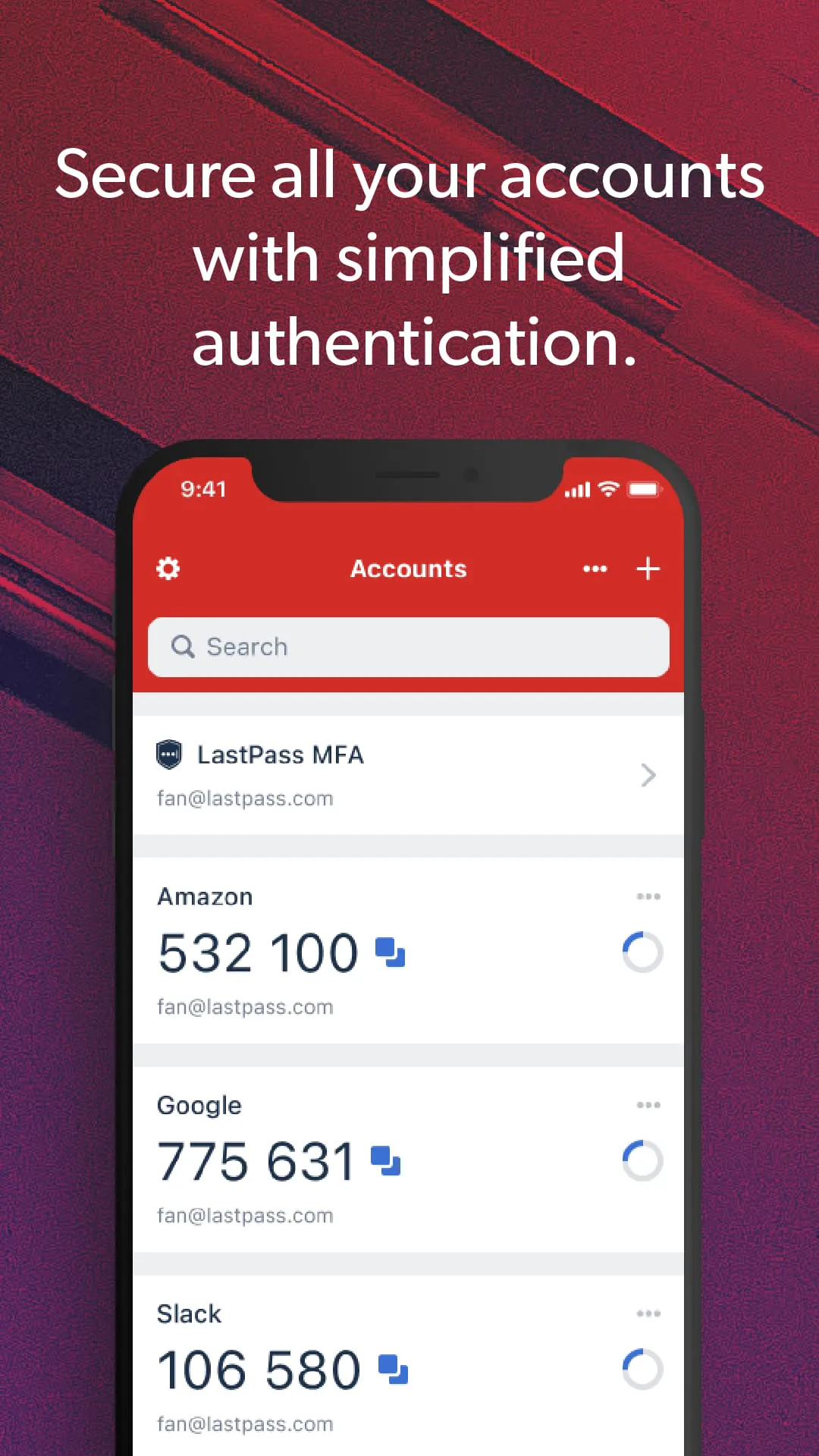
 Download








