Kia Access is the official connected car smartphone application from Kia Motors, designed to seamlessly integrate with your compatible Kia vehicle. It serves as a digital remote control and vehicle management hub, allowing owners to interact with their car's features, status, and services directly from their mobile device, enhancing both convenience and security in daily use.
Key Features
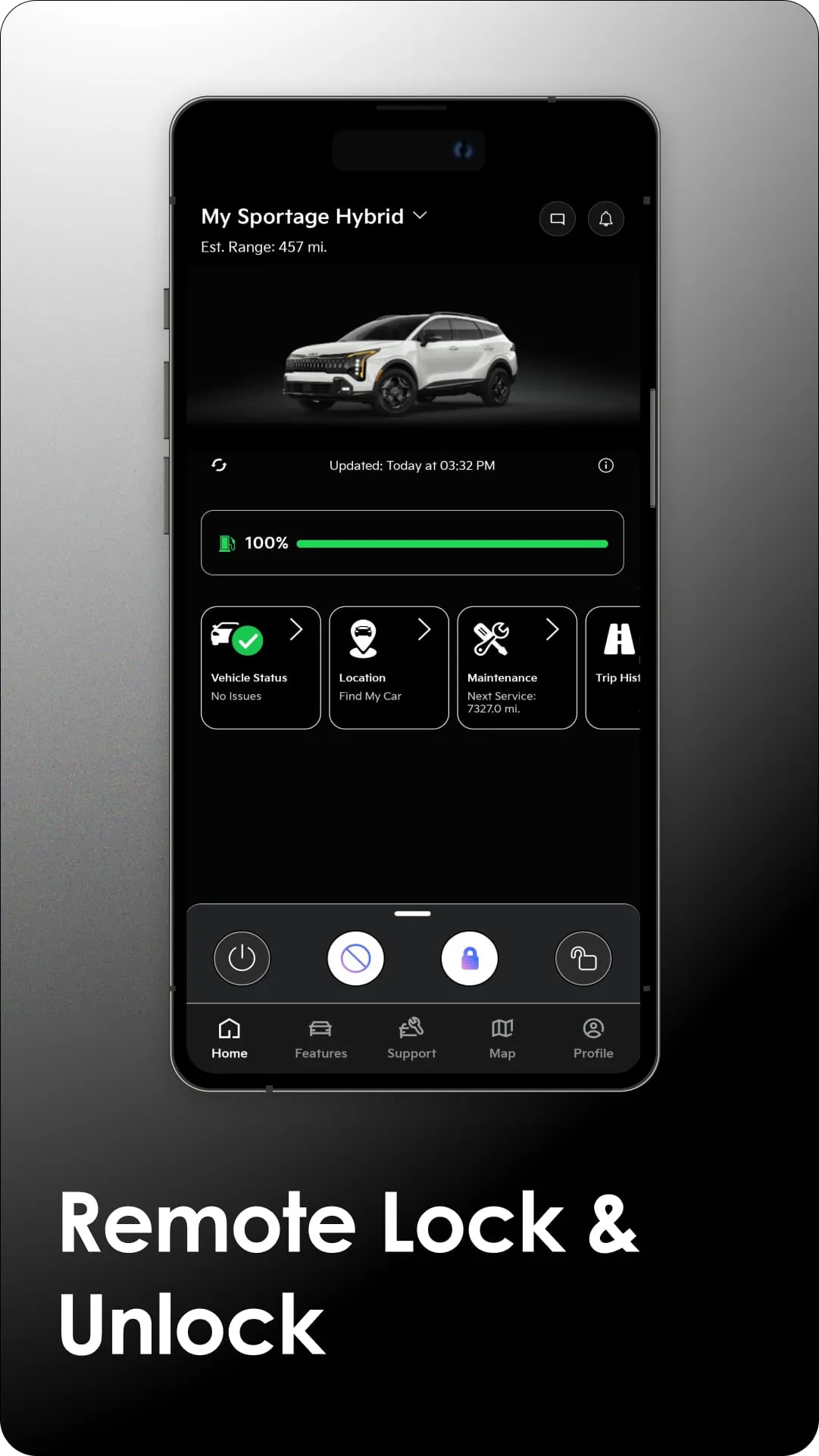
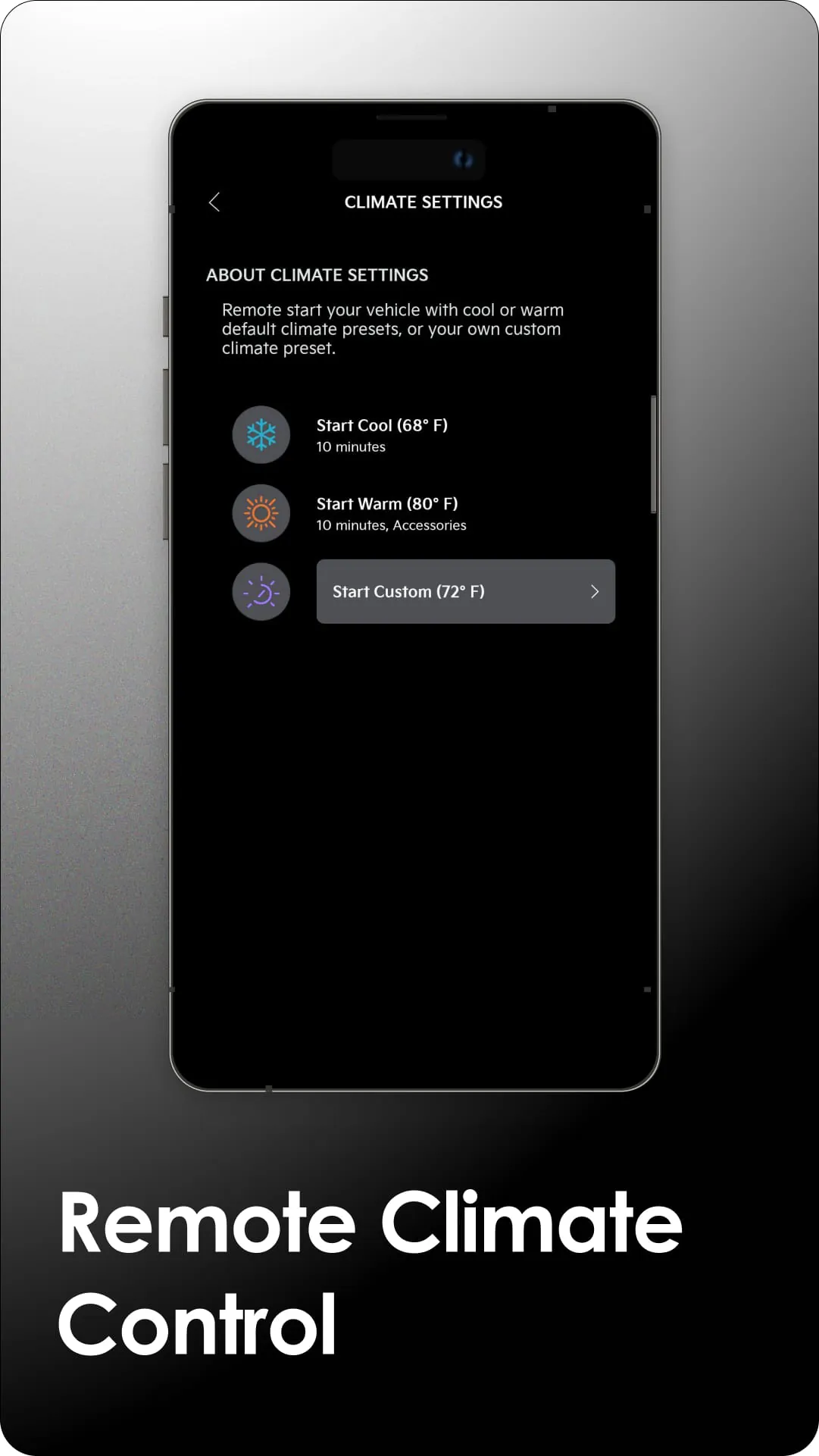
The app provides a comprehensive suite of remote features that bring the vehicle's controls to your fingertips. Users can remotely start or stop the engine, lock and unlock doors, and activate the climate control system to precondition the cabin temperature. It also offers real-time vehicle status alerts for things like door locks, windows, and fuel level, alongside built-in features like roadside assistance and vehicle finder to locate your car in a crowded parking lot.
Pros & Cons
The application offers significant benefits but also has some limitations to consider.
- Pros: Provides substantial convenience through remote commands, enhances safety with theft notification and location tracking, and can help manage vehicle maintenance schedules. The ability to precondition the car in extreme weather is a major advantage.
- Cons: Full functionality is typically tied to a subscription plan after an initial trial period. Features are dependent on cellular network coverage, and not all functions are available on every Kia model or model year.
Functions
Kia Access encompasses several core functional areas designed for vehicle management and owner assistance.
- Remote Commands: Lock/unlock, remote start/stop, and remote climate control.
- Vehicle Status & Alerts: Monitor fuel level, tire pressure, odometer, and receive security alerts.
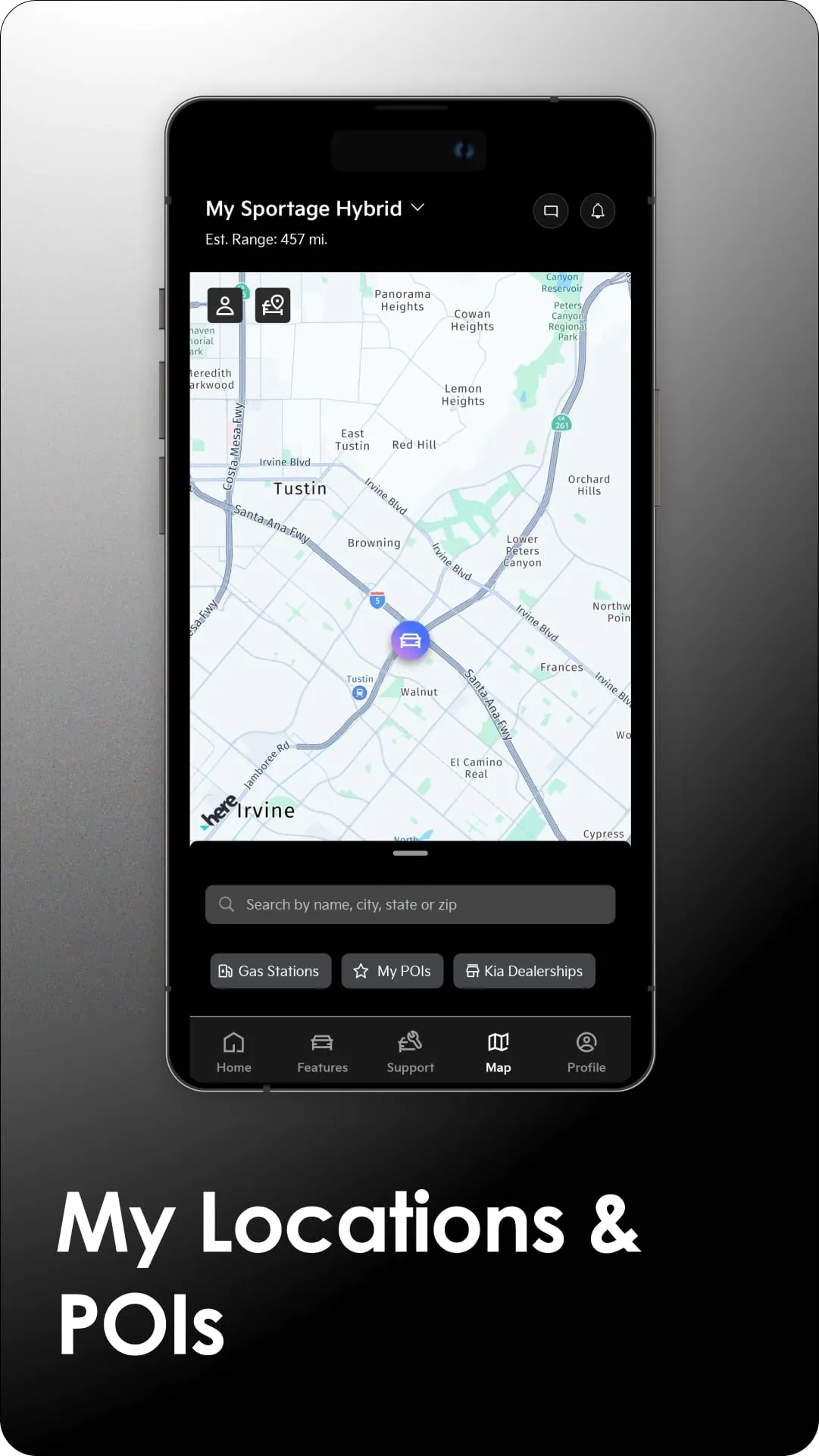
- Location & Safety: Use the vehicle finder, set speed/curfew/geofence alerts, and contact roadside assistance.
- Service Management: Access maintenance schedules, receive recall information, and schedule service appointments.
- Destination Sending: Send addresses directly from the app to the vehicle's built-in navigation system.
How to Use
Click the button "Check All Versions" below to download and install it. To begin, you must first download the Kia Access app from the official Apple App Store or Google Play Store. After installation, open the app and log in with your Kia Owner's Portal credentials or create a new account. You will then need to add your specific vehicle using its Vehicle Identification Number (VIN) to link it to your profile. Once the vehicle is successfully added and activated, the app's main dashboard will display, giving you access to all the available features for your car. Ensure that your vehicle is in an area with adequate cellular reception for the remote functions to work properly.





 APK
APK  Google Play
  iOS
iOS  4.60
4.60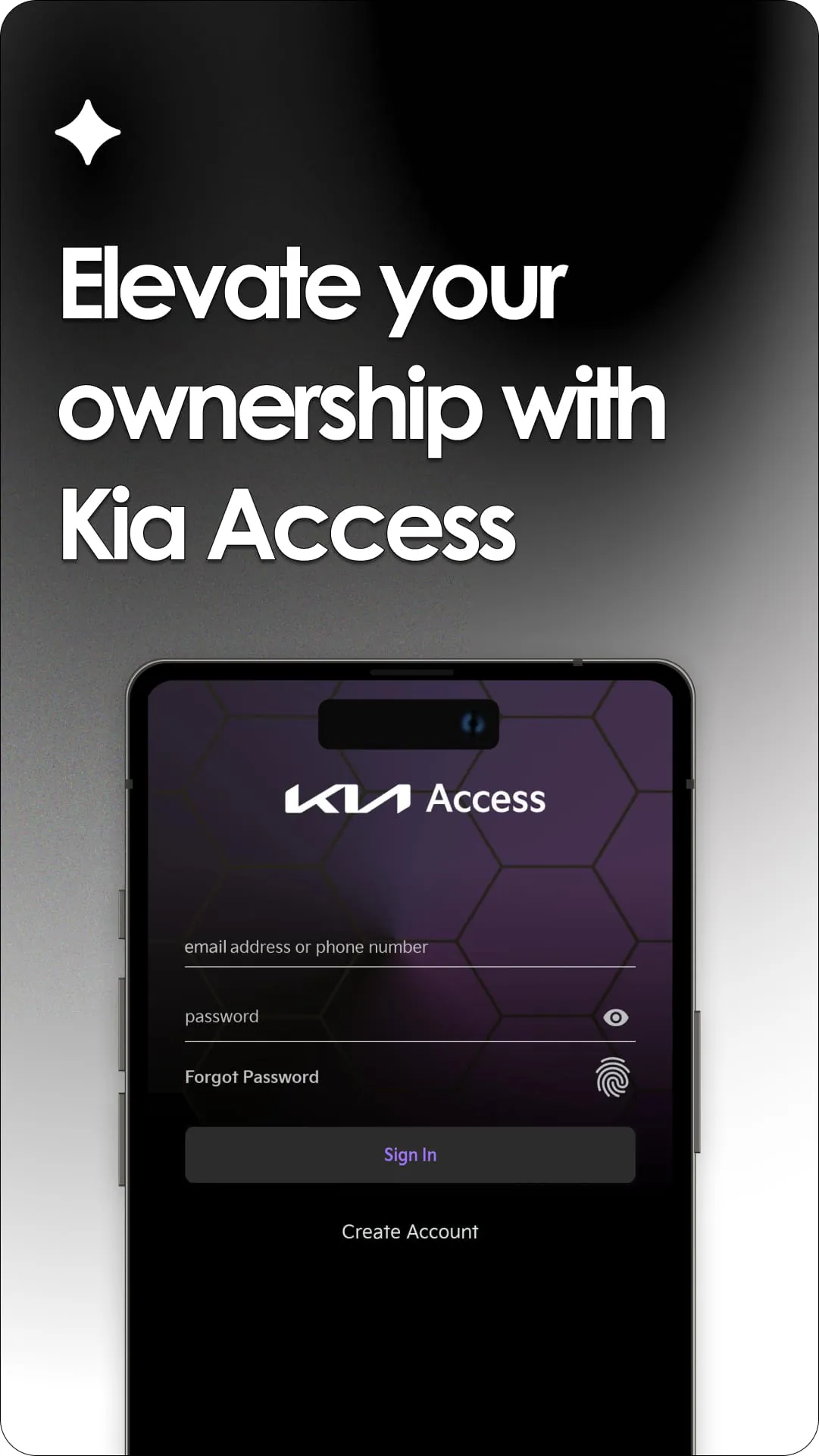
 Download








