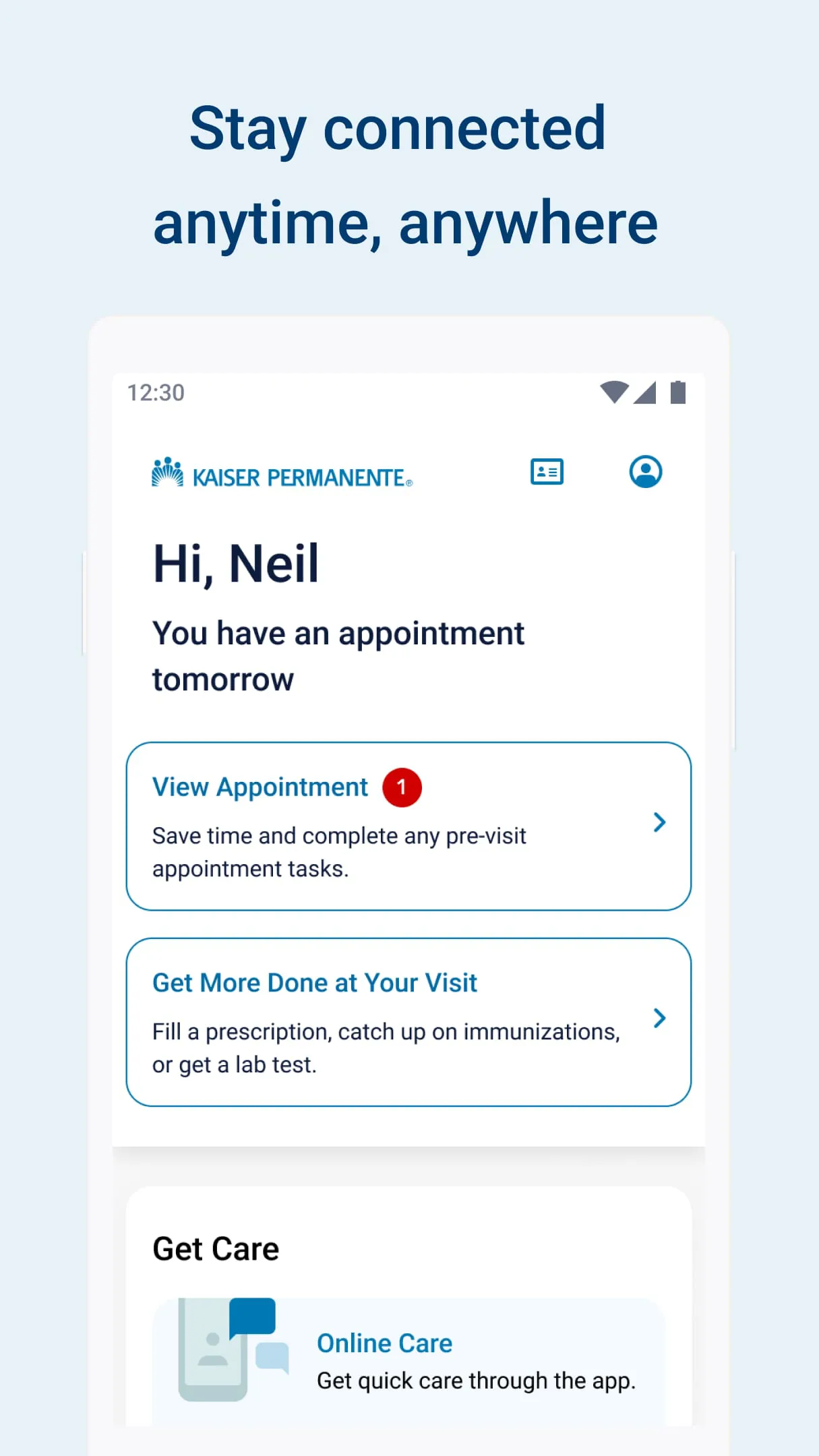
The Kaiser Permanente (KP) mobile app is the official companion application for Kaiser Permanente health plan members, providing a secure, all-in-one digital gateway to manage personal healthcare and insurance coverage directly from a smartphone or tablet. Designed to replace the need for phone calls and paperwork, it connects users to their care team, medical records, pharmacy services, and plan benefits through an intuitive interface available in both English and Spanish.
Key Features
- Secure messaging with your doctor's office or Member Services for non-urgent medical questions and advice.
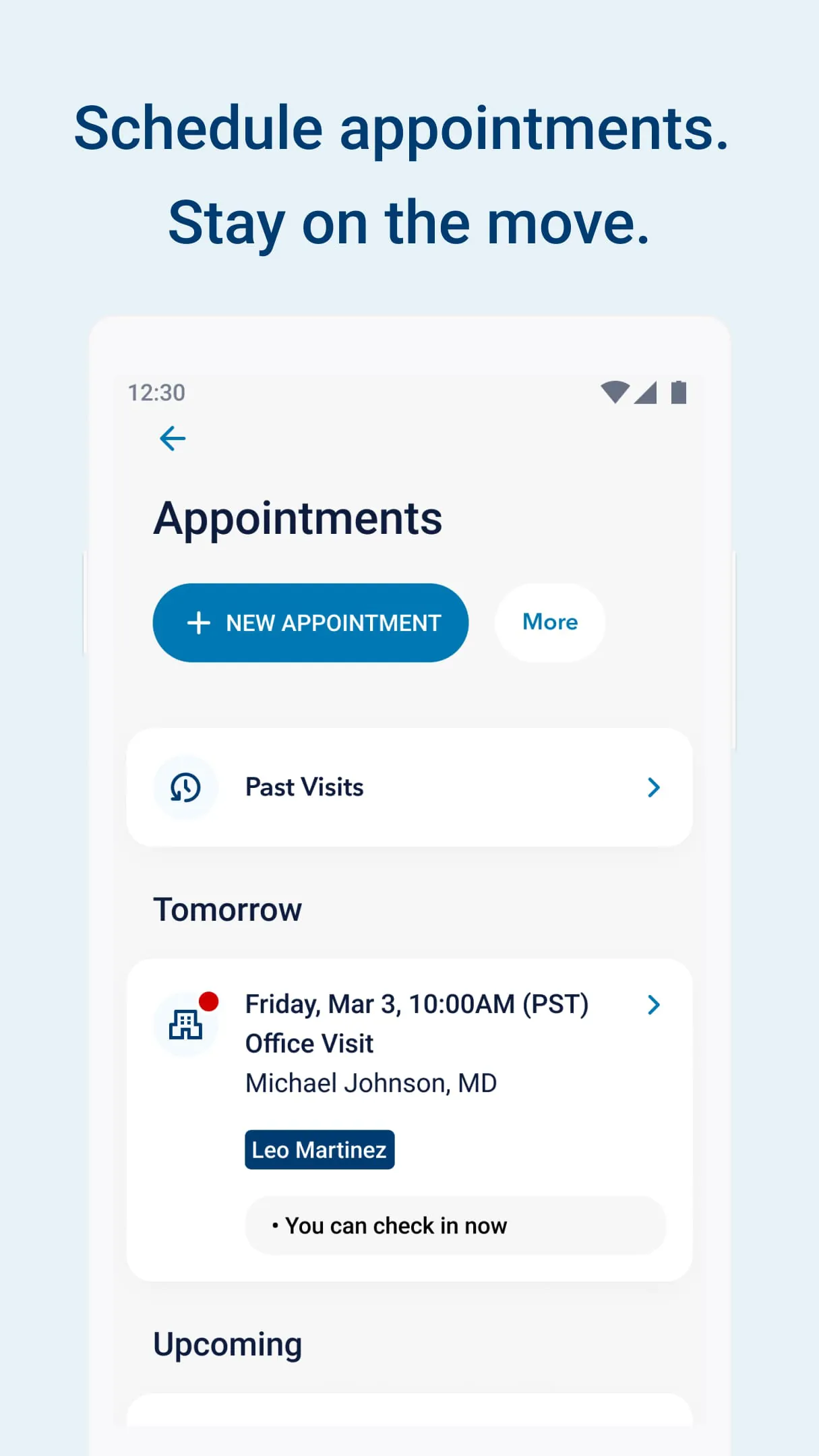
- Appointment management—schedule, view, reschedule, or cancel routine visits, plus access past visit summaries.
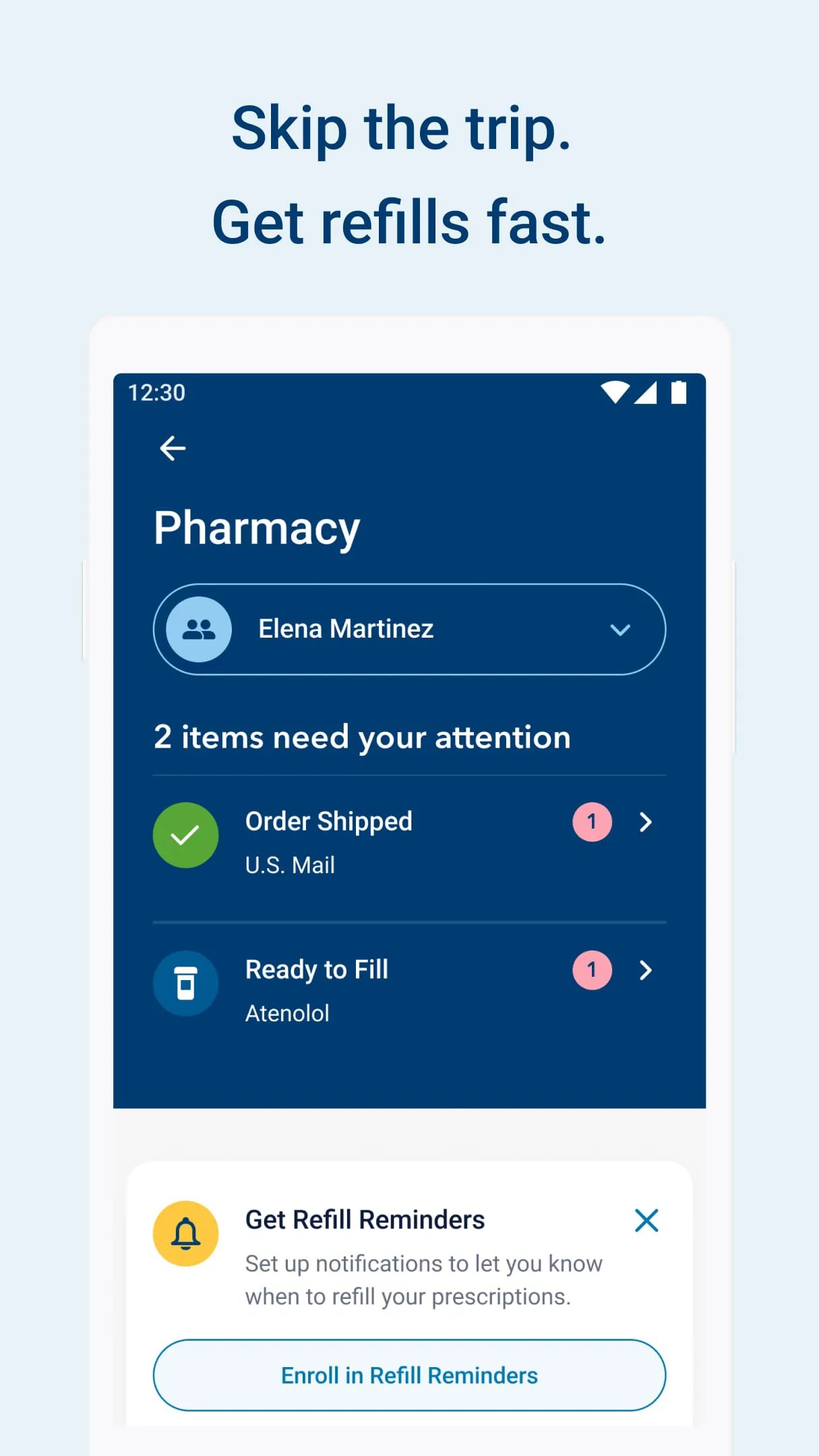
- Integrated pharmacy tools including prescription refill requests, order status tracking, mail-order setup, and auto-refill options.
- Full access to personal health records such as lab and imaging results, allergy lists, immunizations, and current diagnoses.
- Digital membership ID card for fast check-in at clinics and pharmacies without carrying a physical card.
- Care Chat for 24/7 virtual consultations with a Kaiser Permanente clinician and nurse advice line.
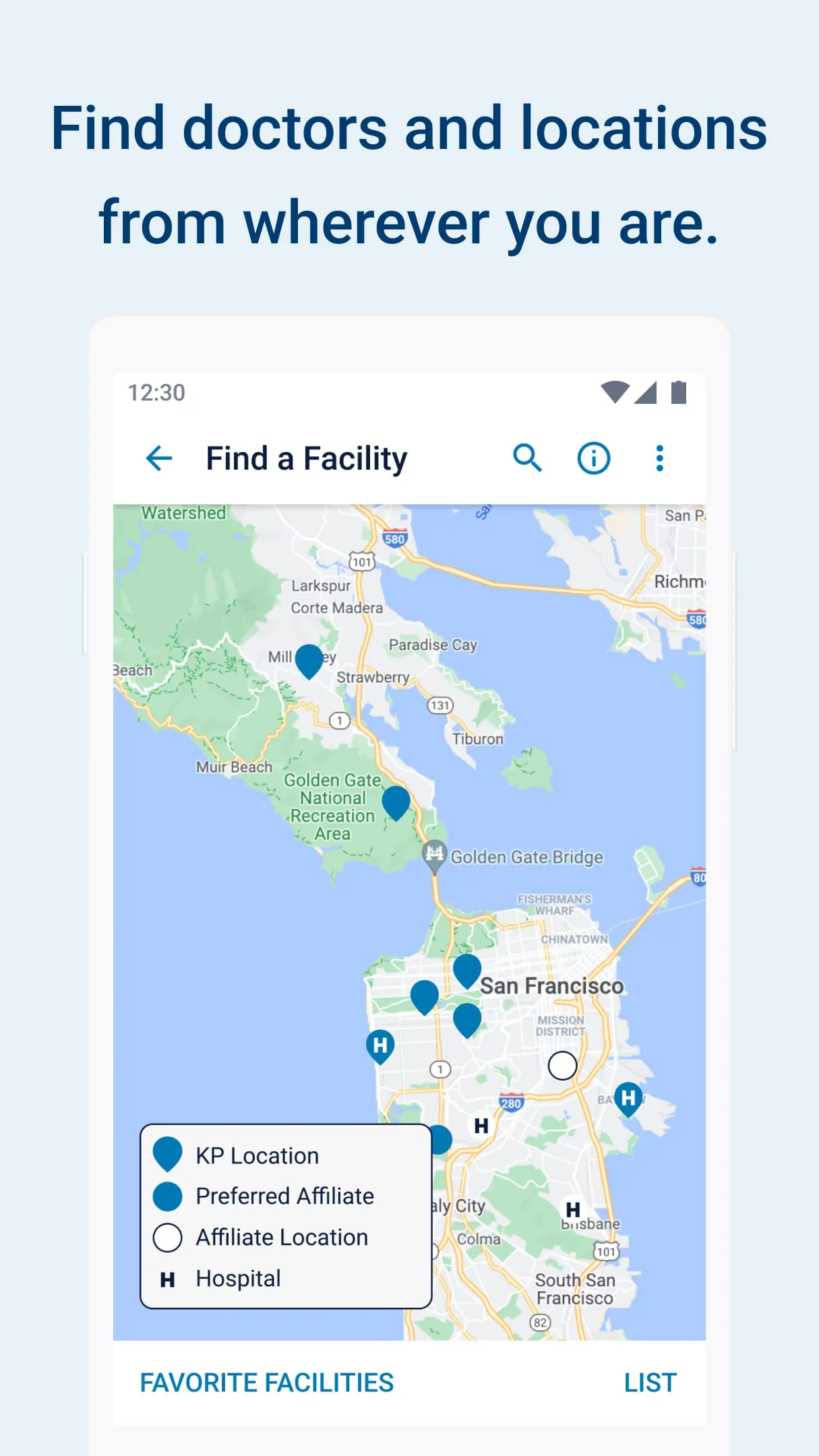
- Facility and pharmacy locator with real-time wait times and directions.
- Billing hub to view explanation of benefits (EOB), pay medical bills, and review coverage documents.
- Mobile eCheck-in to complete pre-visit questionnaires and skip the front-desk line.
- Optional Apple Health integration to share health data like blood glucose readings with your care team.
Pros & Cons
Pros:
- Consolidates all health and insurance management into a single, user-friendly app.
- Secure messaging and Care Chat reduce unnecessary office or phone calls.
- Instant push notifications for lab results and appointment reminders keep you proactive about care.
- Digital ID card and eCheck-in save time during in-person visits.
- Supports biometric login (Face ID / Touch ID / fingerprint) for quick, secure access.
- Free to download with no ads or in-app purchases.
Cons:
- Only available to active Kaiser Permanente members—family or friends on different insurance cannot use it.
- Some advanced features (certain lab details, specialist scheduling) may still redirect you to the full kp.org website.
- Video visits for mental health typically require a previously scheduled phone appointment before activation.
- Occasional regional limitations—Washington State members outside certain areas must use a separate KP Washington app.
- No emergency or urgent life-threatening condition support; users must still call 911 or go to the ER.
Functions
The app functions as a mobile health portal where members can view and download lab test results and radiology reports as soon as they are finalized by the lab. It maintains an up-to-date medication list showing dosages and prescribing physicians, which can be printed or shown during external specialist visits. Through the messaging center, patients can ask follow-up questions about diagnoses or request medication renewals without waiting on hold. The pharmacy section lets users select a preferred Kaiser pharmacy for pickup or choose home delivery, set refill reminders, and view the estimated ready-time for each order. The coverage area displays deductibles met, copay amounts, claim status, and allows electronic bill payment. For preventive care, the app highlights overdue screenings or vaccinations based on age and gender, and sends timely reminders. Parents and legal guardians can also be granted proxy access to manage the health records and appointments of minor children directly from their own logged-in account.
How to Use
Click the button "Check All Versions" below to download and install it.
After installation, launch the app and either sign in with your existing kp.org username and password or tap "Register" to create a new account using your Kaiser Permanente member ID number. Once logged in, enable Face ID, Touch ID, or a device PIN for faster future access. From the home dashboard you can:
- Tap Appointments to book a new routine visit or view upcoming ones.
- Tap Pharmacy to select a medication from your list and hit Refill, then choose pickup location or mail delivery.
- Tap Messages to compose a secure note to your doctor or Member Services.
- Tap Records to review recent lab results, immunizations, and health history.
- Tap ID Card to display your digital membership card for scanning at the clinic or pharmacy.
- Tap Get Care Now or Care Chat to start a virtual consultation with a clinician.
- Tap Billing to check claims, view statements, or make a payment.
Customize notification preferences in Settings so you receive alerts for appointment confirmations, lab result availability, and prescription readiness. If you need to manage a child's account, go to Menu → Account Settings → Add Proxy Access and follow the verification steps.





 APK
APK  Google Play
  iOS
iOS  4.70
4.70