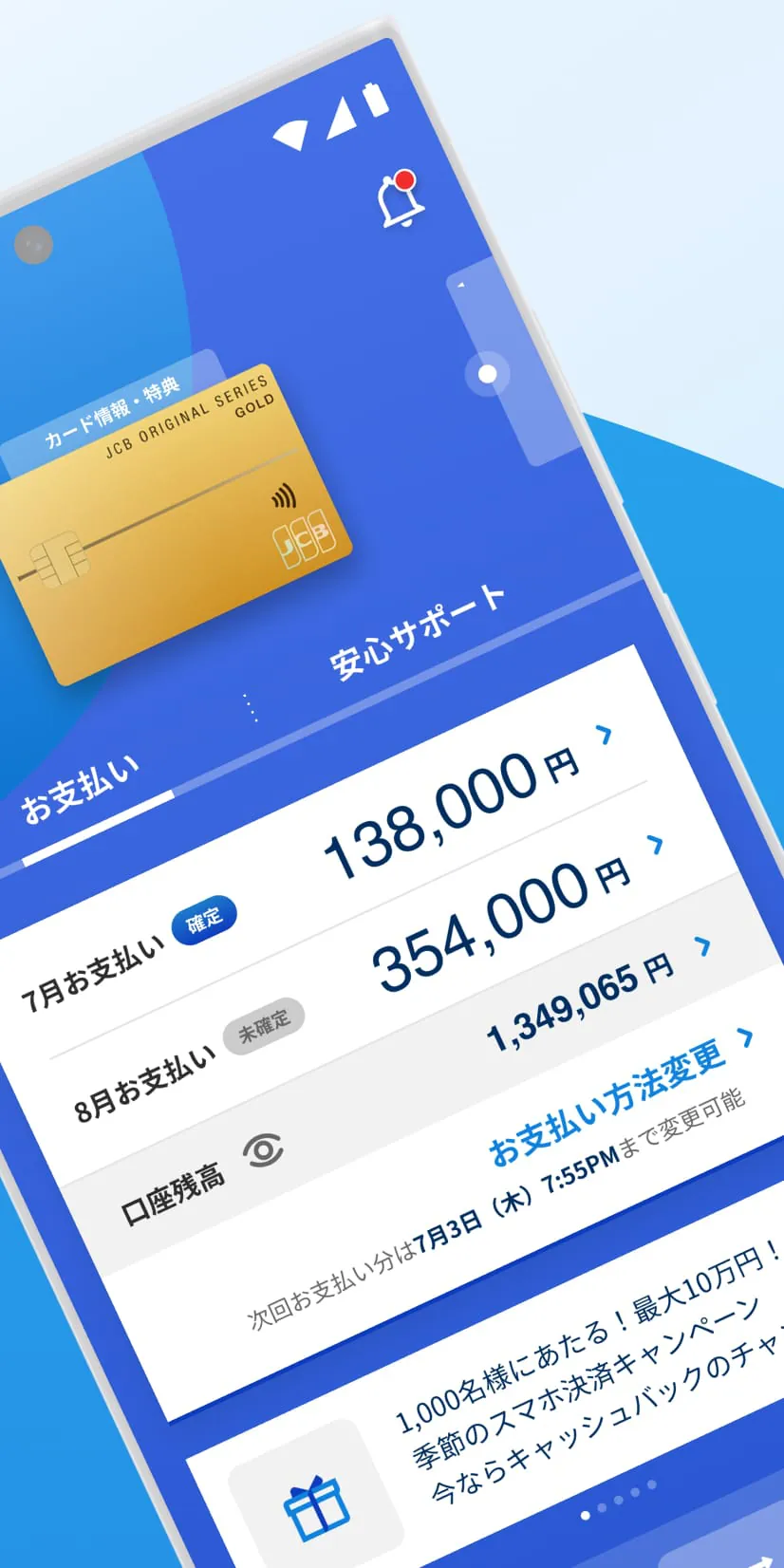
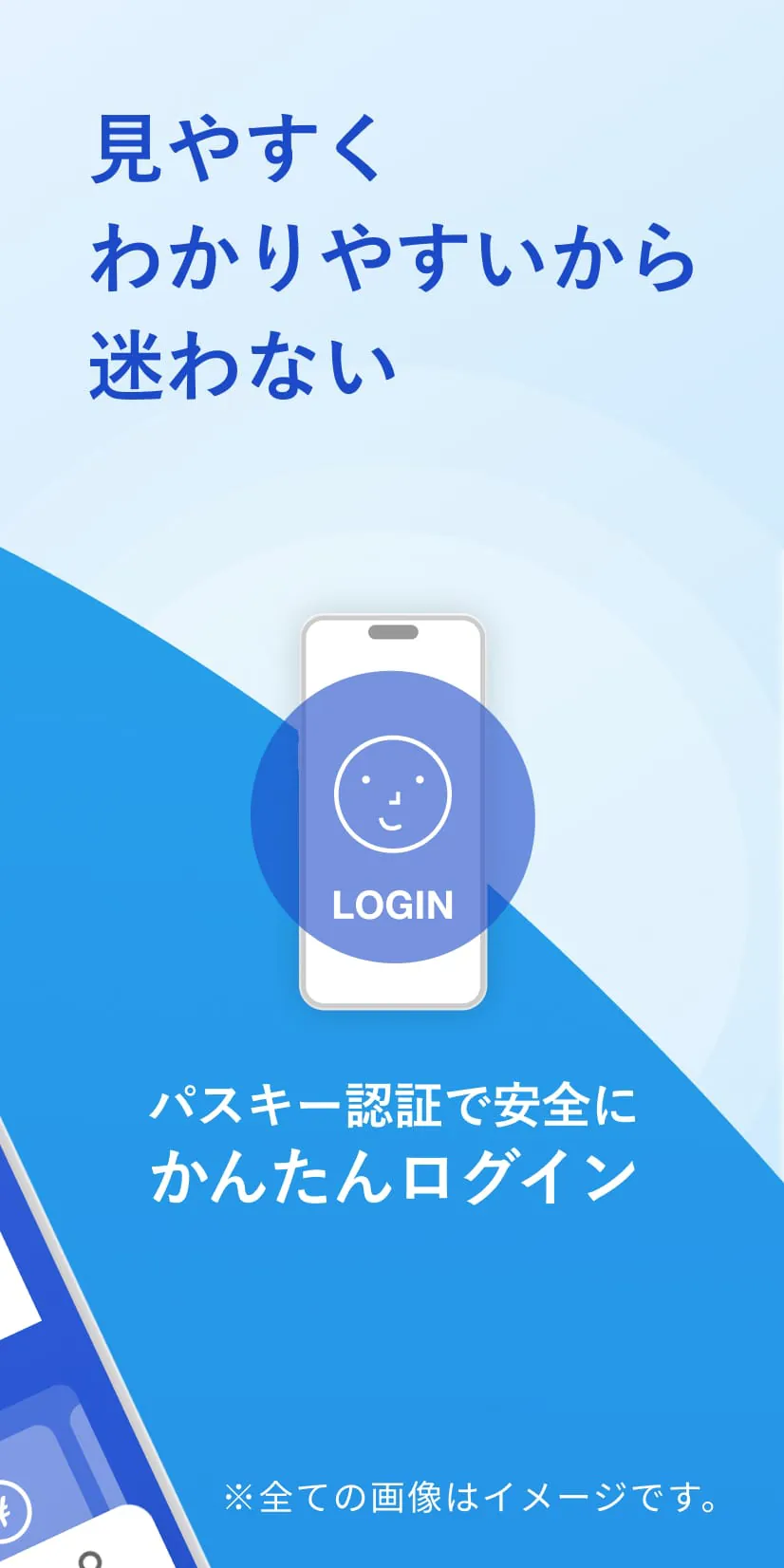
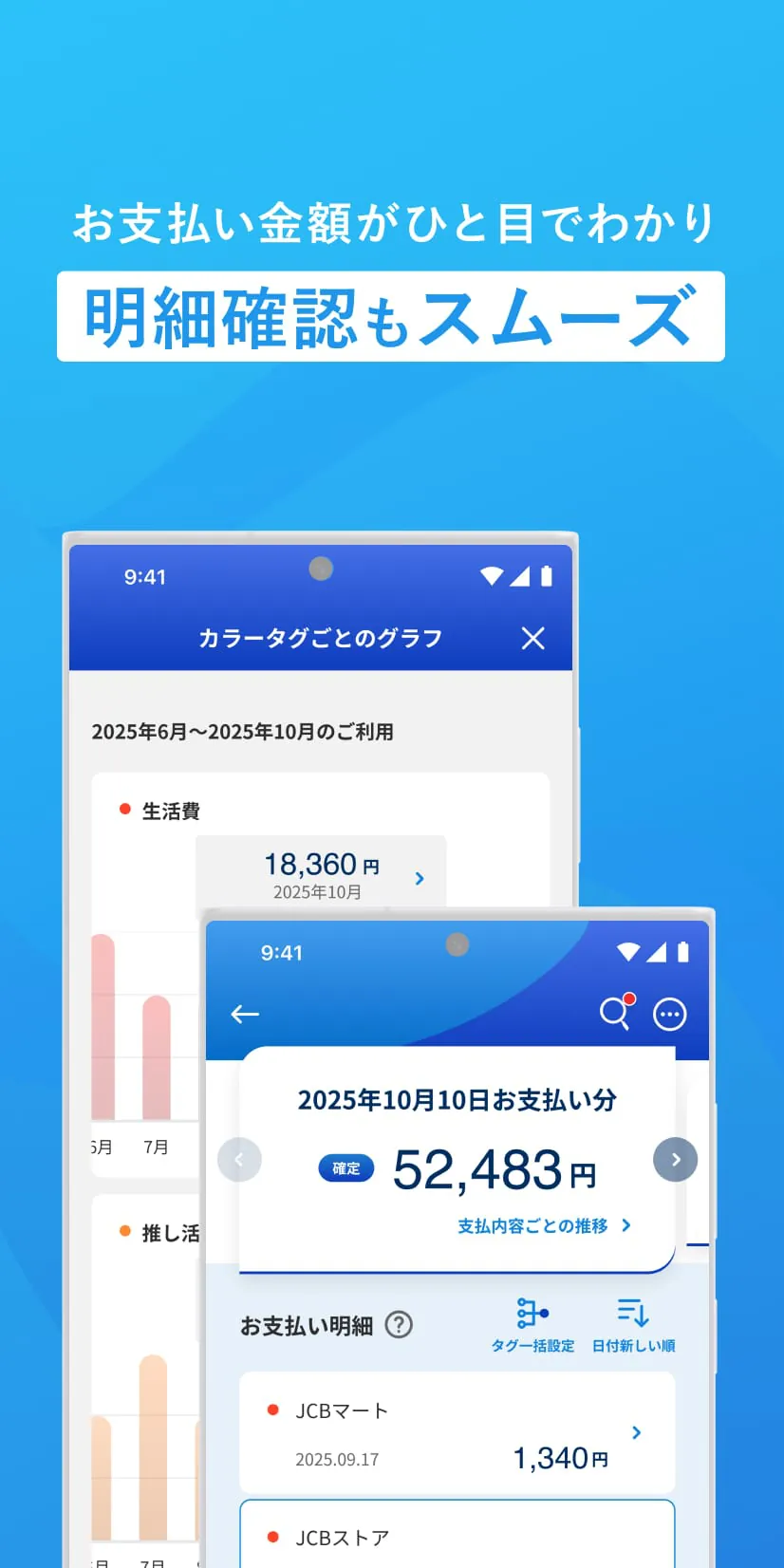
MyJCB is the official app for JCB members, offering convenient features such as easy login and notifications during card usage. To use the app, you need to have a MyJCB ID or a JCB Group card. However, there are some cards that are not compatible with the app. The app provides a simple login process using fingerprint or face recognition, as well as a dedicated passcode. It also allows you to quickly check your payment history, payment dates, and reward points on the homepage. If you have multiple JCB cards, you can easily switch between them by setting up consolidated login. The app also provides notifications for suspicious activities and other important updates related to your card usage.
There are a few important points to note when using MyJCB. First, not all cards are eligible for registration and usage on the app. Some cards issued by companies such as Odakyu Electric Railway, Seven Card Service, Seven Bank, West Japan Railway, Life Financial Service, Resona SBI Net Bank, au Jibun Bank, and Baro Financial Service cannot be used with the app. When using the app for the first time, you will need to input your MyJCB ID, password, card expiration date, and security code. It is also important to remember that the services available may vary depending on the card you have.
Please be aware that the images shown in the app are for illustration purposes only and the available services may differ depending on your card. For inquiries, please refer to the provided contact link. However, please note that inquiries sent to the email address listed on the page will not be accepted. The app may also include information about cash advance services, including solicitation, regardless of the user's intention. Cash advance services are subject to interest charges, so it is important to review the loan conditions and be cautious about borrowing too much.





 APK
APK  Google Play
  iOS
iOS  0.00
0.00
 Download








