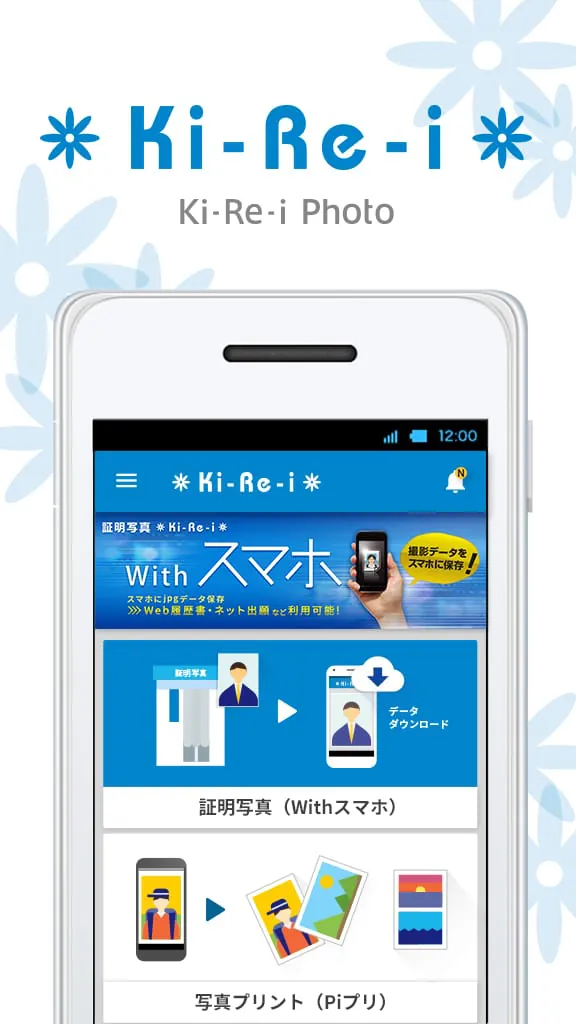
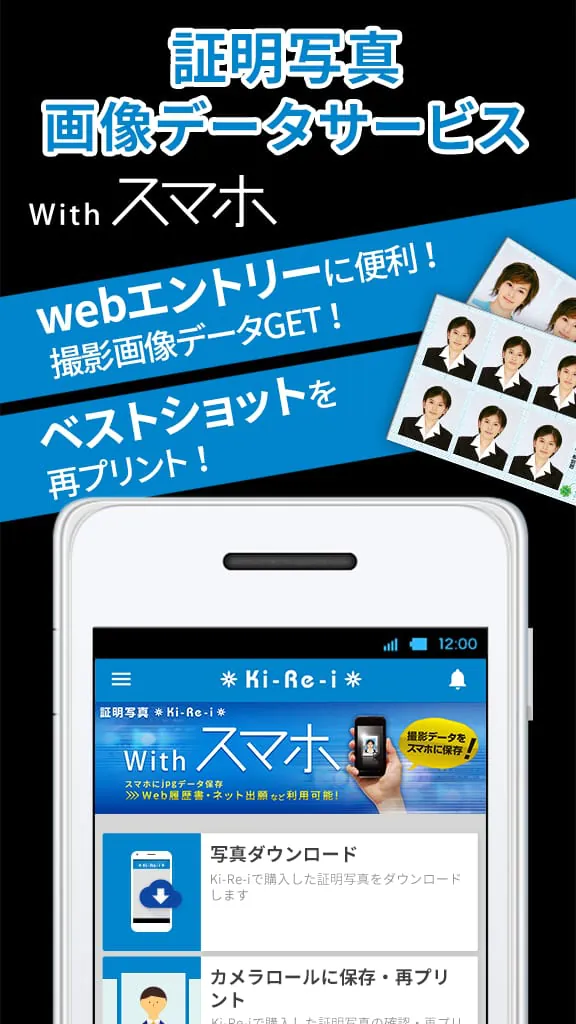
"Ki-Re-i Photo" is an application that allows users to download the data of passport photos taken with DNP's passport photo machine "Ki-Re-i" equipped with the [With Smartphone] function. With this application, users can reprint the passport photos taken with the "Ki-Re-i" machine, or save them as JPEG images on their smartphones.
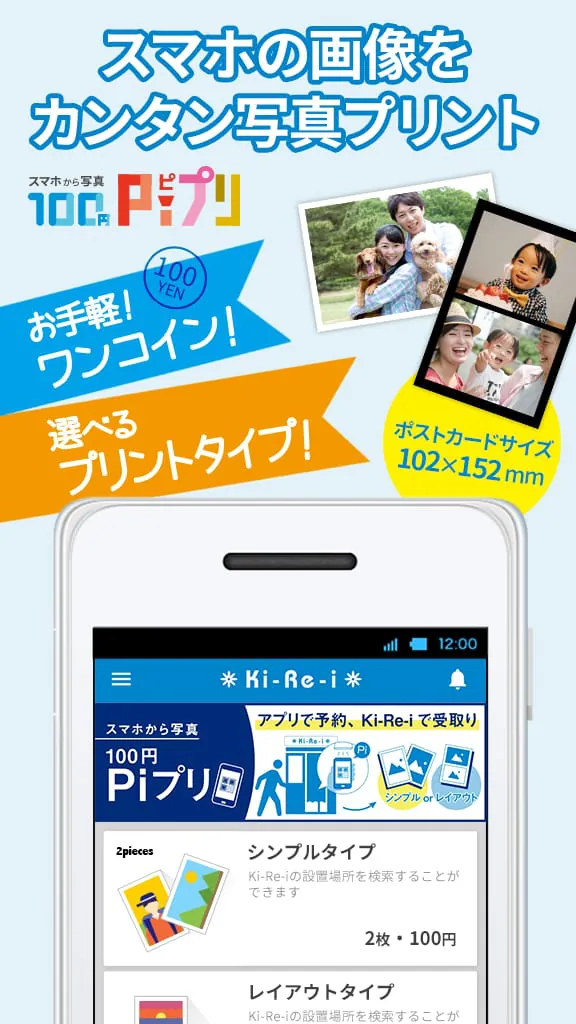
Additionally, the application also offers a service called "100 yen Pi Print from Smartphone," which allows users to edit and reserve their own image data from their smartphone albums and print them using the designated "Ki-Re-i" machine.
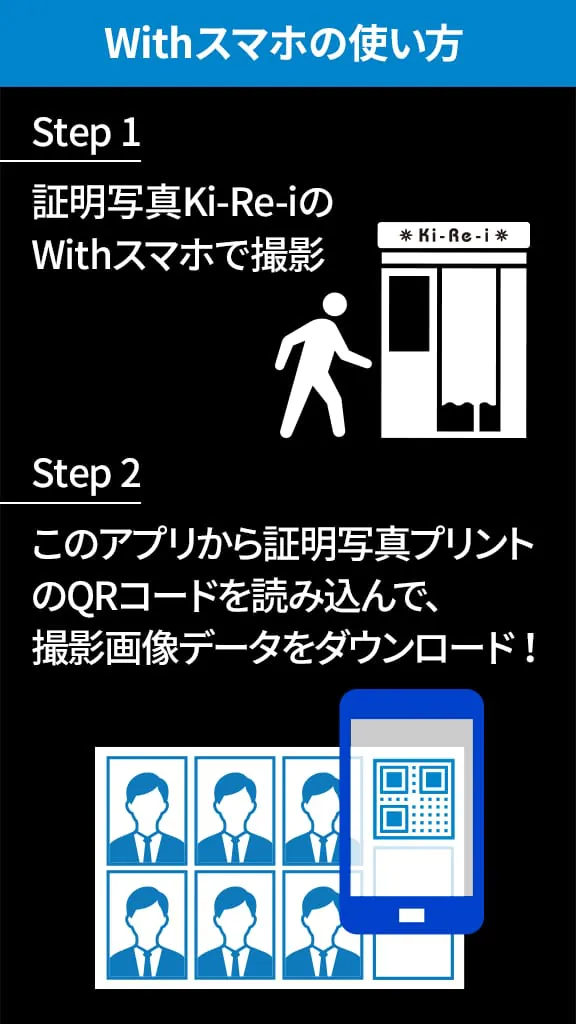
The [With Smartphone] function allows users to reprint (duplicate) the passport photo data taken with the Ki-Re-i passport photo machine and save it as a JPEG image on their smartphones. When saving the JPEG image, users can select the size or specify the size, making it suitable for job hunting or qualification exams. Furthermore, by selecting the With Smartphone+Excellent mode during the photo shoot with the Ki-Re-i machine, users can change the background color and save it in their albums.
Please note that the acquisition and transmission of passport photo data can only be done with the passport photo machine "Ki-Re-i" compatible with this application. Reprinting can be done not only with the Ki-Re-i machine used for the photo shoot but also with other passport photo machines compatible with this application. It is also possible to change the menu or size when reprinting (some machines may not support this). The reprint QR code issued when reprinting can be easily read on the screen of the Ki-Re-i machine, allowing for easy printing. Please be aware that the acquired passport photo data will be deleted when uninstalling this application.
To search for the installation location of the Ki-Re-i passport photo machine compatible with this application, please visit the following link: [link not provided]
The features of this application's With Smartphone menu include:
- Photo Download: Scan the QR code displayed in the purchased prints with the app to download the photo data.
- Photo List (Save to Album/Reprint): Prepare the photo data as JPEG images to be saved in the smartphone album or reprinted with Ki-Re-i. The size of the photo data can be adjusted (cropped) according to the purpose and saved in the album.
- Ki-Re-i Installation Location Search: Search for the installation location of Ki-Re-i machines.
"100 yen Pi Print from Smartphone" is a service that allows users to print photos in postcard size (102x152mm) using the designated Ki-Re-i machine from photos taken with their smartphones. By using this application, users can edit and reserve (pre-upload) the desired photos for printing, and as long as the machine is compatible with Pi Print, they can print them anywhere in the country. Please note that the uploaded photos have an expiration date.
There are two menus available: Simple Type (2 photos) and Layout Type (1 photo). Users can select the desired menu and choose the photos they want to print from their albums. After editing, pressing the print reservation button will upload the image and generate a QR code (reservation number) within the app.
To start printing, simply scan the barcode reader of the Ki-Re-i passport photo machine and make the payment. With a pre-reservation from a smartphone during free time, whether at a cafe or at home, printing photos is made easy.
Please note that if the message "Ki-Re-i Photo is requesting access to your photos" appears, please select [OK] to allow access to photos. If you select [Do not allow] for "Ki-Re-i Photo is requesting access to your photos," you will not be able to save JPEG images to the album. In that case, please go to "Settings," open the app > Passport Photos & Photo Prints > Permissions, and turn on the settings for "Camera" and "Storage." If the app does not function properly, try restarting the application or turning the smartphone off and on again, as this may resolve the issue.
Supported platforms: Android OS 10~ (as of March 1, 2023)




 APK
APK  Google Play
  iOS
iOS  0.00
0.00