Navionics Boating is a comprehensive marine navigation application designed for boaters, anglers, and sailors, offering detailed nautical charts, advanced GPS routing, and a suite of on-the-water tools to enhance safety and enjoyment during maritime adventures.
Key Features
The application stands out with its rich set of capabilities that cater to both casual and professional mariners. It provides access to the world's largest database of marine charts, which are constantly updated with community edits. Users benefit from advanced features like AutoRouting, which suggests optimal paths considering boat draft and clearances, and SonarChart live, which creates real-time depth contours. The app also integrates with social features, allowing boaters to share fishing spots, anchorages, and points of interest with a trusted community.
Pros & Cons
Evaluating the application reveals a balanced mix of strengths and areas for consideration.
- Pros: The chart detail is exceptionally rich and reliable. Features like offline chart downloading and the constantly updated community data (Navionics Boating) are invaluable. The interface is generally intuitive, and the integration of fishing charts, weather overlays, and dock-to-dock Autorouting provides exceptional value for various on-water activities.
- Cons: The subscription model can be a recurring cost. Some advanced features require a stable internet connection for initial downloads or updates. New users may experience a learning curve to fully utilize all functionalities, and battery consumption can be high during prolonged use with GPS and sonar active.
Functions
The app's functionality extends far beyond simple chart display, acting as a full-featured navigation hub.
- Navigation & Planning: Offers detailed trip planning with waypoints, routes, and tracks. The Dock-to-Dock Autorouting automatically creates safe routes.
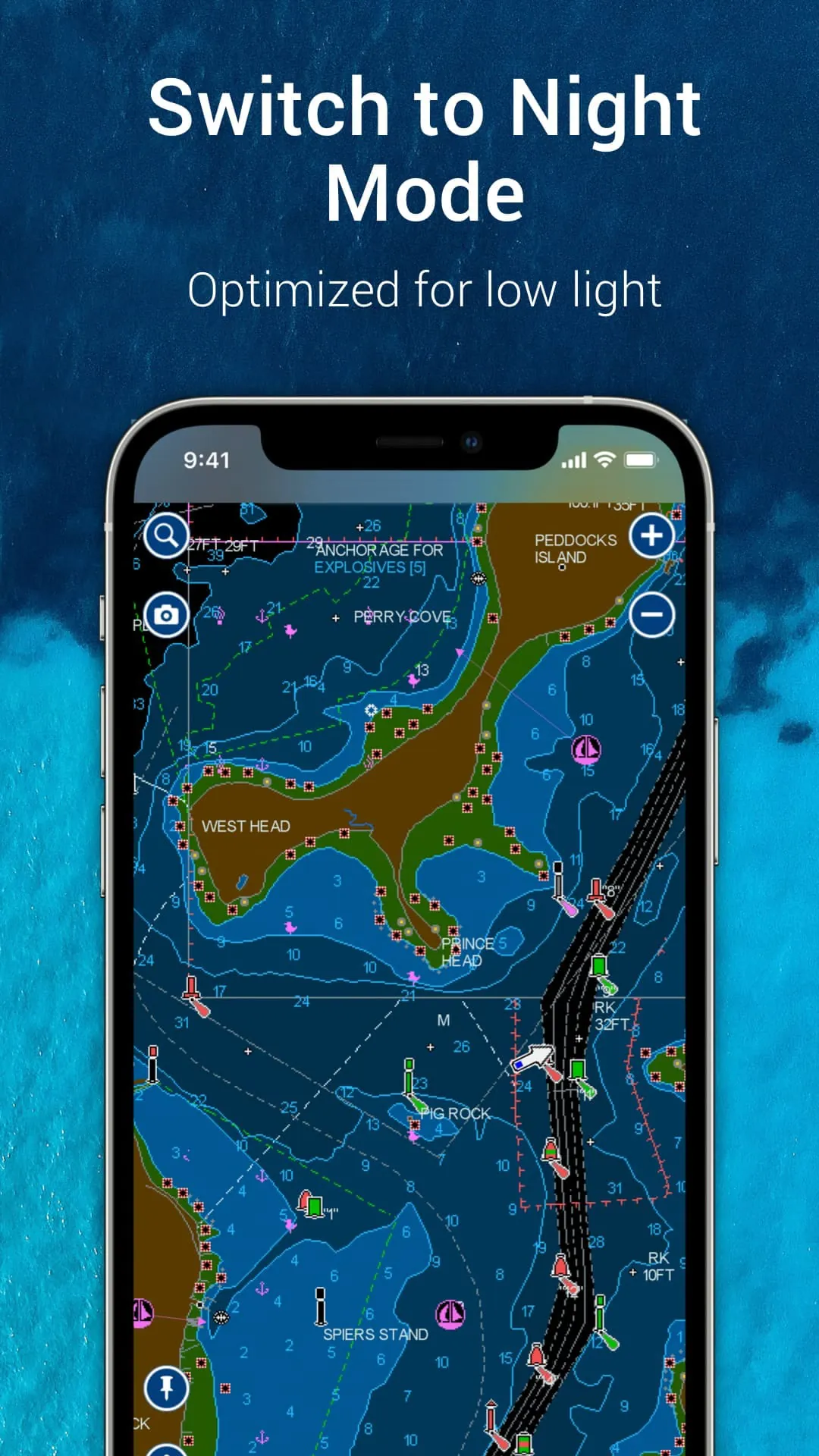
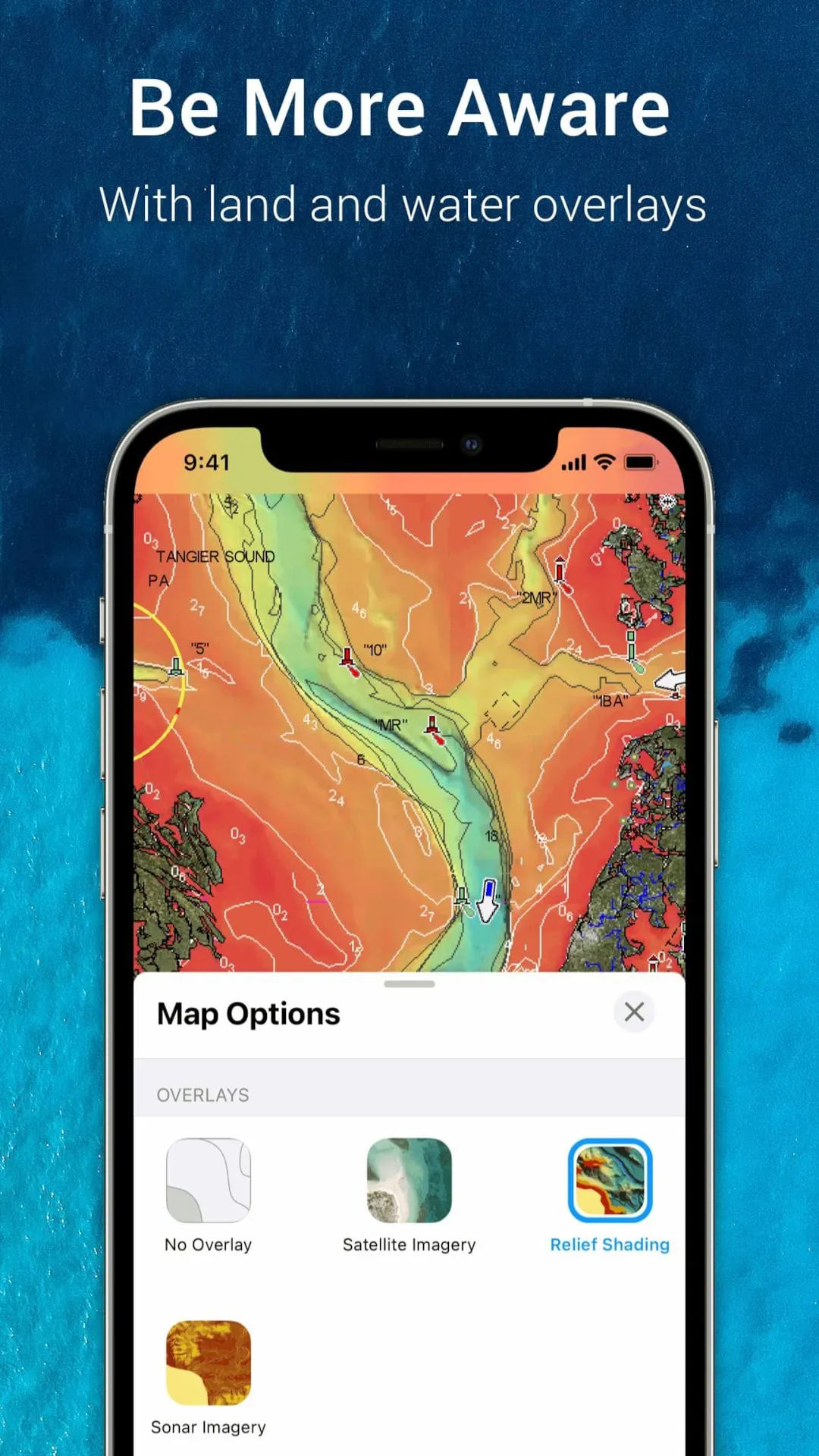
- Charting: Displays vector charts with multiple overlay options including satellite photos, marine services, and user-generated content.
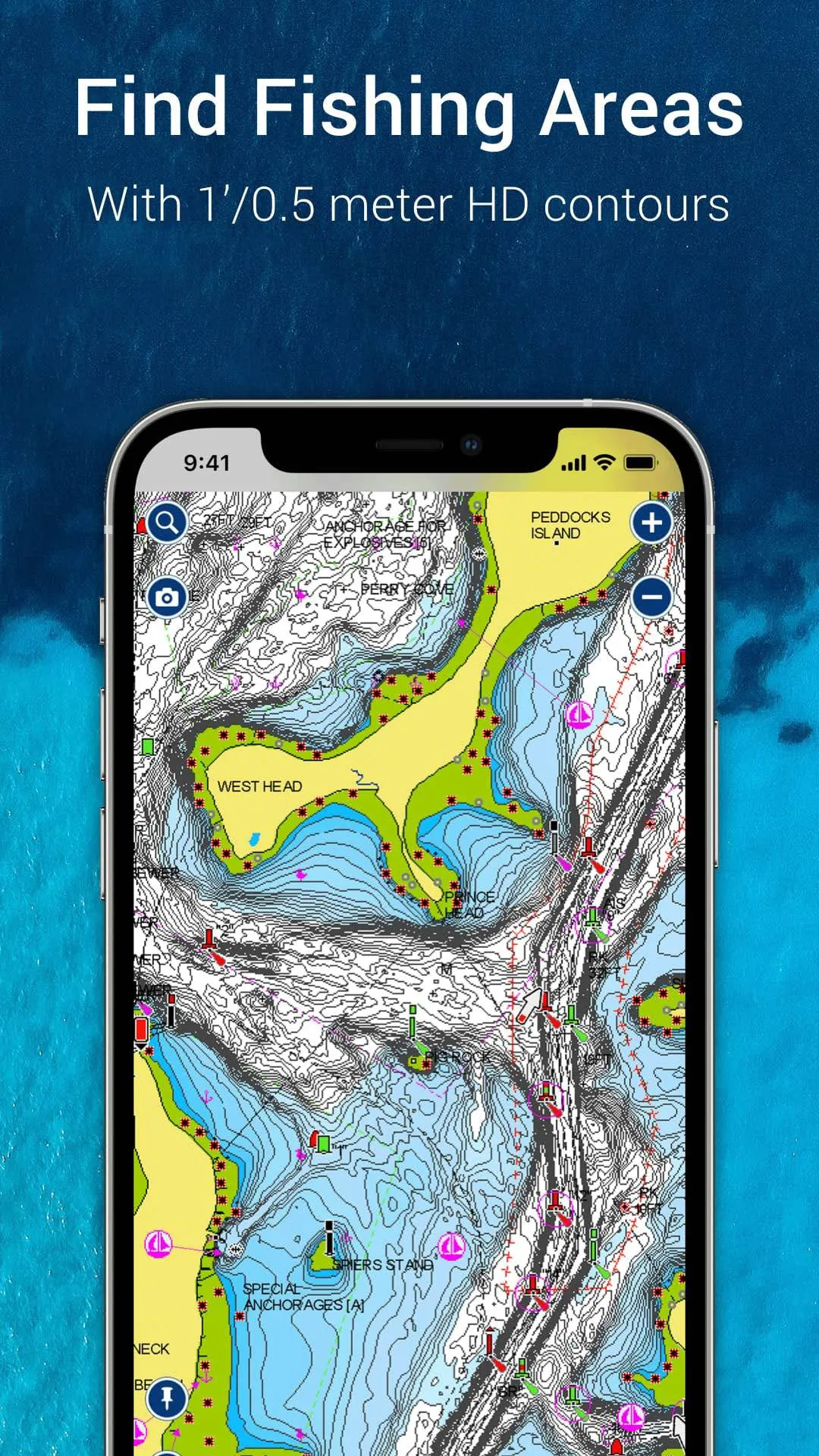
- Fishing & Sonar: Includes detailed depth contours (SonarChart), fishing hotspots, and can connect to compatible sonar devices for live mapping.
- Community & Safety: Allows users to view and submit updates on hazards, marinas, and anchorages. Provides tools for tracking tides, currents, and weather data.
How to Use
Click the button "Check All Versions" below to download and install it. Once installed, launch the app and create a user account to sync your data across devices. Start by downloading the regional charts for your primary boating areas to your device for offline use. You can then plan a route by tapping on the chart to set waypoints or use the Autorouting feature by entering your vessel's parameters. While on the water, enable GPS tracking to follow your course, mark productive fishing spots, and use the community layers to see recent updates from other boaters. Regularly sync the app when connected to Wi-Fi to ensure you have the latest chart corrections and community data.




 APK
APK  Google Play
  iOS
iOS  2.80
2.80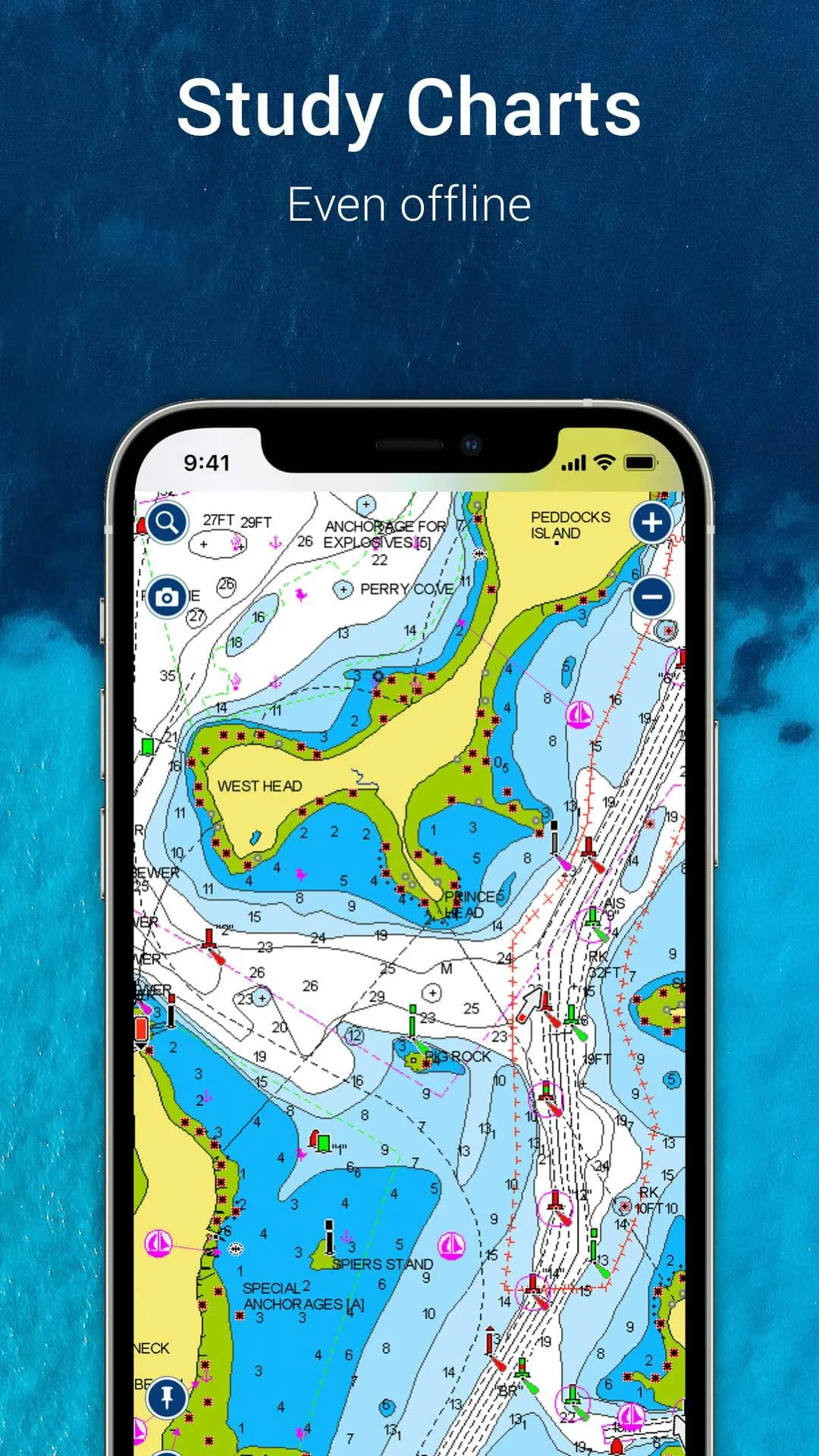
 Download








