IRS2Go is the official smartphone application from the Internal Revenue Service (IRS), designed to provide U.S. taxpayers with convenient, on-the-go access to key tools and information related to their federal taxes. It allows users to check their refund status, make payments, find free tax help, and receive important tax updates directly on their mobile devices, serving as a portable hub for managing essential tax tasks.
Key Features
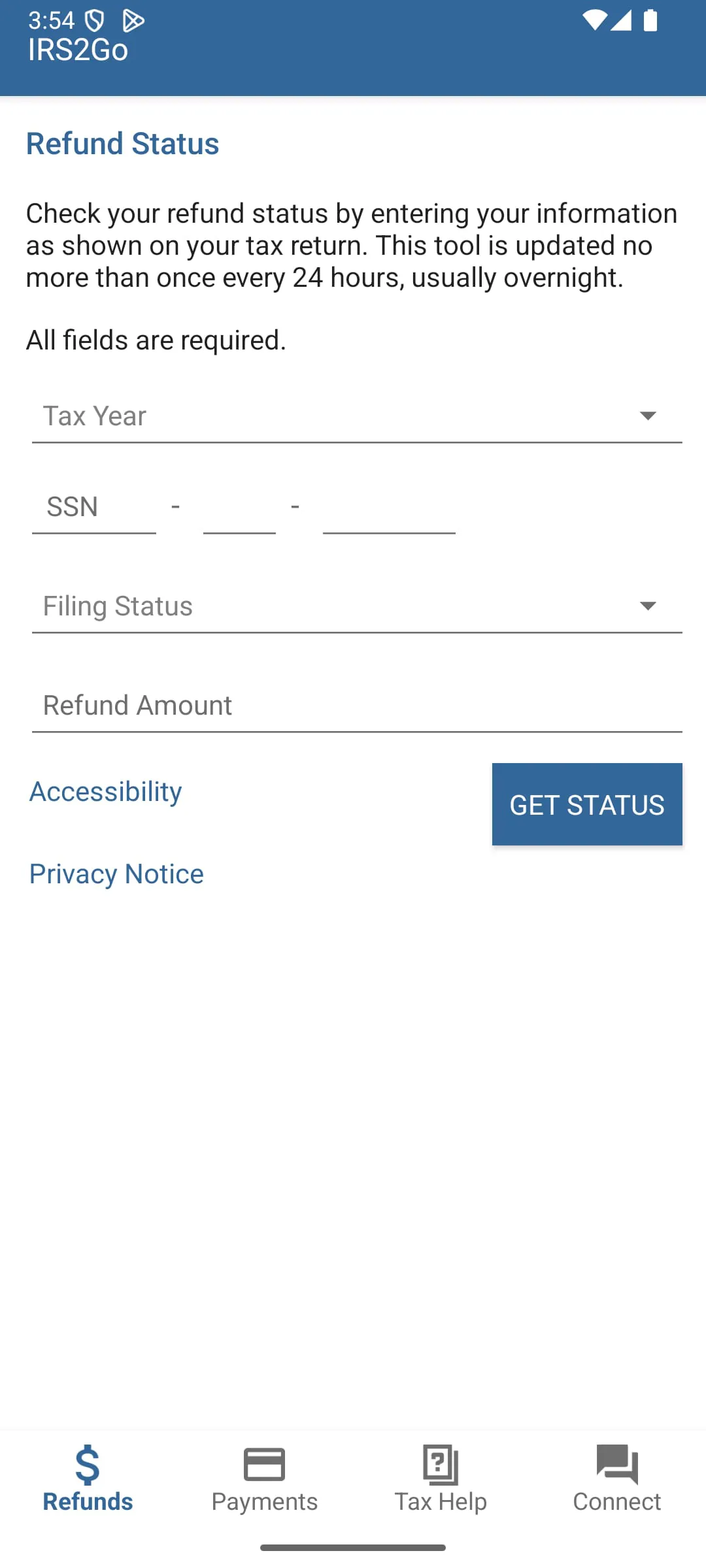
The app consolidates several critical IRS services into a user-friendly mobile interface. Its standout capability is providing real-time updates on the status of your tax refund. Beyond refund tracking, it offers secure access to your tax account, including viewing your balance and payment history. The app also features interactive tools like the IRS’s Volunteer Income Tax Assistance (VITA) site locator to help users find free in-person tax preparation help. Furthermore, it delivers the latest tax news and tips, which are particularly useful during the filing season.
Pros & Cons
A significant advantage of IRS2Go is that it is the authoritative, official source from the IRS, ensuring security and accuracy of your personal tax data. The convenience of checking your refund status from anywhere is a major benefit. However, the app has notable limitations. Its functionality is somewhat basic compared to commercial tax software, as it is not designed for actually preparing or submitting tax returns. Some users may also find the interface and feature set to be less modern or comprehensive than they expect from a mobile application.
Functions
The application provides a focused set of functions centered around taxpayer interaction and information. Its primary functions include:
- Checking the status of your federal tax refund.
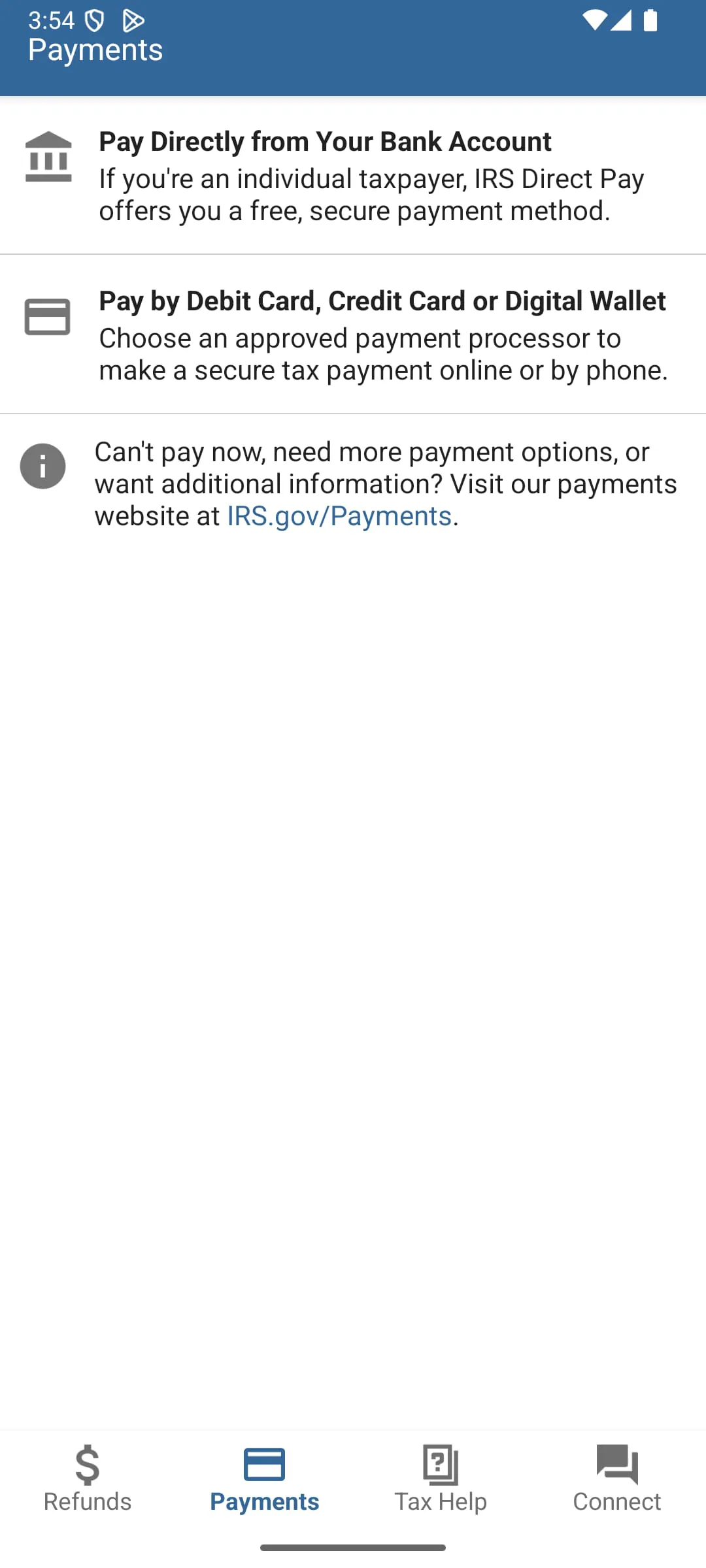
- Making tax payments directly to the IRS.
- Viewing your current tax account balance and payment history.
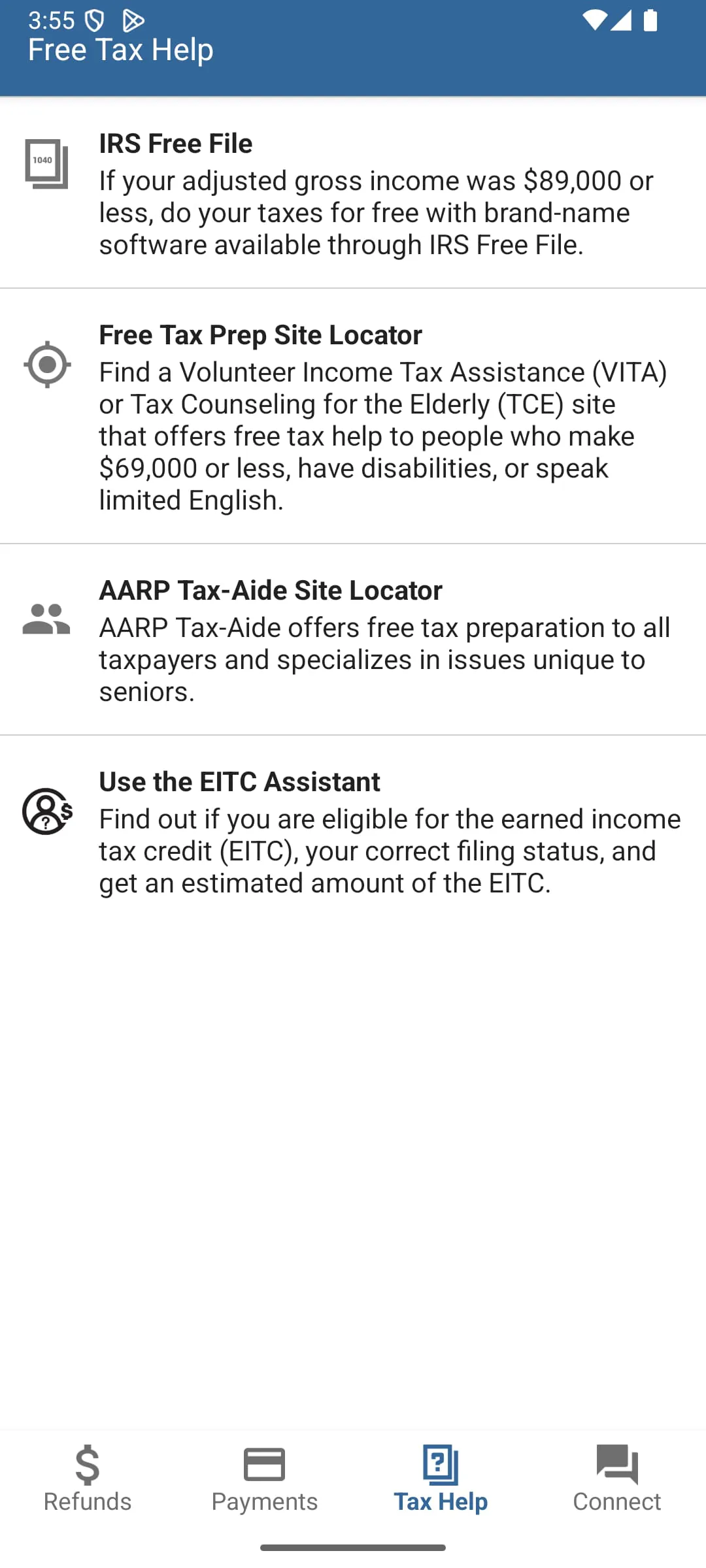
- Finding locations for free tax preparation assistance through the VITA program.
- Receiving updates and tips from the IRS via push notifications.
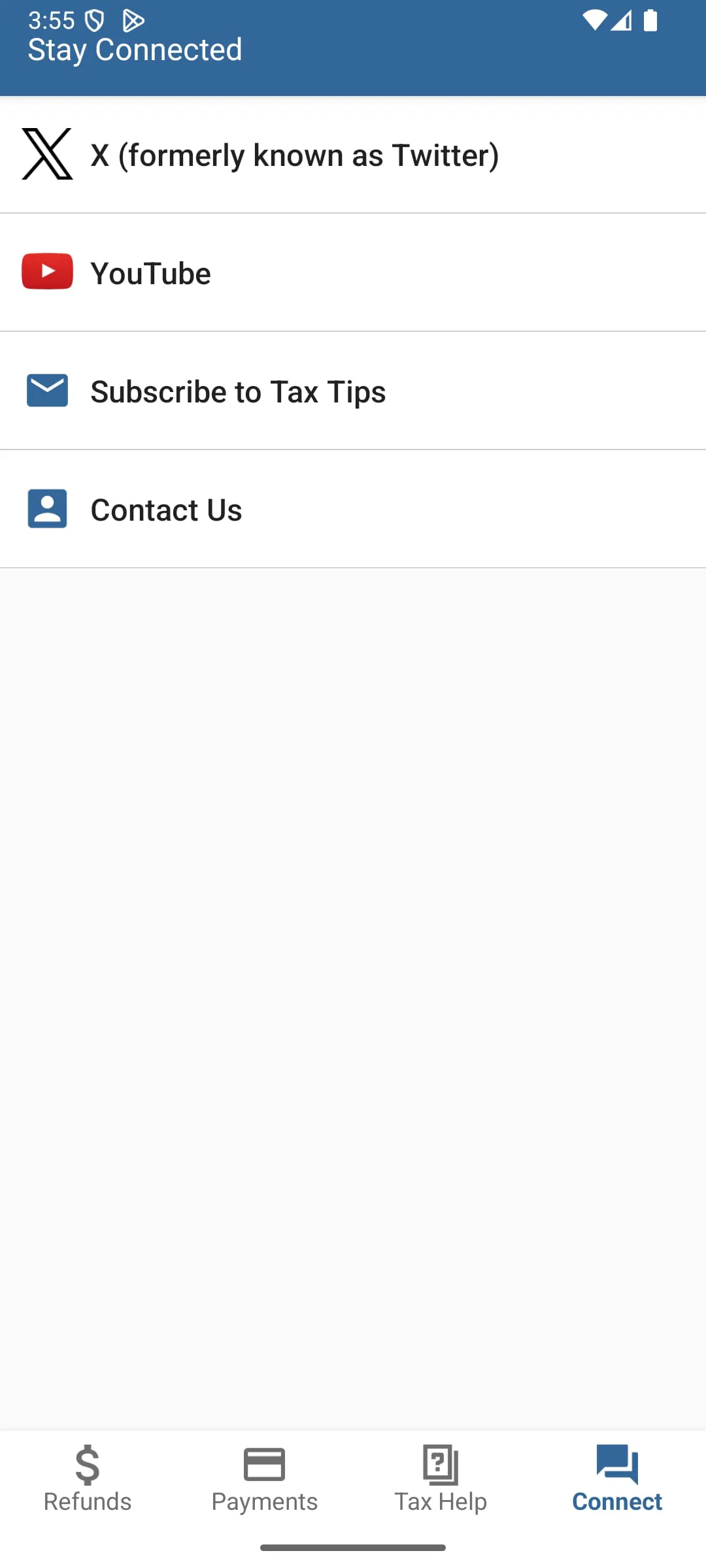
- Accessing IRS social media feeds for news and alerts.
How to Use
Click the button "Check All Versions" below to download and install it. Once installed, open the app and navigate to the feature you need. To use the popular "Where's My Refund?" tool, you will need to provide your Social Security Number, filing status, and the exact refund amount from your tax return. For secure account access, you must authenticate your identity through a rigorous process similar to the one on the IRS website. You can enable push notifications in your device settings to receive the latest IRS news and deadline reminders directly.





 APK
APK  Google Play
  iOS
iOS  4.00
4.00