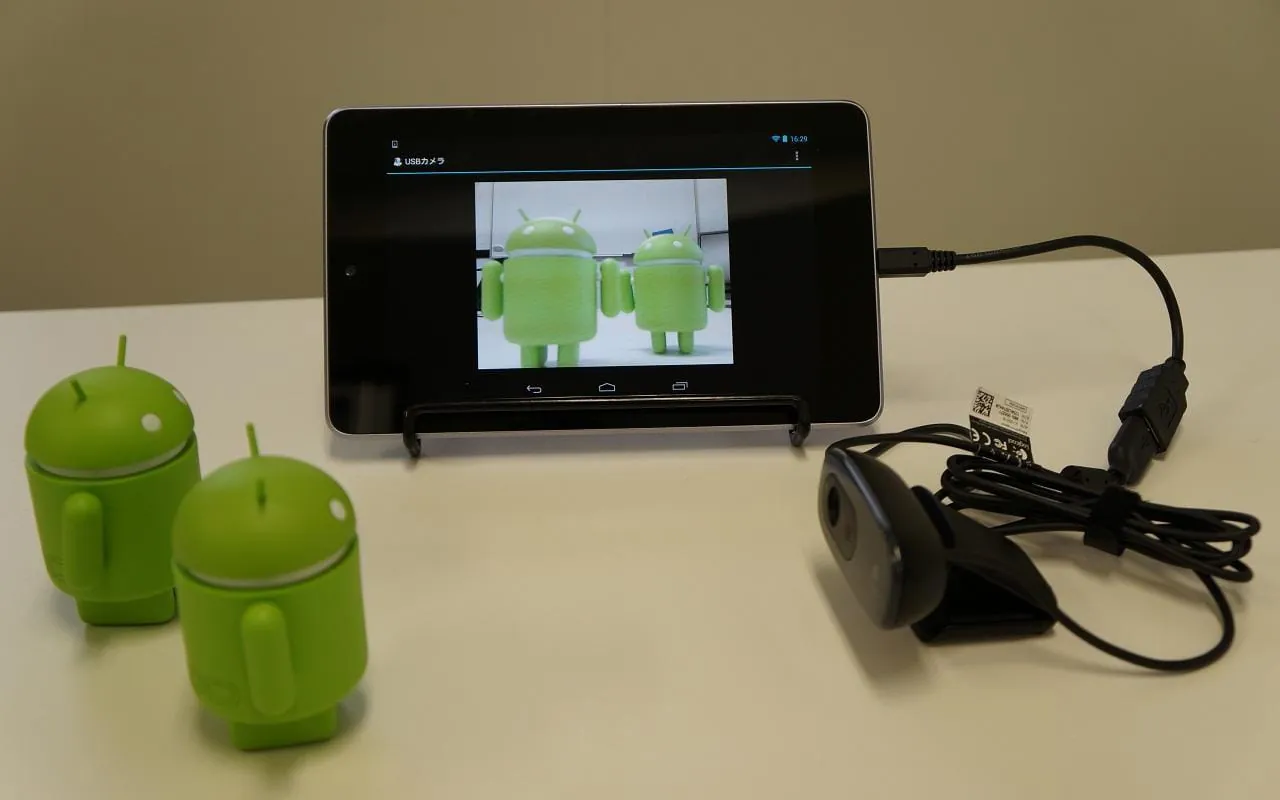
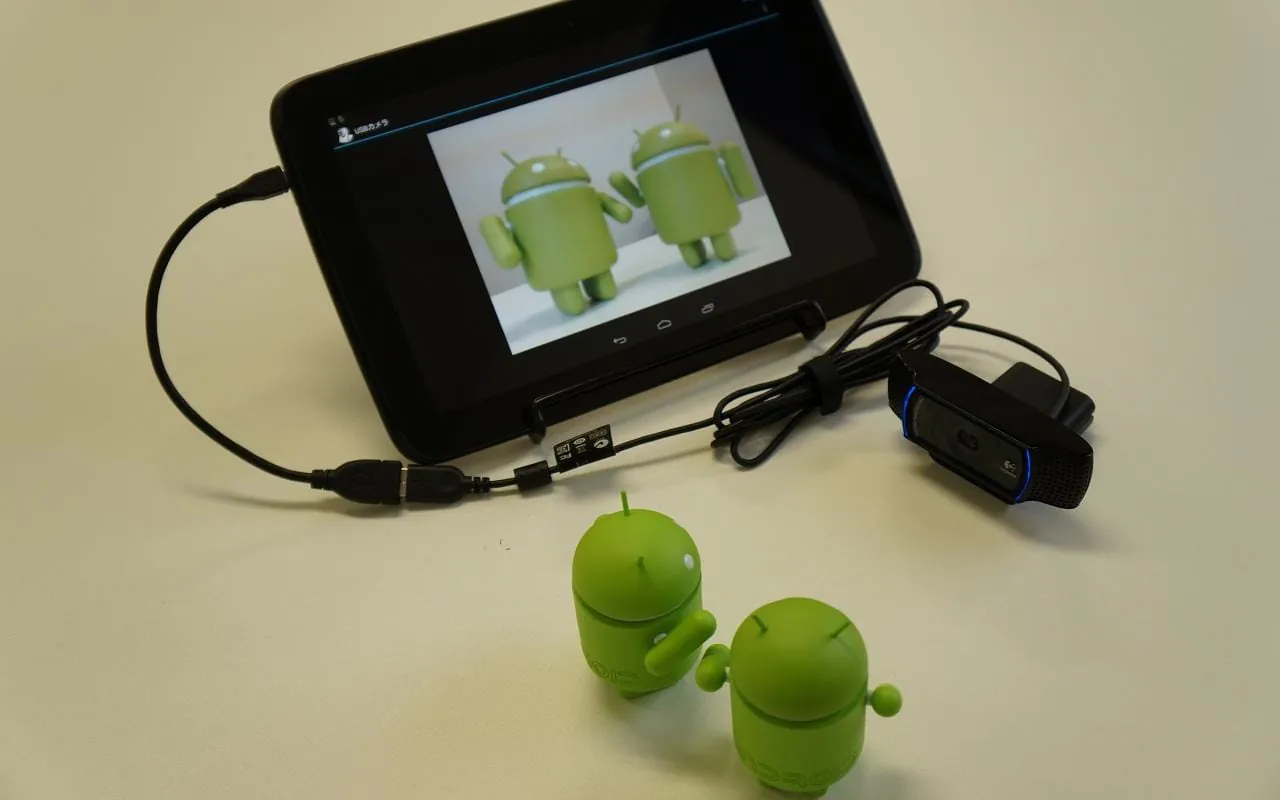
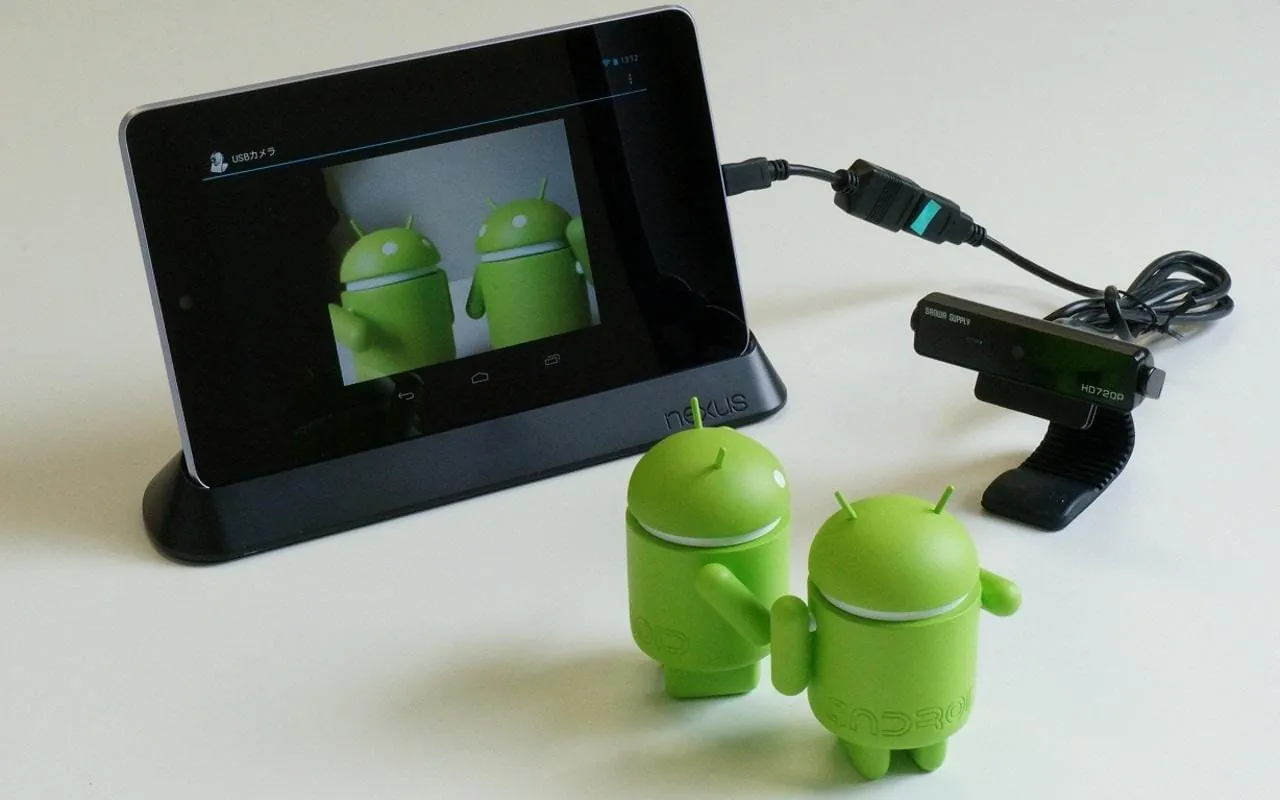
This Android application is designed for displaying, recording, and managing video streams from USB cameras. It is available free of charge and without advertisements, and has been maintained by the developing company since its initial release on March 30, 2013. The application offers a range of features and capabilities, including support for high-definition (HD) and full high-definition (FHD) resolutions, and extensive control over USB camera settings such as zoom, focus, brightness, contrast, saturation, sharpness, gamma, gain, hue, white balance, auto exposure (AE), pan, tilt, roll, and flicker correction. Users can record videos and capture still images directly from the connected USB camera. A notable feature is the ability to connect and use two cameras simultaneously, allowing for either simultaneous display or switchable viewing between the two video streams. The application's continued maintenance and feature set make it a versatile tool for users needing to capture and manage video from USB cameras on their Android devices. The developer emphasizes its ongoing commitment to supporting and updating the application, ensuring it remains a reliable and user-friendly option for those seeking USB camera integration with their Android devices. Furthermore, the absence of advertisements enhances the user experience, providing an uninterrupted and focused environment for video recording and camera control. The application's longevity, combined with its comprehensive feature set and ad-free nature, positions it as a strong choice for Android users requiring USB camera functionality. The ability to fine-tune camera settings such as brightness, contrast, and white balance further extends the application's utility, enabling users to optimize video quality according to their specific needs and environmental conditions. Whether for professional use, surveillance, or personal projects, this USB camera application offers a robust and feature-rich solution for Android devices. The dual camera support, though subject to certain limitations, adds another layer of versatility, catering to scenarios where multiple viewpoints or simultaneous video streams are required. This commitment to providing a comprehensive set of features, coupled with continuous maintenance and a user-friendly design, underscores the application's value in the realm of Android-based USB camera management.
Despite its numerous features, the application does have certain limitations and considerations. Notably, the audio recorded during video recording is sourced from the Android device's microphone rather than the USB camera's built-in microphone. This could be a significant drawback for users prioritizing high-quality audio synchronized with the video stream. The availability of USB camera control settings is contingent on the connected camera's capabilities, meaning that not all settings may be adjustable for every camera model. Compatibility is another critical factor, as the application is not guaranteed to function flawlessly with all Android devices or USB cameras. This lack of universal compatibility necessitates that users verify the application's performance with their specific hardware configuration. The application is also designed as a standalone entity, lacking integration or interaction with other Android applications. This isolation might limit its usefulness in workflows that require seamless data exchange between different apps. Furthermore, the application is incompatible with Android devices that do not support Google Play services, restricting its accessibility to a subset of the Android ecosystem. The dual-camera simultaneous connection feature is specifically limited to cameras supporting Motion JPEG (MJPEG), and even with compatible cameras, the developer cautions that the application's stability may be compromised during simultaneous operation. These constraints and limitations highlight the importance of understanding the application's specific requirements and potential drawbacks before relying on it for critical tasks. Users should carefully evaluate their hardware compatibility, audio recording needs, and integration requirements to determine whether this application aligns with their specific use case. While the application offers a wealth of features and controls, its limitations regarding audio input, device compatibility, and third-party integration should be taken into account. The stability concerns associated with the dual-camera feature further emphasize the need for thorough testing and careful consideration before deploying the application in demanding scenarios. By acknowledging these constraints, users can make informed decisions and optimize their experience with the application.
In terms of licensing, the application incorporates components based on the work of the Independent JPEG Group, acknowledging the open-source contributions that have facilitated its development. This attribution reflects a commitment to respecting intellectual property and adhering to established licensing practices within the software development community. Overall, this Android application provides a comprehensive and feature-rich solution for managing USB cameras on Android devices. Its strengths lie in its extensive camera control options, support for high-resolution video, and dual-camera capability. However, users should be aware of its limitations, particularly regarding audio recording, device compatibility, and the potential instability of the dual-camera feature. Despite these constraints, the application remains a valuable tool for users seeking to integrate USB cameras with their Android devices, offering a blend of functionality, control, and convenience. The developer's ongoing maintenance and commitment to providing an ad-free experience further enhance its appeal, making it a viable option for a range of applications, from personal video recording to professional surveillance. By carefully considering its features and limitations, users can leverage this application to effectively capture and manage video streams from USB cameras on their Android devices, while also appreciating its reliance on open-source components and its adherence to established licensing practices. Its ease of use, coupled with its extensive feature set, positions it as a strong contender in the realm of Android-based USB camera management tools, offering a robust and versatile solution for both casual and professional users alike.





 APK
APK  Google Play
  iOS
iOS  3.70
3.70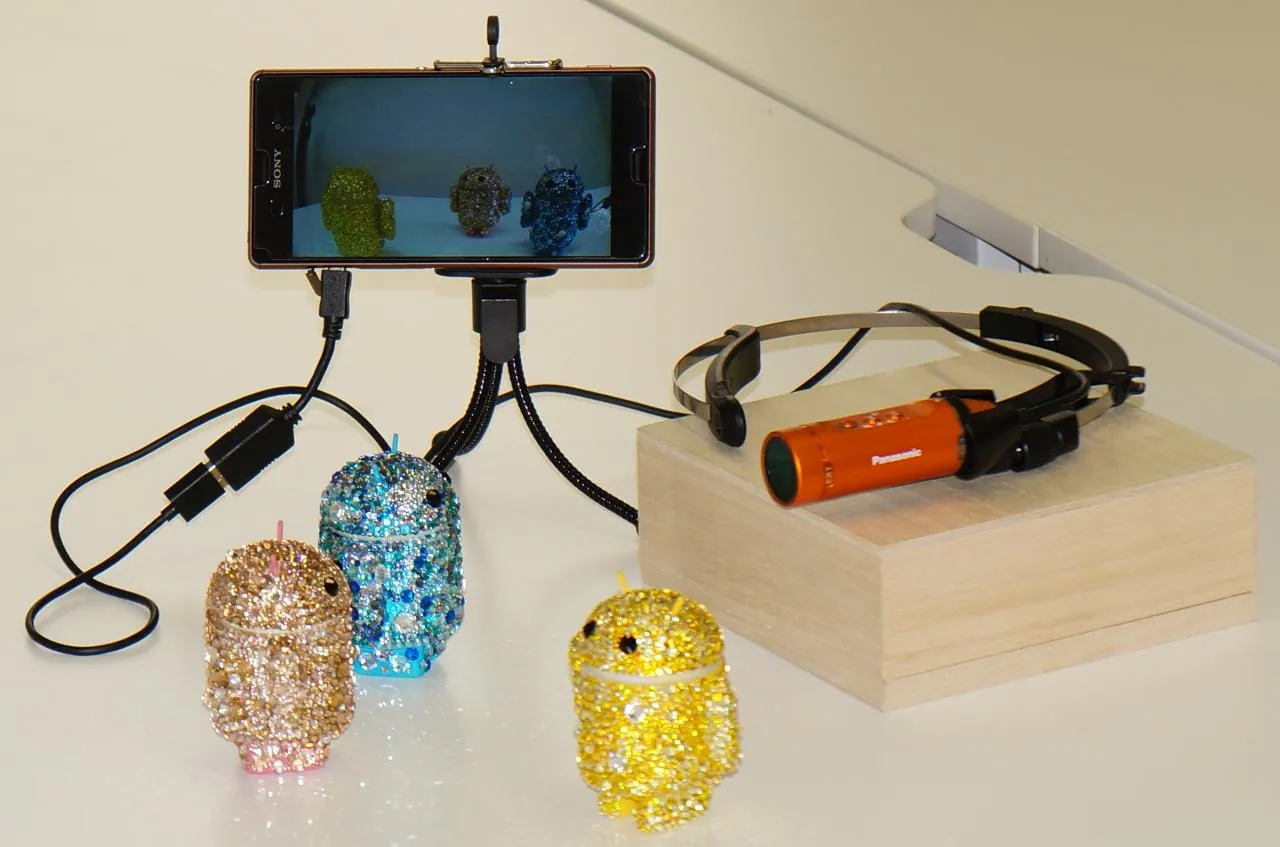
 Download








