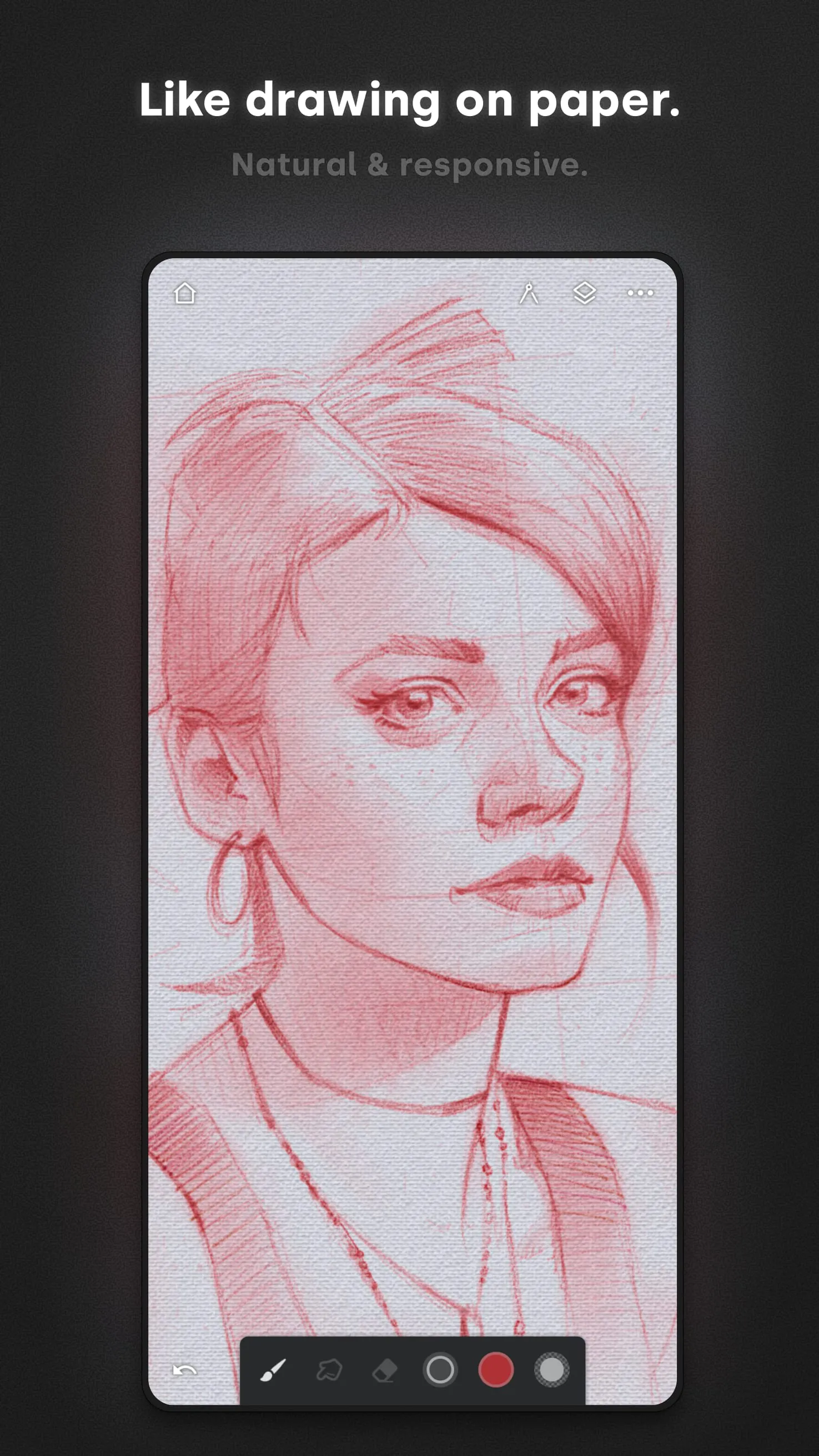
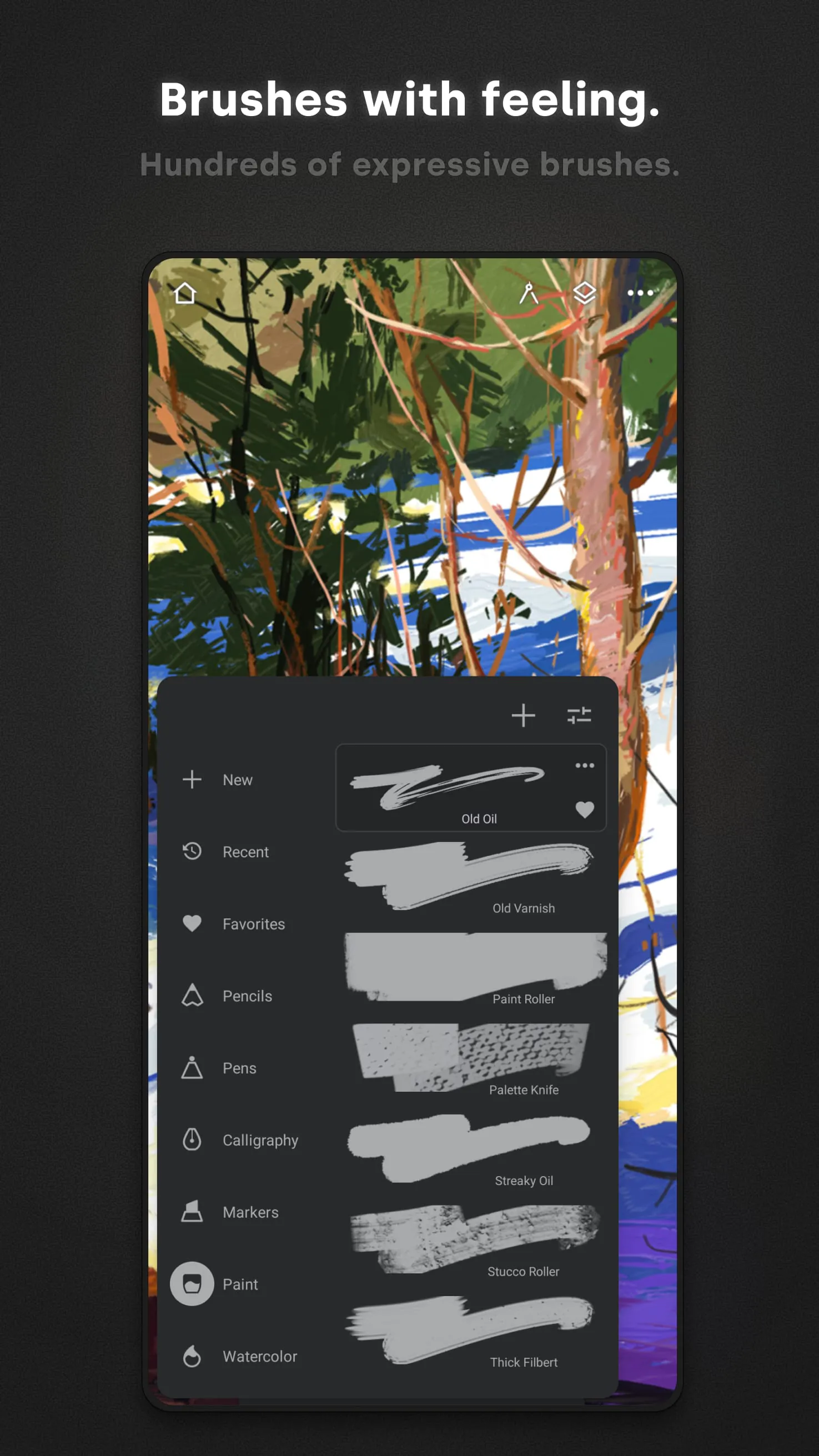
Infinite Painter stands out as a remarkably advanced and versatile painting application tailored for tablets, offering an extensive suite of tools and features designed to cater to both aspiring and professional artists. At its core, the application boasts an impressive library of over 160 natural brush presets, meticulously crafted to simulate the behavior and texture of real-world art supplies. These brushes range from traditional mediums like pencils, charcoal, and oil paints to more specialized tools, providing artists with an unparalleled level of creative freedom and control. Furthermore, Infinite Painter empowers users to customize existing brushes or create entirely new ones from scratch, allowing for limitless experimentation and the development of personalized artistic styles. The ability to fine-tune brush settings such as size, pressure sensitivity, and texture response ensures that every stroke feels authentic and responsive, mimicking the nuances of traditional art techniques. This level of detail is crucial for artists who seek to replicate the look and feel of traditional media within a digital environment. The application's brush engine is designed to realistically modify input values based on the chosen texture, adding another layer of depth and realism to the painting experience. Whether you're aiming for the smooth, blended strokes of an airbrush or the rough, textured marks of a charcoal pencil, Infinite Painter provides the tools and flexibility to achieve your desired artistic vision. The application's commitment to providing a natural and intuitive painting experience sets it apart from other digital art tools, making it an ideal choice for artists who demand the highest level of realism and control. Beyond its extensive brush library and customization options, Infinite Painter also offers a comprehensive set of features designed to streamline the creative workflow. The application's user interface is thoughtfully designed to be both intuitive and efficient, providing easy access to all of the essential tools and settings without cluttering the workspace. This allows artists to focus on their work without being distracted by complex menus or confusing options. The application also supports a wide range of advanced features, such as layer blending modes, perspective guides, and selection tools, which further enhance the creative possibilities. Whether you're a seasoned professional or a novice just starting out, Infinite Painter provides a powerful and accessible platform for creating stunning digital artwork.
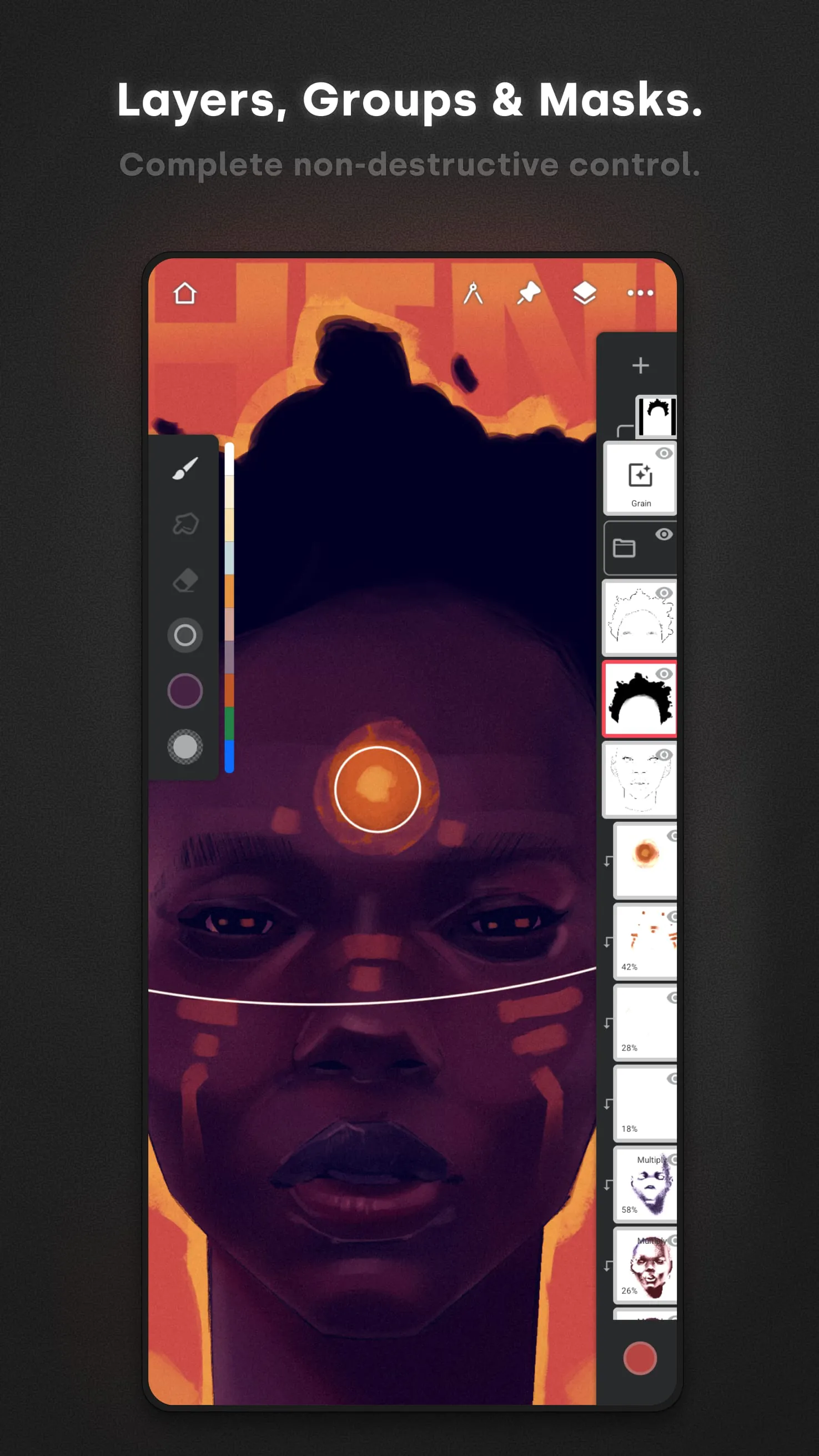
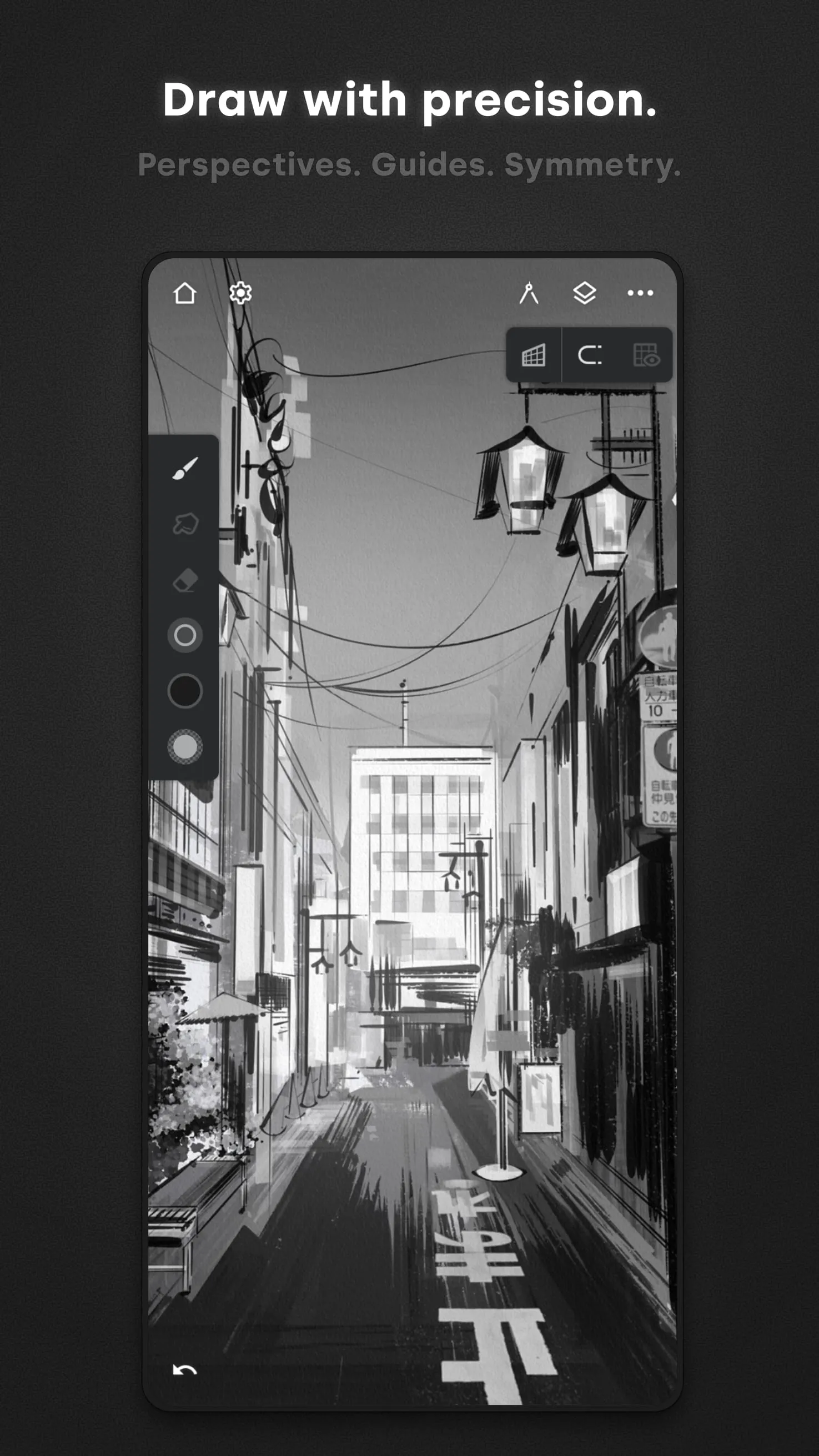
Infinite Painter distinguishes itself through its comprehensive suite of tools designed to enhance the artistic process, providing users with unparalleled control and creative flexibility. The application offers four distinct types of symmetry, enabling artists to create intricate and balanced designs with ease. This feature is particularly useful for creating mandalas, kaleidoscopic patterns, and other symmetrical artwork, saving artists valuable time and effort. The symmetry tools are highly customizable, allowing users to adjust the number of axes, angle of rotation, and other parameters to achieve their desired effect. In addition to symmetry tools, Infinite Painter also incorporates layer and Photoshop blending modes, allowing artists to create complex and layered compositions with a high degree of control over the final result. Layer blending modes enable users to combine different layers in a variety of ways, creating unique visual effects such as overlays, shadows, and highlights. This feature is essential for creating depth and dimension in digital paintings, and it allows artists to achieve effects that would be difficult or impossible to replicate using traditional media. Furthermore, Infinite Painter provides a set of guides designed to assist artists in creating precise and accurate lines, shapes, and perspectives. These guides include lines, ellipses, pens, lazy curves, and protractors, offering a range of options for creating different types of artwork. The line and ellipse guides are particularly useful for creating geometric designs, while the pen and lazy curve guides are ideal for creating smooth, flowing lines. The protractor guide allows artists to create accurate angles, which is essential for creating architectural drawings and other technical illustrations. For artists working on 3D scenes, Infinite Painter offers five different perspective guides, enabling them to create realistic and immersive environments. These guides allow artists to accurately depict the convergence of lines in 3D space, creating a sense of depth and perspective that is essential for creating convincing 3D artwork. Whether you're creating a bustling cityscape or a serene landscape, Infinite Painter's perspective guides provide the tools you need to bring your vision to life. The inclusion of selection and clipping masks further enhances the application's versatility, allowing artists to isolate specific areas of their artwork and apply effects or adjustments to those areas without affecting the rest of the image.
Infinite Painter boasts an exceptionally well-designed interface, prioritizing user-friendliness and efficiency to create a seamless and intuitive artistic experience. The application's interface is meticulously organized, ensuring that all essential tools and features are readily accessible without overwhelming the user with unnecessary clutter. This streamlined design allows artists to focus on their creative process without being distracted by complex menus or confusing options. The application's workflow is structured around three core areas: Paint, Clone, and Edit, each catering to specific stages of the artistic process. The Paint section provides all the essential tools for sketching, painting, and blending colors, offering a wide range of brushes, palettes, and blending modes to suit various artistic styles. The Clone section allows users to transform photographs into stunning paintings, utilizing advanced cloning techniques to replicate the details and textures of the original image. This feature is particularly useful for creating personalized artwork from cherished memories or for experimenting with different artistic styles. The Edit section provides a comprehensive set of tools for color adjustment, distortion, pattern creation, cropping, and filtering, enabling artists to refine and enhance their artwork to perfection. This section includes advanced features such as curves, levels, and color balance adjustments, allowing artists to precisely control the colors and tones in their images. To further enhance the user experience, Infinite Painter allows users to customize the top bar with their favorite tools, providing quick and easy access to the features they use most frequently. This customizable interface ensures that artists can tailor the application to their specific needs and preferences, creating a personalized workflow that maximizes their productivity and creativity. The ability to move frequently used tools to the top bar streamlines the creative process, allowing artists to quickly switch between different tools and techniques without interrupting their flow. This level of customization is a testament to the application's commitment to providing a user-centered design that caters to the individual needs of each artist.