Incredibox is an interactive music creation application that allows users to become beatboxers and mix their own musical tracks with just a few clicks. Designed with an intuitive drag-and-drop interface, it blends rhythm, melody, effects, and vocals into one seamless experience. Originally launched as a web-based project, Incredibox has grown into a popular cross-platform app for both casual listeners and aspiring music creators who want to experiment with sound without needing professional equipment or deep music theory knowledge.
Key Features
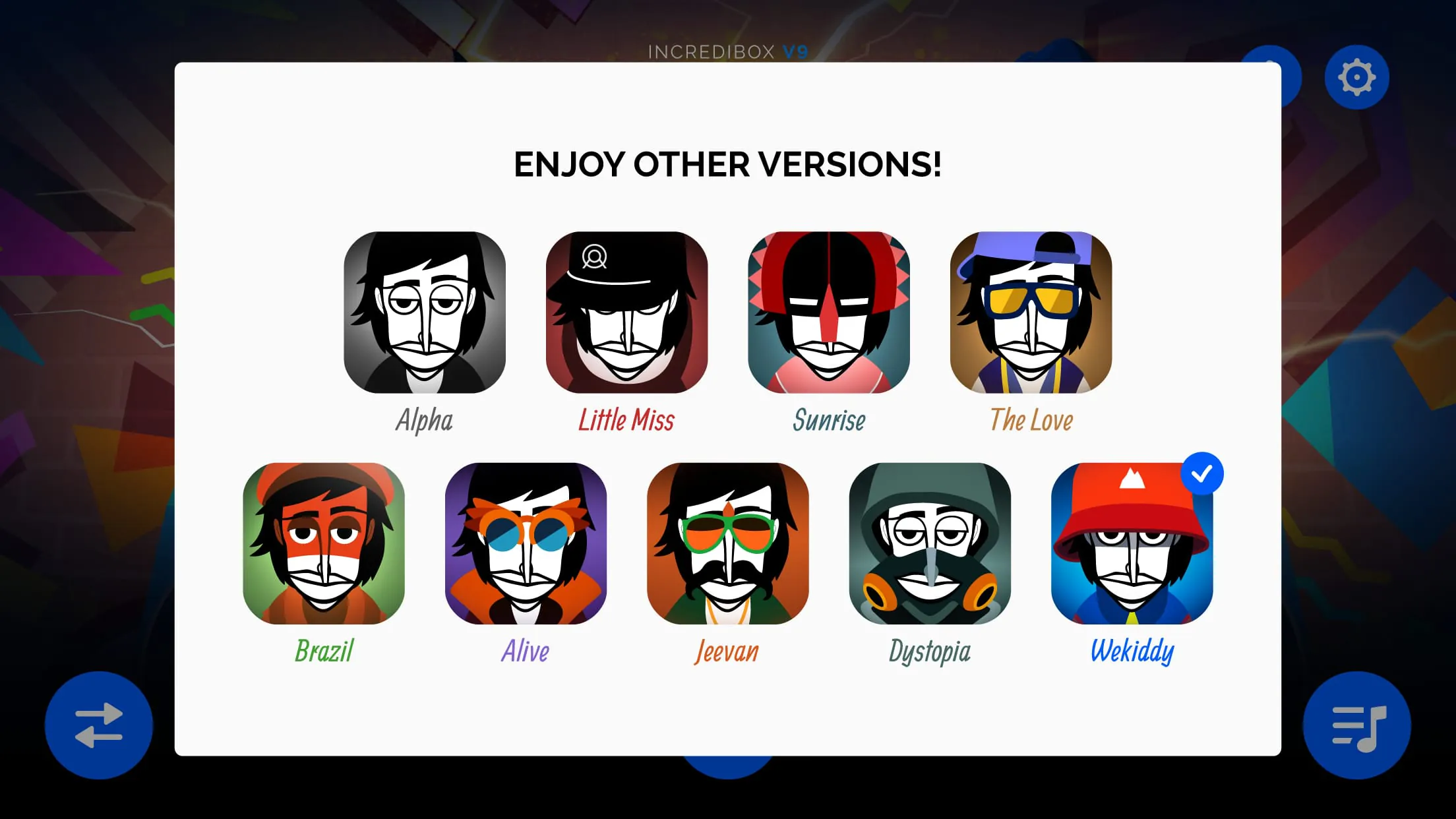
- Multiple musical versions (“Vibes,” “Little Miss,” “Sunrise,” etc.), each offering unique styles and sound palettes
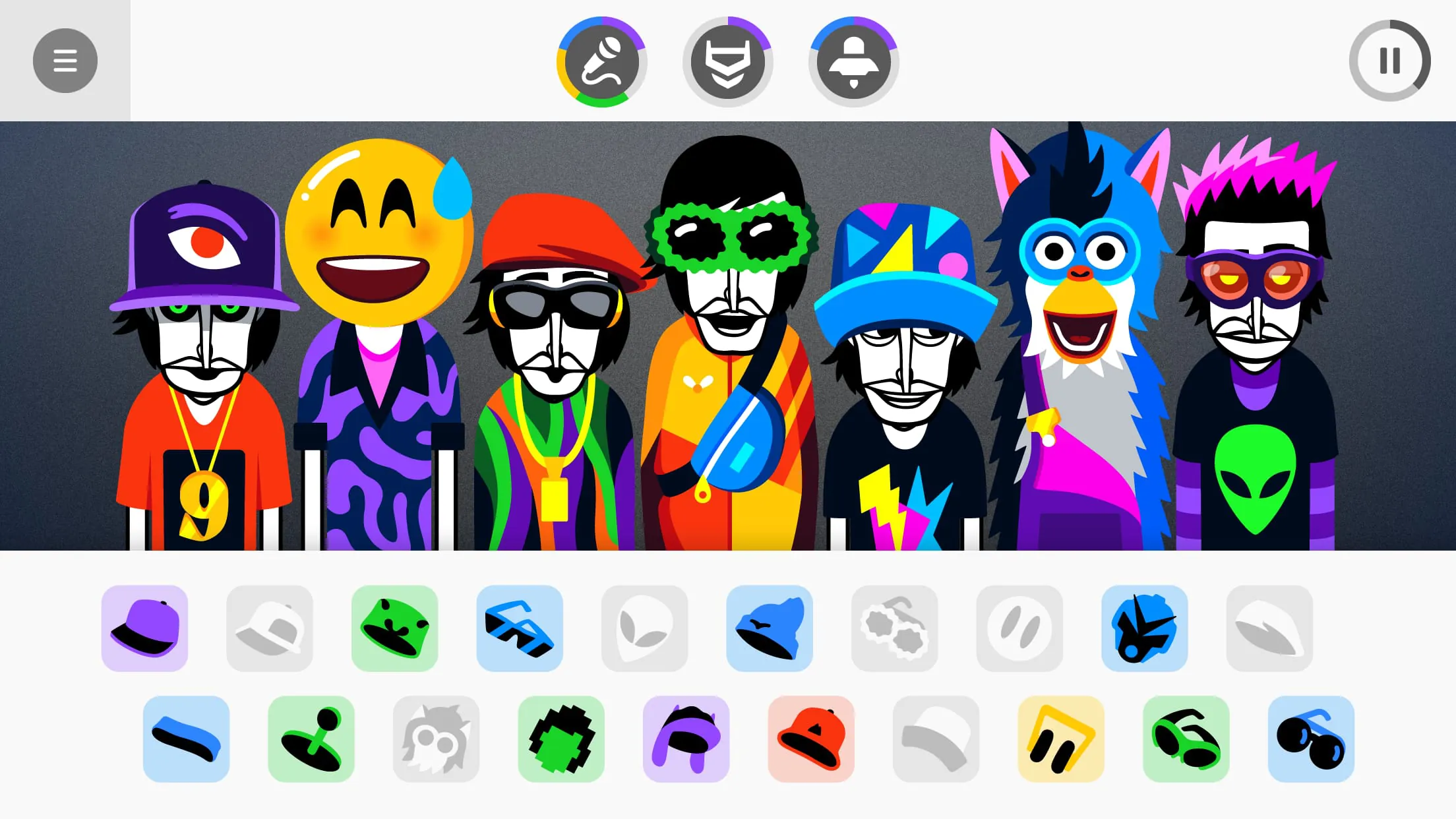
- Drag-and-drop icons to activate different sounds such as beats, melodies, effects, and voices
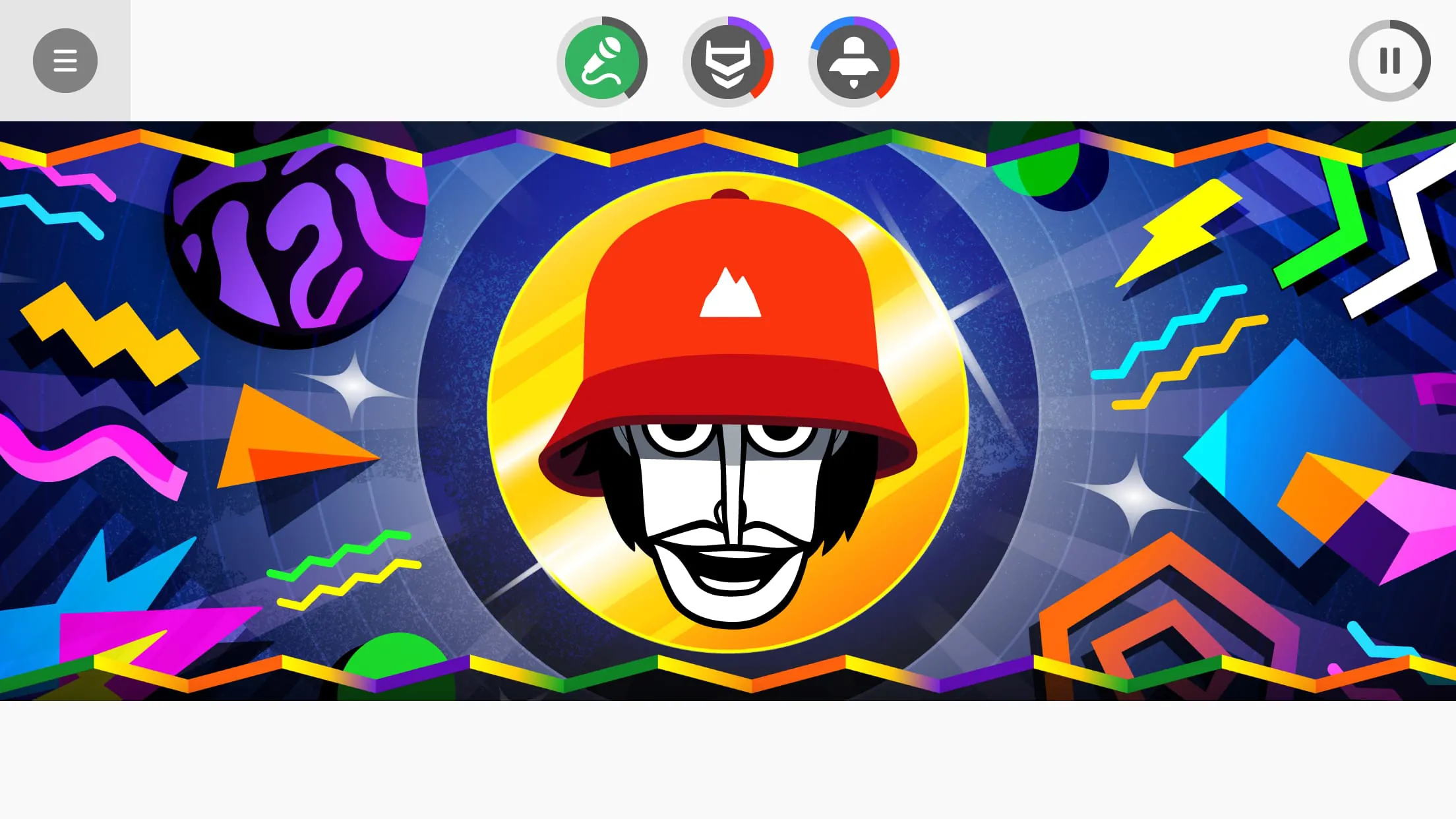
- Animated characters that visually perform your chosen mix in real time
- Automatic mode that generates random combinations for inspiration
- Recording and sharing options to export your creations and showcase them online
Pros & Cons
- Pros: Easy-to-learn controls, visually engaging animations, no musical background required, suitable for all ages
- Cons: Limited customization for advanced producers, some features locked behind newer versions, repetitive gameplay over long sessions
Functions
- Beat mixing through visual icons representing different audio layers
- Real-time playback syncing across all active sounds
- Sound muting and soloing for precise control of your arrangement
- Save and replay previous mixes within the app
- Share your track via social media or direct links
How to Use
Click the button "Check All Versions" below to download and install it. After launching the app, choose a version that matches your preferred musical vibe. On the main screen, you will see several animated characters and rows of icons. Drag an icon onto a character to assign a sound; repeat until you’ve built a complete arrangement. Use the mute and solo buttons to adjust the balance between elements. When satisfied, press the record button to capture your mix, then share it directly from the app or save it locally for later listening.





 APK
APK  Google Play
  iOS
iOS  4.90
4.90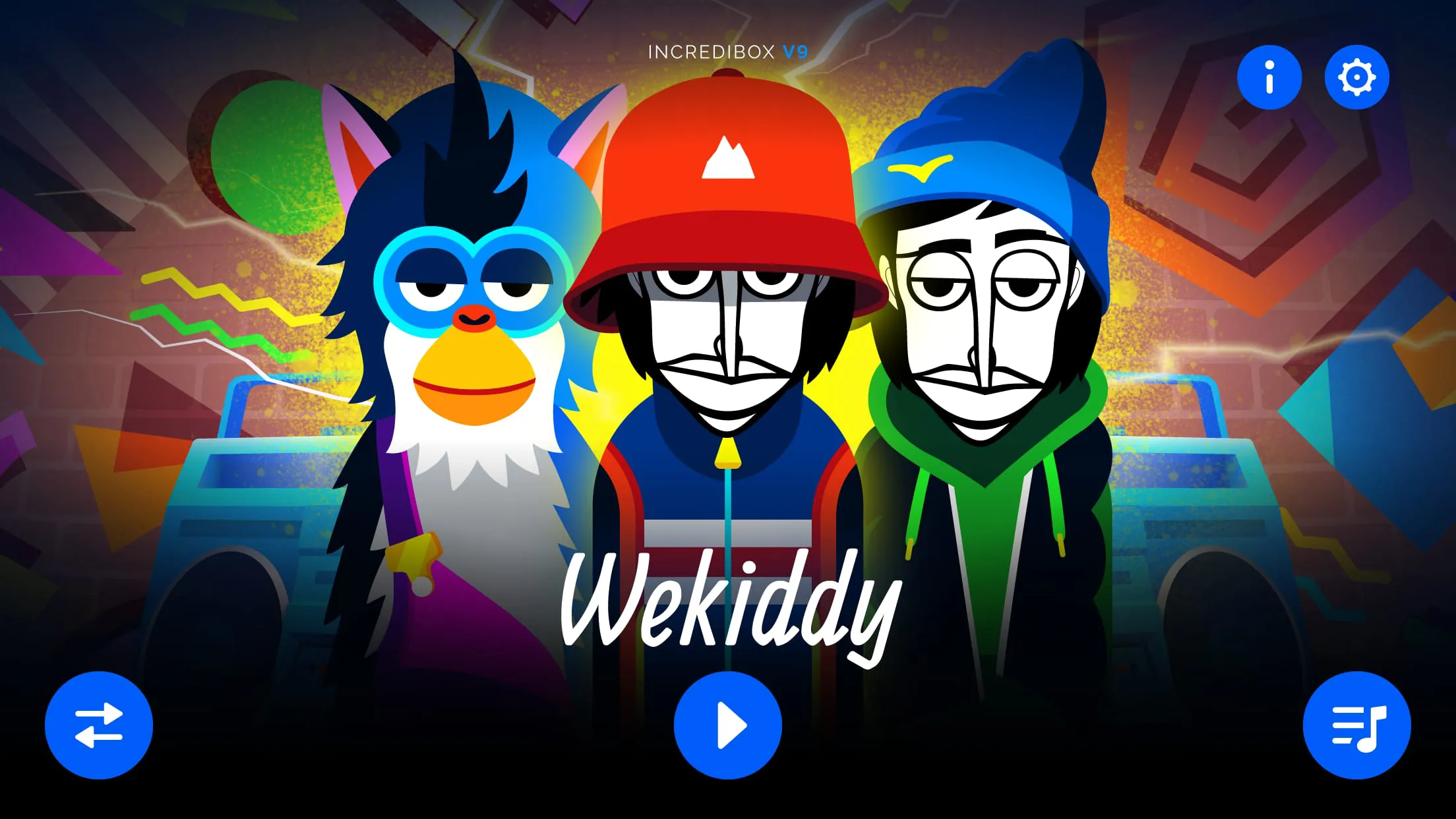
 Download








