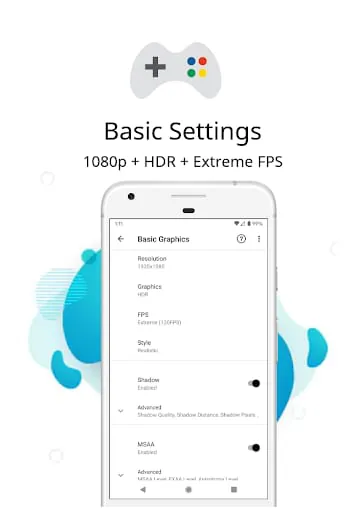
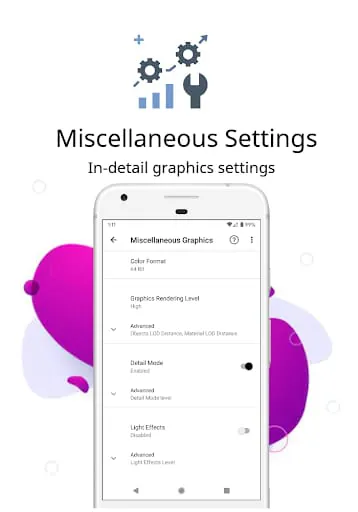
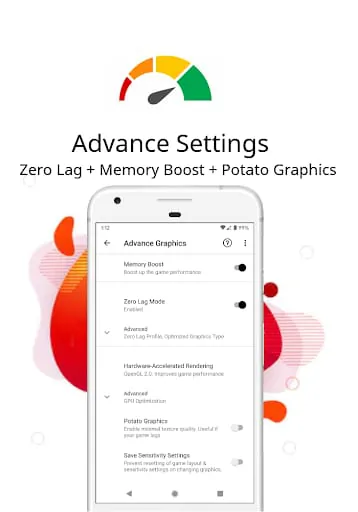
PGT: Pro Graphics Toolkit is a launcher utility designed to enhance gaming performance on Android devices. It offers various features such as Best settings, Zero lag mode, Potato graphics, GPU Optimization, Hardware-Accelerated Rendering, and Dark Theme. Users can customize basic, miscellaneous, advance, and experimental graphics settings to improve picture quality and gameplay smoothness. The app supports all major Android OS versions and allows users to change resolution, apply HDR and UHD graphics on low-end devices, unlock FPS levels, customize shadows, enable anti-aliasing, and set ultra audio quality. It also provides helpful tips through its Help & FAQ section.
The app supports all versions of Android, including Global, CN, LITE, KR, VN, TW, and BETA. However, it is recommended to try the free version first to ensure compatibility with the device. The app requires certain permissions, such as storage for applying and backing up graphics settings, internet access for loading settings from the server, and the ability to kill background apps for memory boosting. Users are advised to read and accept the app's Privacy Policy and Terms of Service before using it. The app's developers state that they do not intend to violate or take ownership of any trademarked names or images, and encourage users to contact them if they believe their intellectual property rights have been violated.
In summary, PGT: Pro Graphics Toolkit is a launcher utility that aims to optimize gaming performance on Android devices. It offers a range of features to customize graphics settings, improve FPS, and enhance gameplay. The app supports various Android OS versions and provides options to change resolution, apply HDR and UHD graphics, unlock FPS levels, customize shadows, enable anti-aliasing, and set ultra audio quality. Users are advised to try the free version first and review the app's permissions, Privacy Policy, and Terms of Service before use.




 APK
APK  Google Play
  iOS
iOS  4.50
4.50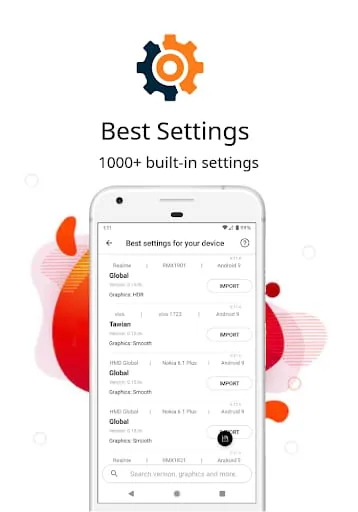
 Download








