



ADVERTISEMENT
ADVERTISEMENT
Panasonic TV Remote Panasonic TV Remote
Category
ToolsTag
Infrared Sensor | User Interface | App features | Panasonic TV Remote | WIFI Connectivity
Rate
3.50
★★★★★
Reviews
500 +
Installs
500k +
Developer
Remotify Apps
Content Rating
Everyone
Control Panasonic TV with Phone
 APK
APK  Google Play
  iOS
iOS  3.50
3.50ADVERTISEMENT
ADVERTISEMENT
Author's Review
appspicked Review
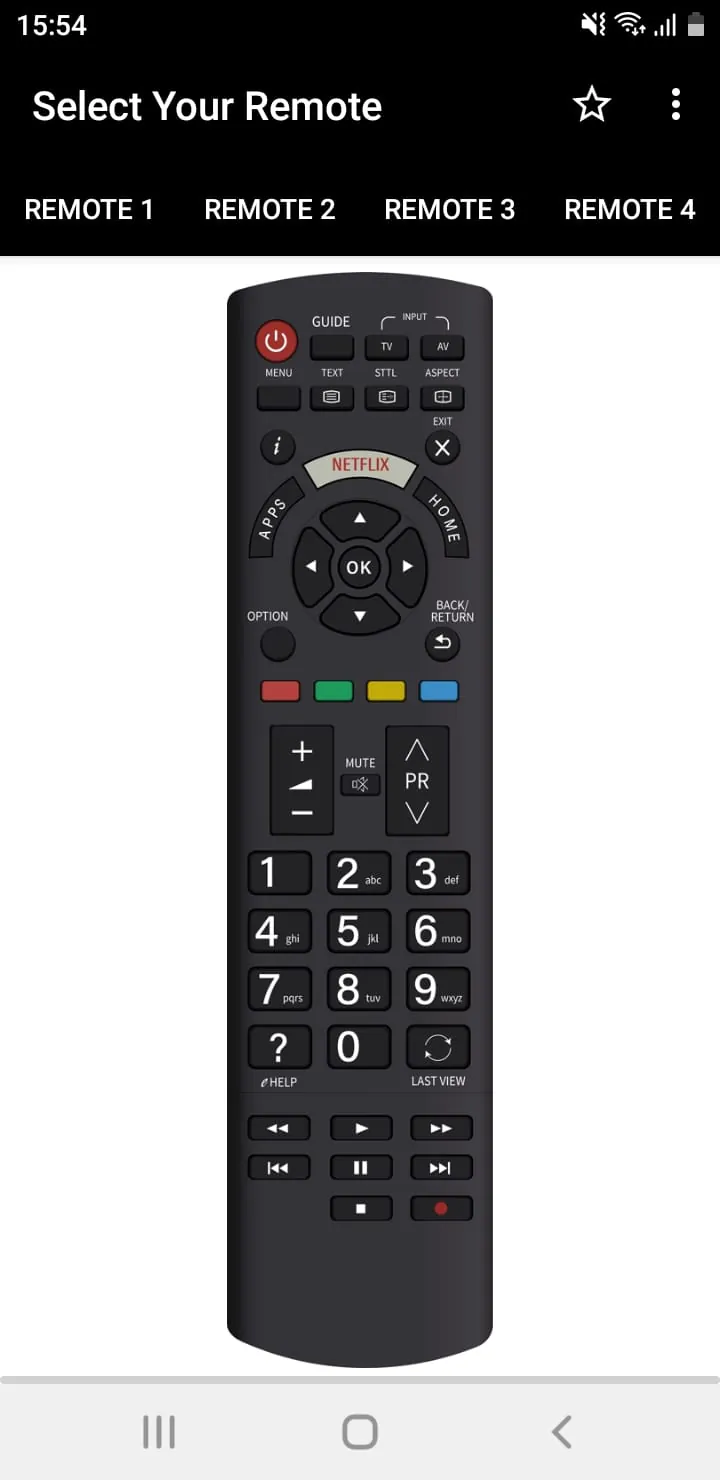
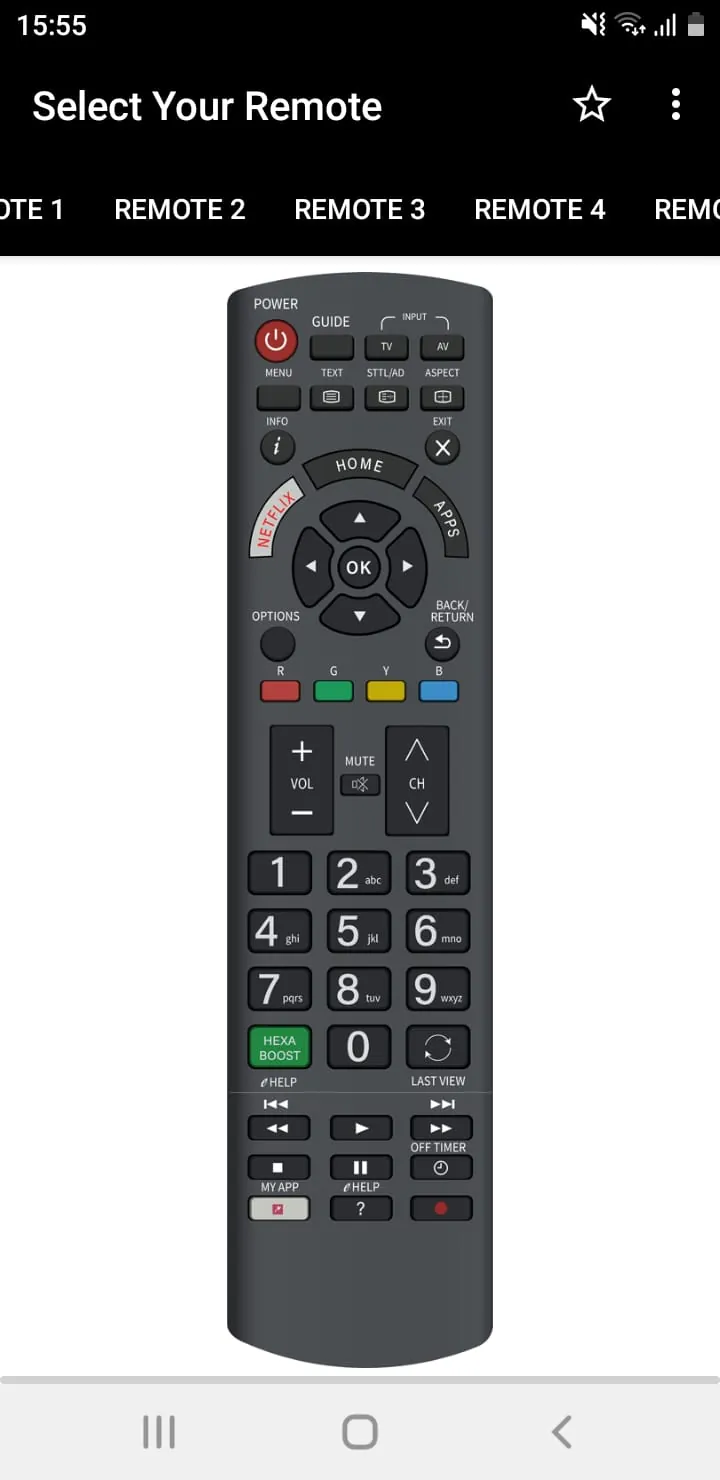
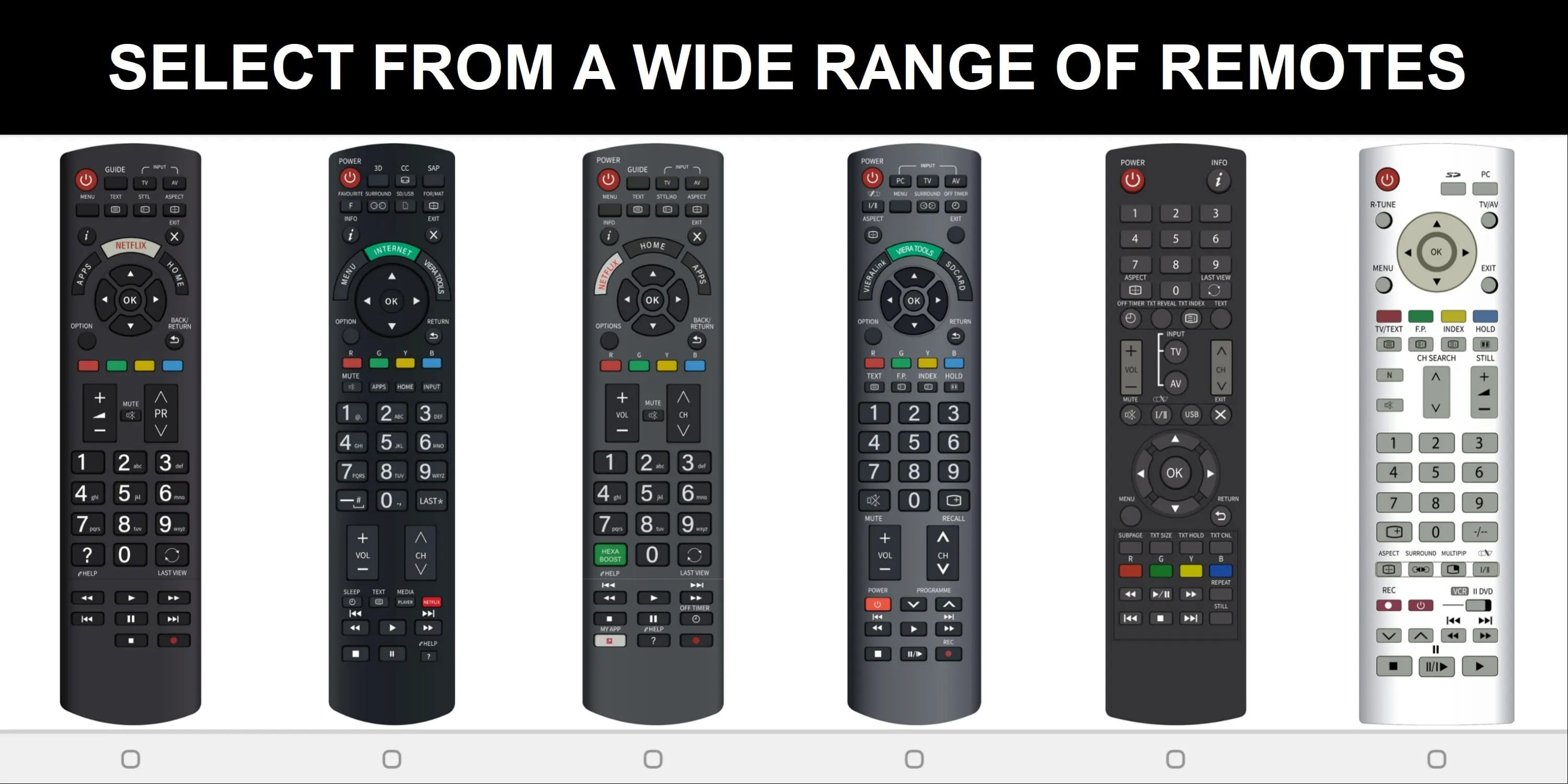
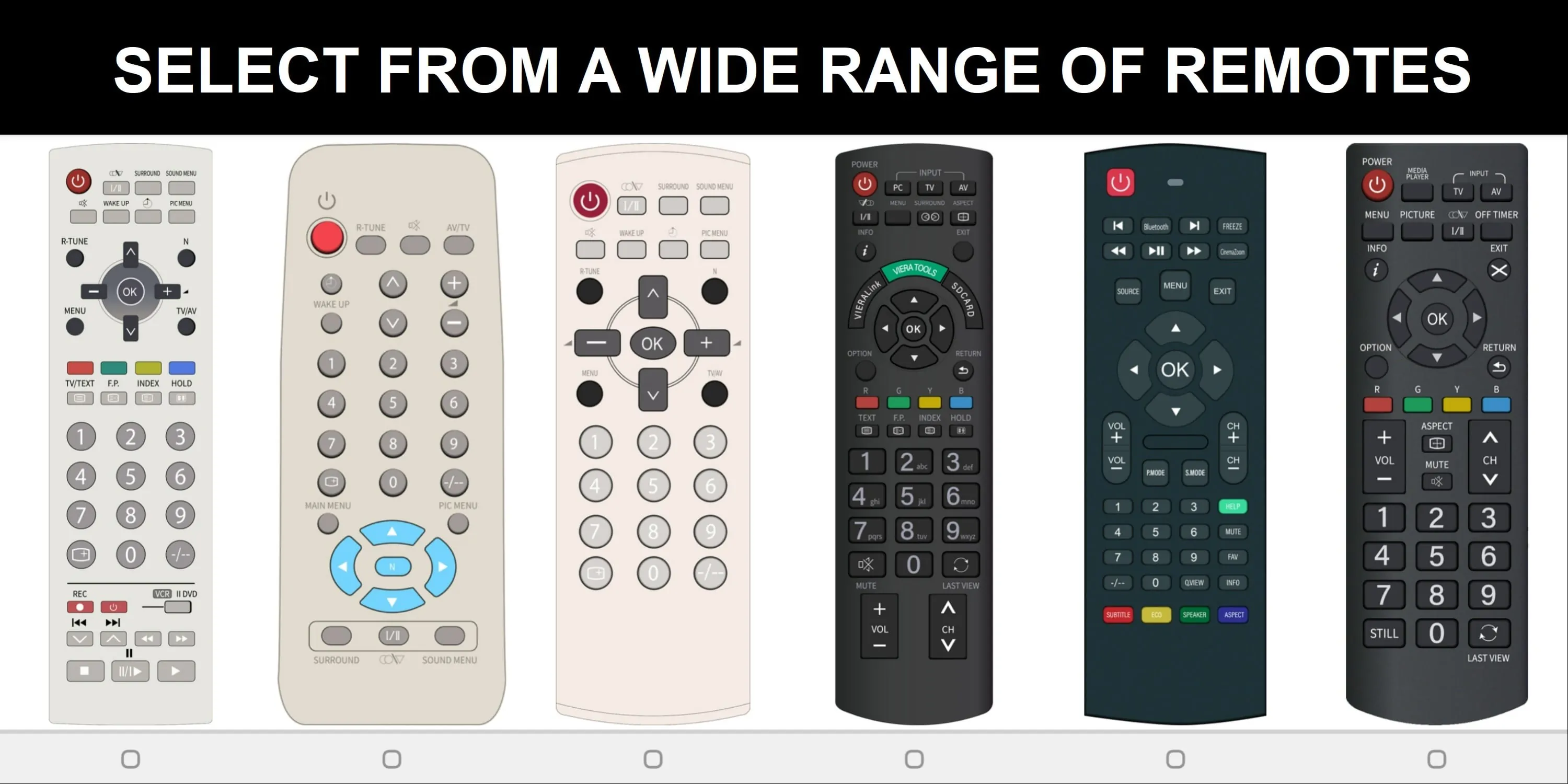
This application is presented as a remote control solution for Panasonic TVs, albeit with a crucial disclaimer: it is not the official Panasonic TV Remote App. The developers emphasize that the app has been carefully designed to provide users with an enhanced experience compared to traditional remote controls. A primary requirement for the app's functionality is the presence of an infrared (IR) sensor in the user's smartphone. This hardware component is essential for the app to communicate with and control the Panasonic TV. In cases where a smartphone lacks an IR sensor, the app offers an alternative connectivity option through WIFI. This dual approach ensures that users with different device capabilities can potentially utilize the app. The developers acknowledge that some users may be unsure about their phone's compatibility with the app, particularly regarding the IR sensor requirement. To address this uncertainty, they suggest that users simply download the app and test its functionality to determine if it works with their device. This pragmatic approach allows users to quickly assess the app's suitability for their specific setup. The app's features are highlighted as key selling points, with a focus on user experience and design. The developers claim to offer the 'Best User Interface,' suggesting a commitment to intuitive and user-friendly navigation. Furthermore, they emphasize the absence of a complicated installation process, stating that users can simply 'click and play,' indicating a streamlined and hassle-free setup. The app's design is described as 'AMAZING,' with a 'cool & easy interface,' aiming to create a visually appealing and accessible experience for users. In addition to these features, the developers offer a solution for users who have lost their physical remote controls, inviting them to request a replacement through the app. This demonstrates a customer-centric approach, providing a convenient alternative for users who may have misplaced their original remote. Finally, the developers provide a quick troubleshooting tip, suggesting that most connectivity problems can be resolved by reinstalling the app. This simple solution can potentially save users time and frustration by addressing common issues without requiring extensive technical knowledge. The overall impression is that this app seeks to provide a user-friendly and feature-rich alternative to the standard Panasonic TV remote, with a focus on ease of use and accessibility. It caters to users with varying device capabilities, offering both IR sensor and WIFI connectivity options. The developers also demonstrate a commitment to customer support by providing troubleshooting tips and offering a remote replacement service. The app's success will likely depend on its ability to deliver on its promises of a superior user interface, seamless connectivity, and overall enhanced experience compared to traditional remote controls.
The developers of this Panasonic TV remote control app distinguish their product by highlighting several key attributes designed to enhance the user experience. Central to the app's functionality is its reliance on two primary communication methods: infrared (IR) and WIFI. The app necessitates that the user's smartphone be equipped with an infrared sensor to directly communicate with the Panasonic TV. This requirement is crucial for users who prefer a direct, line-of-sight control method, similar to traditional remote controls. Recognizing that not all smartphones have IR sensors, the app provides an alternative connection pathway via WIFI. This inclusion broadens the app's compatibility, allowing users with a wider range of devices to operate their Panasonic TVs through a wireless network. The app's user interface (UI) is a significant point of emphasis. The developers claim to offer the 'Best User Interface,' indicating a commitment to creating an intuitive, visually appealing, and easy-to-navigate design. A well-designed UI is crucial for user satisfaction, as it directly impacts how easily users can access and control their TV's functions. Beyond aesthetics, the app's 'cool & easy interface' suggests a focus on simplifying complex TV control functions, making them accessible to users with varying levels of technical expertise. This simplification is achieved through a combination of clear visual cues, logical menu structures, and responsive controls. The app's design philosophy centers around a 'click and play' approach, which underscores its ease of installation and immediate usability. This eliminates the need for complex setup procedures, allowing users to quickly begin using the app without extensive configuration. This instant accessibility is a key differentiator, particularly for users who are less tech-savvy or who prefer a hassle-free experience. The app's 'AMAZING design' encompasses not only its visual appeal but also its functional efficiency. The integration of intuitive controls, responsive feedback, and a logical layout contributes to an overall positive user experience. The app's ability to streamline TV control functions, making them easily accessible and enjoyable to use, is a major selling point. The app's feature set is designed to address common user needs and pain points. The inclusion of a remote replacement service caters to users who have lost or misplaced their physical remote controls. This convenient option provides a readily available solution, eliminating the need to purchase a new remote or search for a compatible replacement. The app's troubleshooting tips are another valuable feature, offering quick and easy solutions to common connectivity problems. By suggesting a simple reinstallation, the developers empower users to resolve issues independently, reducing the need for technical support. This self-service approach enhances user satisfaction and promotes a sense of control. The app's compatibility with both IR sensors and WIFI networks ensures broad accessibility, catering to a wide range of user preferences and device capabilities. The developers' emphasis on user interface design, ease of installation, and functional efficiency reflects a commitment to creating a user-centric product that enhances the TV viewing experience.
This application presents itself as a versatile remote control alternative for Panasonic TVs, designed with a strong emphasis on user-friendliness and broad compatibility. It is essential to note that the app is explicitly identified as an unofficial remote, clarifying that it is not a product directly endorsed or supported by Panasonic. The app's core functionality hinges on two connectivity methods: infrared (IR) and WIFI. The use of an infrared sensor allows the app to mimic the traditional remote control experience, providing direct, line-of-sight communication with the TV. This option is ideal for users who prefer the familiar feel and responsiveness of a physical remote. However, recognizing that not all modern smartphones are equipped with IR sensors, the developers have implemented WIFI connectivity as an alternative. This WIFI support expands the app's compatibility to a wider range of devices, enabling users to control their Panasonic TVs via their home wireless network. The user interface (UI) is a key area of focus for the app developers. They boast the 'Best User Interface,' signaling a dedication to creating a visually appealing, intuitive, and easy-to-navigate experience. The UI design aims to simplify complex TV control functions, making them accessible to users of all technical skill levels. A well-designed UI is crucial for user satisfaction, as it directly impacts how efficiently users can access and manage their TV's features. The app's 'cool & easy interface' indicates a commitment to minimizing complexity and maximizing user-friendliness. The app's design is centered around a 'click and play' philosophy, highlighting its ease of installation and immediate usability. This streamlined approach eliminates the need for lengthy setup processes or technical expertise, allowing users to quickly begin controlling their TVs. This instant accessibility is a major selling point, particularly for users who are less comfortable with technology. The app's features are designed to address common user needs and pain points. The inclusion of a remote replacement service caters to users who have lost or misplaced their physical remotes. This service offers a convenient alternative to purchasing a new remote or struggling to find a compatible replacement. The app's troubleshooting tips provide users with quick and easy solutions to common connectivity problems. By suggesting a simple reinstallation, the developers empower users to resolve issues independently, reducing the need for technical support. This self-service approach enhances user satisfaction and promotes a sense of control. The app's dual connectivity options, user-friendly interface, and additional features contribute to its overall value proposition. It seeks to provide a convenient, versatile, and user-centric alternative to traditional remote controls, catering to a wide range of user preferences and device capabilities. The app's success will likely depend on its ability to deliver on its promises of seamless connectivity, intuitive controls, and a superior user experience.
Screenshots
 Download
 Additional Information
Category
ToolsVersion
Unknown
Tag
Infrared Sensor | User Interface | App features | Panasonic TV Remote | WIFI Connectivity
Rate
3.50
★★★★★
Reviews
500 +
Installs
500k +
Developer
Remotify Apps
Content Rating
Everyone
Control Panasonic TV with Phone
ADVERTISEMENT
ADVERTISEMENT
Previous Versions
ZIP files require a Split APKs Installer (e.g., SAI) from Google Play to install. Steps: 1. Download SAI from Google Play; 2. Open SAI and tap "Install APKs"; 3. Select the ZIP file; 4. Complete installation.
ADVERTISEMENT
You Might Like









