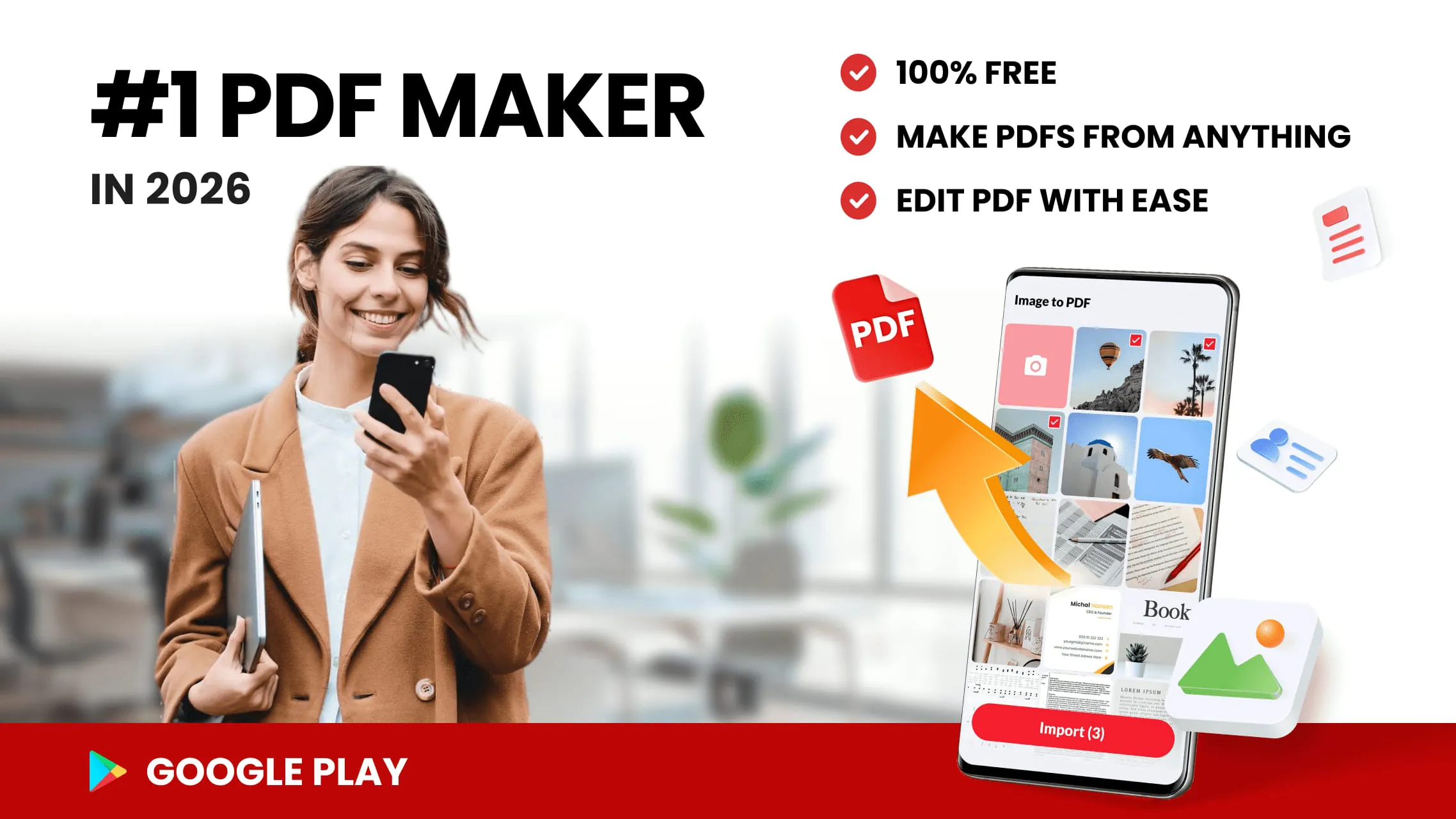
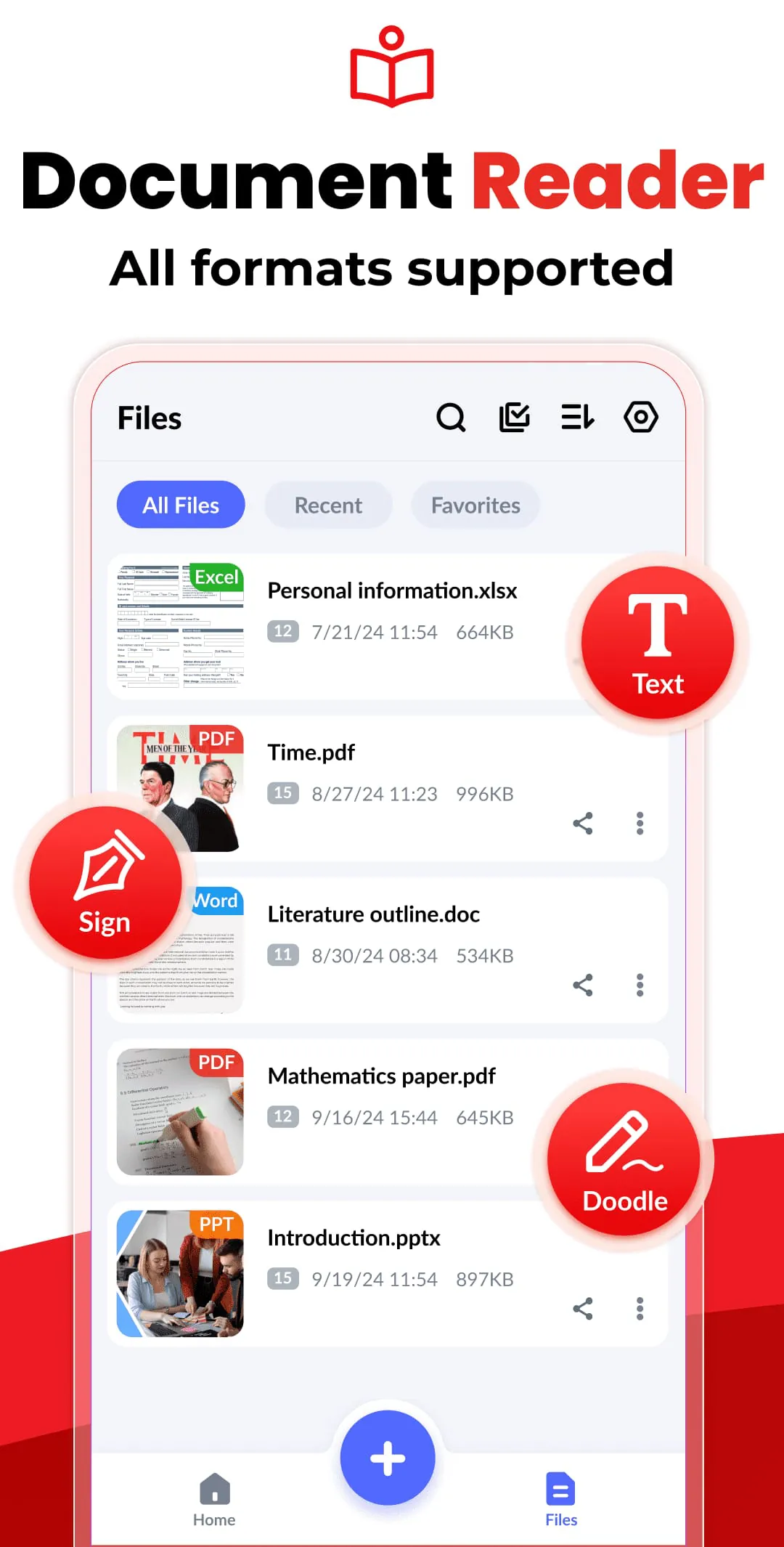
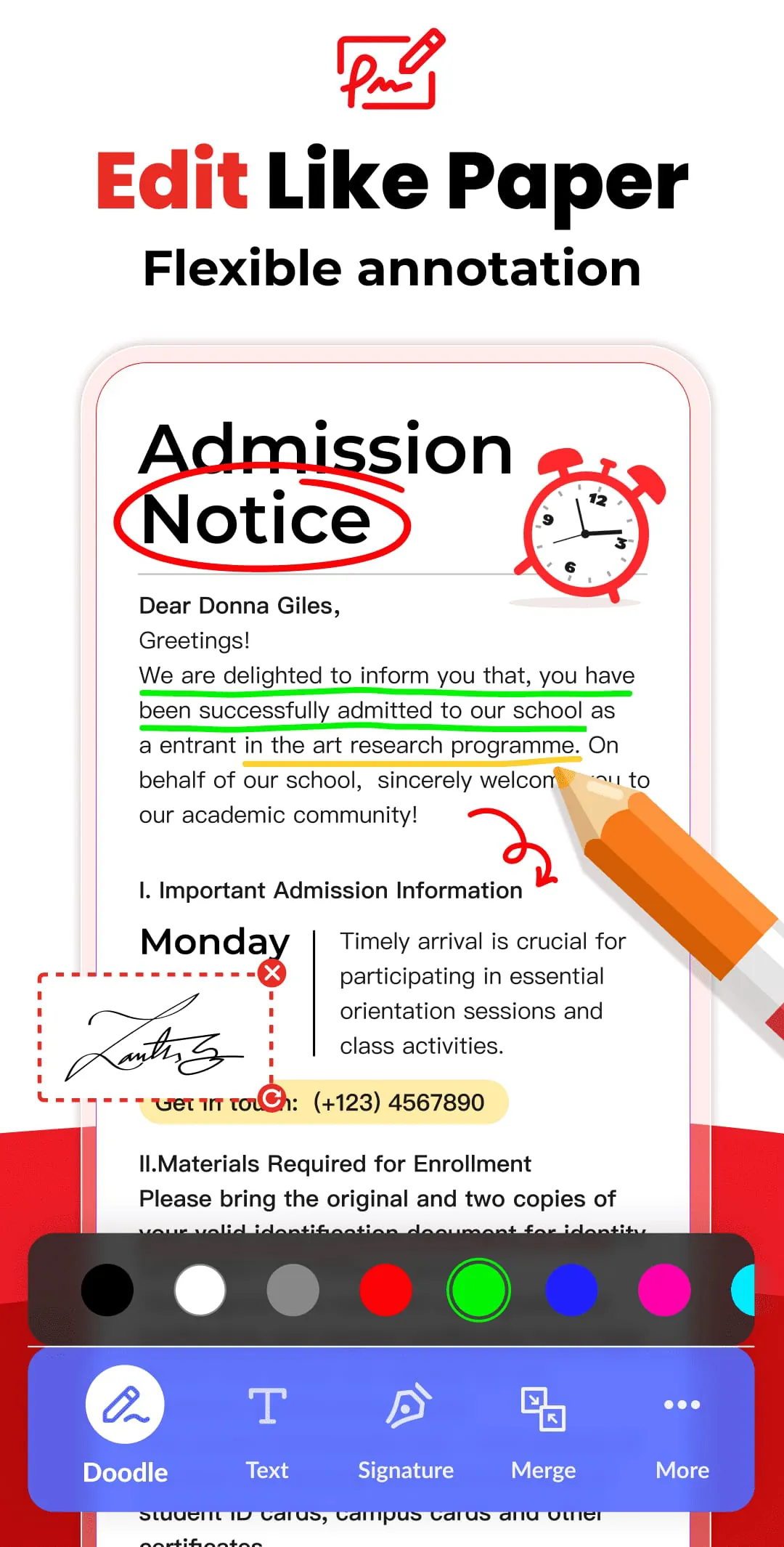
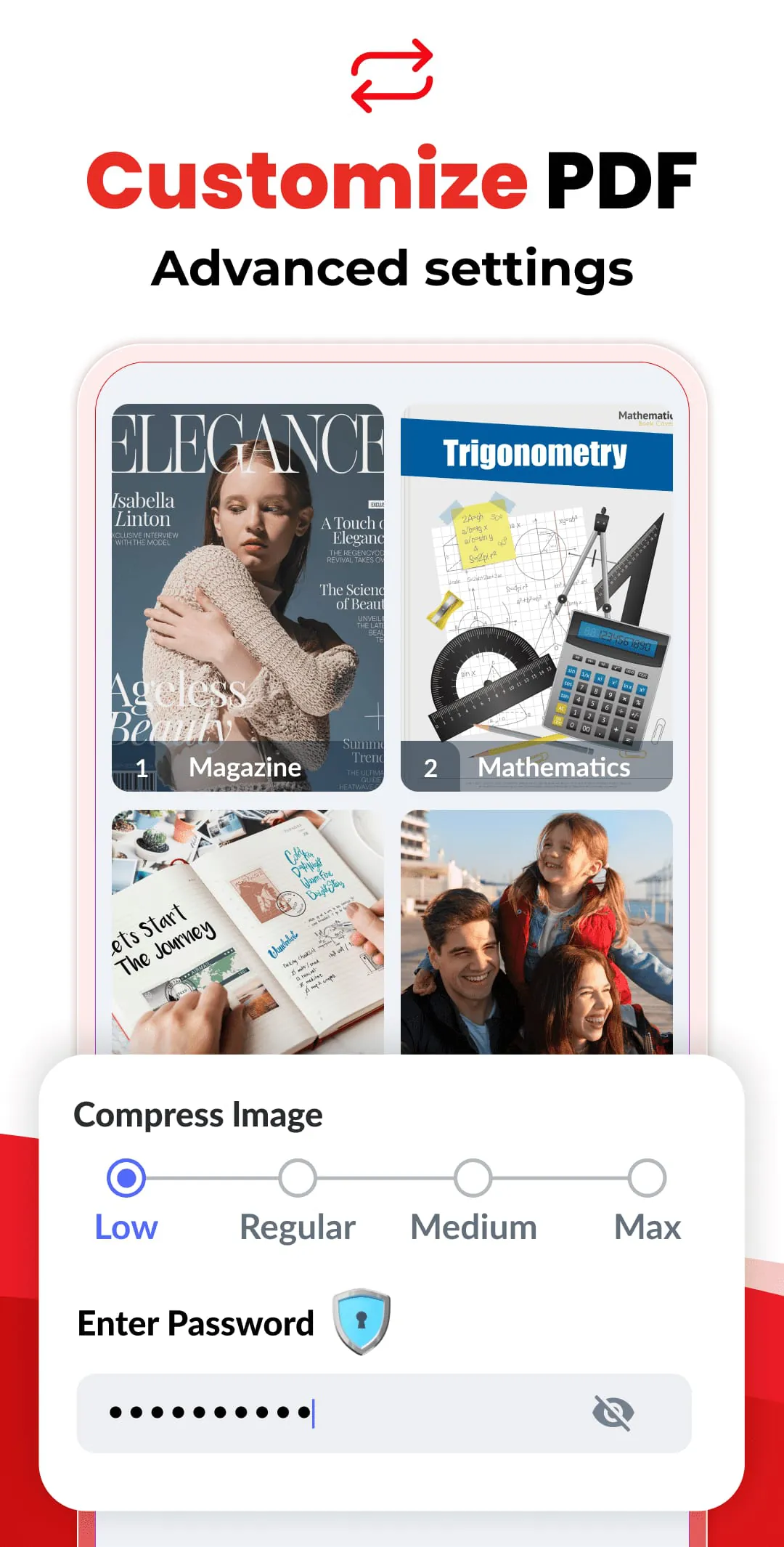
This document details the features and capabilities of an image-to-PDF converter application, emphasizing its ease of use, comprehensive functionality, and cost-free accessibility. The application allows users to convert various image formats, such as JPG, JPEG, and PNG, into PDF files, making it a versatile tool for both personal and professional use. One of the primary functions of the application is its ability to convert any type of image into a PDF document. Users can import images directly from their device's gallery or use the camera to scan physical documents, transforming them into digital PDF files. This feature is particularly useful for digitizing various types of documents, including notes, receipts, invoices, forms, business cards, certificates, whiteboards, and ID cards. The application streamlines the process of document management by consolidating different formats into a single, easily shareable PDF format. The image resizing feature offers users the flexibility to modify images before converting them to PDF. Users can resize, crop, doodle on, and rotate images to optimize them for better PDF output. This ensures that the final PDF document is visually appealing and contains only the necessary information. The ability to resize images is also beneficial for reducing the overall file size of the PDF, making it easier to share and store. The application also includes an automatic sorting function that allows users to organize their images and PDF files based on various criteria, such as name, size, creation date, and modification date. This feature simplifies the process of finding specific files and maintaining an organized document library. Users can also manually sort files according to their preferences, providing additional control over the organization of their documents. The PDF compression feature allows users to reduce the file size of their PDF documents, making them easier to share and store. Users can choose from different compression levels, including low, medium, high, and original quality, depending on their needs. Compressing PDF files is particularly useful for sending documents via email or uploading them to cloud storage services, where file size limitations may apply. The application also offers password protection functionality, allowing users to secure their PDF files with a password. This feature is essential for protecting sensitive information and ensuring that only authorized individuals can access the contents of the PDF document. Password protection adds an extra layer of security, preventing unauthorized viewing, copying, or printing of the PDF file. Another significant advantage of the application is its ability to work offline. Users can convert images to PDF without needing an internet connection, ensuring that they can use the application anytime, anywhere. This feature is particularly useful for users who need to convert documents while traveling or in areas with limited internet access. The offline functionality also ensures that user data remains private and secure, as it does not need to be transmitted to the cloud for processing. The application also facilitates easy sharing of converted PDF files. Users can share their PDF documents via social media, Bluetooth, email, and other platforms. This feature streamlines the process of distributing documents to colleagues, friends, or family members. The ability to share PDF files directly from the application eliminates the need to use separate file-sharing services, saving time and effort. The quick search function allows users to quickly find specific files within the application. By entering keywords, users can easily locate the documents they need, saving time and improving productivity. This feature is particularly useful for users who have a large number of files stored on their device. The quick search function ensures that users can quickly access the information they need, without having to manually browse through their entire document library. The application developers are committed to continuous improvement and optimization. They encourage users to provide feedback and suggestions to help them enhance the app's functionality and user experience. This commitment to customer satisfaction ensures that the application remains a valuable tool for converting images to PDF files.
The Image to PDF Converter application also provides specialized functions such as PDF conversion, photo to PDF conversion, JPG to PDF conversion and PDF creation. The PDF conversion function allows users to easily convert their images to PDF for free. It supports the conversion of all types of formats to PDF for free, making it a comprehensive tool for managing different types of documents. After converting, users can easily share their PDF files anytime and anywhere, highlighting the convenience and accessibility of the application. The photo to PDF conversion feature includes PDF editing tools, offering users the ability to modify and enhance their PDF documents. While the application is already a useful PDF editing tool, the developers are continuously working to add more features and improve its capabilities. This dedication to improvement ensures that the application remains a valuable tool for both converting and editing PDF files. The JPG to PDF conversion feature is designed to be secure and reliable, providing users with a safe way to convert their JPG images to PDF files. Users can set passwords to protect their PDF files, ensuring that sensitive information remains secure. This feature is particularly important for users who need to share confidential documents and want to prevent unauthorized access. The password protection feature adds an extra layer of security, making the application a trusted tool for converting and sharing JPG images to PDF files. The ability to convert photos to PDF is another key function of the application. Users can convert photos from their gallery to PDF or take photos with their camera and convert them directly to PDF. This feature is useful for creating digital copies of physical documents, such as receipts, invoices, and business cards. The application transforms devices into powerful portable document scanners, making it easy to digitize and manage important documents. The PDF photo feature allows users to use the application as a powerful portable document scanner and PDF photo converter with quick search functionality. This feature combines the functionality of a document scanner and a PDF converter, providing users with a comprehensive tool for managing their documents. The quick search function makes it easy to find specific files, saving time and improving productivity. The PDF creation feature is designed to be user-friendly and accessible, with all features available for free and no limitations on converting PDF files. This makes the application a cost-effective solution for creating and managing PDF documents. The absence of limitations ensures that users can convert as many files as they need without any restrictions, making it a valuable tool for both personal and professional use. The image to PDF conversion feature is designed with a user-friendly interface and a simple design, making it easy to use. The application helps users quickly obtain their PDF files and allows them to arrange their files in any order. This flexibility ensures that users can customize their PDF documents to meet their specific needs. The ability to arrange files in any order provides additional control over the final PDF document, making it a versatile tool for managing images and creating PDF files.
In addition to its conversion and editing capabilities, the Image to PDF Converter application also functions as a PDF scanner. This feature allows users to obtain PDF documents quickly and easily, making it a valuable tool for digitizing physical documents. The application is designed to be simple and efficient, enabling users to quickly obtain PDF documents with ease. The PDF scanner function is particularly useful for users who need to scan documents on the go, transforming their mobile devices into portable scanners. The PDF scanner feature is a standout capability of the application, offering a streamlined and efficient way to create digital copies of physical documents. Users can quickly scan documents using their device's camera and convert them to PDF format, making it easy to digitize and manage important paperwork. The application also offers various editing tools to enhance the scanned documents, such as cropping, rotating, and adjusting brightness and contrast. This ensures that the final PDF document is clear, legible, and professional-looking. Furthermore, the application includes optical character recognition (OCR) technology, which allows users to convert scanned documents into editable text. This feature is particularly useful for extracting text from scanned documents and using it in other applications. The OCR technology accurately recognizes text in multiple languages, making it a versatile tool for international users. The application also supports batch scanning, allowing users to scan multiple pages at once and create a single PDF document. This feature is particularly useful for scanning long documents, such as books, magazines, and reports. The batch scanning feature saves time and effort, making it easy to digitize large volumes of documents. The application also offers cloud integration, allowing users to store their scanned documents in the cloud and access them from any device. This feature ensures that users can access their documents anytime, anywhere, and that their documents are securely backed up. The cloud integration also facilitates collaboration, allowing users to share their documents with others and work on them together in real-time. The PDF scanner feature is continuously being updated and improved, with new features and enhancements added regularly. This ensures that the application remains a valuable tool for scanning and managing documents, and that it continues to meet the evolving needs of its users. The application's developers are committed to providing users with a seamless and efficient scanning experience, and they are constantly working to improve the application's performance and functionality. The PDF scanner feature is an essential part of the Image to PDF Converter application, providing users with a comprehensive tool for digitizing and managing their documents. Whether you need to scan a single page or a large volume of documents, the application offers the features and functionality you need to get the job done quickly and easily. The combination of scanning, editing, and cloud integration makes the application a valuable tool for both personal and professional use.




 APK
APK  Google Play
  iOS
iOS  4.90
4.90