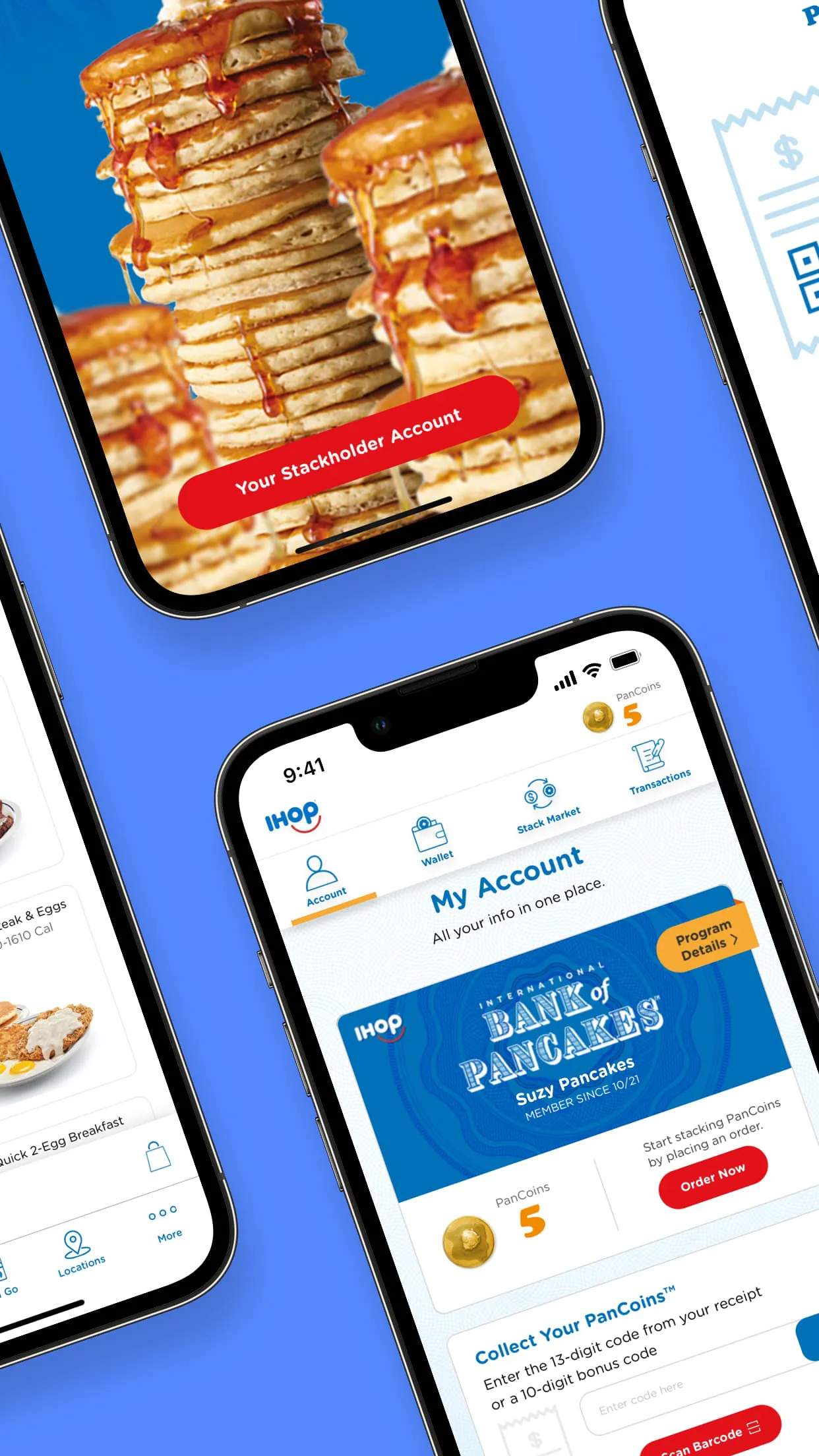
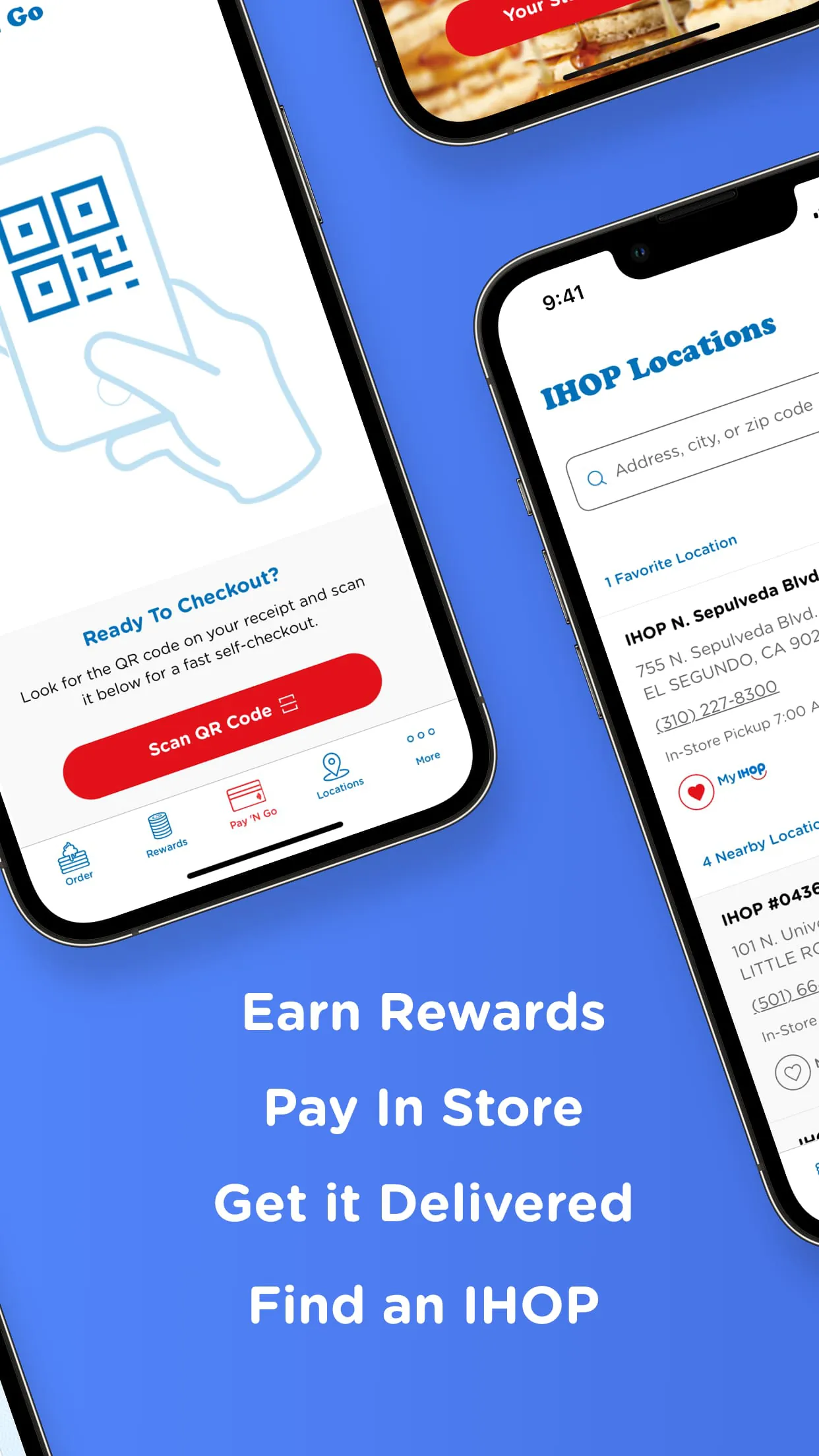
IHOP is a versatile mobile application designed to be a comprehensive companion for guests of the International House of Pancakes restaurant chain. The app streamlines the dining experience by allowing users to browse the full menu, locate nearby restaurants, place orders for pickup or delivery, and manage rewards within the popular IHOP loyalty program. It serves as a convenient digital hub for planning visits, exploring new limited-time offers, and enjoying exclusive deals tailored to the user's preferences.
Key Features
The IHOP app is packed with features aimed at saving time and enhancing customer satisfaction. Its core functionality revolves around seamless ordering and personalized rewards. Users can explore the entire menu with detailed descriptions and nutritional information. The app’s location finder provides real-time wait times and directions. A standout feature is the ability to customize orders extensively, just as you would when dining in. The integrated IHOP rewards program is central to the experience, tracking points earned from every purchase and unlocking member-only benefits.
- Browse the complete IHOP menu with item details and customizations.
- Find nearby locations with current wait times and hours of operation.
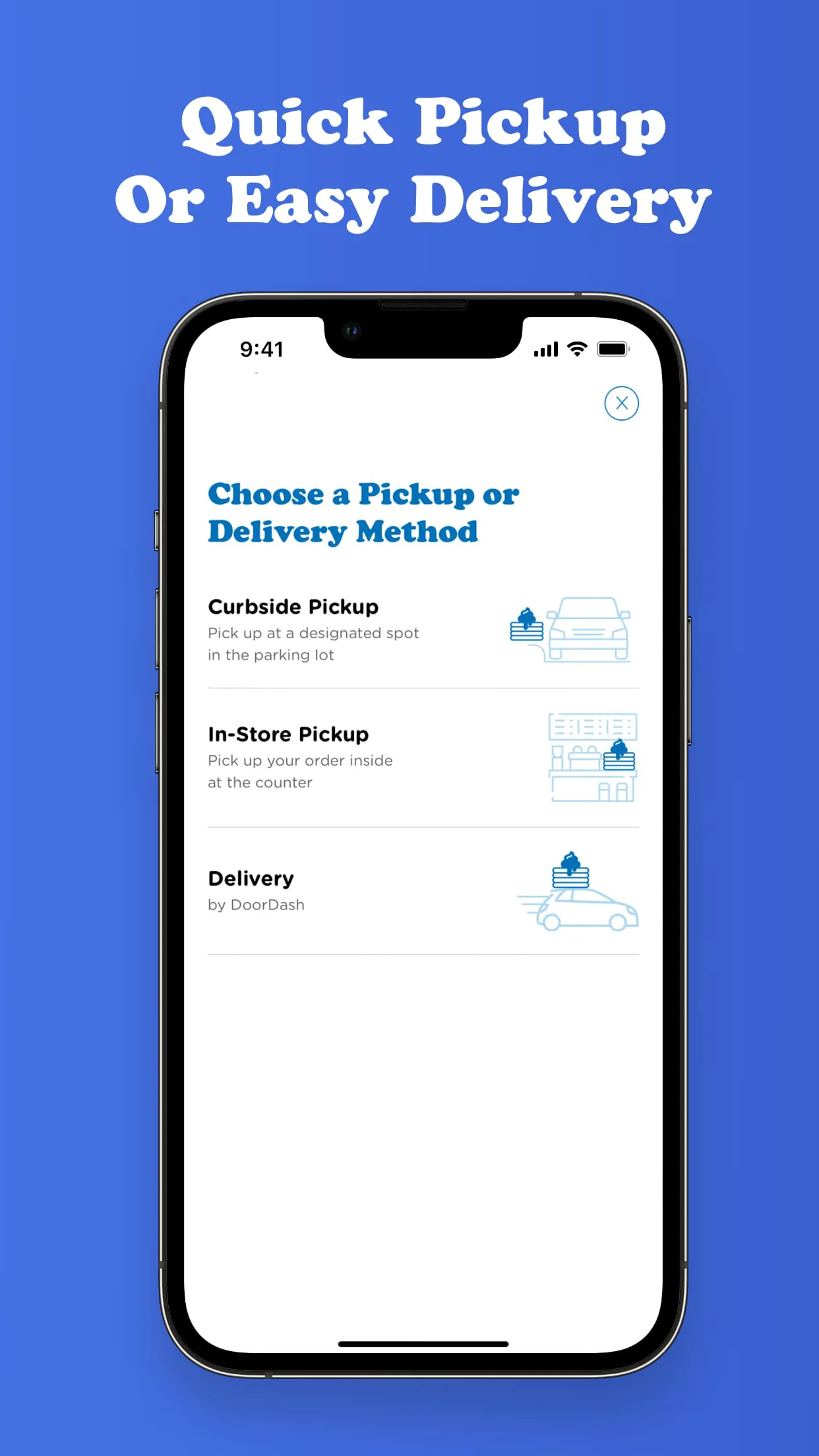
- Order ahead for quick pickup or schedule delivery.
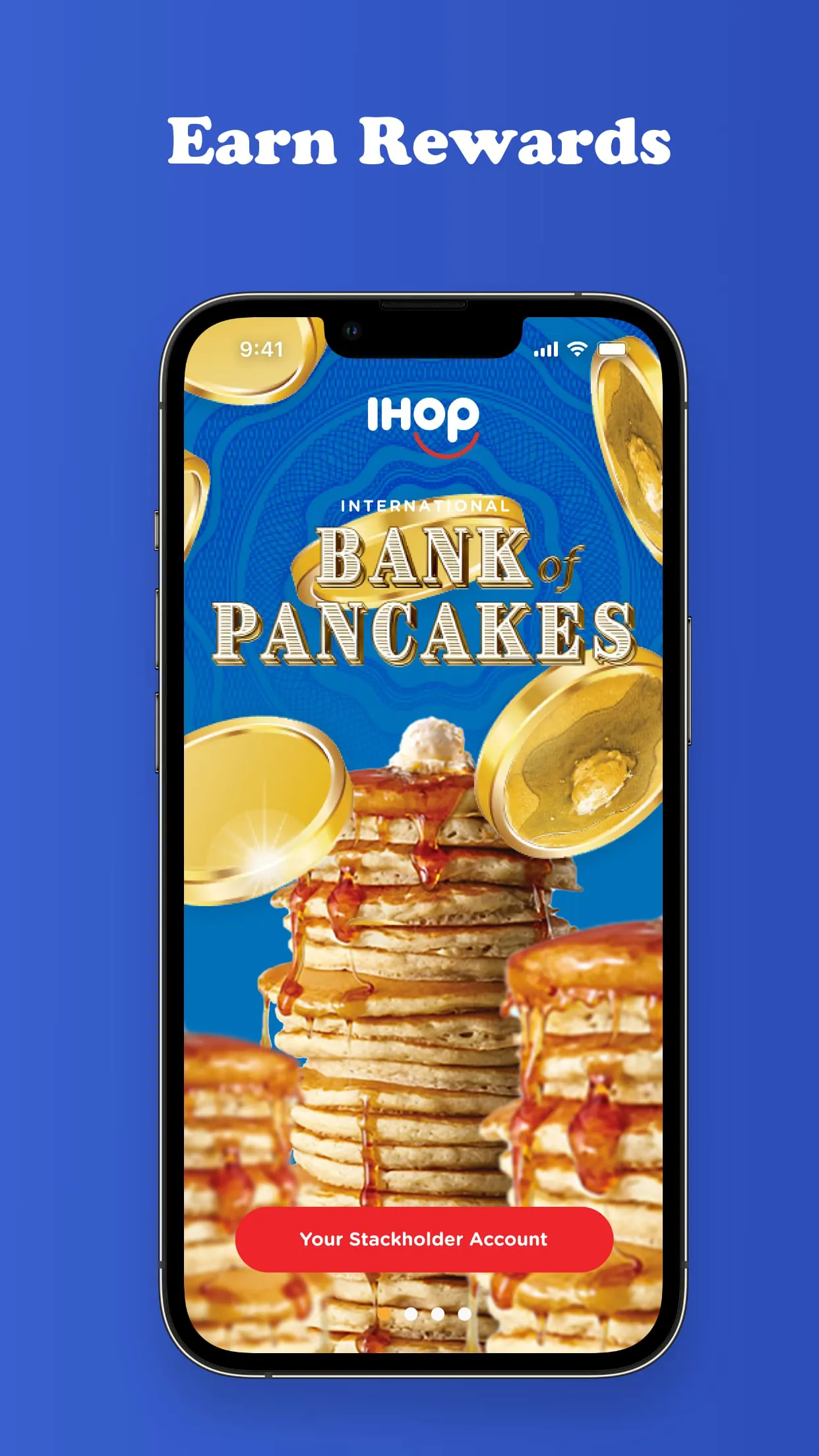
- Manage your IHOP rewards account and track points.
- Receive personalized offers and notifications about new promotions.
- Save favorite orders for one-tap reordering.
- Secure in-app payment and digital tipping options.
Pros & Cons
Like any service application, the IHOP app presents a mix of advantages and some limitations. Its strengths are quite compelling for regular patrons, offering tangible convenience and value. The primary benefits include significant time savings by skipping lines and the financial perks of the rewards program. However, its utility can be limited by geographical restaurant coverage and occasional technical synchronization issues between the app and individual restaurant kitchens.
- Pros:
- Saves considerable time with order-ahead functionality.
- The rewards program offers good value through points and free items.
- Interface is generally user-friendly and intuitive.
- Exclusive deals and birthday rewards provide added incentive.
- Reduces order errors with saved favorite meals.
- Cons:
- Not all locations may support full delivery or advanced ordering features.
- App-only promotions may not be combinable with other offers.
- Occasional glitches can occur with payment processing or point tracking.
- Menu prices in the app may sometimes differ from in-restaurant prices.
- Requires account creation to access most features.
Functions
The app operates through several interconnected functional modules that work together to create a smooth user journey. The restaurant locator uses your device's GPS to show nearby IHOPs on a map, complete with contact details. The menu module is searchable and filterable, allowing for easy discovery. The ordering system functions as a digital checkout, managing customization, pricing, and payment. A separate account dashboard centralizes your reward points, transaction history, and saved payment methods. Push notifications form the communication channel for alerting users about new pancake flavors, double-point days, and the status of their placed orders.
- GPS-powered restaurant locator with operational details.
- Interactive menu with filtering and search capabilities.
- Shopping cart and checkout system for order placement.
- Digital wallet for storing coupons and payment info.
- Rewards dashboard for monitoring points and tier status.
- Notification system for order status and promotional alerts.
How to Use
Click the button "Check All Versions" below to download and install it. Once installed, open the app and create an account or log in to link your existing IHOP rewards membership. Start by allowing location access to see nearby restaurants or use the search function. To place an order, select a restaurant, browse the menu, and add items to your cart, making any desired modifications. Proceed to checkout, choose your pickup or delivery time, apply any saved offers, and complete the secure payment. You can track the order status in real time. For future visits, simply open the app, re-order a saved favorite, and your meal will be ready when you arrive.





 APK
APK  Google Play
  iOS
iOS  4.50
4.50