Hipcamp is a mobile application designed to connect outdoor enthusiasts with unique camping experiences. It functions as a comprehensive platform where users can discover and book a wide variety of accommodations, including tent campsites, RV spots, cabins, treehouses, and even working farms or private land. The app’s core mission is to make exploring the great outdoors more accessible by providing detailed listings, user reviews, and powerful search filters to help plan the perfect nature getaway.
Key Features
The Hipcamp app stands out by offering an extensive inventory of places to stay that go beyond traditional campgrounds. Its key features are centered on discovery, trust, and convenience for the modern camper.
- Vast and Diverse Inventory: Access thousands of unique camping spots on both public land and private property, including national parks, state parks, and secluded glamping sites.
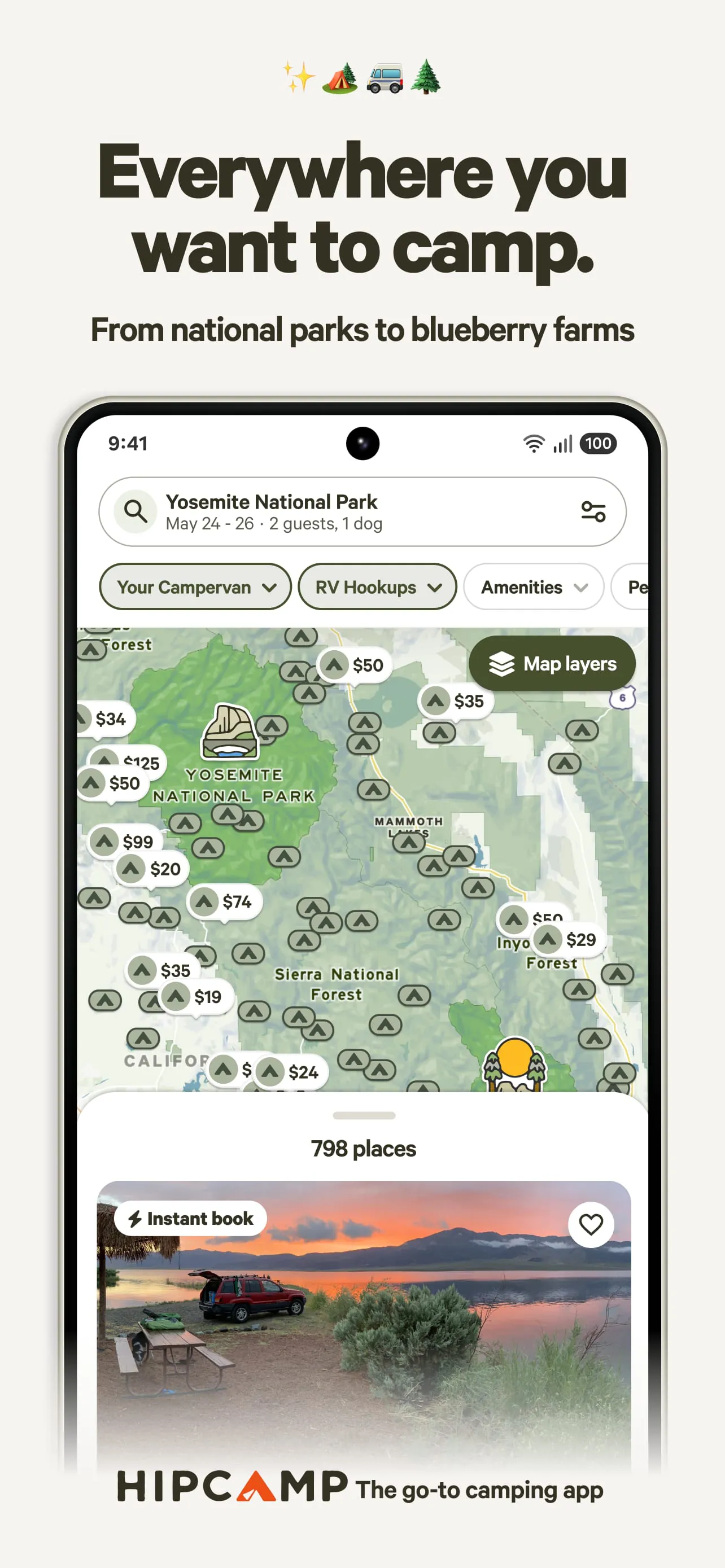
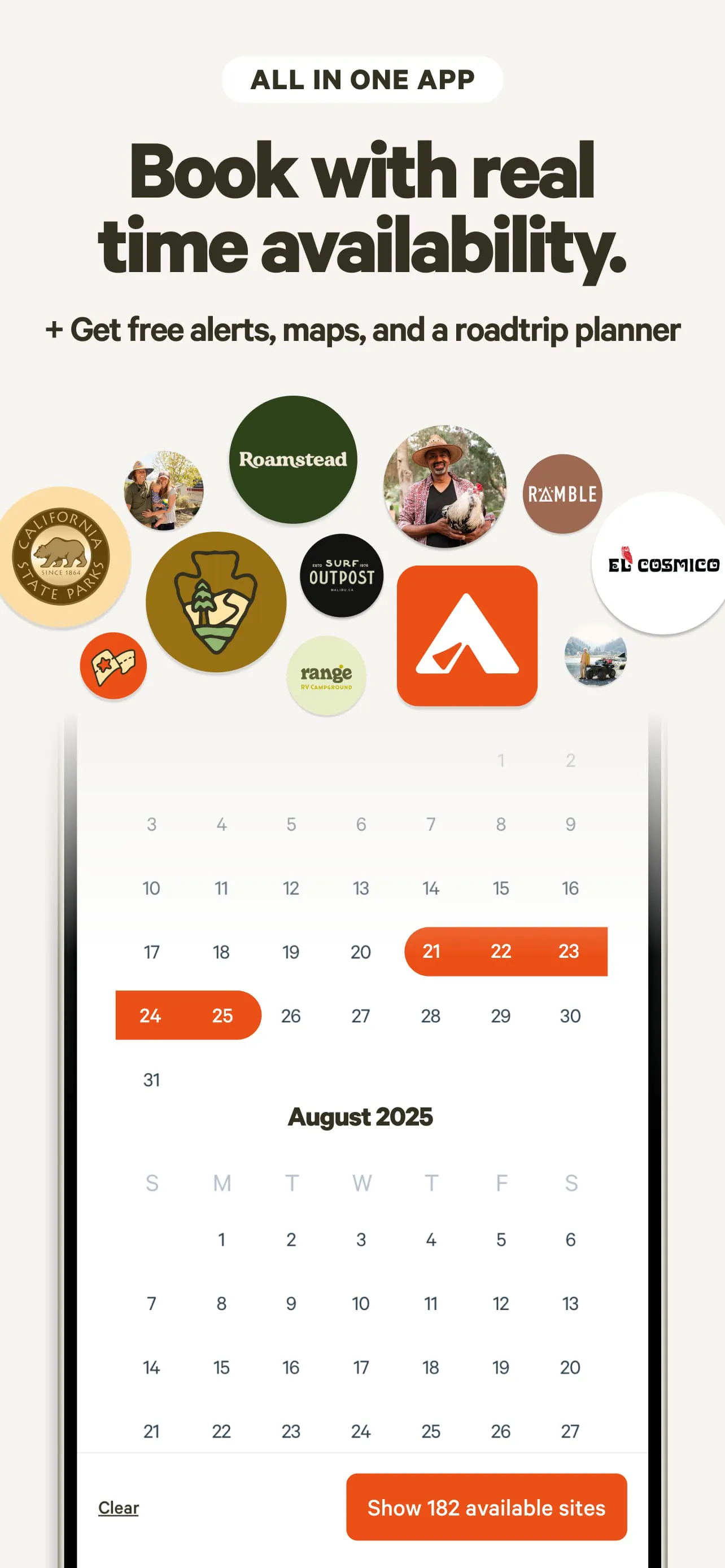
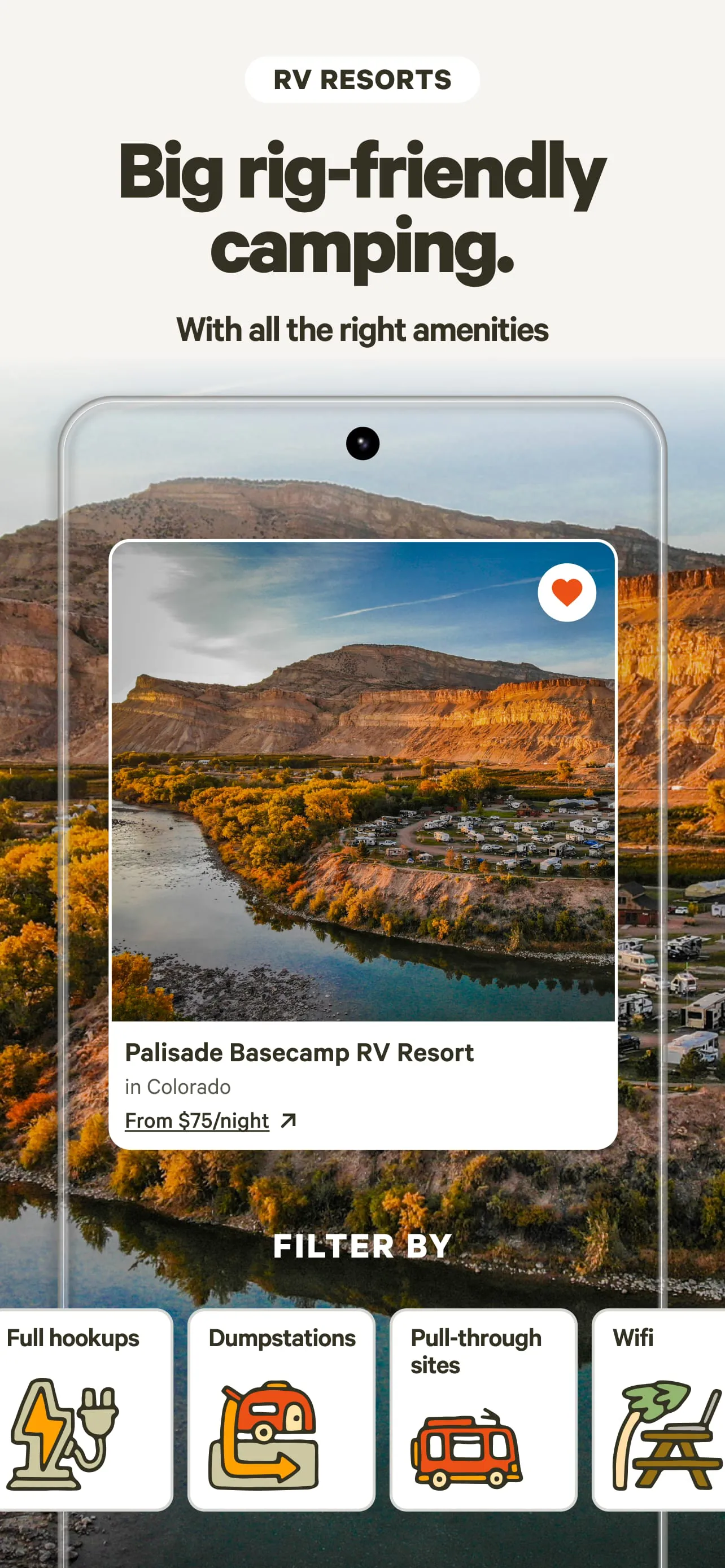
- Powerful Search Filters: Easily narrow down options by location, dates, price, accommodation type, and desired amenities like toilets, showers, or pet-friendly policies.
- Detailed Listings and Photos: Each listing provides comprehensive descriptions, high-quality photos, and clear information about the site’s rules, terrain, and available activities.
- Verified User Reviews: Read authentic feedback and ratings from previous campers to make informed booking decisions and set accurate expectations.
- Integrated Booking System: Securely check availability, book your stay, and manage all your upcoming reservations directly within the app.
- Offline Access: Save maps, directions, and booking details for access even in areas with poor or no cellular service.
Pros & Cons
Like any service, Hipcamp offers a distinct set of advantages and some limitations that users should consider.
- Pros:
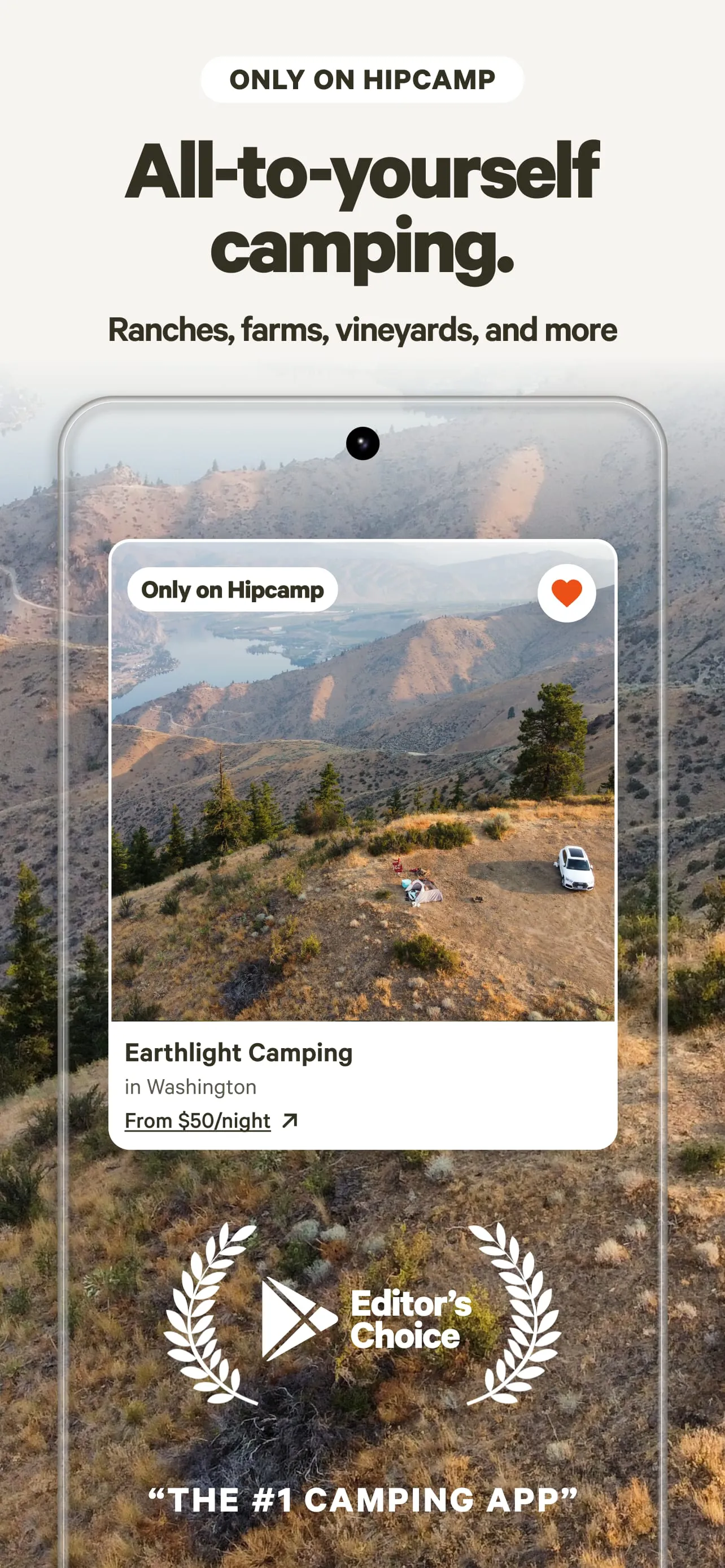
- Unlocks access to unique, private lands and camping experiences not found on other platforms.
- User-friendly interface with an intuitive map-based search makes discovery simple and visual.
- Strong emphasis on community, with transparent reviews fostering trust between hosts and guests.
- Supports landowners in generating income from their property, promoting sustainable land use.
- Often provides more affordable and less crowded alternatives to popular public campgrounds.
- Cons:
- Availability and quality can vary significantly since many listings are on private land with different standards.
- May have fewer listings in certain remote or less popular geographic regions compared to established campground directories.
- The booking fees and costs can add up, making some spots more expensive than initially expected.
- Customer service reliance on the app means resolving on-site issues can sometimes be slower than with a direct land manager.
- Some users report occasional discrepancies between the listing description and the actual on-site conditions.
Functions
The Hipcamp application integrates several core functions to facilitate the entire journey from dreaming about a trip to returning home. It acts as a planner, booking agent, and travel guide all in one.
- Discovery and Inspiration: Browse curated collections and recommendations based on activity, landscape, or proximity to national parks.
- Trip Planning: Use the interactive map and filter system to compare locations, read reviews, and save favorite spots to a wish list.
- Secure Reservation Management: Handle all aspects of booking, including payment processing, confirmation receipts, and itinerary management in one place.
- Communication Hub: Message hosts directly through the app to ask questions, get directions, or discuss special requests before and during your stay.
- Navigation Aid: Access saved driving directions and property maps, which are crucial for finding often-remote locations.
- Post-Trip Engagement: Share your own experience by leaving a detailed review and uploading photos to help future campers.
How to Use
Click the button "Check All Versions" below to download and install it. Once the app is installed on your device, open it and create a free account using your email address or by connecting through a social media profile. You can then begin exploring by entering a desired location or browsing the interactive map. Use the filter icons to specify your trip dates, number of guests, and preferred amenities. When you find a appealing spot, tap on the listing to view all details, photos, and reviews. To book, select your dates, review the total cost and rules, and proceed to the secure checkout. After booking, you can message the host, view your itinerary, and save the location details for offline use. For future trips, you can manage all your past and upcoming bookings in the "My Trips" section of your profile.





 APK
APK  Google Play
  iOS
iOS  4.70
4.70