




M4a To Mp3 Converter M4a To Mp3 Converter
Category
Music & AudioTag
m4a | MP3 converter | Audio Conversion | Audio Cutting | Audio Merging
Rate
4.40
★★★★★
Reviews
500 +
Installs
1M +
Developer
The AppGuru
Content Rating
Everyone
M4a To Mp3 Converter | Ma4 To Mp3 Converter - M4A Cutter and Merger
 APK
APK  Google Play
  iOS
iOS  4.40
4.40 Author's Review
Appspicked Review
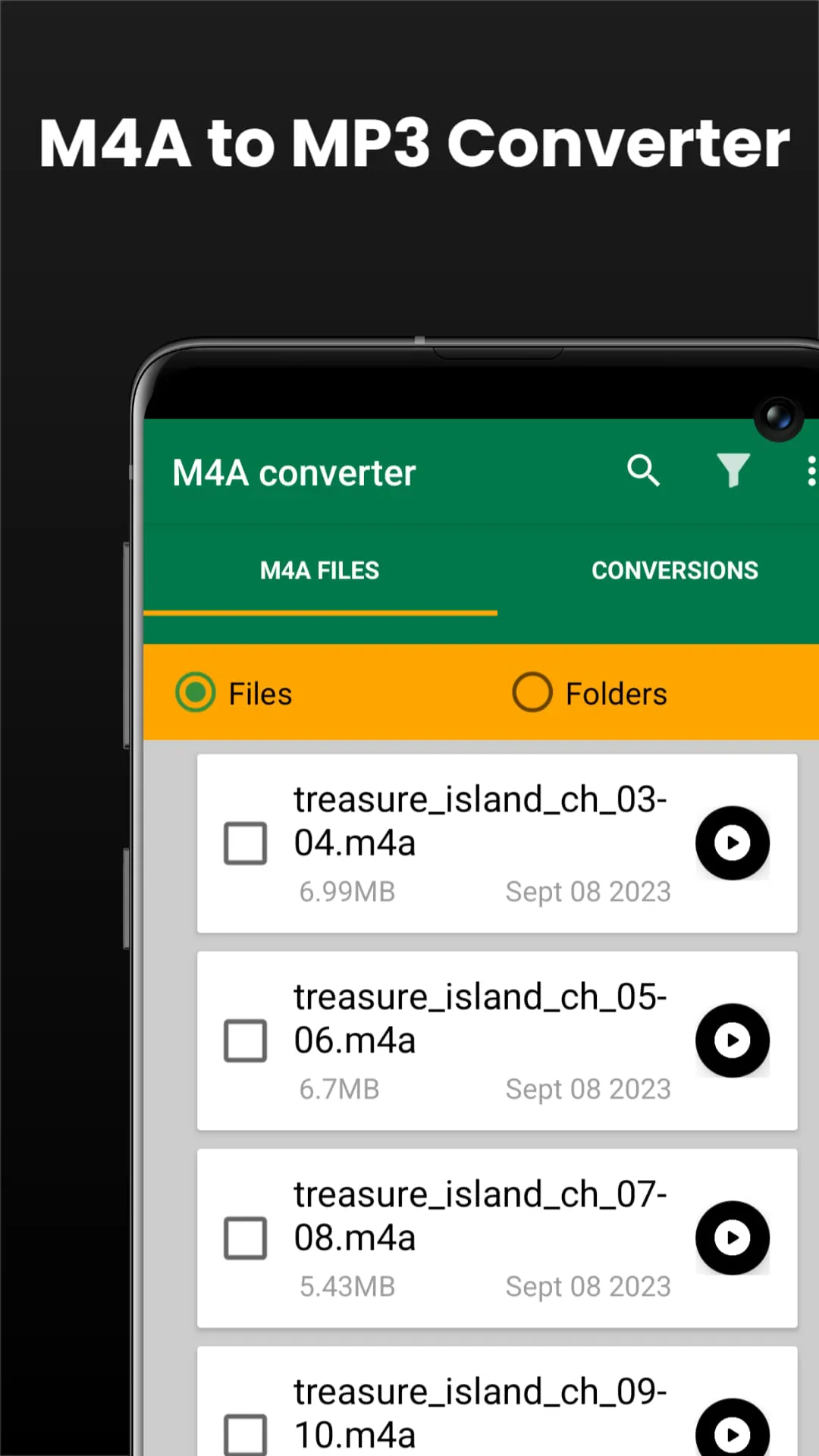
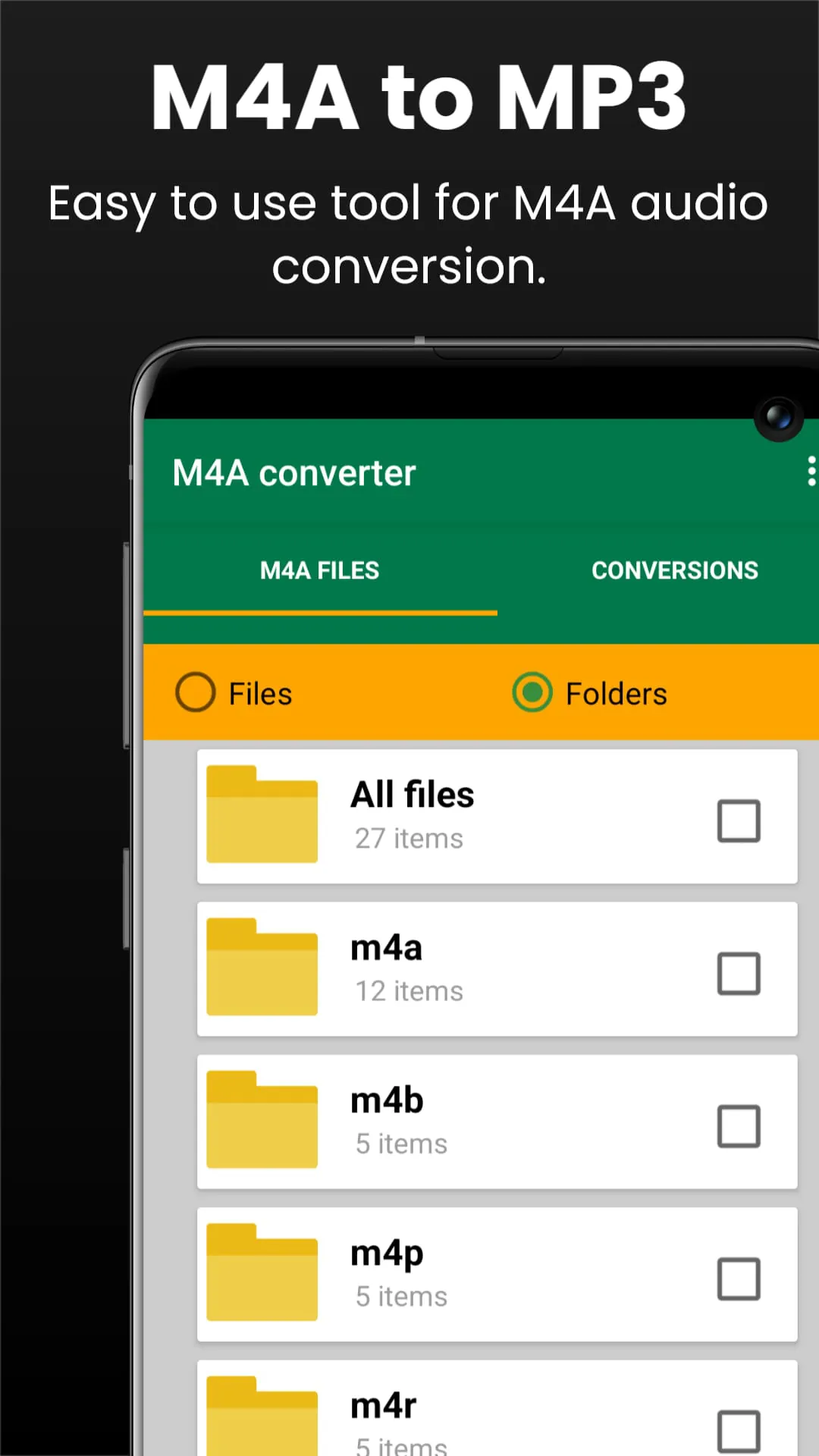
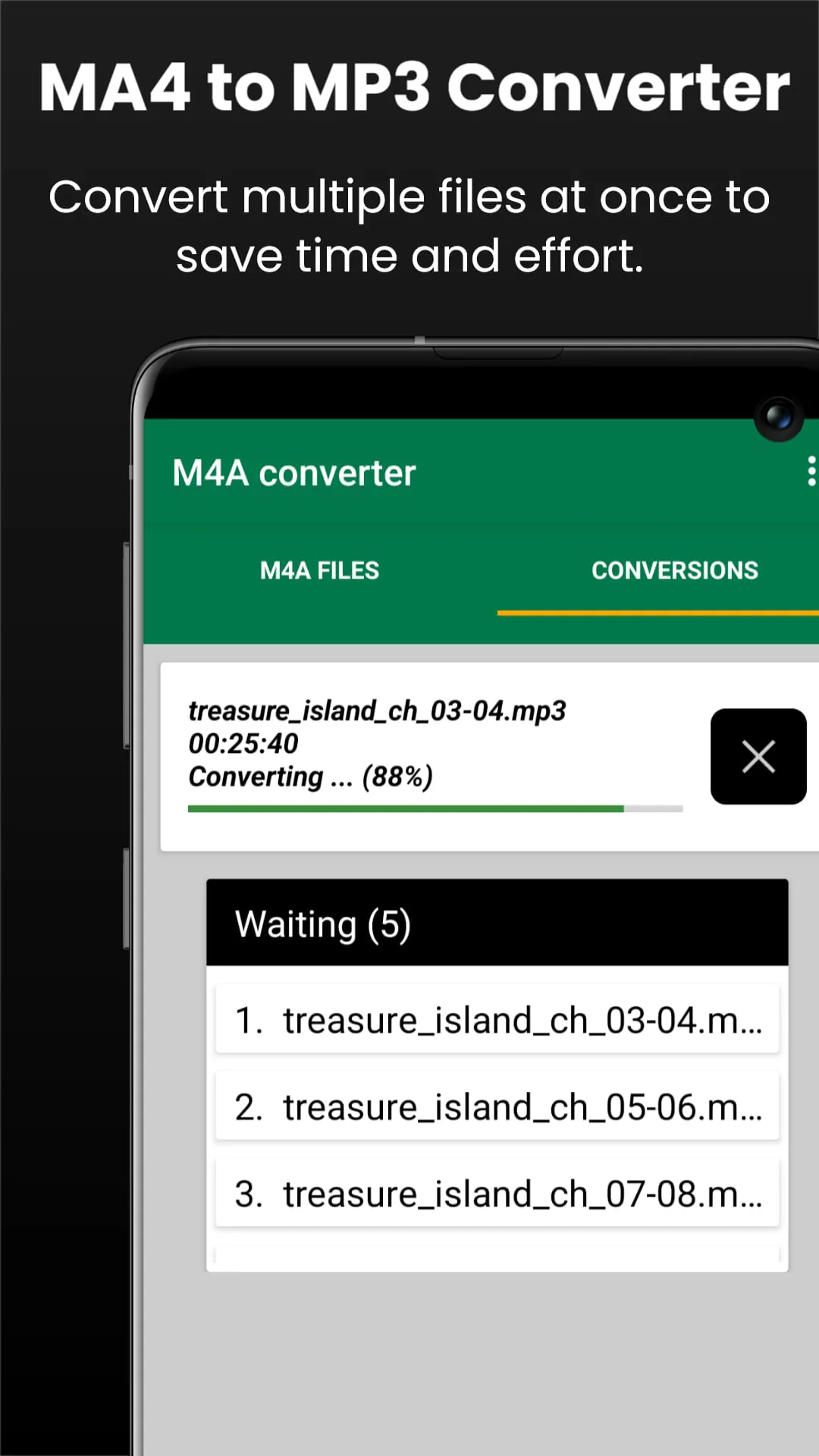
The M4A file extension represents audio files saved in the MPEG-4 format, commonly used for storing various types of audio content, including audiobooks, songs, and podcasts. These files are typically encoded using lossy codecs like Advanced Audio Coding (AAC) or lossless codecs such as Apple Lossless Audio Codec (ALAC) to optimize file size without significantly compromising audio quality. AAC offers a balance between file size and audio fidelity, making it suitable for general listening purposes, while ALAC retains the original audio data, providing higher quality but resulting in larger file sizes. For users seeking efficient solutions to manage and convert their M4A audio files, the M4A to MP3 Converter app emerges as a versatile tool, offering functionalities to convert, cut, and merge M4A files with ease. This app supports a range of M4A-related formats, including .m4a, .m4b, .m4p, and .m4r, catering to diverse user needs in audio file management and editing. Its intuitive design and comprehensive features make it an ideal choice for both casual users and audio professionals. The app simplifies the process of audio conversion, allowing users to seamlessly transform M4A files into the widely compatible MP3 format, ensuring playback across various devices and platforms. Moreover, the advanced audio cutting feature enables precise trimming of audio files, facilitating the creation of custom ringtones, notifications, or shorter clips for sharing on social media or messaging apps. The M4A Merge feature further enhances the app's utility by allowing users to combine multiple audio files into a single cohesive track, perfect for creating playlists, podcasts, or compilations with smooth transitions. Batch processing capabilities streamline workflow by enabling users to convert multiple files simultaneously, saving valuable time and effort. The app's high-speed performance ensures swift processing, even with large files, optimizing user productivity. Furthermore, the user-friendly interface ensures a hassle-free experience, allowing users to navigate features easily and complete tasks efficiently. Customizable audio settings provide control over output quality, enabling users to adjust bitrate, sample rate, and audio channels according to their preferences. Offline functionality ensures privacy and security, as audio files are processed locally on the device without requiring an internet connection. The M4A to MP3 Converter stands out as a reliable and comprehensive solution for M4A audio conversion, cutting, and merging, catering to users' diverse needs in audio file management and editing. The app's versatility, ease of use, and robust features make it an indispensable tool for anyone working with M4A audio files, whether for personal or professional purposes. Its compatibility with various formats, advanced cutting and merging capabilities, and customizable settings empower users to optimize their audio experience and manage their files with precision and efficiency. The app's commitment to quality, speed, and user-friendliness makes it a top choice for M4A audio conversion and editing needs, providing a seamless and enjoyable experience for all users. Whether you're a music enthusiast, a podcast creator, or simply someone who wants to manage their audio files more effectively, the M4A to MP3 Converter is the perfect tool to streamline your workflow and enhance your audio experience. Its comprehensive features, intuitive interface, and reliable performance make it an essential addition to any digital toolkit, empowering users to take control of their audio files and create the perfect listening experience.
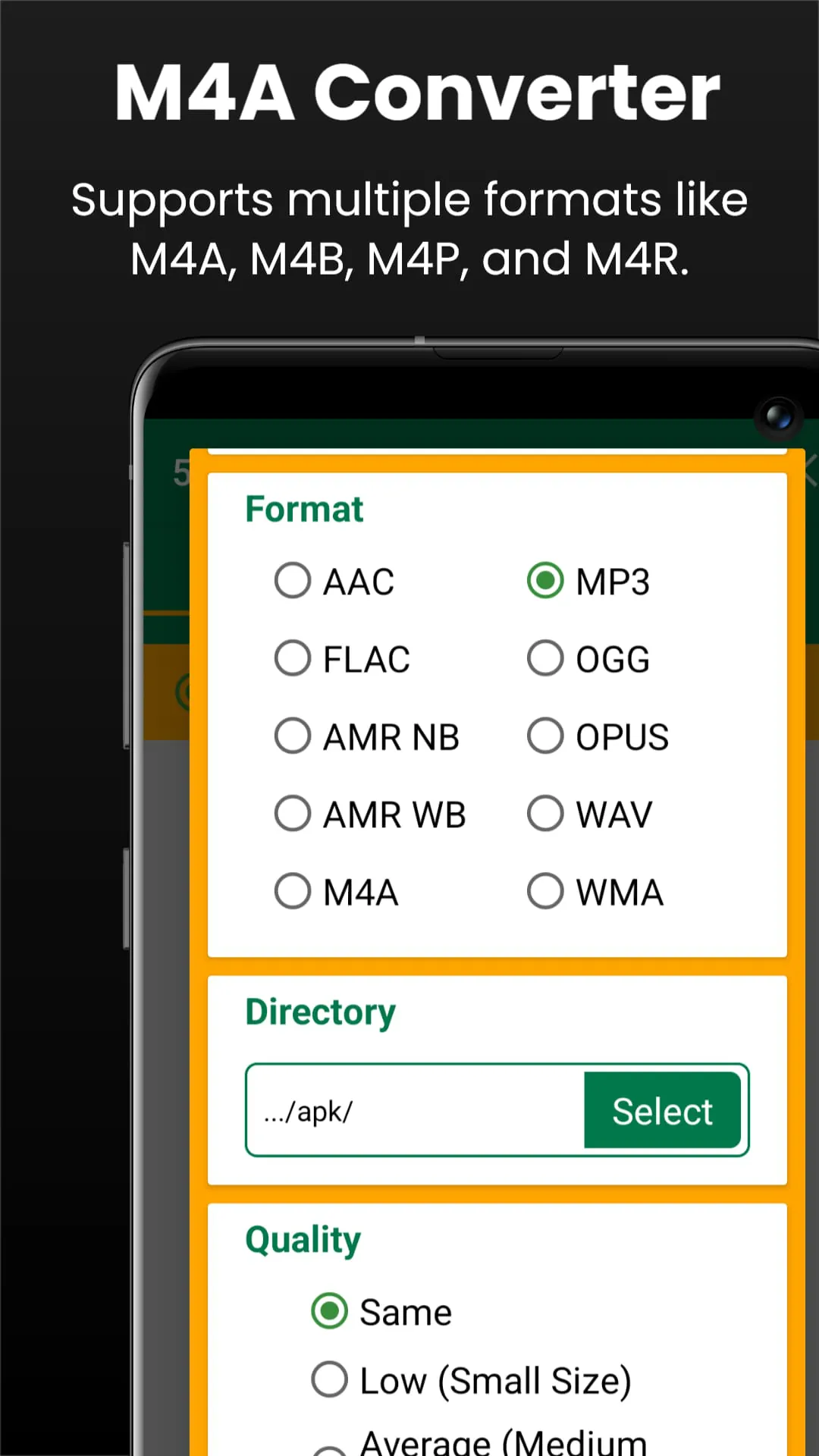
The M4A to MP3 Converter app distinguishes itself through its versatile compatibility, supporting a range of formats beyond M4A, including M4B, M4P, and M4R. This broad format support positions the app as a go-to solution for various audio conversion needs, catering to users with diverse file types and requirements. The app's comprehensive tools encompass not only conversion but also cutting and merging functionalities, offering a complete suite of features for audio file manipulation. Options like the M4A Merger and Song Converter M4A to MP3 further enhance its utility, providing users with flexible options for creating playlists, compilations, or custom audio tracks. The app consistently delivers high-quality audio output, ensuring that converted files retain the clarity and fidelity of the original recordings. This commitment to quality is particularly important for users who value the integrity of their audio files and seek to preserve the nuances of the original sound. Moreover, the app optimizes file sizes, allowing users to save valuable storage space on their devices without sacrificing sound quality. This space-saving capability is especially beneficial for users with limited storage capacity or those who wish to minimize file sizes for easier sharing and transfer. The M4A to MP3 Converter is ideally suited for various scenarios, including creating custom ringtones or notifications using the M4A Cutter feature. This feature allows users to extract specific segments of songs or audiobooks, enabling them to personalize their devices with unique sounds. The app also facilitates the extraction of specific segments from songs or audiobooks using the M4A Cutter and Merger, allowing users to isolate favorite passages or create custom audio clips for various purposes. Furthermore, the app enables the combination of multiple audio tracks into a single file using the M4A Merger tool, simplifying the process of creating playlists, compilations, or audio presentations. The M4A to MP3 Converter provides a seamless and efficient way to manage and edit M4A audio files, empowering users to organize their audio libraries and customize their listening experience. The app also supports conversion to other popular audio formats, including AAC, AMR, FLAC, OGG, OPUS, MP3, WAV, and WMA, providing users with maximum flexibility and compatibility. Whether you're converting M4A to AAC for improved compression, M4A to FLAC for lossless audio quality, or M4A to MP3 for universal compatibility, the app offers a comprehensive range of conversion options to meet your specific needs. The M4B to MP3 converter, M4P to MP3 converter, and M4R to MP3 converter functionalities further extend the app's versatility, catering to users with diverse audio file types and conversion requirements. The M4A to WAV converter and M4A to WMA converter options provide additional flexibility for users who need to convert their audio files to specific formats for compatibility with different devices or software applications. The M4A to MP3 Converter stands out as a comprehensive and versatile solution for all your audio conversion needs, offering a wide range of features, formats, and customizable settings to empower you to manage your audio files with precision and efficiency.
Whether you’re creating a personalized ringtone, managing an audiobook collection, or converting music files for your playlist, M4A to MP3 Converter has got you covered. This versatile app caters to a wide range of user needs, providing a seamless and efficient solution for all your audio file management requirements. Its user-friendly interface, comprehensive features, and reliable performance make it an essential tool for anyone who works with M4A audio files. The app's ability to convert, cut, and merge audio files with ease empowers you to take control of your audio content and customize your listening experience. Whether you're a music enthusiast, a podcast creator, or simply someone who wants to manage their audio files more effectively, M4A to MP3 Converter is the perfect tool to streamline your workflow and enhance your audio experience. Download M4A Converter to MP3 now and take control of your M4A audio files like never before! This app provides you with the tools and features you need to manage your audio files with precision and efficiency, allowing you to create the perfect listening experience for yourself. Its comprehensive format support, advanced cutting and merging capabilities, and customizable settings empower you to optimize your audio files for various devices and platforms. The app's commitment to quality, speed, and user-friendliness makes it a top choice for M4A audio conversion and editing needs, providing a seamless and enjoyable experience for all users. The M4A to MP3 Converter is more than just an audio conversion tool; it's a comprehensive solution for managing and enhancing your audio files. Its versatile features, intuitive interface, and reliable performance make it an indispensable addition to any digital toolkit, empowering you to take control of your audio content and create the perfect listening experience. The app's ability to convert, cut, and merge audio files with ease empowers you to customize your audio content and create personalized ringtones, notifications, or audio clips for various purposes. Whether you're extracting specific segments from songs or audiobooks, combining multiple audio tracks into a single file, or converting audio files to different formats for compatibility with various devices or software applications, M4A to MP3 Converter provides you with the tools and features you need to achieve your goals. Its commitment to quality, speed, and user-friendliness makes it the perfect tool to streamline your workflow and enhance your audio experience. The M4A to MP3 Converter stands out as a comprehensive and versatile solution for all your audio conversion needs, offering a wide range of features, formats, and customizable settings to empower you to manage your audio files with precision and efficiency. Its user-friendly interface, comprehensive features, and reliable performance make it an essential tool for anyone who works with M4A audio files. Its ability to convert, cut, and merge audio files with ease empowers you to take control of your audio content and customize your listening experience. The M4A to MP3 Converter is more than just an audio conversion tool; it's a comprehensive solution for managing and enhancing your audio files. Its versatile features, intuitive interface, and reliable performance make it an indispensable addition to any digital toolkit, empowering you to take control of your audio content and create the perfect listening experience.
Screenshots
 Download
 Additional Information
Category
Music & AudioVersion
Unknown
Tag
m4a | MP3 converter | Audio Conversion | Audio Cutting | Audio Merging
Rate
4.40
★★★★★
Reviews
500 +
Installs
1M +
Developer
The AppGuru
Content Rating
Everyone
M4a To Mp3 Converter | Ma4 To Mp3 Converter - M4A Cutter and Merger
Previous Versions
ZIP files require a Split APKs Installer (e.g., SAI) from Google Play to install. Steps: 1. Download SAI from Google Play; 2. Open SAI and tap "Install APKs"; 3. Select the ZIP file; 4. Complete installation.
You Might Like









