The Google Play Store is the official digital distribution platform developed by Google for its Android operating system, serving as a central hub where users can browse, download, and install applications, games, movies, books, and more onto their mobile devices. It provides a secure and streamlined ecosystem for both consumers to discover content and for developers to publish their software to a global audience.
Key Features
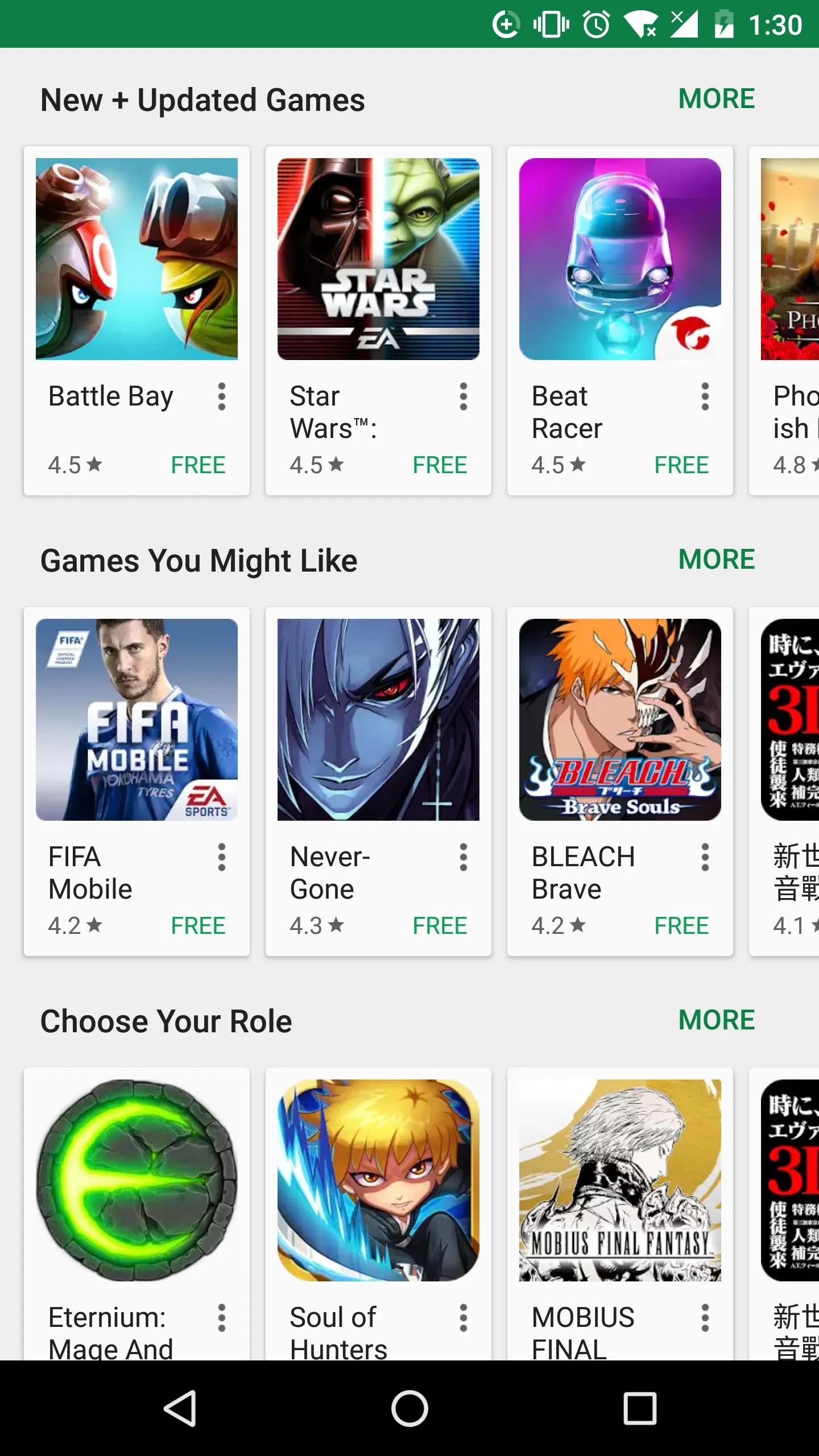
The platform is renowned for its comprehensive and user-friendly environment. It offers personalized recommendations based on your download history and preferences, helping you discover new and relevant apps. Robust parental controls allow families to manage what content is accessible. The Play Protect feature continuously scans installed apps for security threats. Furthermore, it supports multiple payment methods and often provides promotional offers, including discounted or temporarily free premium apps.
Pros & Cons
- Pros: Vast, centralized library of apps and digital content; strong security measures with Play Protect; seamless integration with Google accounts and services; frequent automatic updates for apps; offers free trials and refund policies on many paid items.
- Cons: App quality and screening can be inconsistent compared to some rivals; availability of certain apps can vary by region due to licensing or local laws; can occasionally contain malicious apps that slip through initial reviews.
Functions
- App Distribution: Serves as the primary marketplace for downloading and updating Android applications (APKs).
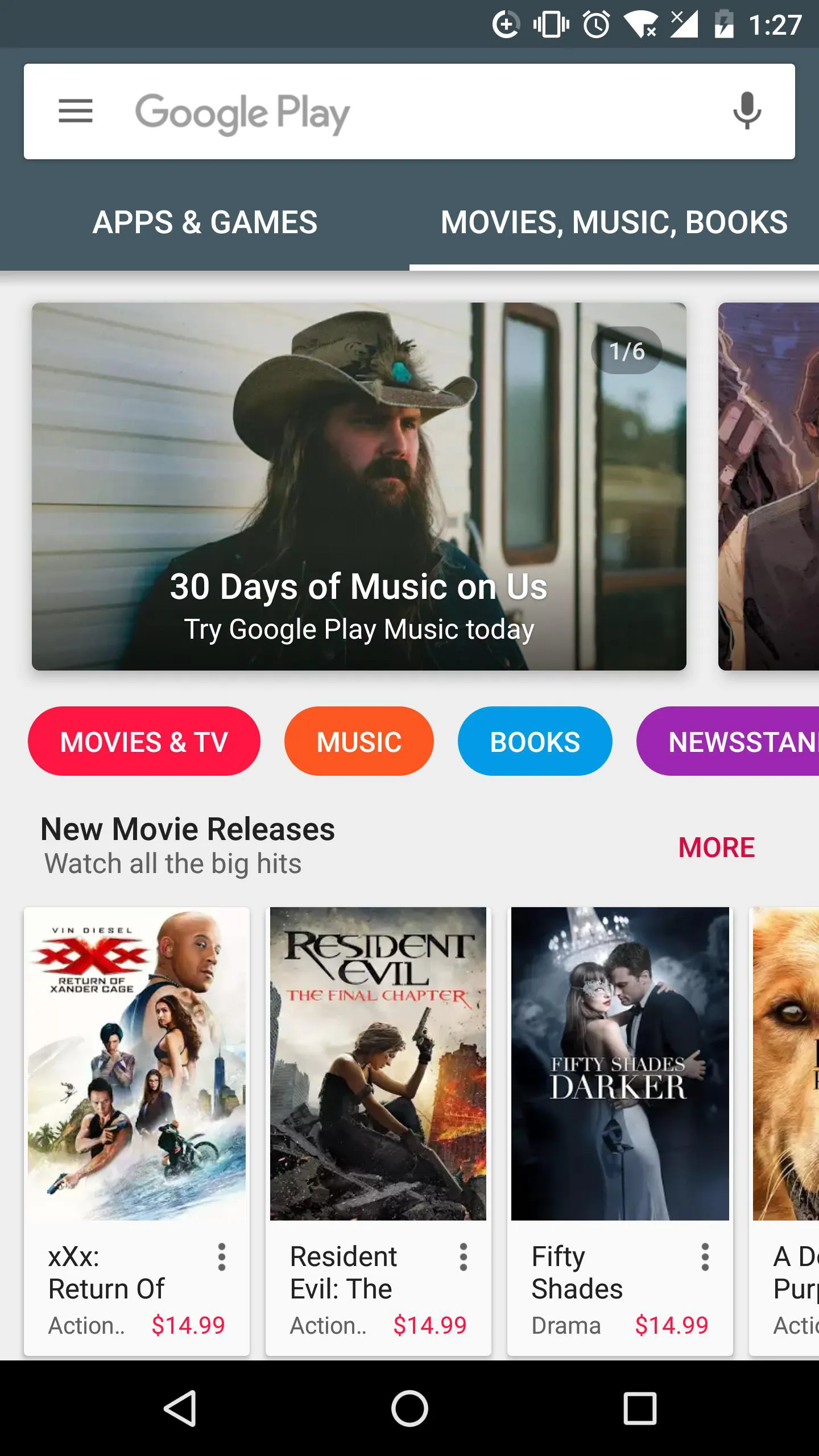
- Content Store: Allows rental or purchase of movies, TV shows, books, and music.
- Device Management: Enables users to remotely install apps to their Android devices from a web browser.
- Developer Services: Provides tools for developers to publish, monetize, and analyze their applications.
- Security & Safety: Implements safety standards, content ratings, and automated scanning to protect users.
How to Use
Click the button "Check All Versions" below to download and install it. Once installed, the app is typically pre-loaded on Android devices and can be opened from your home screen or app drawer. You can browse categories, use the search bar to find specific items, and tap "Install" to download an app. To manage your experience, access the menu to check your account, payment methods, and settings for parental controls or update preferences.




 APK
APK  Google Play
  iOS
iOS  4.30
4.30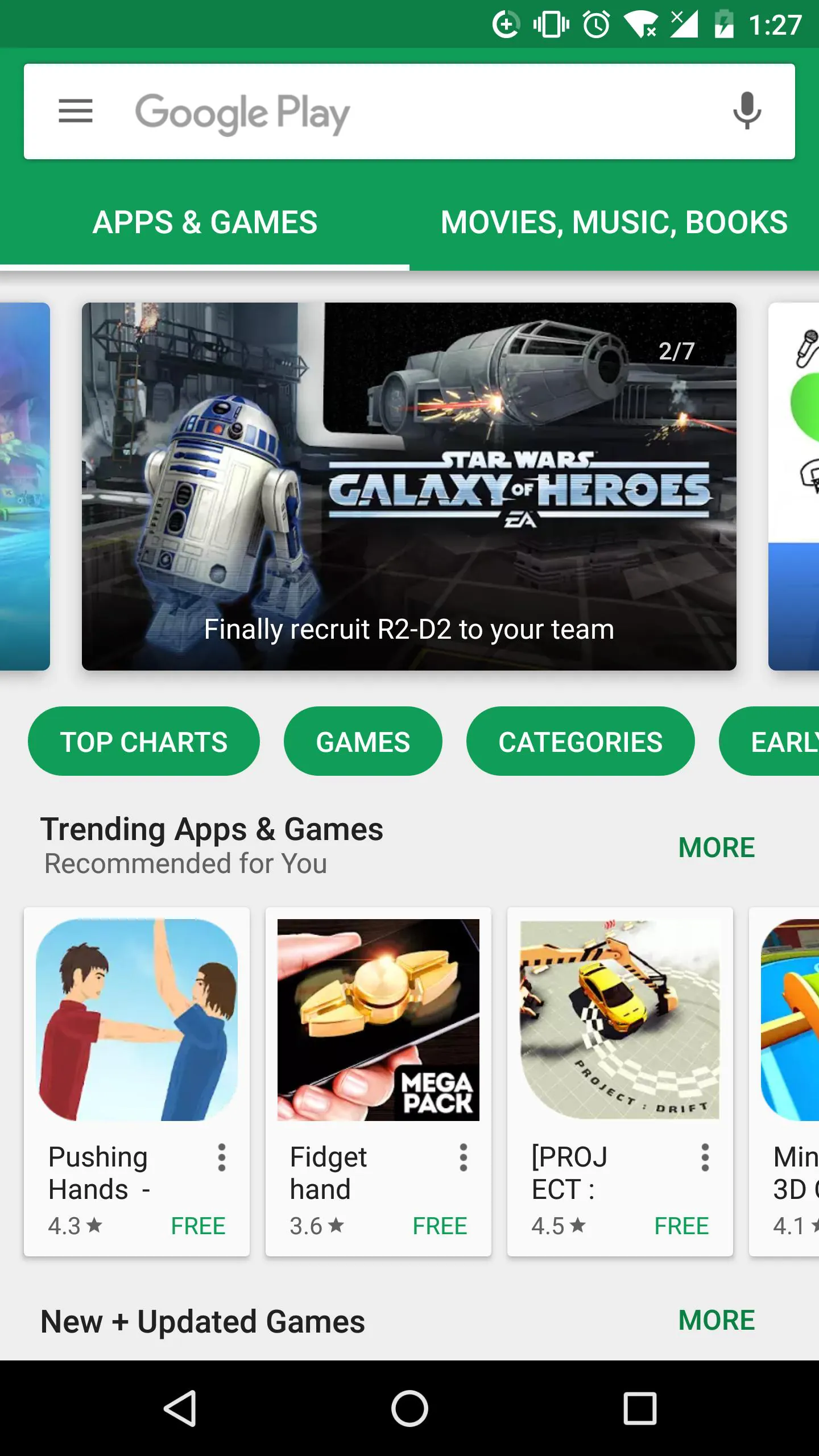
 Download








