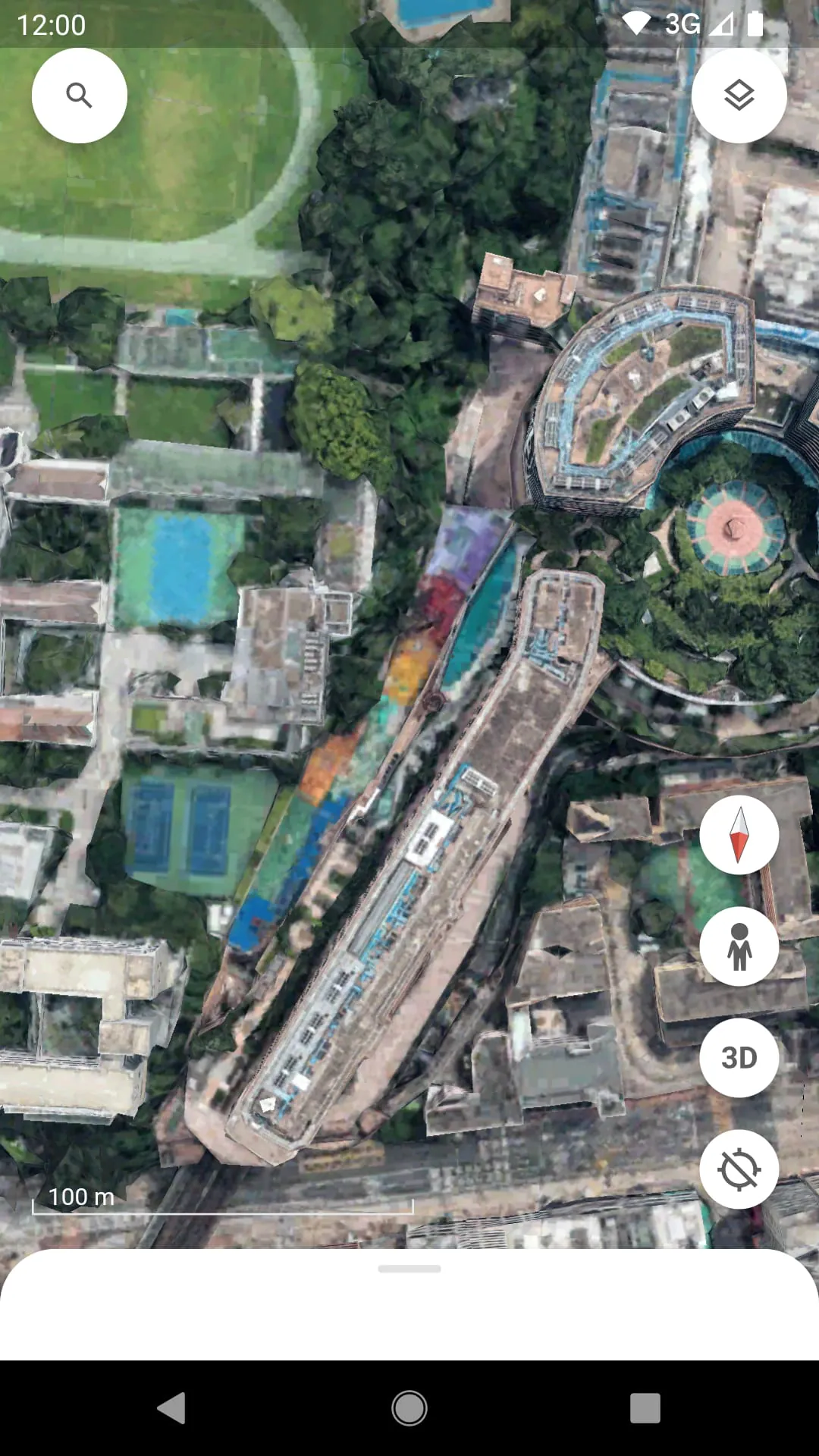
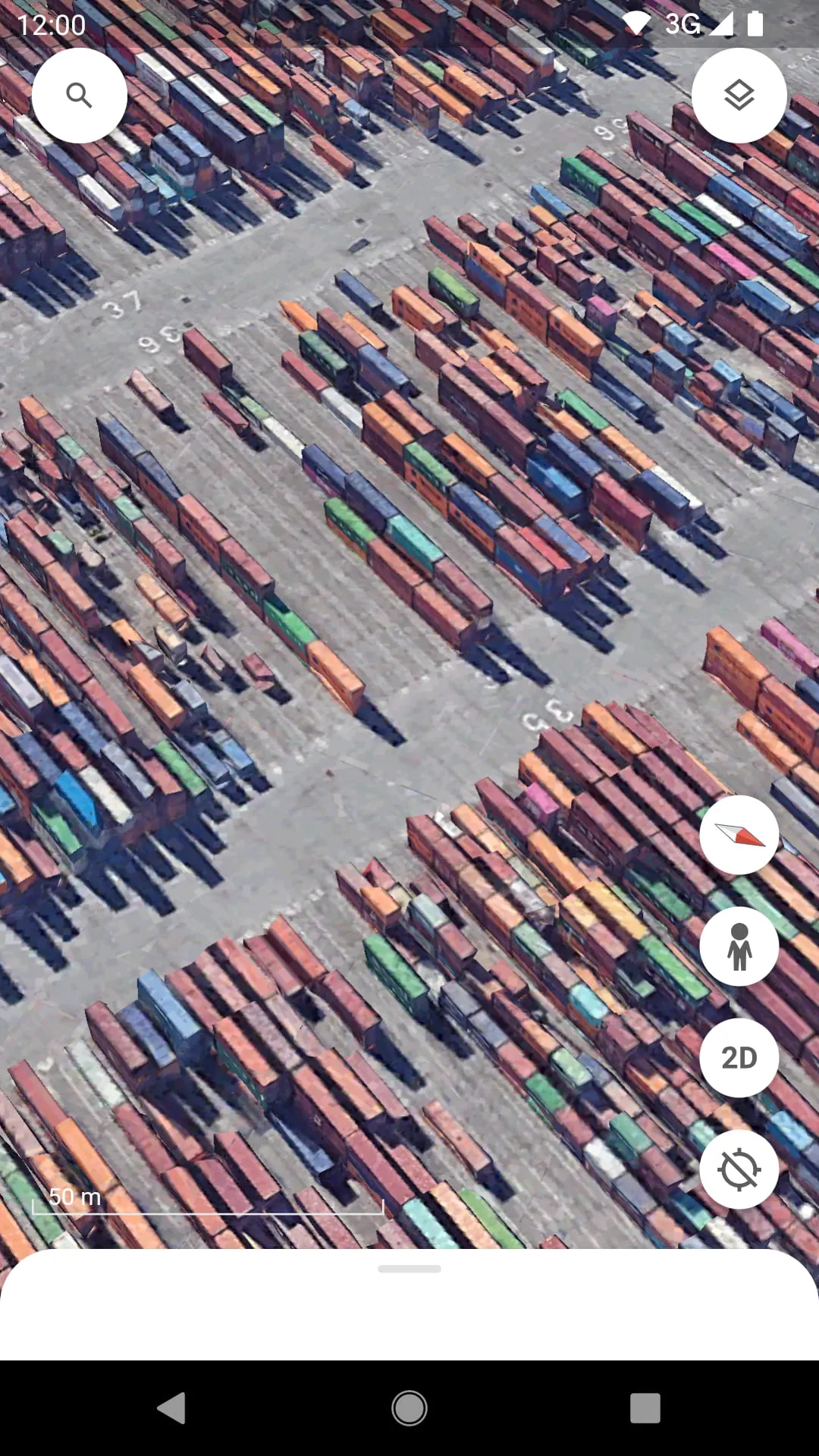
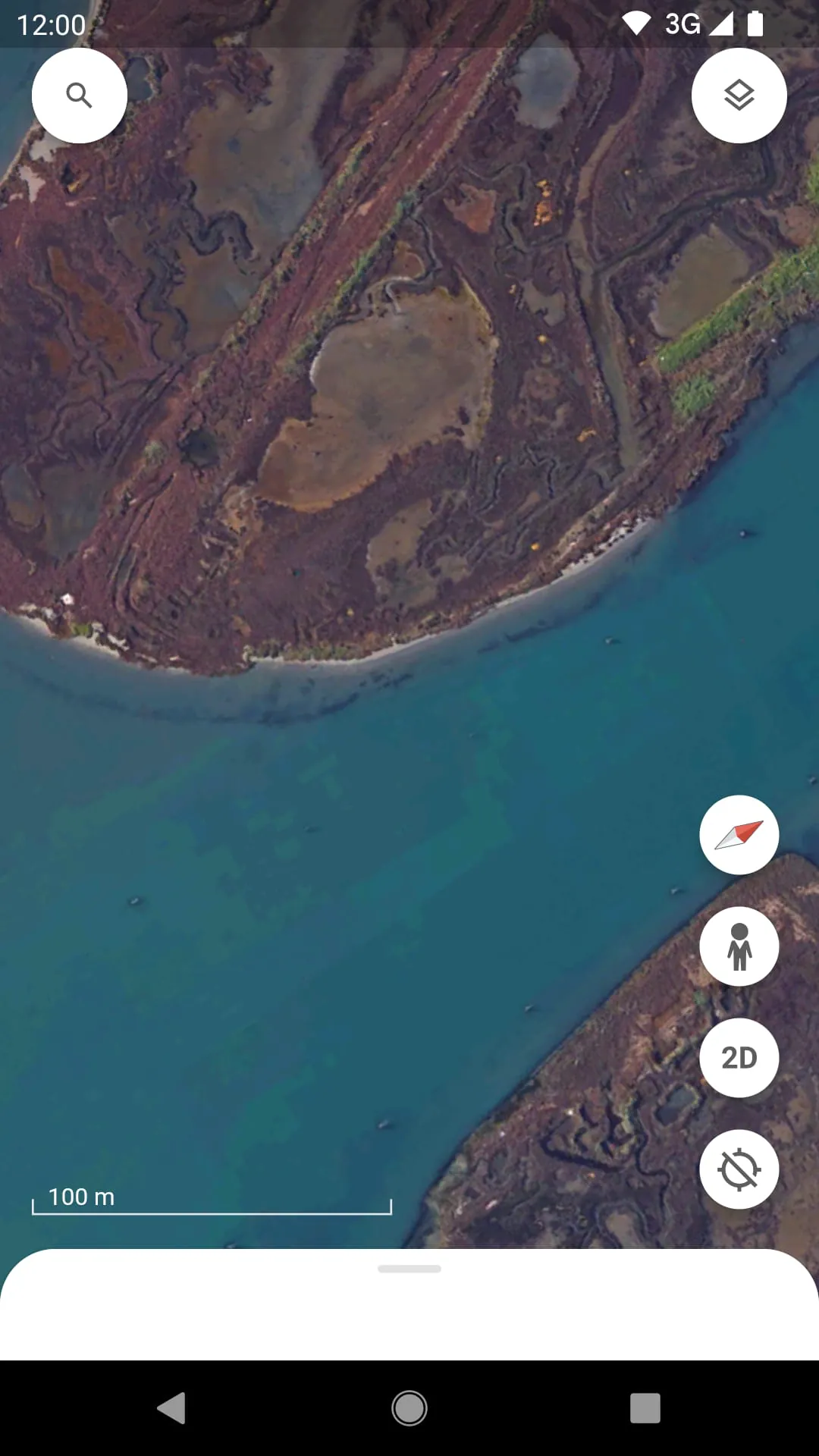
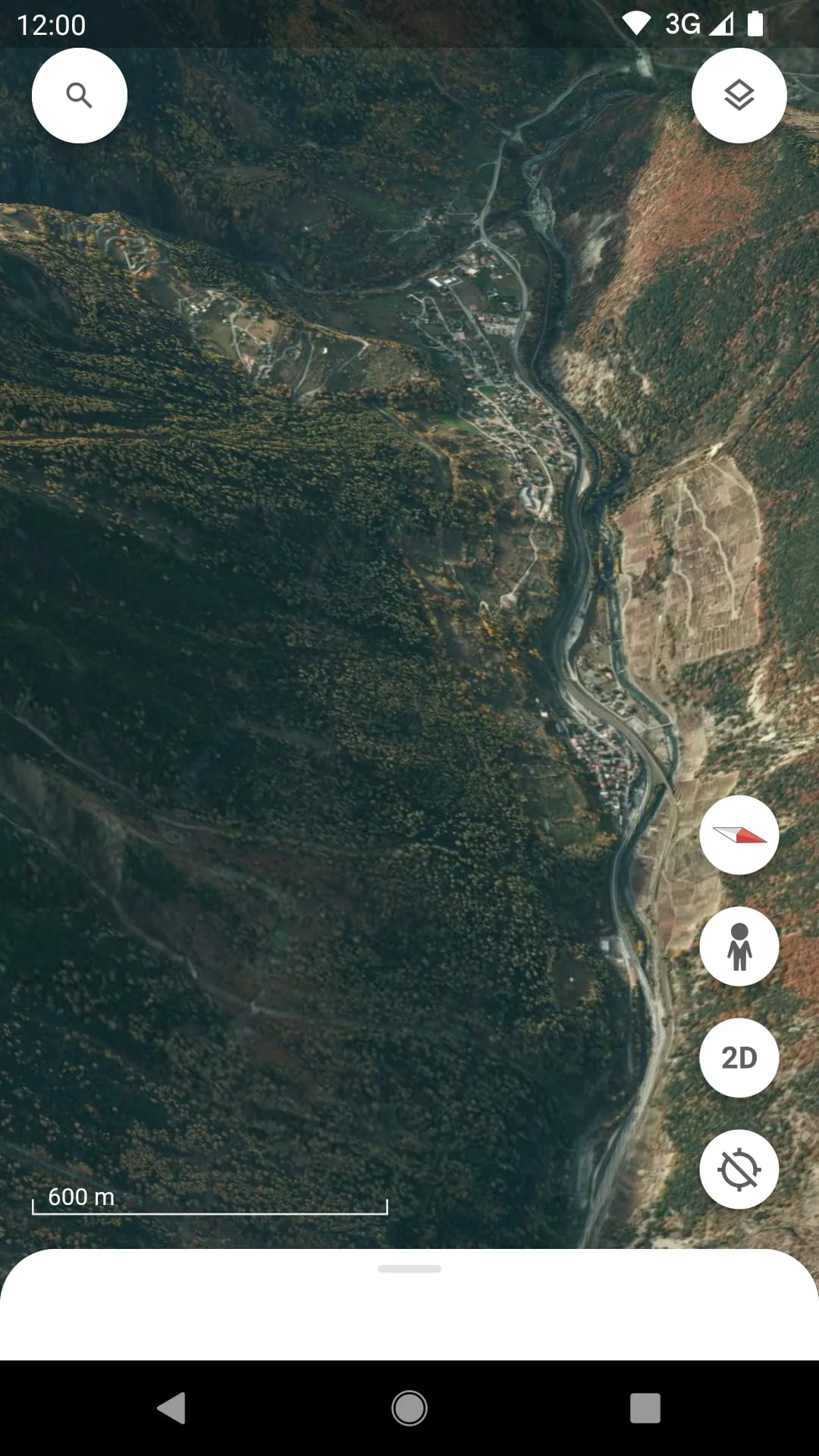
Google Earth is a powerful and innovative application that allows users to explore a detailed, interactive 3D representation of our planet from their computer or mobile device. By stitching together satellite imagery, aerial photography, and geographic data, it creates a virtual globe that you can navigate to view cities, landscapes, and remote locations from multiple perspectives, offering an immersive way to learn about and visualize the world.
Key Features
The application stands out with its unique set of capabilities that go beyond simple map viewing. It provides a rich, layered experience for discovery and education. Users can access historical imagery to see how places have changed over time, create and share custom tours with the Voyager storytelling feature, and even explore the ocean floor or the surface of Mars. The 3D rendering of buildings and terrain in many areas adds a remarkable level of depth and realism, making virtual travel both engaging and informative.
Pros & Cons
Like any tool, this platform has its distinct advantages and some limitations. It is an exceptional resource for education, travel planning, and environmental monitoring, offering unparalleled visual context that traditional maps cannot match. However, its performance can be demanding on older hardware, and the sheer richness of features may present a learning curve for new users. Furthermore, while imagery is frequently updated, some regions may have outdated or lower-resolution photos compared to others.
Functions
The software is packed with diverse functionalities designed for a wide range of uses. Beyond basic navigation, it serves as a multifaceted tool for both personal and professional projects.
- Virtual Tourism: Fly to any location on Earth and experience landmarks in 3D.
- Measurement Tools: Calculate distances, areas, and even elevation profiles.
- Data Layers: Overlay information about roads, borders, weather, and real-time phenomena.
- Content Creation: Design and save personalized placemarks, paths, and guided tours to share with others.
How to Use
Click the button "Check All Versions" below to download and install it. Once installed, launch the application and you will be presented with a view of the globe. You can use your mouse or touch controls to zoom, rotate, and tilt the view. Simply type a location into the search bar to fly directly there. To access advanced features, explore the menu toolbar on the left side, where you can toggle different layers, open the Voyager stories, or find the ruler and tour creation tools. Spending time experimenting with these menus is the best way to unlock its full potential.





 APK
APK  Google Play
  iOS
iOS  3.80
3.80