GOM Player is a versatile and popular multimedia application developed for playing a wide array of video and audio file formats on Windows systems, renowned for its user-friendly interface and robust playback capabilities that cater to both casual viewers and media enthusiasts.
Key Features
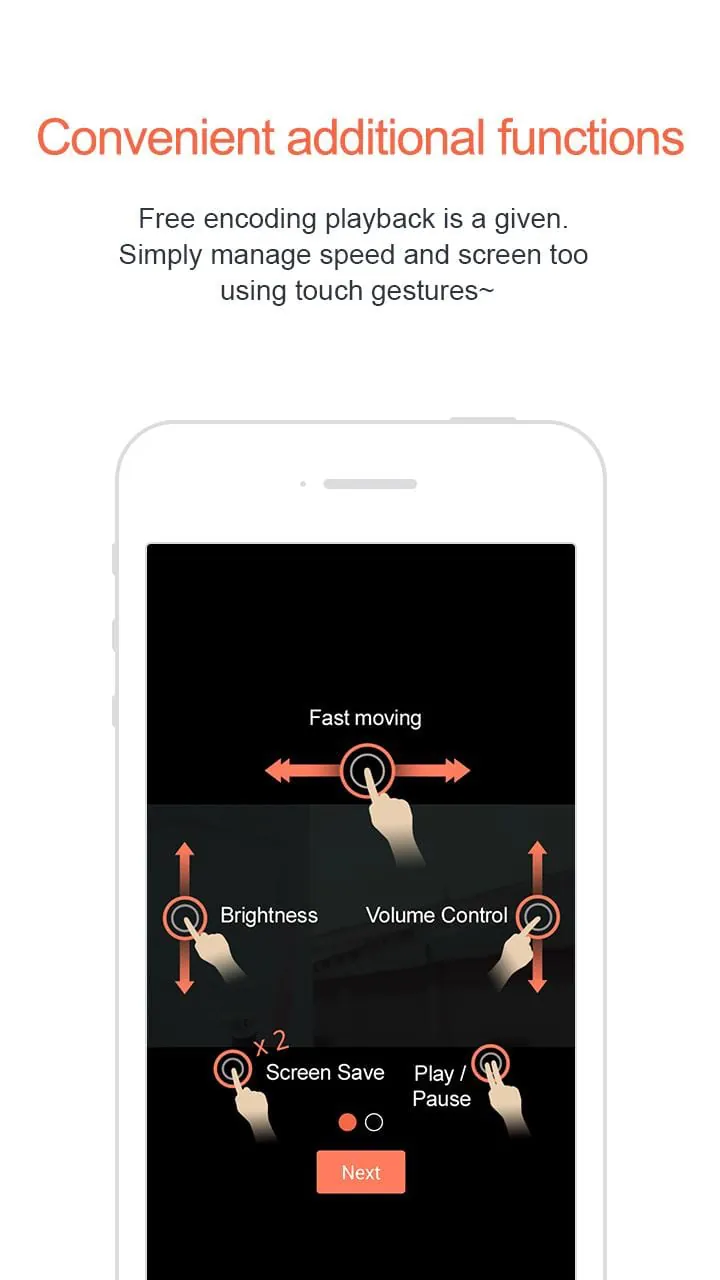
The software stands out with its integrated codec library, eliminating the need for separate downloads to play most files. It offers advanced playback controls like speed adjustment, A-B repeat, and screen capture. Additionally, it supports 360-degree VR videos, 4K/8K UHD content, and includes a range of subtitle customization tools, making it a feature-rich media solution.
Pros & Cons
GOM Player presents a balanced mix of advantages and some limitations.
- Strengths include its extensive format support, lightweight performance, and useful bonus features like the ability to play damaged or incomplete files. Its customizable interface and free version with essential functions are significant pluses.
- On the downside, the installer may bundle additional, unwanted software if not carefully managed. Some advanced features are locked behind a premium version, and occasional advertisements can be present in the free edition.
Functions
This media player excels in providing a comprehensive set of functions for an enhanced viewing experience.
- Core playback for video and audio files with minimal system resource usage.
- Advanced subtitle features: syncing, searching online, and encoding adjustment.
- Video effect controls for brightness, contrast, and saturation.
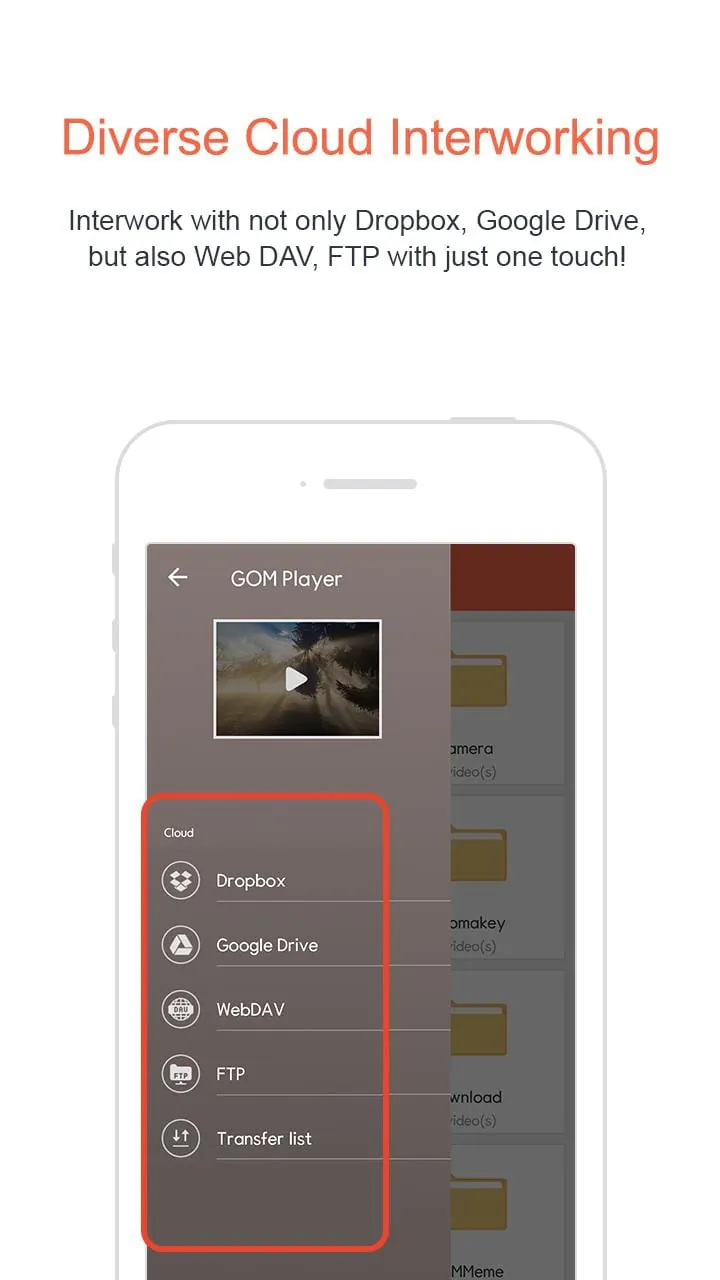
- Support for streaming online videos via direct URL input.
- Comprehensive audio controls, including sound normalization and pitch adjustment.
How to Use
Click the button "Check All Versions" below to download and install it. Once installed, launch the application and you can immediately open media files via the "Open File" menu or simply by dragging and dropping them into the player window. Utilize the on-screen control panel or right-click menu to access playback settings, subtitle management, and video/audio effects to tailor your experience. For optimal use, explore the 'Preferences' menu to configure the software's settings to your personal liking.





 APK
APK  Google Play
  iOS
iOS  3.50
3.50
 Download








