Geometry Dash is a fast-paced rhythm-based platformer game developed by Robert Topala that challenges players to guide a customizable cube-shaped icon through a series of obstacle-filled levels perfectly synchronized with energetic electronic music tracks.
Key Features
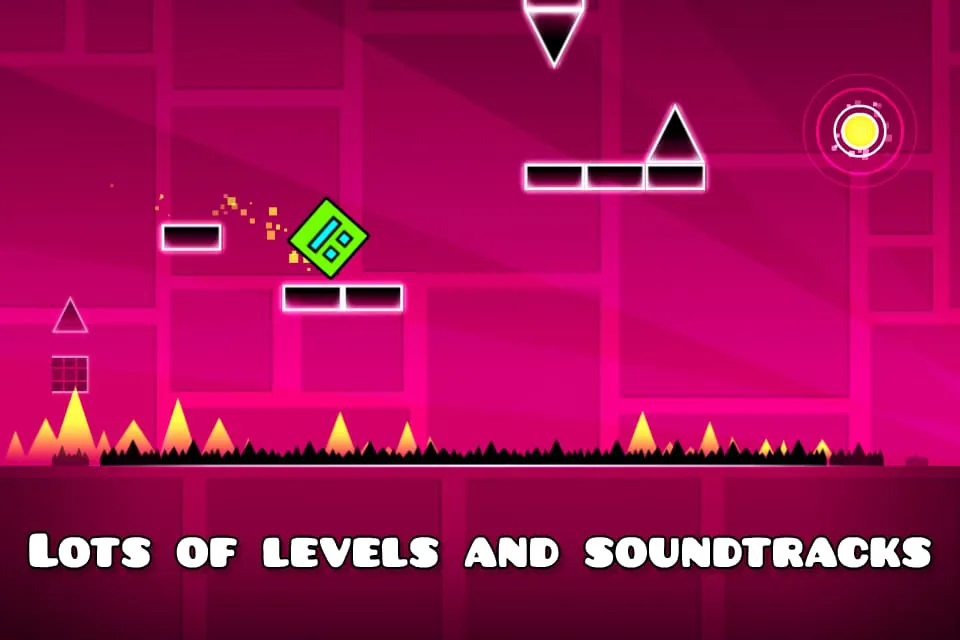
- Rhythm-Based Gameplay: Every jump, flip, and movement aligns precisely with the beat of high-energy soundtracks.
- Level Editor: Create your own custom levels and share them with the global community.
- Multiple Game Modes: Includes practice mode for learning difficult sections without failing.
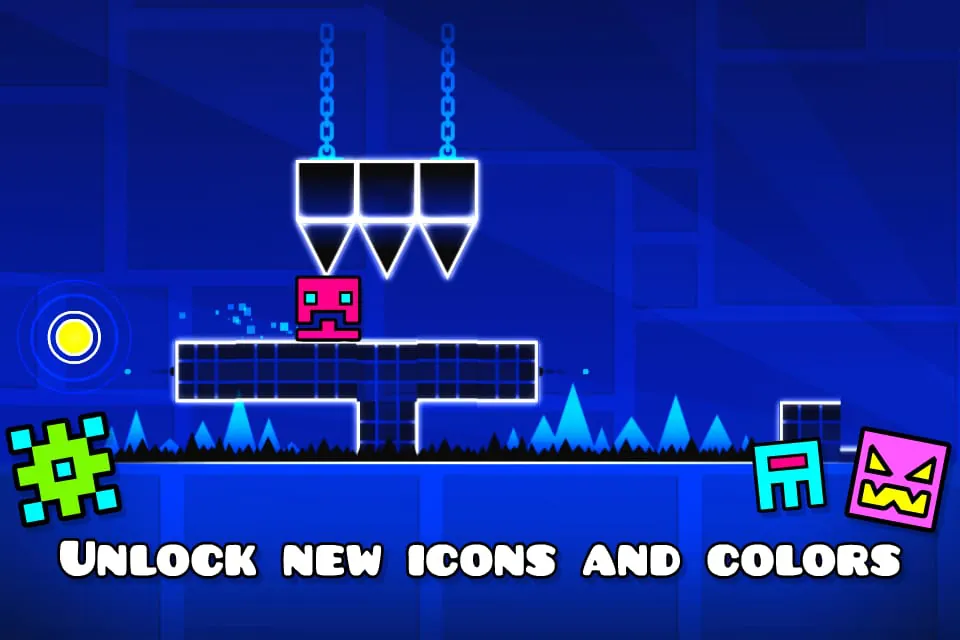
- Customization Options: Unlock different icons, colors, ships, and trails as you progress.
- Online Integration: Access millions of user-created levels from around the world.
- Regular Updates: Frequent additions of new levels, features, and improvements.
Pros & Cons
- Pros:
- Highly addictive and challenging gameplay that improves reflexes and timing.
- Extensive level editor provides endless creative possibilities.
- Strong community support with constant new content.
- Catchy soundtrack that enhances the gaming experience.
- Cons:
- Steep difficulty curve can frustrate casual players.
- Requires precise timing and patience to master.
- Limited tutorial guidance for beginners.
- Some levels may contain inappropriate user-generated content.
Functions
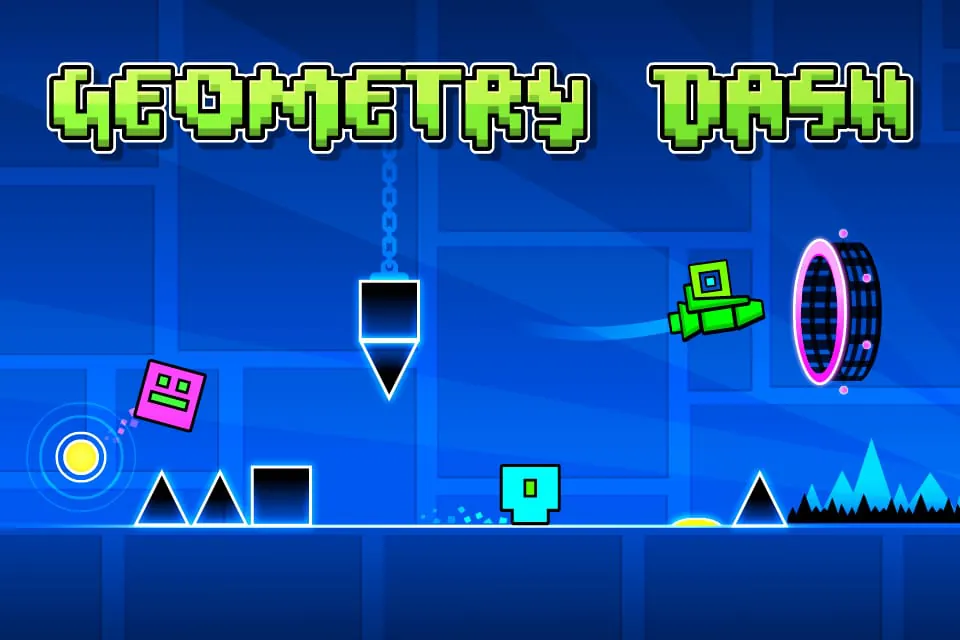
- Core Platforming Mechanics: Navigate through spikes, saw blades, and moving obstacles while maintaining momentum.
- Practice Mode: Place checkpoints to rehearse difficult sections without starting over.
- Level Creation Tools: Design custom levels with various blocks, decorations, triggers, and backgrounds.
- Progress Tracking: Monitor completed levels, best times, and collected stars.
- Social Features: Comment on levels, follow creators, and compete on leaderboards.
- Music Integration: Each level features unique soundtracks that dictate gameplay rhythm.
How to Use
Click the button "Check All Versions" below to download and install it.
After installation, launch Geometry Dash and begin with the official levels to familiarize yourself with basic mechanics. Tap the screen or press spacebar to make your icon jump over obstacles. Start with easier levels like Stereo Madness before attempting more challenging ones. Use practice mode liberally when learning complex patterns. To create levels, access the level editor from the main menu where you can place objects, set triggers, and test your creations. When playing online levels, pay attention to user ratings and comments to find quality content. Customize your icon regularly to maintain motivation and track your progression through the game's achievement system.




 APK
APK  Google Play
  iOS
iOS  4.70
4.70
 Download








