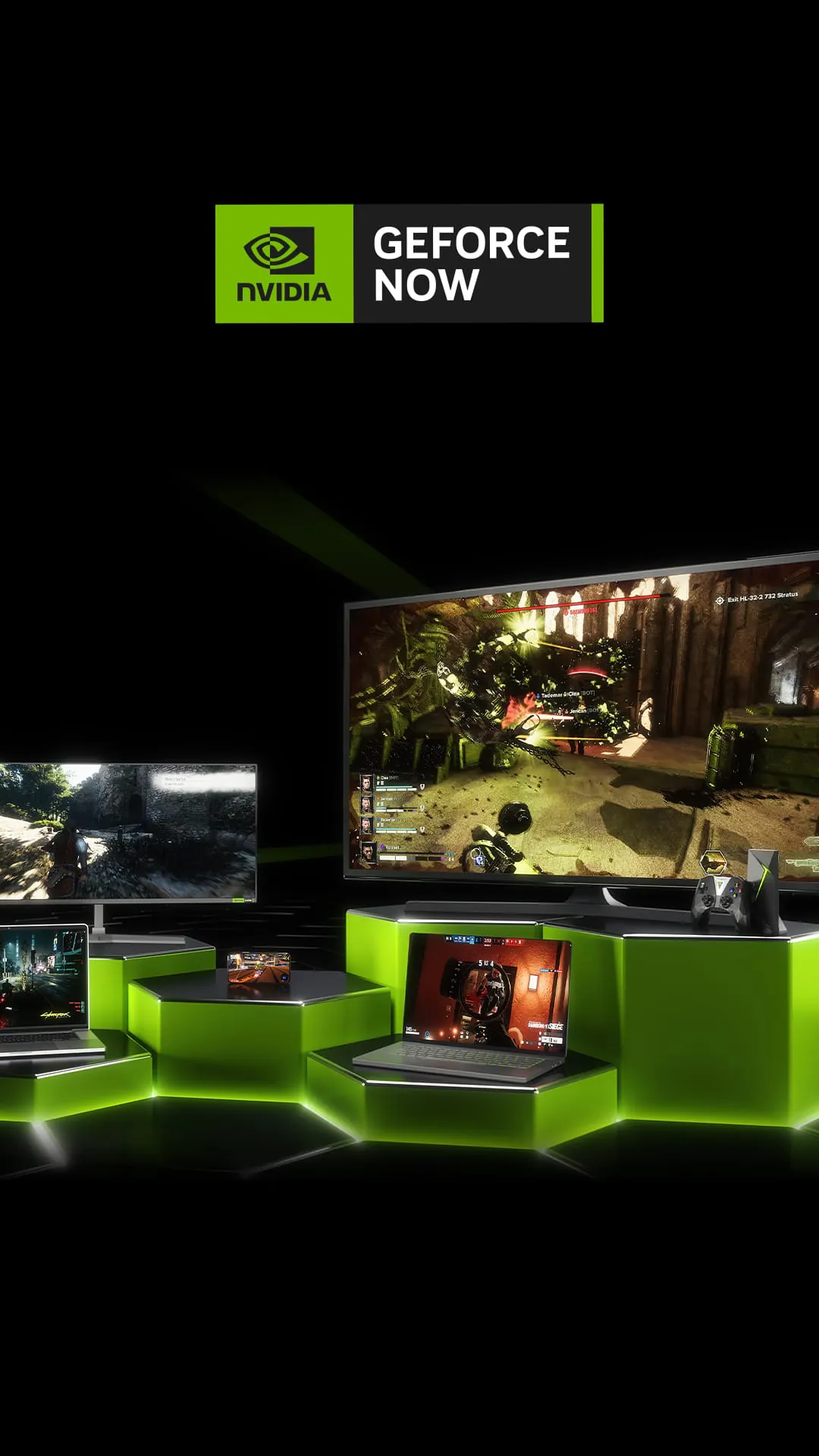
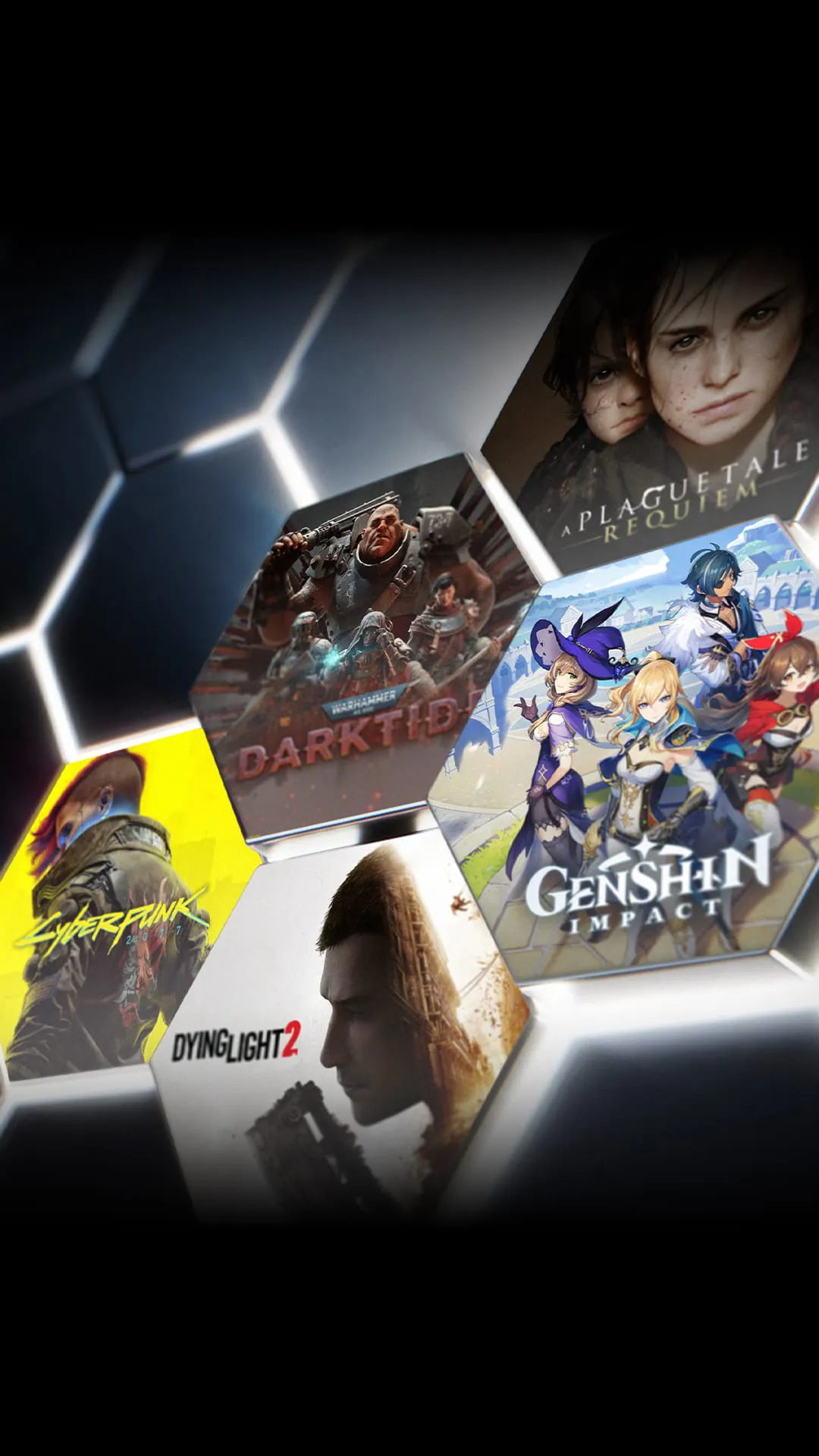
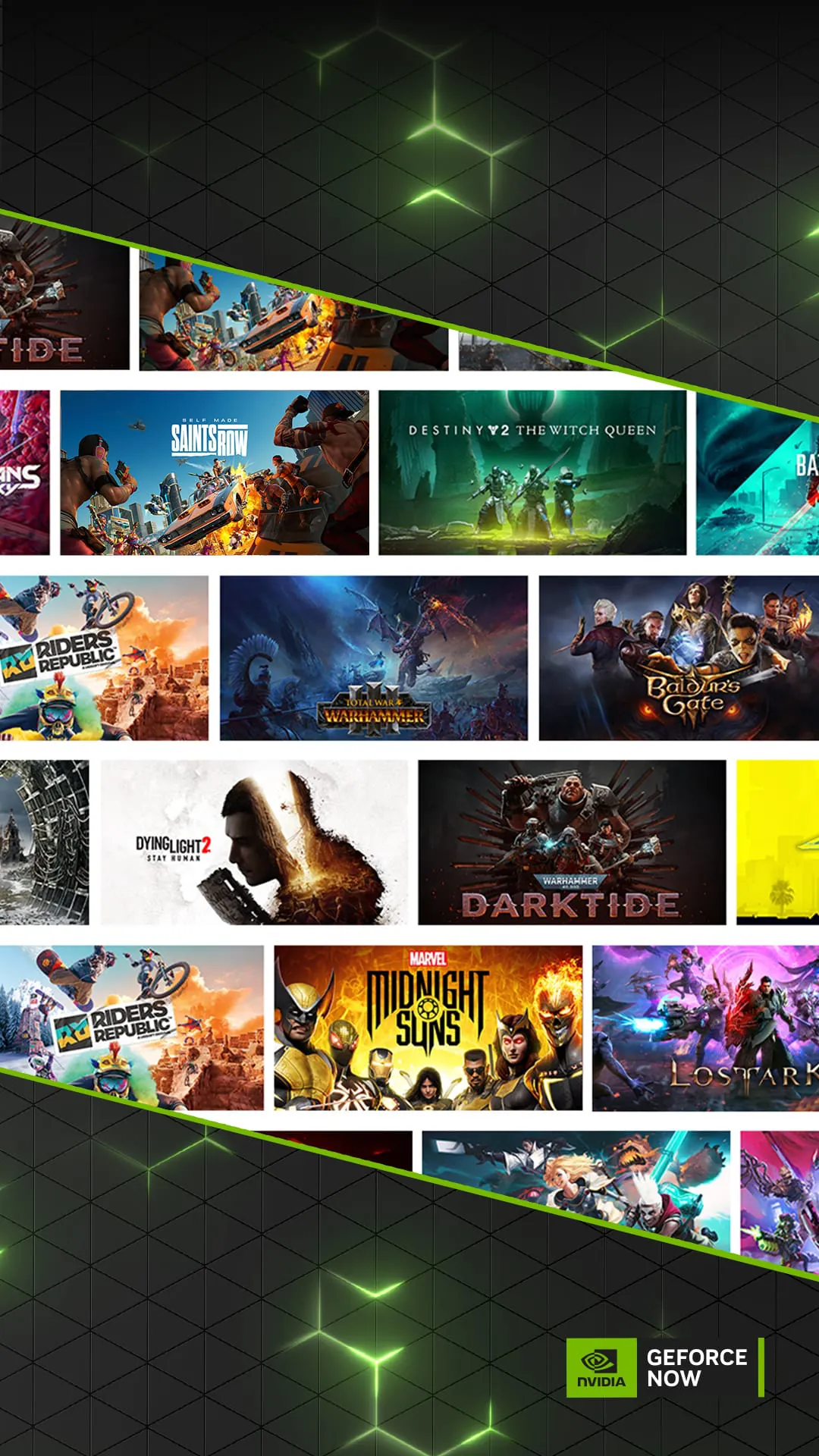
GeForce NOW is NVIDIA’s cloud-based gaming service that allows players to stream high-performance PC games directly from the company’s powerful data centers to nearly any device they already own, eliminating the need for expensive gaming hardware by running the games remotely and sending only the video feed and input commands back and forth over the internet. Instead of installing large files locally, users access their purchased titles from platforms such as Steam, Epic Games Store, Ubisoft Connect, and Xbox, enjoying smooth gameplay powered by GeForce RTX GPUs in the cloud, complete with advanced features like ray tracing and DLSS for lifelike visuals and responsive performance.
Key Features
- Access to a vast catalog of supported games, including both free-to-play titles and those you already own across multiple PC gaming platforms.
- RTX-powered streaming with ray tracing, DLSS, and up to 4K resolution at high frame rates for premium members.
- Cross-device synchronization so you can start playing on one device and continue seamlessly on another.
- Support for a wide variety of controllers, keyboards, mice, and specialty peripherals such as racing wheels and flight sticks.
- Adaptive streaming technology that optimizes visual quality and responsiveness based on current network conditions.
- Flexible membership options ranging from a free introductory plan to advanced tiers with extended sessions and priority access.
Pros & Cons
Pros:
- Play the latest AAA games on low-end laptops, older desktops, or mobile devices without upgrading hardware.
- No need to repurchase games—your existing library integrates directly with the service.
- Instant play with no lengthy downloads, patches, or storage concerns.
- Available on a broad selection of operating systems and devices, including smart TVs.
Cons:
- Dependent on fast, stable internet; poor connections can impact performance.
- Free plan limitations include session length restrictions and possible wait times.
- Not every game is supported due to licensing agreements or technical constraints.
- Cannot be played offline under any circumstances.
Functions
- Account integration with major gaming platforms to import and organize your owned games.
- Automated deployment of a virtual gaming rig in the cloud whenever you launch a title.
- In-app customization of streaming quality, resolution, frame rate, and latency settings.
- Cloud-based save synchronization so progress stays consistent across devices and sessions.
- Server region selection for reduced latency and improved responsiveness.
- Real-time network diagnostics to help ensure optimal streaming conditions.
How to Use
Click the button "Check All Versions" below to download and install it.
Once installed, open the GeForce NOW application and log in with your NVIDIA account. Navigate to the settings area to link your gaming platform profiles so the app can display your owned games. From there, browse your library, select a supported game, and press “Play.” The system will allocate cloud resources, prepare your chosen title, and begin streaming instantly. You can connect compatible peripherals for a personalized experience, and before extended play sessions, run the built-in network test to confirm your connection meets the recommended requirements for smooth gameplay.





 APK
APK  Google Play
  iOS
iOS  3.50
3.50