



ADVERTISEMENT
ADVERTISEMENT
Game Remote Controller for PS Game Remote Controller for PS
Category
EntertainmentTag
Android gaming | PS Remote Controller | Remote Play | PlayStation 4/5 | Dualshock controller
Rate
4.30
★★★★★
Reviews
500 +
Installs
10M +
Developer
Phuket INC
Content Rating
Everyone
Use your phone to control and play on your PS device remotely via Wi-Fi.
 APK
APK  Google Play
  iOS
iOS  4.30
4.30ADVERTISEMENT
ADVERTISEMENT
Author's Review
appspicked Review
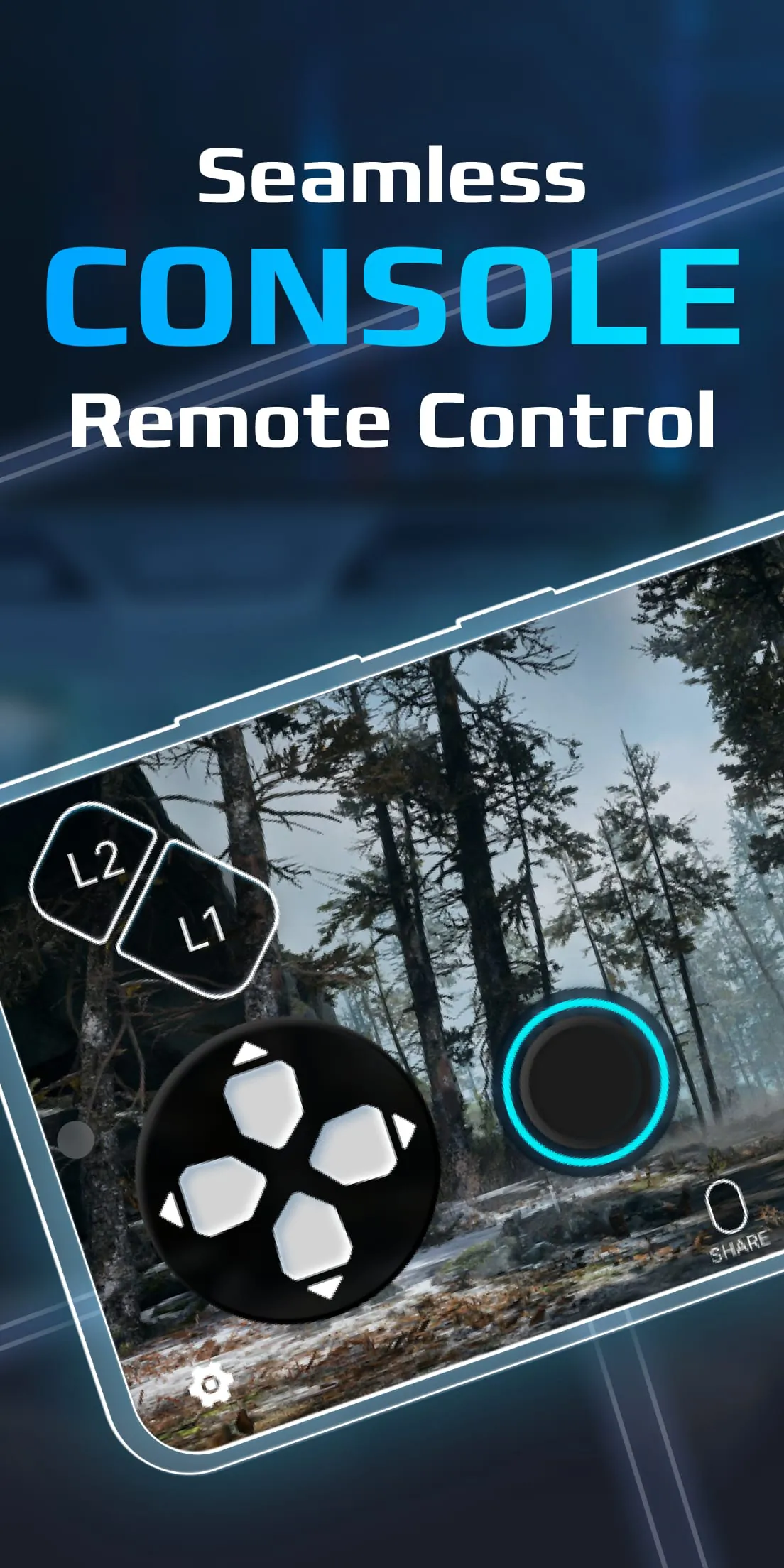
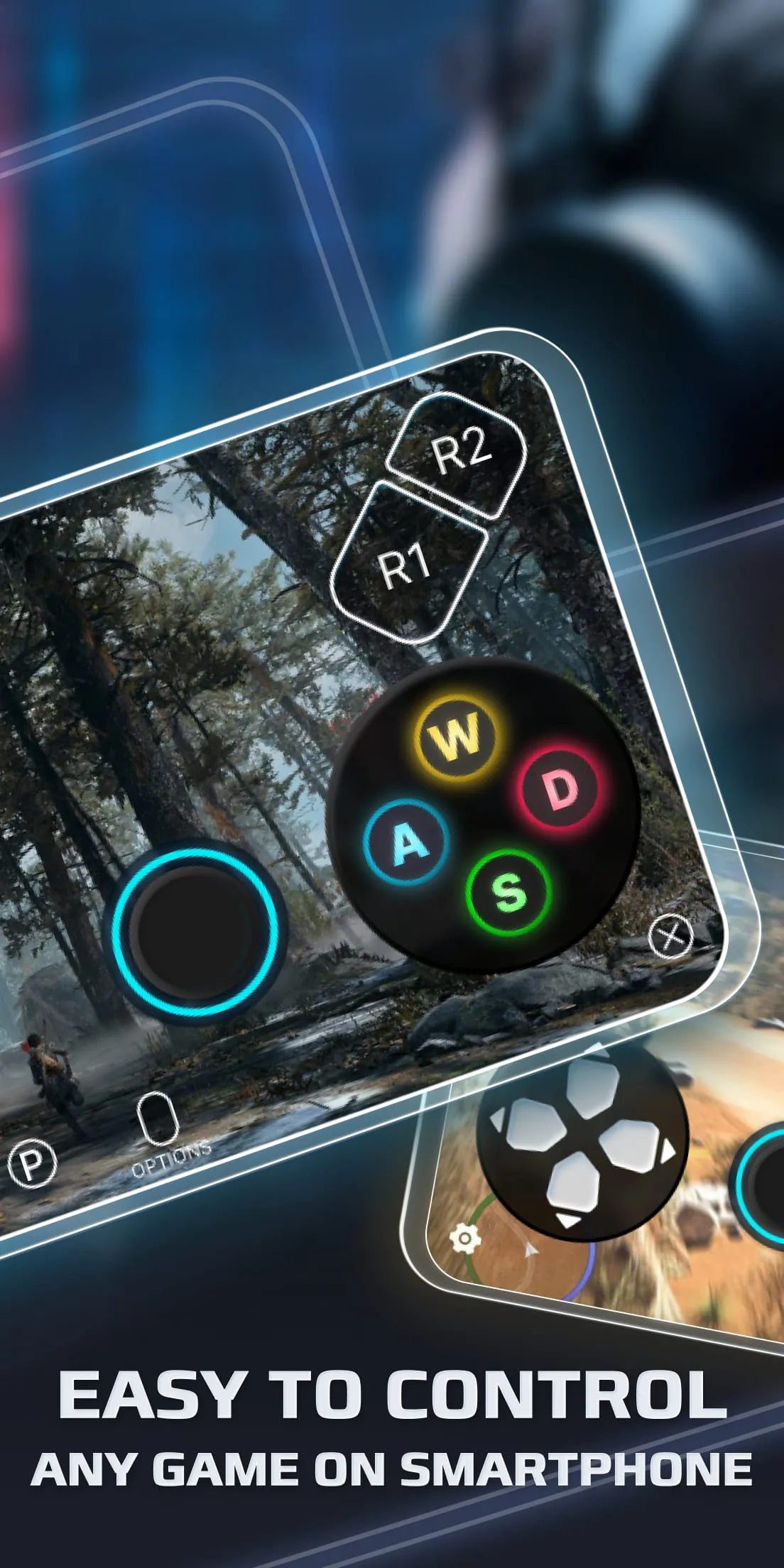
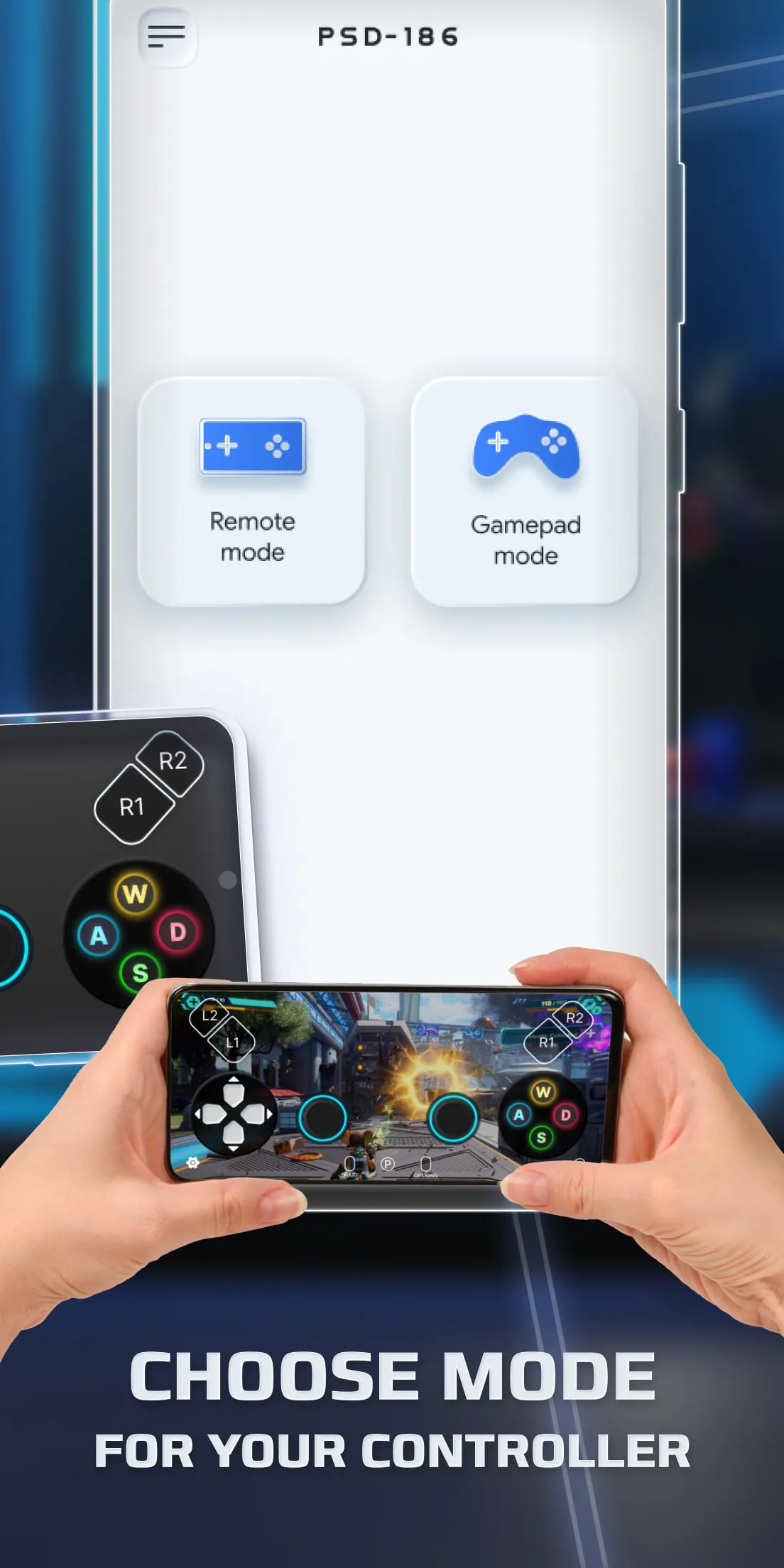
The application described is a remote controller designed for PlayStation 4 (PS4) and PlayStation 5 (PS5) consoles, enabling users to play games remotely on their Android devices. This functionality addresses the increasing demand for flexible gaming solutions, allowing players to access their PlayStation games beyond the confines of a traditional television setup. The core concept revolves around streaming the PlayStation console's output directly to an Android smartphone or tablet, effectively transforming the mobile device into a portable gaming screen and controller. This is particularly appealing for gamers who wish to continue their gaming sessions while traveling, during commutes, or simply in different rooms of their house. The application's features focus on replicating the functionality of a Dualshock controller, the standard input device for PlayStation consoles, onto the touchscreen of the Android device. This includes virtual buttons and joysticks that mimic the physical controller's layout, providing users with a familiar control scheme. The application also boasts low-latency streaming, a critical factor for real-time gaming where responsiveness is paramount. Minimizing latency ensures that button presses and on-screen actions are translated into in-game movements with minimal delay, preserving the gameplay experience. Furthermore, the application extends its compatibility beyond virtual controls by supporting third-party physical controllers, including Dualsense and Dualshock controllers, connected to the Android device via Bluetooth or USB. This allows users to leverage the tactile feedback and ergonomic design of physical controllers for a more immersive and comfortable gaming experience. This expanded controller support enhances the application's versatility, catering to a wider range of user preferences and gaming styles. The process of using the Remote Play Controller for PS involves several key steps to ensure a stable and secure connection between the Android device and the PlayStation console. This includes configuring the user's home router to allow remote access, a necessary step to bypass network security measures and enable external connections. Users must also log in to their PlayStation Network account, which serves as the authentication mechanism for verifying their ownership of the PlayStation console and associated games. The PlayStation console itself must be updated to the latest system software version to ensure compatibility with the remote play functionality and to incorporate any security patches or performance enhancements. A high-speed internet connection is also crucial for smooth streaming, with a home Wi-Fi network being the recommended setup. The Android device must meet the minimum operating system requirement of Android 7.0 or later to ensure compatibility with the application's software components and features. The application also supports the registration of multiple PlayStation Network profiles, allowing users to switch between different accounts or consoles as needed. The application's functionality extends to rooted Android devices, offering advanced users greater control over their device's settings and configurations. Finally, the application functions as a virtual Dualshock controller, emulating the functionality of the physical controller and transmitting input commands to the PlayStation console. This combination of features and functionalities positions the Remote Play Controller for PS as a comprehensive solution for remote PlayStation gaming on Android devices, catering to the needs of both casual and hardcore gamers alike.
To utilize the Remote Play Controller for PS effectively, a series of specific requirements and configurations must be met, ensuring a seamless and secure connection between the Android device and the PlayStation console. The initial requirement involves configuring the user's home router to permit remote access to the PlayStation console. This typically entails enabling port forwarding for specific ports used by the PlayStation Network (PSN) and the Remote Play application, allowing external traffic to reach the console behind the router's firewall. Detailed instructions for configuring port forwarding vary depending on the router model and firmware, necessitating users to consult their router's manual or online resources for specific guidance. Proper router configuration is crucial for establishing a stable connection and preventing connectivity issues during remote play sessions. The next essential step is logging in to a valid PlayStation Network (PSN) account on both the PlayStation console and the Android device. The PSN account serves as the primary authentication method, verifying the user's ownership of the PlayStation console and granting access to online services, including remote play. It is imperative that the user logs in with the same PSN account on both devices to ensure proper synchronization and authorization. A PlayStation 4 (PS4) or PlayStation 5 (PS5) console with the latest system software version is also mandatory for utilizing the Remote Play Controller for PS. Regular system software updates incorporate essential security patches, performance improvements, and compatibility enhancements, ensuring that the console functions optimally with the Remote Play application. Outdated system software may lead to connectivity issues, reduced performance, or even security vulnerabilities. A high-speed internet connection, particularly a stable home Wi-Fi network, is paramount for delivering a smooth and responsive remote play experience. Remote play relies on streaming video and audio data between the PlayStation console and the Android device in real-time, demanding a robust and low-latency internet connection. Insufficient bandwidth or network congestion can result in lag, stuttering, and disconnections, severely impacting the gameplay experience. The Android device must also meet the minimum operating system requirement of Android 7.0 or later to ensure compatibility with the Remote Play Controller for PS application. Older Android versions may lack the necessary system libraries, APIs, or hardware capabilities to support the application's features and functionalities. Keeping the Android device's operating system up-to-date is crucial for maintaining compatibility and ensuring optimal performance. The Remote Play Controller for PS application supports the registration of multiple PlayStation Network profiles, allowing users to switch between different accounts or consoles as needed. This feature is particularly useful for households with multiple PlayStation consoles or users who share their devices with family members or friends. The application also extends its functionality to rooted Android devices, granting advanced users greater control over their device's settings and configurations. Rooting an Android device allows users to access system-level settings, install custom ROMs, and modify system files, potentially enhancing the performance and customization of the Remote Play experience. Finally, the Remote Play Controller for PS application functions as a virtual Dualshock controller, emulating the functionality of the physical controller and transmitting input commands to the PlayStation console. This virtual controller replicates the layout and functionality of the Dualshock controller on the Android device's touchscreen, enabling users to control their games remotely.
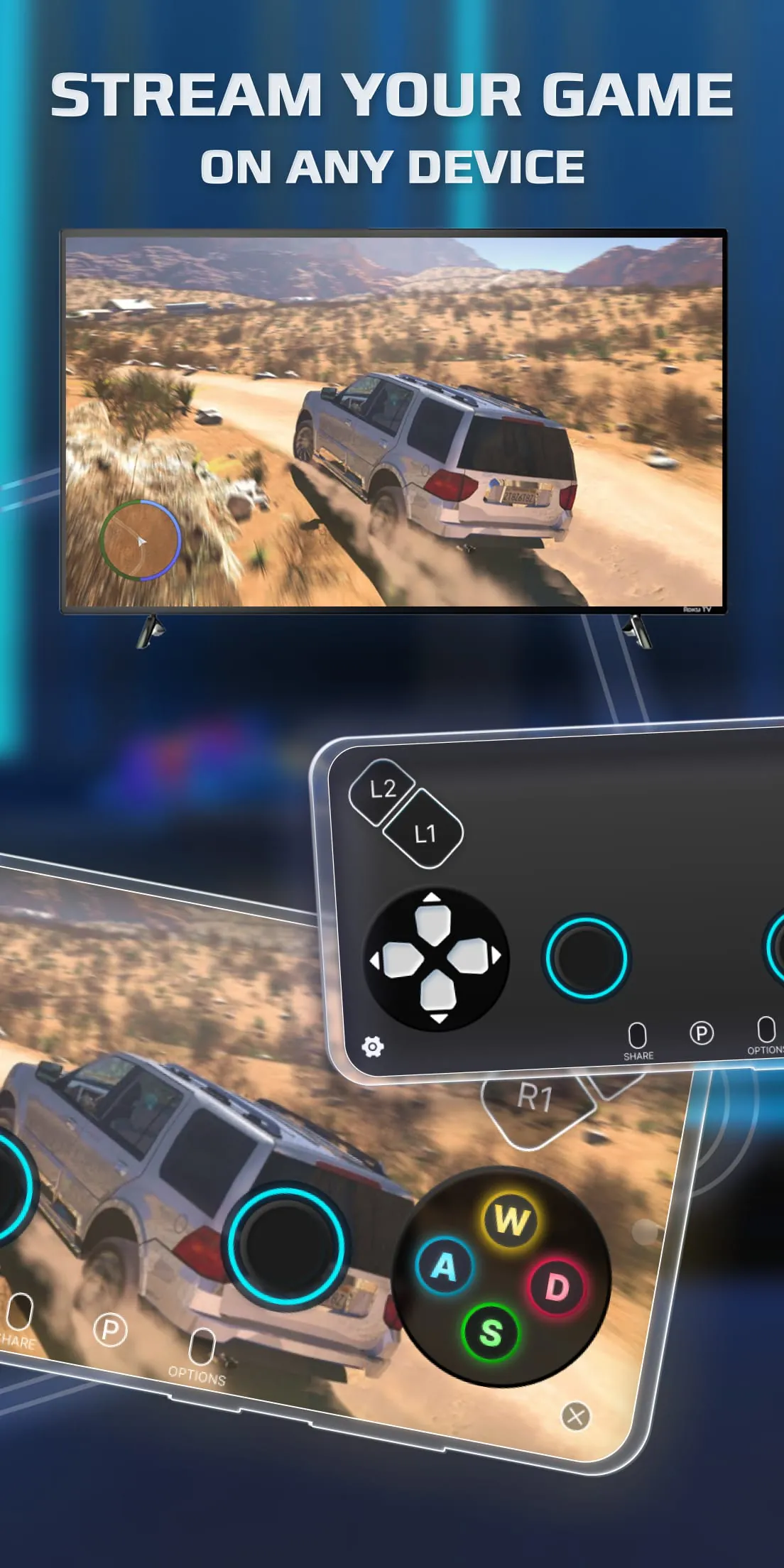
The Remote Controller for PS application offers a range of supported devices and compatibility features, expanding its accessibility and versatility for a diverse user base. The application seamlessly integrates with Android TV devices, enabling users to enjoy PlayStation games on their television screens without the need for a physical console connection. This functionality transforms Android TVs into makeshift PlayStation consoles, providing a convenient and cost-effective solution for gaming enthusiasts. The application also boasts compatibility with older PlayStation 4 (PS4) firmware versions, specifically from 5.05 and newer. This broad compatibility ensures that users with older PS4 consoles can still utilize the Remote Play Controller for PS application without requiring the latest system software update. Maintaining compatibility with older firmware versions expands the application's reach and caters to users who may not have access to the latest updates or prefer to stick with older software versions. As previously mentioned, the application mandates that the PlayStation 4 (PS4) or PlayStation 5 (PS5) console has the latest system software version installed to ensure optimal performance, security, and compatibility. Regular system software updates incorporate essential security patches, performance improvements, and compatibility enhancements, ensuring that the console functions seamlessly with the Remote Play application. Outdated system software may lead to connectivity issues, reduced performance, or even security vulnerabilities. The Remote Controller for PS is available under the GNU Affero General Public License version 3, an open-source license that grants users the freedom to use, modify, and distribute the software. This open-source licensing model fosters collaboration, transparency, and community involvement, allowing developers and users to contribute to the application's development and improvement. The source code for the Remote Controller for PS is publicly available, enabling users to inspect, modify, and redistribute the software according to the terms of the GNU Affero General Public License version 3. This transparency promotes trust and accountability, allowing users to verify the application's functionality and security. The open-source nature of the Remote Controller for PS encourages community-driven development, with developers and users contributing bug fixes, feature enhancements, and optimizations. This collaborative approach leads to a more robust, feature-rich, and user-friendly application. The GNU Affero General Public License version 3 ensures that any derivative works or modifications of the Remote Controller for PS are also released under the same open-source license, preventing proprietary forks and preserving the freedom of the software. This commitment to open-source principles aligns with the values of the open-source community, promoting collaboration, innovation, and accessibility. In summary, the Remote Controller for PS application offers a comprehensive solution for remote PlayStation gaming on Android devices, featuring a range of supported devices, compatibility features, and an open-source licensing model. The application's compatibility with Android TV devices, older PS4 firmware versions, and the GNU Affero General Public License version 3 enhances its accessibility, versatility, and appeal to a diverse user base.
Screenshots
 Download
 Additional Information
Category
EntertainmentVersion
Unknown
Tag
Android gaming | PS Remote Controller | Remote Play | PlayStation 4/5 | Dualshock controller
Rate
4.30
★★★★★
Reviews
500 +
Installs
10M +
Developer
Phuket INC
Content Rating
Everyone
Use your phone to control and play on your PS device remotely via Wi-Fi.
ADVERTISEMENT
ADVERTISEMENT
Previous Versions
ZIP files require a Split APKs Installer (e.g., SAI) from Google Play to install. Steps: 1. Download SAI from Google Play; 2. Open SAI and tap "Install APKs"; 3. Select the ZIP file; 4. Complete installation.
ADVERTISEMENT
You Might Like









