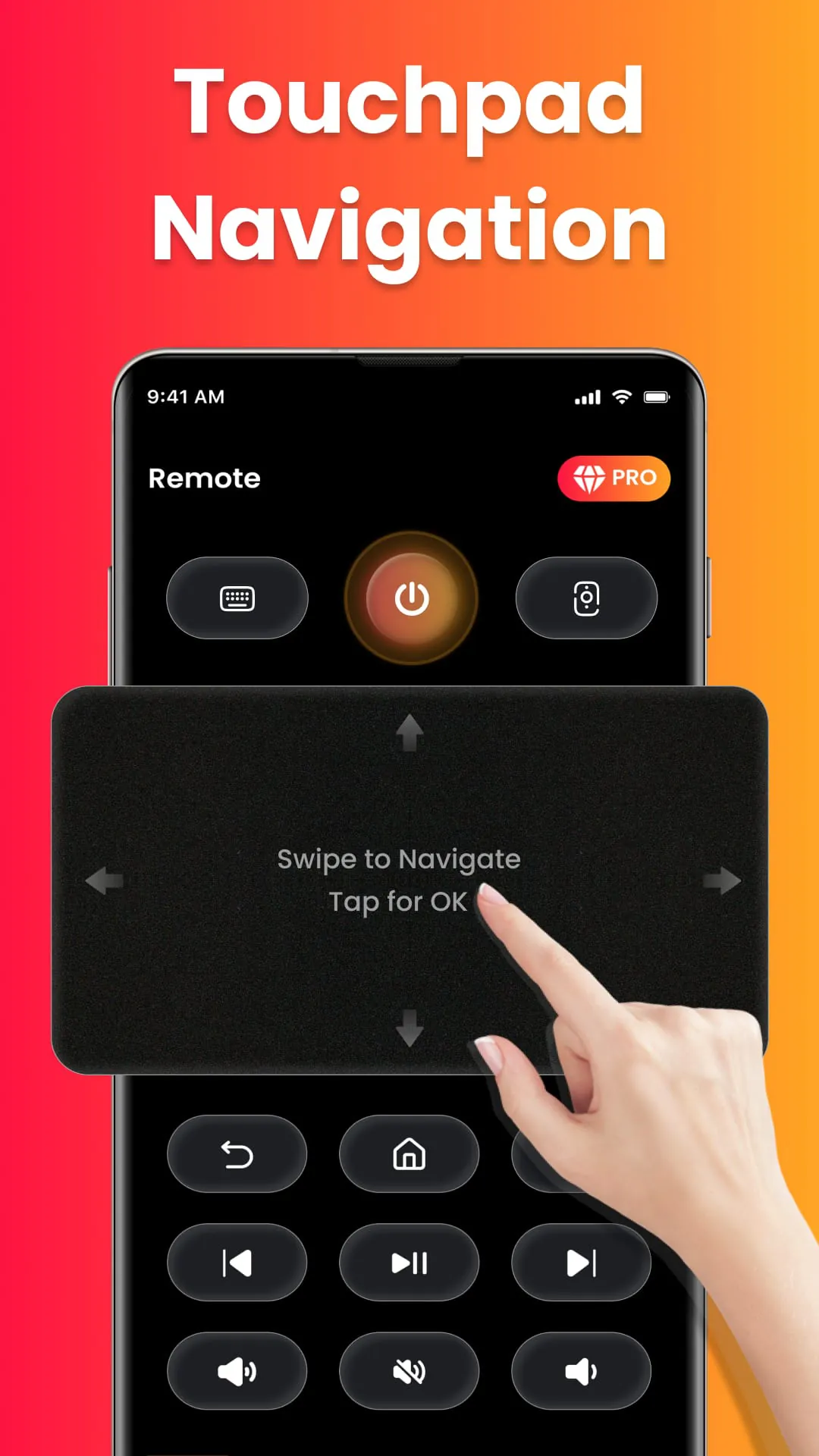
The Fire TV Remote app emerges as a versatile and user-friendly solution, transforming Android phones into comprehensive remote controls specifically designed for Fire TV and Fire Stick devices. This application eradicates the reliance on physical remotes, presenting users with an array of functionalities that enhance their interaction with the Fire TV platform. At its core, the app provides complete navigation, enabling users to seamlessly traverse menus and options with an intuitive directional pad and touch controls. Volume management is also integrated, allowing for effortless adjustment, muting, and unmuting of audio. Furthermore, the app extends to power control, where supported, ensuring users can conveniently switch their Fire TV devices on or off directly from their smartphones. Playback controls are another cornerstone of the app's feature set, granting users the ability to play, pause, rewind, fast forward, and stop video playback with precision. The inclusion of an on-screen keyboard facilitates quick typing and searches, streamlining the process of finding desired content. A standout capability of the Fire TV Remote app is its screen mirroring functionality, which empowers users to cast their phone screens onto their Fire TV, creating a seamless bridge between mobile devices and the big screen. This feature is particularly beneficial for sharing photos, streaming videos, browsing apps, and delivering presentations wirelessly. The app distinguishes itself by offering instant connection over Wi-Fi, removing the burden of pairing codes and complex setup procedures. Its exclusive design for the Fire TV ecosystem ensures optimal performance and a smooth user experience. Compatibility spans across various Fire TV devices, including Fire TV Stick (all versions), Fire TV Stick 4K/4K Max, Fire TV Cube, and Fire TV Edition smart TVs from brands like Toshiba and Insignia. The app prides itself on its simplicity, requiring no login, registration, or pairing codes. Its clean and intuitive interface makes it accessible to users of all technical skill levels. The lightweight, fast, and battery-efficient design ensures minimal impact on device resources. It is important to note that the Fire TV Remote app is an independent third-party tool and is not affiliated with Amazon or the Fire TV brand. All product names, logos, and brands are the property of their respective owners and are used solely to indicate compatibility. By offering a comprehensive suite of features, seamless connectivity, and a user-centric design, the Fire TV Remote app provides a compelling alternative to traditional remotes, enhancing the overall streaming and sharing experience for Fire TV users. Its ability to mirror phone screens, coupled with its ease of use and compatibility across a range of Fire TV devices, makes it an indispensable tool for anyone seeking to maximize their Fire TV experience.
The screen mirroring feature within the Fire TV Remote app is a notable asset, simplifying the process of casting a phone's screen directly onto a Fire TV. This functionality is particularly useful in various scenarios, enabling users to effortlessly display photos, stream videos, browse apps, or share presentations on a larger screen. The convenience of screen mirroring makes it an ideal solution for watching mobile videos on a TV, allowing users to enjoy content from platforms like YouTube, Vimeo, or personal video libraries in a more immersive and engaging manner. Displaying photos and slideshows is another area where screen mirroring excels, providing a convenient way to share memories with family and friends. The app's wireless presentation capabilities transform work or school content delivery, enabling users to present documents, spreadsheets, and slideshows without the need for cables or adapters. Furthermore, screen mirroring fosters collaborative experiences, as multiple users can view and interact with the same content simultaneously. The app's instant connectivity via Wi-Fi ensures a seamless and hassle-free screen mirroring experience. Users simply connect their phone and Fire TV to the same Wi-Fi network, open the Fire TV Remote app, select their Fire TV device from the list, and begin mirroring their screen. The app's intuitive interface makes the screen mirroring process simple and straightforward, eliminating any technical barriers. Unlike some remote apps, the Fire TV Remote app includes screen mirroring as a standard feature, adding significant value to the user experience. The ability to seamlessly cast content from a phone to a Fire TV broadens the range of possibilities for entertainment, education, and collaboration. The app's screen mirroring functionality enhances the versatility of the Fire TV platform, turning it into a hub for sharing and displaying content from various sources. The app's commitment to user-friendliness extends to the screen mirroring feature, ensuring that users of all technical backgrounds can easily take advantage of this powerful capability. By offering a simple, reliable, and feature-rich screen mirroring experience, the Fire TV Remote app sets itself apart from generic remote apps and empowers users to unlock the full potential of their Fire TV devices. This functionality complements the app's other features, such as full remote control, volume management, and playback controls, creating a comprehensive and integrated solution for managing and interacting with Fire TV content. The Fire TV Remote app's screen mirroring feature is a testament to its dedication to providing a seamless and enjoyable user experience.
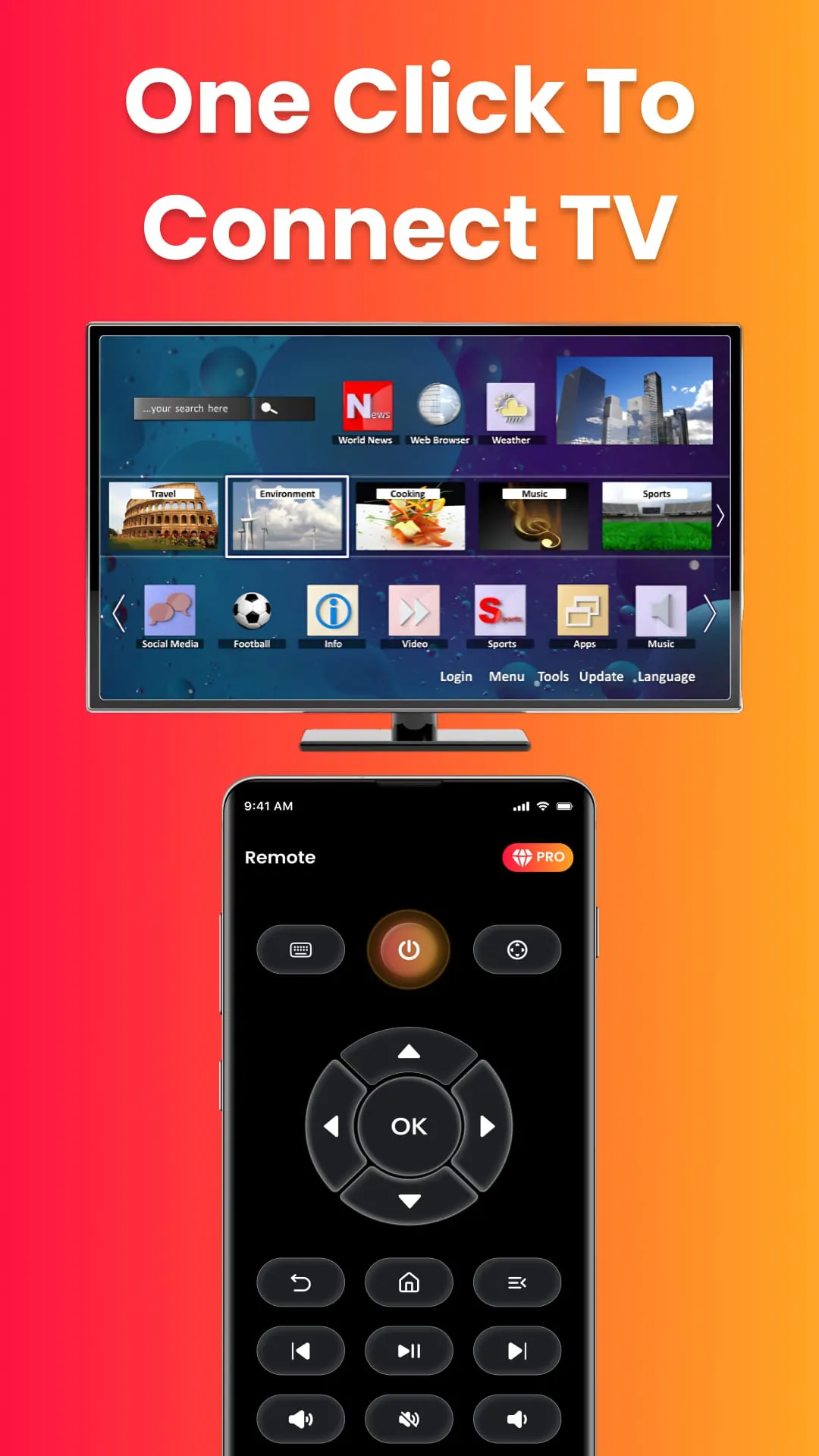
The Fire TV Remote app distinguishes itself through its ease of use, rapid connectivity, and comprehensive feature set, making it a superior choice for Fire TV and Fire Stick users. The app's instantaneous compatibility with any Fire TV or Fire Stick eliminates the need for complex setup procedures, logins, registrations, or pairing codes. Its clean and intuitive interface ensures accessibility for users of all technical levels. The app's lightweight, fast, and battery-efficient design minimizes resource consumption, ensuring optimal performance without impacting device battery life. Unlike many generic remote apps, the Fire TV Remote app integrates screen mirroring, allowing users to effortlessly cast their phone screens to their Fire TV. Built specifically for Fire TV users, the app optimizes performance and user experience. The app's simple three-step setup process further reinforces its user-friendliness: Connect the phone and Fire TV to the same Wi-Fi network, open the Fire TV Remote app, and select the Fire TV device from the list. The app's independence from Amazon and the Fire TV brand ensures unbiased functionality, while its compatibility with a wide range of Fire TV devices extends its reach to a broad user base. The app's commitment to simplicity, speed, and comprehensive features makes it a standout choice for anyone seeking to enhance their Fire TV experience. By eliminating the hassles associated with traditional remotes and offering a range of advanced features, the Fire TV Remote app empowers users to take full control of their streaming and sharing experience. The app's focus on user-friendliness, combined with its powerful functionality, makes it an indispensable tool for anyone seeking to maximize their Fire TV experience. The Fire TV Remote app offers a compelling alternative to physical remotes, streamlining the process of navigating, controlling, and sharing content on Fire TV devices. The app's combination of simplicity, speed, and comprehensive features makes it a must-have for Fire TV users looking to enhance their streaming and sharing experience. The app's intuitive design and seamless connectivity make it accessible to users of all technical backgrounds, while its advanced features, such as screen mirroring, cater to more demanding users. The Fire TV Remote app is a testament to the power of user-centric design, providing a solution that is both easy to use and incredibly powerful.




 APK
APK  Google Play
  iOS
iOS  3.50
3.50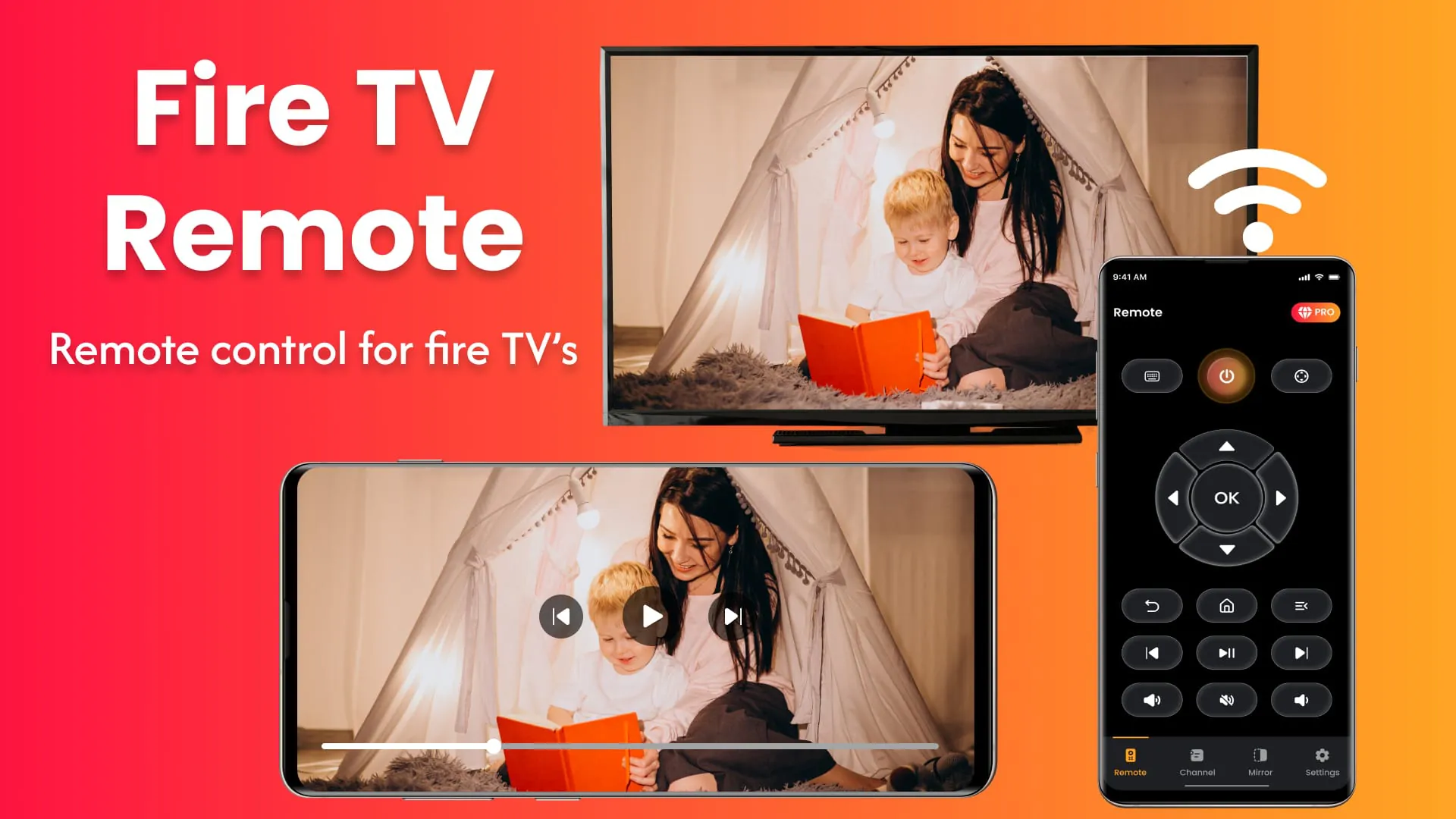
 Download








