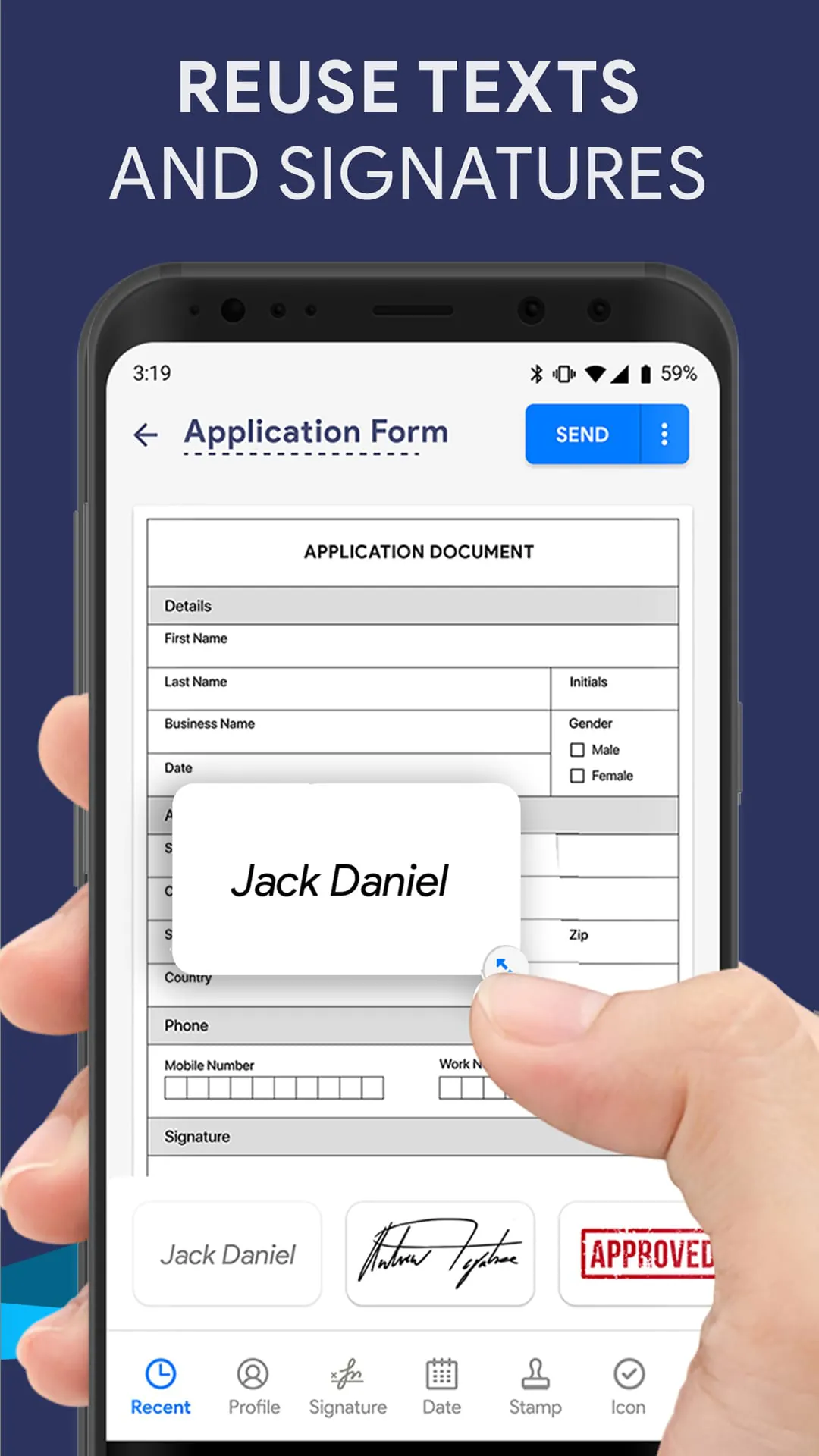
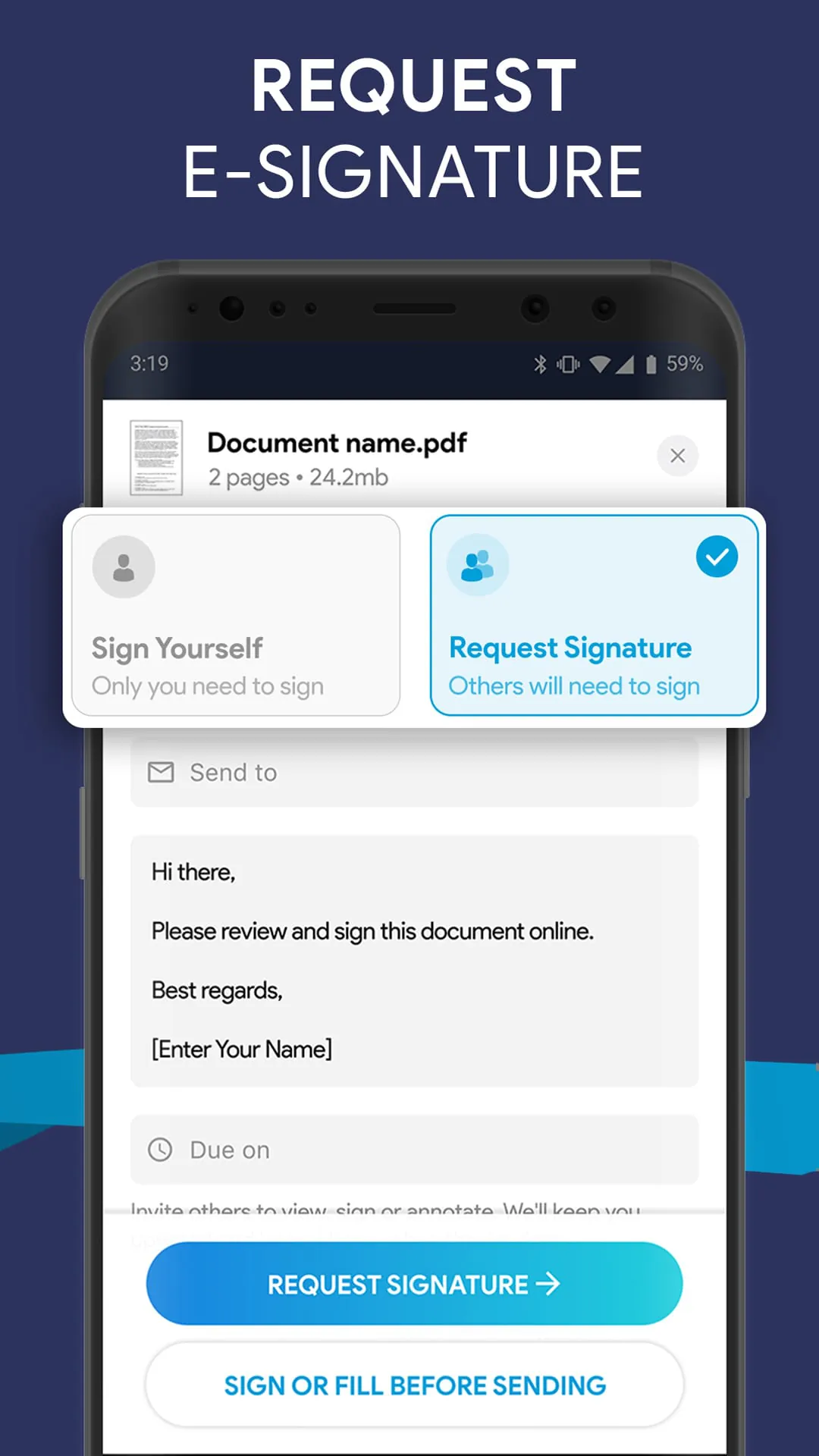
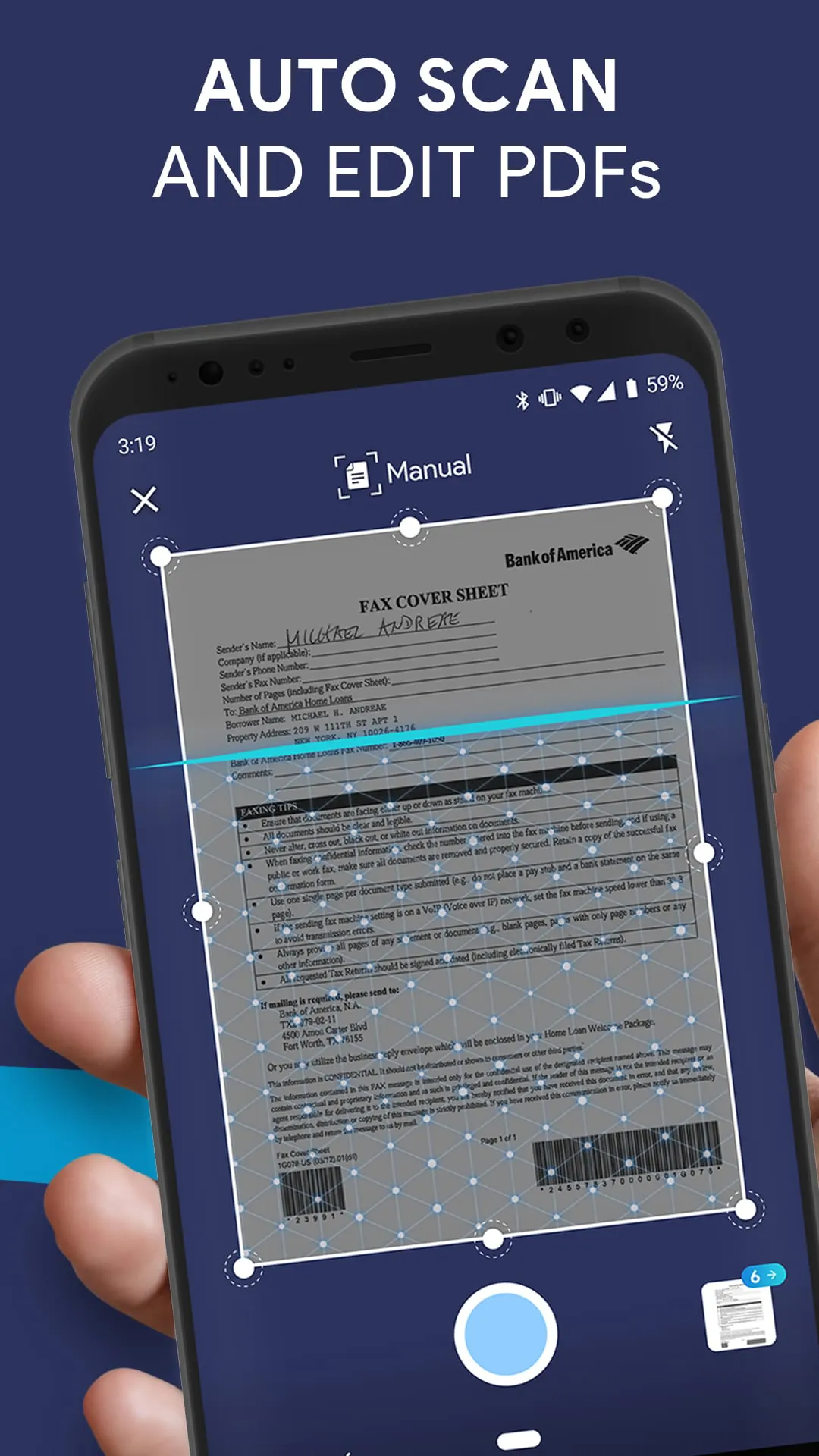
Fill is a PDF editor and signature app for Android that allows users to fill, sign, scan, and send any document quickly and easily. The app automatically detects fillable fields, words, forms, and checkboxes on PDF documents, making editing on the go simple. Users can sign PDF documents, fill and sign PDF forms, and share files via email without the need for a scanner. The app also includes a built-in document scanner and signature app, allowing users to scan physical documents and access them anytime, anywhere.
In addition to signing and scanning documents, Fill allows users to convert word and image files to PDF directly within the app. The app also integrates with cloud storage services like iCloud, Dropbox, and Google Drive, allowing users to import images, photos, PDF files, and documents easily. Users can personalize text, create electronic signatures, scan documents, and change colors, fonts, and sizes to fill and sign PDF forms on Android as per their needs.
Fill offers a pay-as-you-go option or a monthly subscription plan for users to export PDF files. The cost of exporting an edited PDF document file is determined by the number of pages. Editing files with Fill PDF editor is cheaper than traditional printers and scanners. The app also promotes going green by eliminating the use of traditional printing and paper scanning. Fill keeps user information secure and confidential, allowing users to fill and sign PDF forms, sign documents on Android, and write on PDF without any worries.
Overall, Fill is a comprehensive PDF editor and signature app for Android that offers a range of features to make editing, signing, and scanning documents fast and easy. The app is cost-effective and promotes going green, making it an excellent choice for users who need to edit and sign PDF documents on the go.
Download Fill: PDF Expert Editor, Creator, Viewer, Scanner, Filler, Writer, Docusign, Electronic Signature app for Android now.





 APK
APK  Google Play
  iOS
iOS  4.40
4.40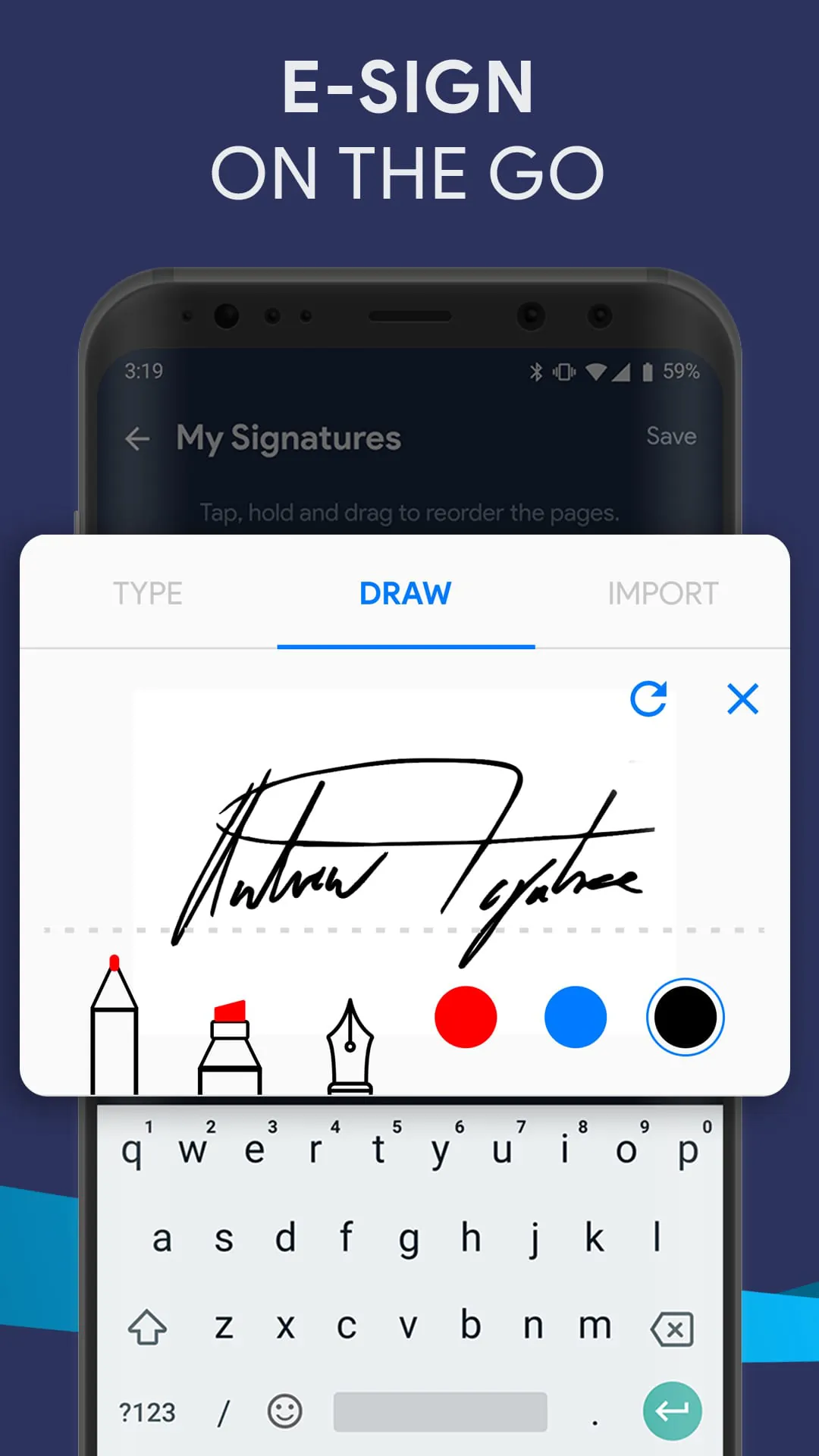
 Download








