NissanConnect Services is a dedicated mobile application and connected car platform designed for Nissan vehicle owners. It acts as a digital companion, bridging the gap between the driver and their car through smartphone integration. The app leverages built-in vehicle telematics to provide remote control, real-time information, and security features, all aimed at enhancing convenience, safety, and the overall ownership experience. Essentially, it turns your phone into a remote control and monitoring tool for your Nissan, keeping you connected to your vehicle no matter where you are.
Key Features
The application stands out by offering a comprehensive suite of features that cater to modern driving needs. Its core value lies in providing control and peace of mind. Key aspects of the service include the ability to interact with your car from a distance and receive important updates about its status. The system is designed to be intuitive, giving owners a direct window into their vehicle's operations and security.
Pros & Cons
- Pros: Offers significant convenience through remote lock/unlock and engine start. Enhances security with stolen vehicle locator and emergency services. Provides valuable maintenance alerts and diagnostic information. Can help with locating your parked car. Integrates with smart assistants for voice commands.
- Cons: Most advanced features require a paid subscription after an initial trial period. App performance and feature availability can vary by vehicle model and year. Some users report occasional connectivity delays or app bugs. Dependent on a stable cellular network connection in the vehicle.
Functions
The functions of NissanConnect Services are diverse, covering convenience, security, and diagnostics. Users can perform a variety of actions remotely and access important vehicle data.
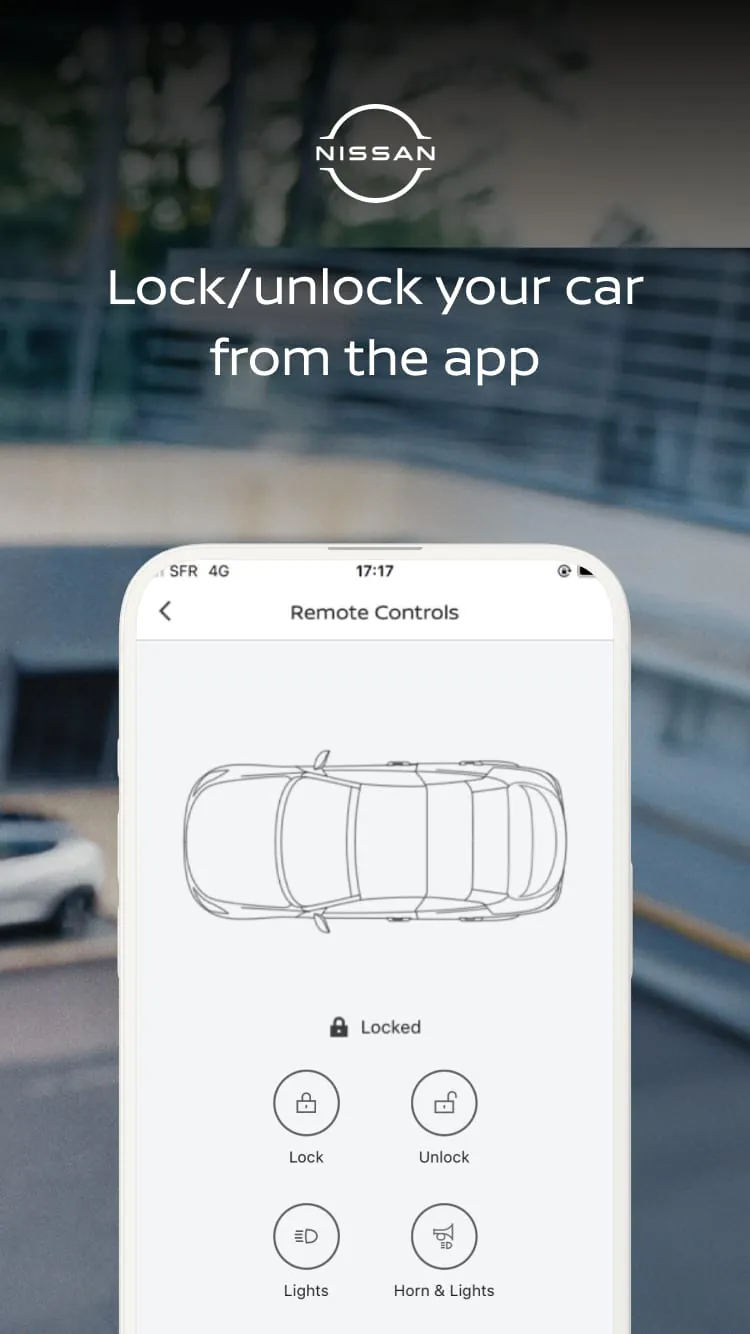
- Remote Commands: Lock or unlock doors, sound the horn, flash lights, and remotely start the engine (for equipped vehicles) to heat or cool the interior.
- Safety & Security: Activate automatic collision notification, emergency call, and stolen vehicle locator assistance. Receive alerts if the vehicle's alarm is triggered.
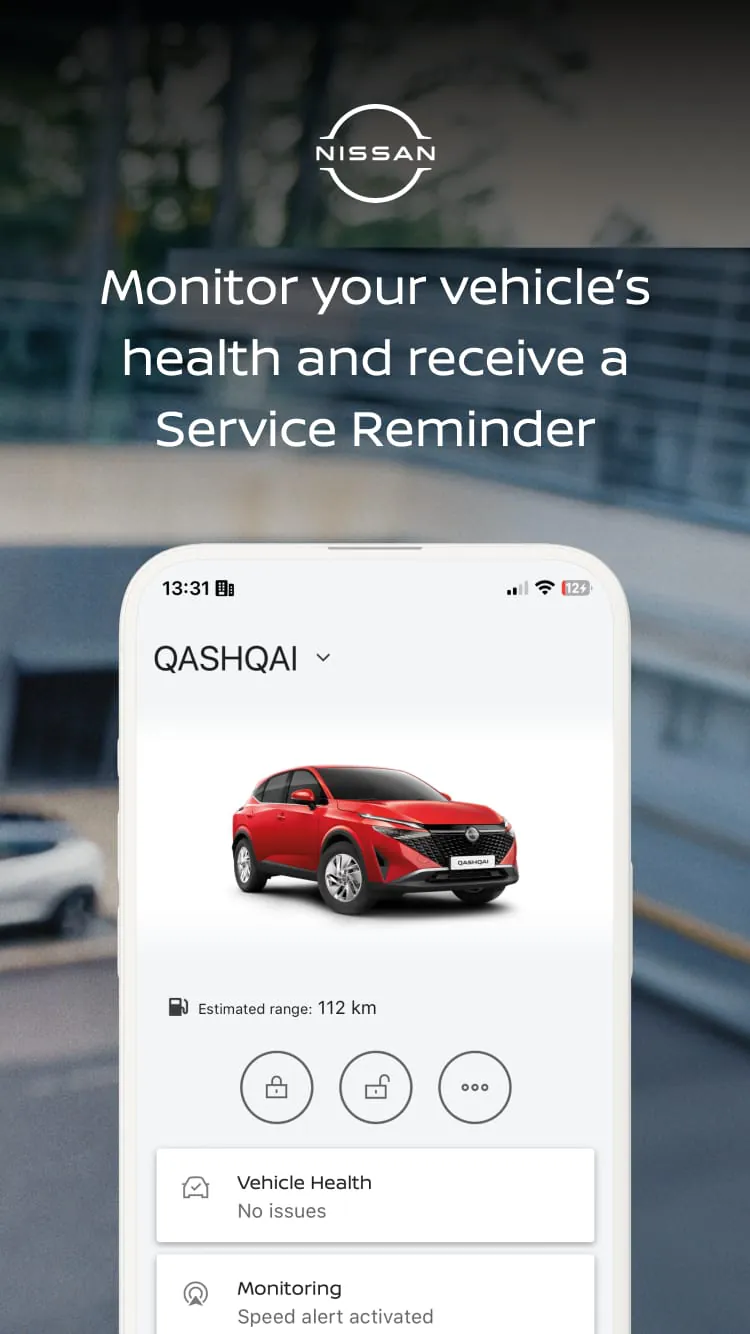
- Vehicle Health & Location: Schedule and receive maintenance alerts, check tire pressure, and view fuel level/range. Find your car's location on a map and get directions to it.
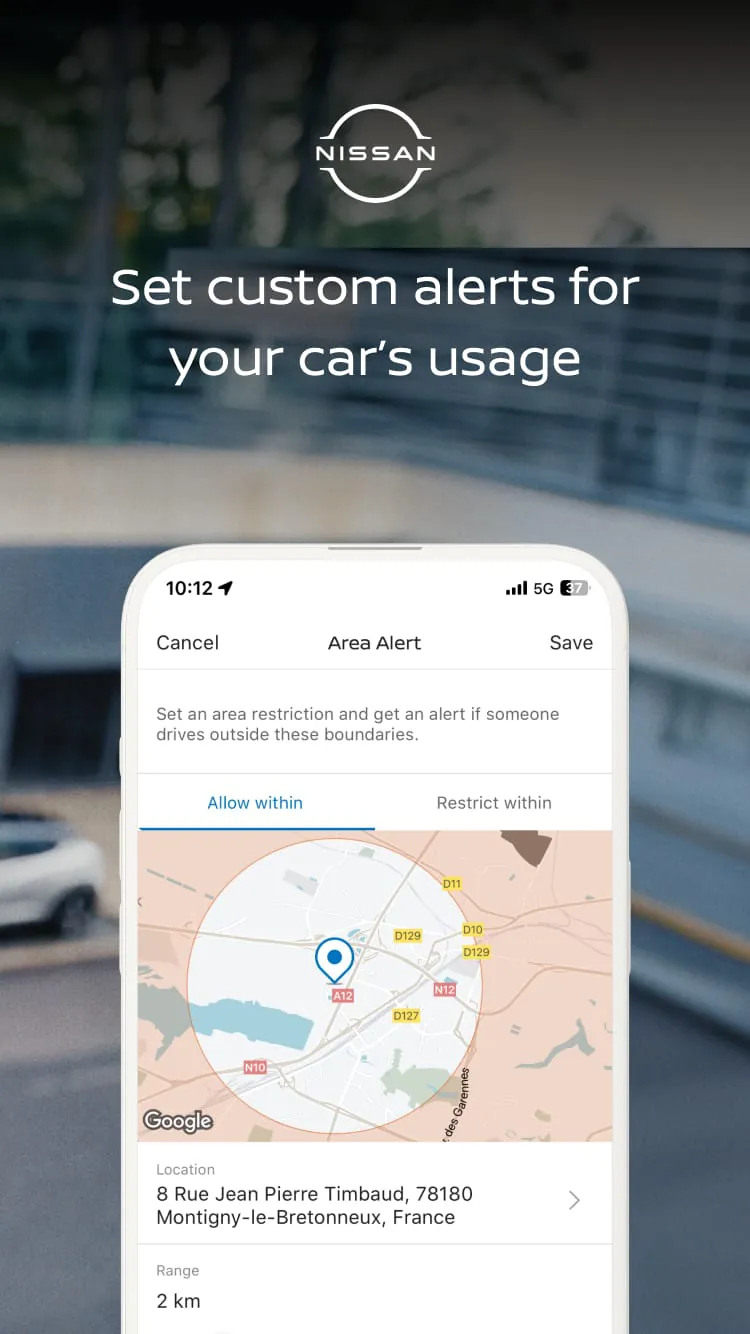
- Trip & Driving Data: Review trip history, monitor driving patterns, and set up speed and boundary alerts for younger drivers.
How to Use
Click the button "Check All Versions" below to download and install it. Once installed, you will need to create or log into your NissanConnect Services account. The crucial next step is to pair the app with your specific vehicle, which typically involves verifying your ownership through the Vehicle Identification Number (VIN). After successful pairing, the app's main dashboard will display available functions for your car model. You can then navigate through tabs like "Security," "Remote Commands," or "Vehicle Status" to use the features. For remote functions, simply tap the desired command (e.g., "Start Engine") and confirm; the app will send the request to your car via cellular network. Ensure your vehicle is in an area with network coverage and that any active subscription plan is current for full functionality.




 APK
APK  Google Play
  iOS
iOS  1.90
1.90