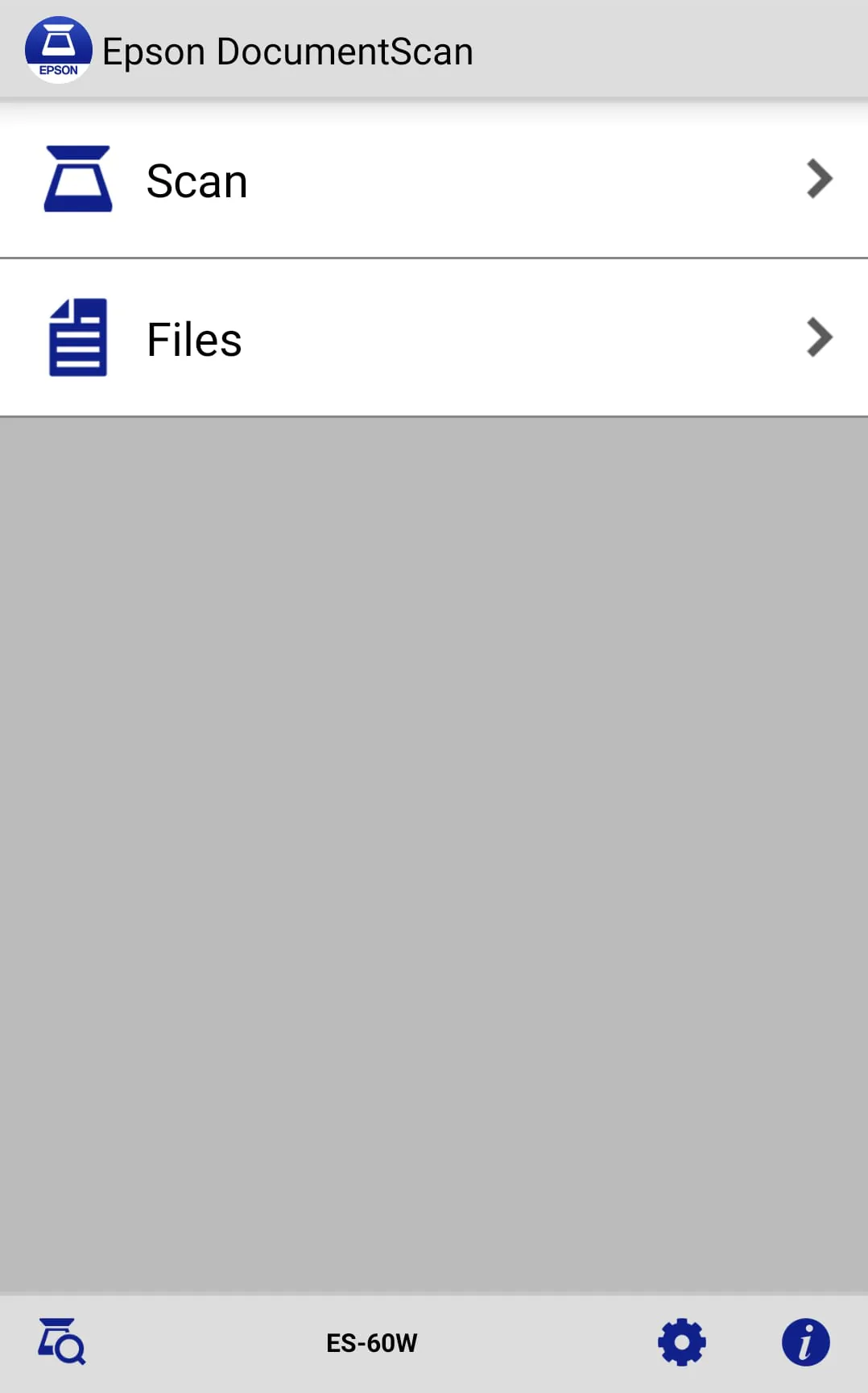
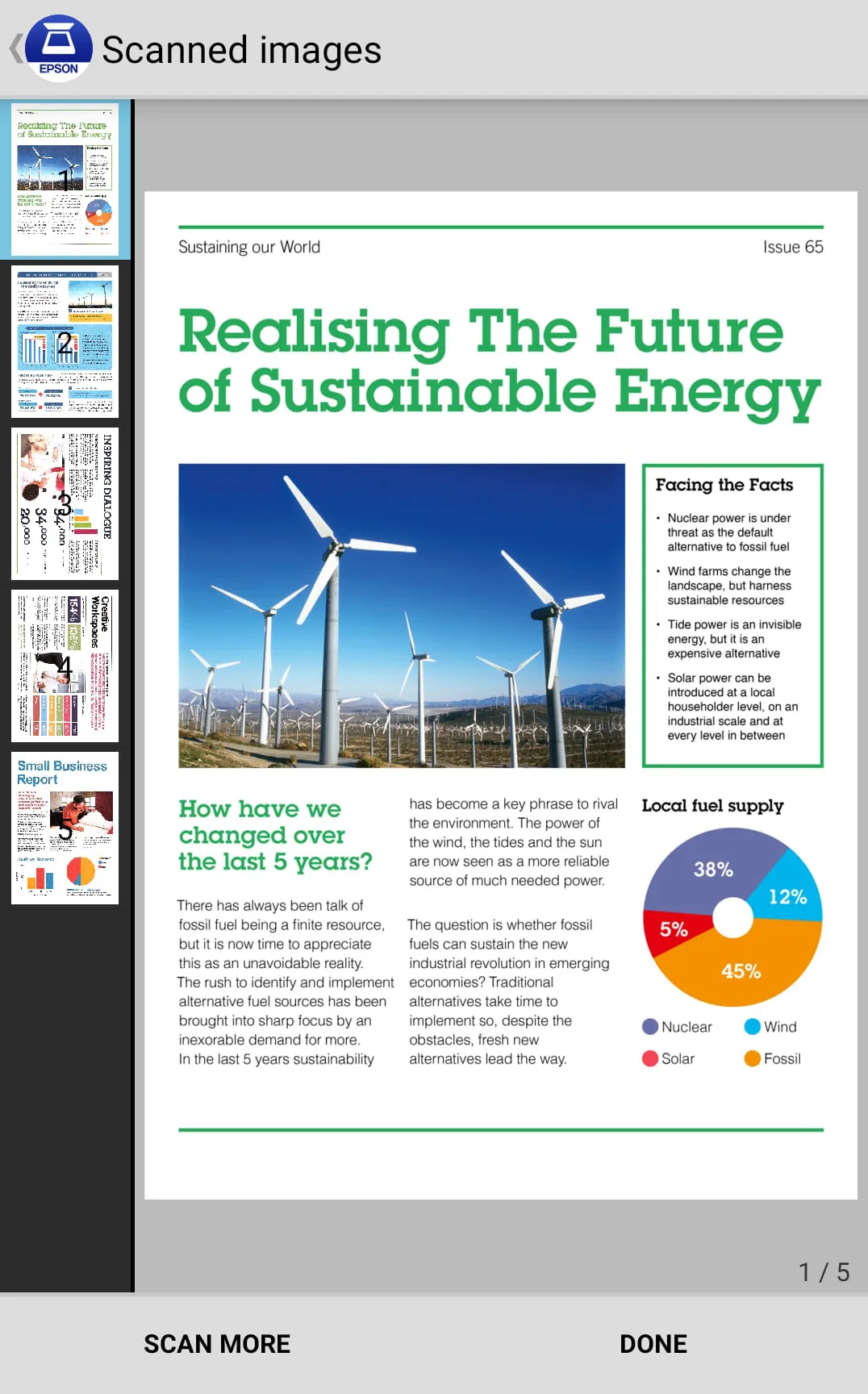
Epson DocumentScan is a mobile application designed exclusively for use with Epson scanners, enabling users to directly scan documents to their Android devices. The application streamlines the scanning process by automatically detecting Epson scanners within the same Wi-Fi network. For environments lacking a Wi-Fi network, the application supports a direct, one-to-one connection between the Epson scanner and the Android device, offering flexibility in various connectivity scenarios. Once a connection is established, users can leverage the application's features to preview scanned data, facilitating immediate review and quality assessment. The application’s utility extends beyond mere scanning, providing options to distribute scanned documents via email, send them directly to other compatible applications on the device, or upload them to cloud storage services such as Box, DropBox, Evernote, Google Drive, and Microsoft OneDrive. This integration with popular cloud services enhances accessibility and collaboration, allowing users to manage and share their scanned documents efficiently. Epson DocumentScan is engineered to optimize the mobile scanning experience, offering both convenience and comprehensive functionality for users who require document digitization on the go. The application is tailored to meet the demands of a mobile workforce, providing the tools necessary to maintain productivity and organization. Epson's commitment to delivering seamless integration between hardware and software is evident in the design of DocumentScan, making it an indispensable tool for users of Epson scanners seeking to maximize their device's capabilities. The application's intuitive interface and robust feature set combine to create a user-friendly environment that simplifies complex scanning tasks. Epson DocumentScan distinguishes itself by offering a complete solution for mobile document management, addressing the diverse needs of users ranging from individual professionals to enterprise-level organizations. The application's capability to directly scan to Android devices eliminates the need for intermediary computers, reducing complexity and streamlining workflows. Furthermore, the application's support for various cloud storage services ensures that scanned documents can be easily accessed and shared across multiple platforms and devices, fostering collaboration and enhancing productivity. Epson DocumentScan is a testament to Epson's dedication to innovation and its understanding of the evolving needs of its customers, delivering a mobile scanning solution that is both powerful and practical.
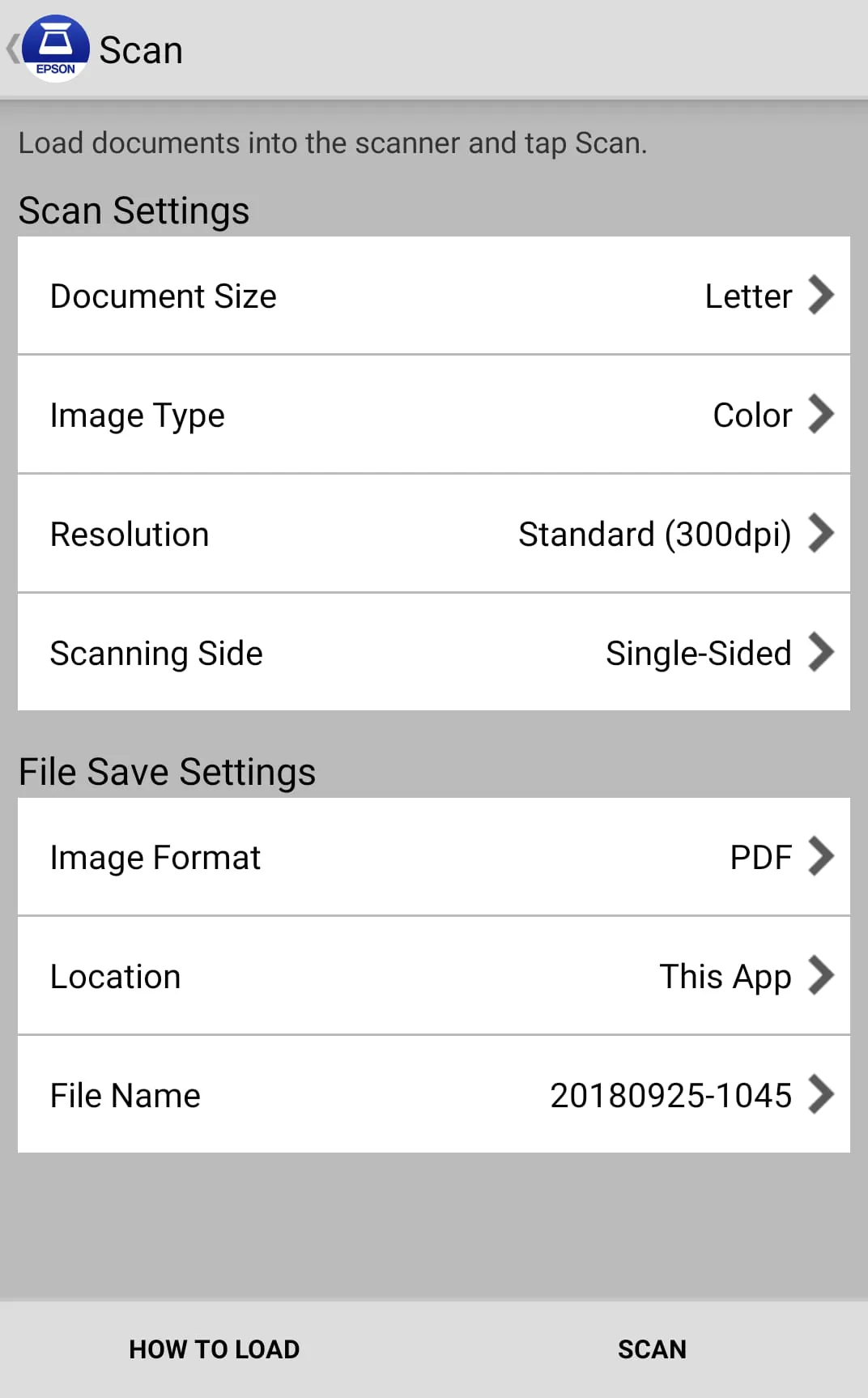
The Epson DocumentScan application is equipped with a range of features designed to enhance the scanning experience and provide users with greater control over their documents. Users can adjust various settings, including document size, image type, and resolution, to optimize scan quality and file size according to their specific needs. The application supports both simplex and duplex scanning, allowing users to efficiently scan single-sided or double-sided documents. Beyond basic scanning, Epson DocumentScan offers image editing capabilities, enabling users to rotate and reorder pages within multi-page documents. This feature is particularly useful for correcting orientation issues and organizing documents before sharing or archiving. The application's ability to send scanned files via email streamlines the process of distributing documents to colleagues, clients, or other stakeholders. The option to send saved data to other applications or cloud storage services further enhances the application's versatility, allowing users to integrate scanned documents into their existing workflows. The application includes a built-in FAQ section, providing users with immediate access to troubleshooting tips and answers to common questions. This resource helps users resolve issues quickly and efficiently, minimizing downtime and maximizing productivity. Epson DocumentScan also incorporates advanced features such as auto size recognition and auto image type recognition, which automatically detect the dimensions and content of the scanned document. These features simplify the scanning process and ensure optimal results, regardless of the document type. The application's support for multiple page rotation and order change at once further streamlines the editing process, allowing users to quickly and easily organize large documents. Epson DocumentScan is designed to be user-friendly and intuitive, making it accessible to users of all skill levels. The application's comprehensive feature set and advanced capabilities combine to create a powerful tool for mobile document management, addressing the diverse needs of users in various industries and settings. Epson's commitment to providing a seamless and efficient scanning experience is evident in every aspect of the application's design and functionality.
Epson DocumentScan offers flexible connectivity options, allowing users to establish a connection between their scanner and Android device without the need for a computer. The application supports both Wi-Fi infrastructure connection (Wi-Fi mode) and direct Wi-Fi connection (AP mode). In Wi-Fi mode, the scanner and Android device connect via an existing Wi-Fi network, providing a seamless and convenient connection experience. In AP mode, the scanner and Android device connect directly to each other without the need for an external Wi-Fi network. This option is particularly useful in environments where a Wi-Fi network is not available or when a direct connection is preferred. The application provides clear and concise guidelines for establishing a connection with the scanner, ensuring a smooth and hassle-free setup process. The guidelines walk users through the necessary steps, providing visual aids and troubleshooting tips to help them overcome any challenges they may encounter. Epson DocumentScan is compatible with a wide range of Epson scanners, ensuring that users can leverage the application's features regardless of their scanner model. A comprehensive list of supported scanners is available on the Epson website, allowing users to verify compatibility before downloading the application. Epson is committed to providing ongoing support and updates for Epson DocumentScan, ensuring that the application remains compatible with the latest Android devices and Epson scanners. The company welcomes user feedback and uses it to improve the application's functionality and user experience. Epson DocumentScan is a valuable tool for anyone who needs to scan documents on the go. The application's ease of use, comprehensive feature set, and flexible connectivity options make it an indispensable tool for mobile document management. Whether you're a business professional, a student, or a home user, Epson DocumentScan can help you streamline your scanning workflow and improve your productivity. The application's ability to directly scan to Android devices, edit scanned images, and send files to various destinations makes it a complete solution for mobile document management, addressing the diverse needs of users in various industries and settings.