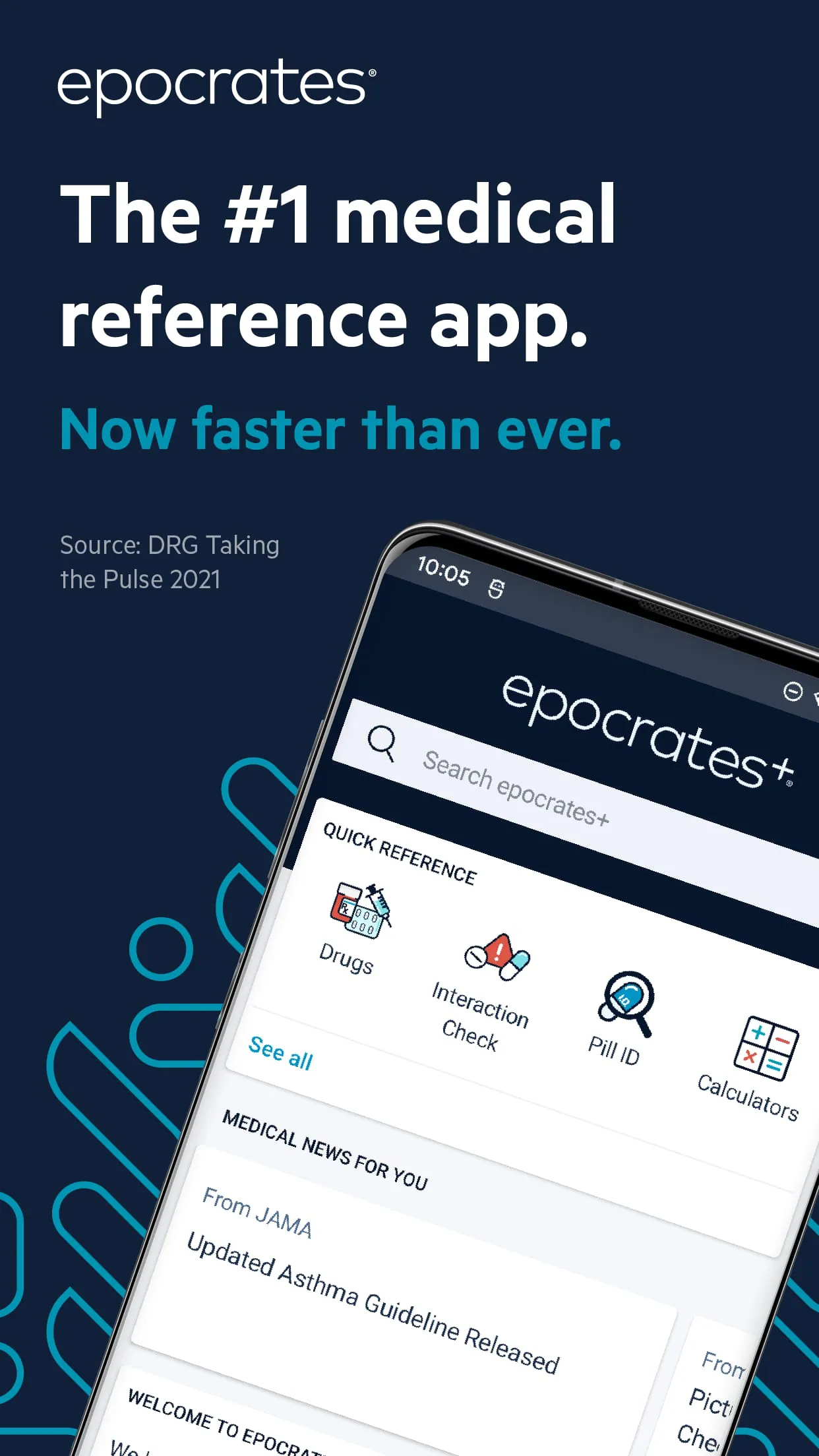
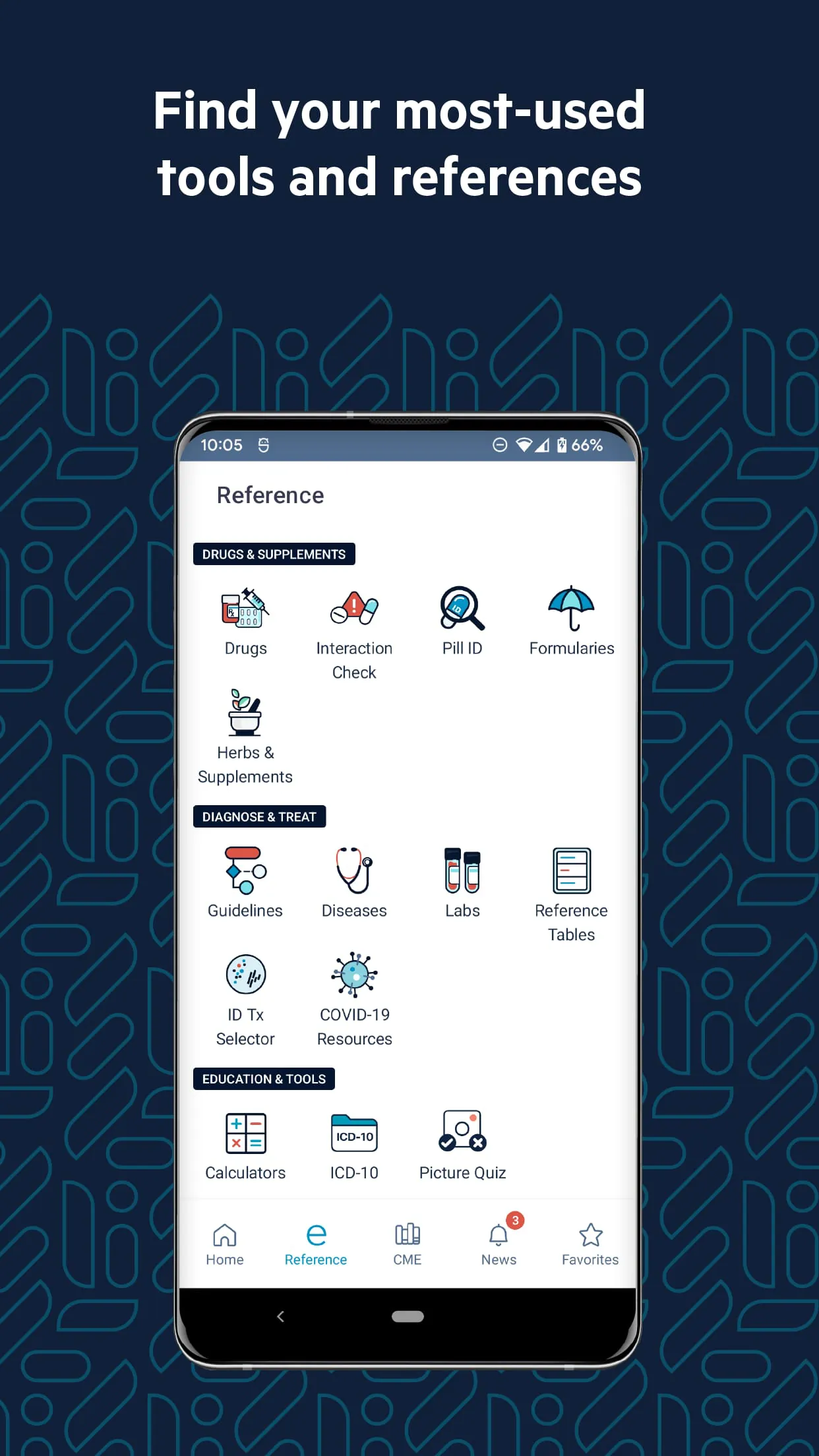
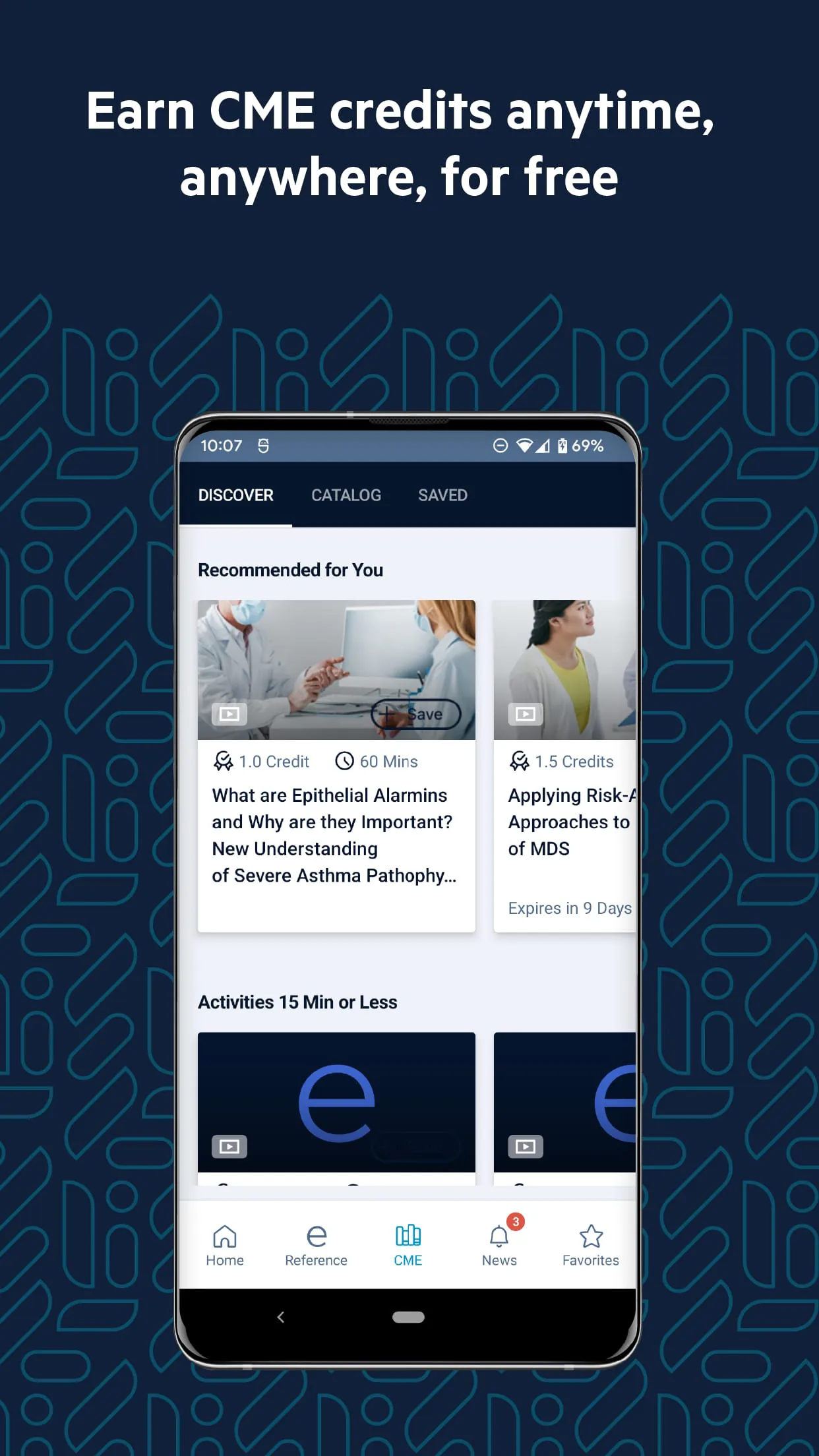
Epocrates is a trusted medical reference application designed for healthcare professionals who need fast, accurate, and evidence-based clinical information at the point of care. Developed with contributions from physicians and pharmacists, Epocrates consolidates drug data, disease guidance, diagnostic tools, and medical calculators into one streamlined mobile platform. It has become an essential daily resource for clinicians worldwide, helping them make informed decisions quickly while reducing errors and improving patient outcomes.
Key Features
- Comprehensive drug information including dosing, interactions, contraindications, and safety alerts.
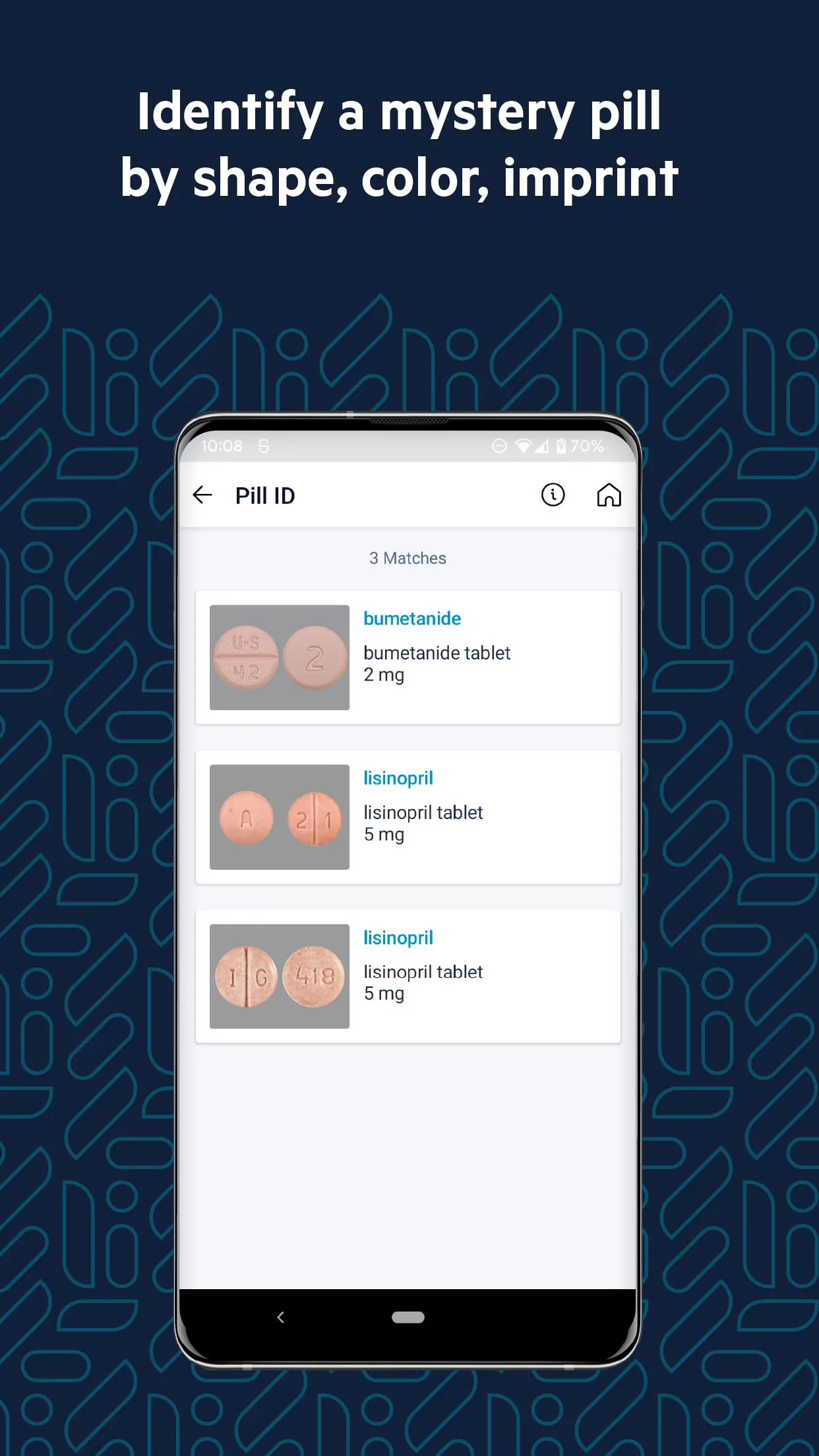
- Pill identification by imprint code, shape, color, and size.
- Clinical practice guidelines for common conditions across multiple specialties.
- Medical calculators such as BMI, GFR, and risk assessment tools.
- Up-to-date infectious disease treatment recommendations.
- Formulary coverage for insurance plans to check medication coverage instantly.
Pros & Cons
- Pros:
- Highly reliable, peer-reviewed medical content.
- Intuitive interface designed for rapid access in clinical settings.
- Frequent updates aligned with the latest research and guidelines.
- Offline access to core resources without requiring constant internet connectivity.
- Cons:
- Some advanced features require a paid subscription.
- Limited customization options for personal note-taking.
- Occasional delays in rare disease content expansion.
Functions
- Drug Interaction Checker – Identifies potentially harmful combinations between multiple medications.
- Disease Database – Offers concise overviews, symptoms, diagnostic criteria, and management strategies.
- Laboratory Reference – Provides normal ranges, interpretation guides, and testing protocols.
- Multilingual Drug Labels – Supports safer prescribing for diverse patient populations.
- Clinical News Feed – Keeps users updated on FDA approvals, safety alerts, and emerging therapies.
How to Use
Click the button "Check All Versions" below to download and install it. After installation, open the app and create a secure account using your professional credentials. You can customize your dashboard to display frequently used tools like drug lookups or medical calculators. To check a medication, simply type its name into the search bar; interaction warnings will appear automatically if relevant. For offline use, sync your selected references when connected to Wi-Fi. Regularly update the app to ensure you always have the most current medical data available.





 APK
APK  Google Play
  iOS
iOS  2.70
2.70