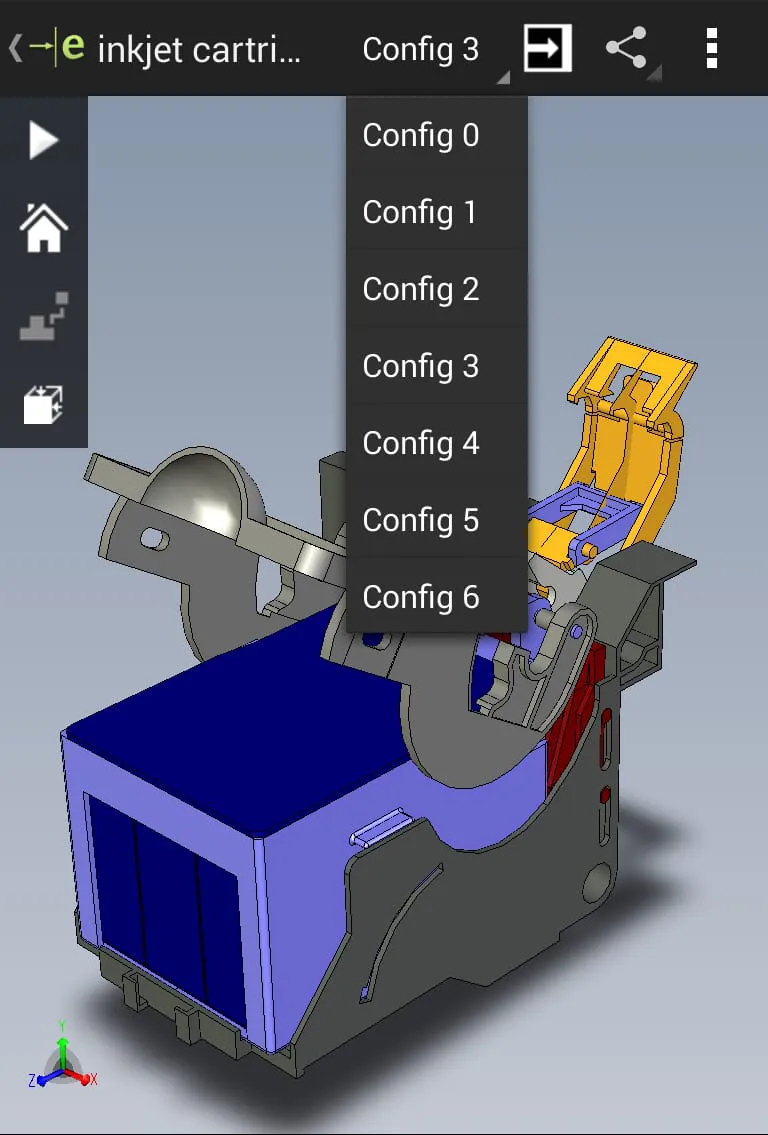
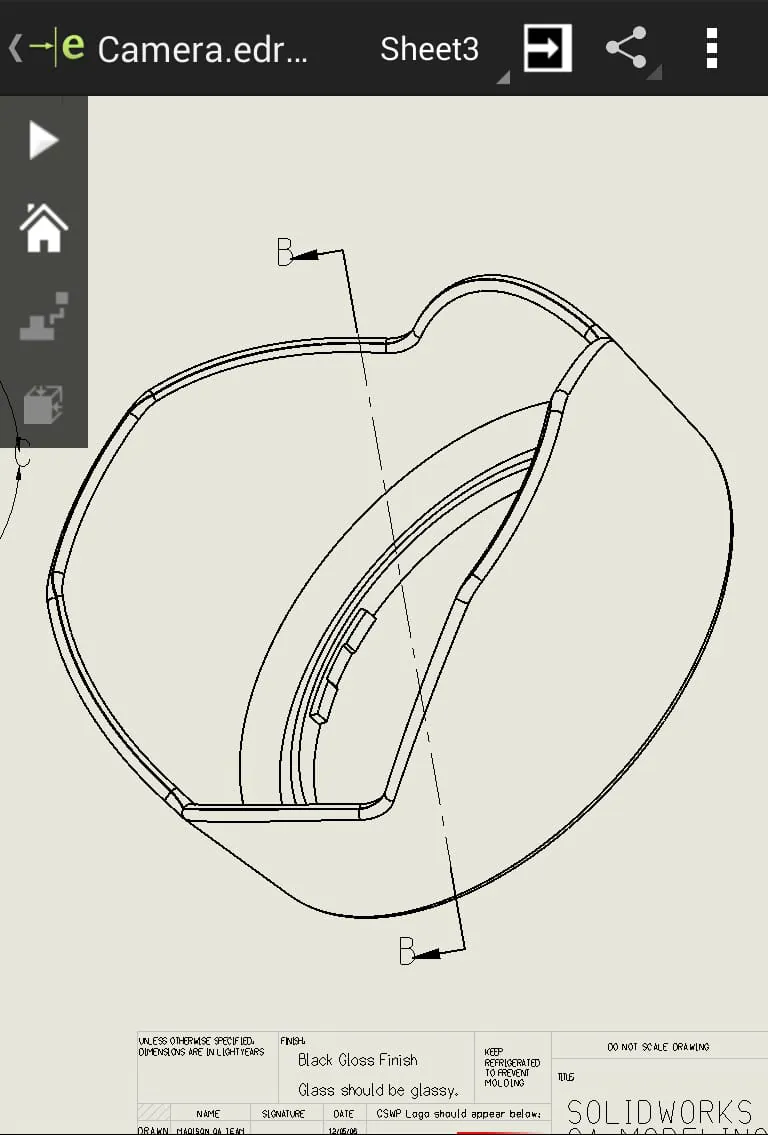
eDrawings is presented as a CAD viewer application available on Android phones and tablets, facilitating the viewing of native eDrawings files alongside native SolidWorks parts, assemblies, and drawing files. It is positioned as an email-enabled communication tool designed to simplify the sharing of product design information. The application enables users to load and transmit files via email, fostering more effective collaboration among individuals involved in product development, including those who may not be regular users of CAD software. This accessibility allows a broader audience to interpret and comprehend both 2D and 3D designs. The user interface incorporates multi-touch gestures, allowing users to pan, zoom, and rotate models with ease. Furthermore, eDrawings supports drawing sheets and exploded views, catering to eDrawings files published from SolidWorks. The feature set of eDrawings includes an intuitive and user-friendly interface, enabling users to open various 3D file formats such as EASM, EPRT, SLDASM, SLDPRT, IGES, IGS, JT, STEP, STP, and IFC, as well as 2D file formats like EDRW, SLDDRW, DWG, and DXF. These files can be accessed from a multitude of sources, including email attachments, cloud storage services like Dropbox, SkyDrive, Google Drive, and Hightail, web and FTP sites, and network folders. The application leverages multi-touch capabilities to zoom, pan, and rotate 2D or 3D CAD data. It also offers the ability to animate 3D standard views and browse 2D drawing sheets. Users can view designs in full-screen mode and double-tap to fit the content on the screen. The application includes sample files to help users get started. The narrative emphasizes eDrawings' role in streamlining communication and collaboration in product design, particularly by making CAD files accessible to non-CAD users. It highlights the application's versatility in handling various file formats and its ease of use, making it a valuable tool for product development teams. The multi-touch features and support for different file types enhance the user experience, allowing for intuitive interaction with 2D and 3D designs. The inclusion of sample files further aids in onboarding new users and demonstrating the application's capabilities. Overall, the description positions eDrawings as a comprehensive and user-friendly CAD viewer and communication tool that enhances collaboration and accessibility in product design workflows. The application's broad file format support, intuitive interface, and communication features make it a valuable asset for design teams and individuals involved in product development. The emphasis on ease of use and accessibility ensures that even non-CAD users can effectively participate in the design process, fostering better communication and collaboration across the entire team. The integration with cloud storage services and support for various file sources further enhance the application's versatility and convenience, allowing users to access and share designs from anywhere and at any time. The combination of these features makes eDrawings a powerful tool for streamlining product design workflows and improving communication among team members.
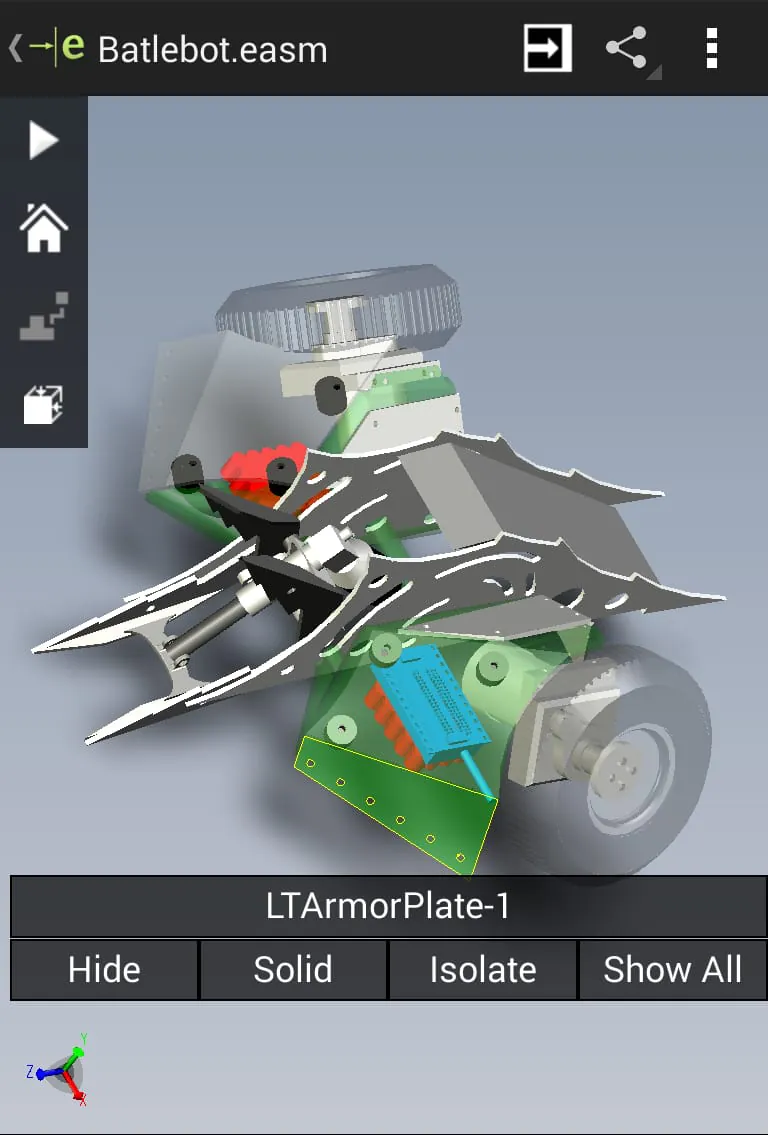
The description further details the enhanced capabilities available through an in-app purchase upgrade to eDrawings Pro. This upgrade unlocks new features such as the ability to measure designs, providing users with precise dimensions including distances, angles, and lengths, as well as point-to-point measurements. The Pro version also enables dynamic viewing of cross-sections of models in XY, YZ, or ZX directions, allowing users to examine internal structures from both sides and easily adjust the cross-section plane. Furthermore, eDrawings Pro facilitates the creation of markups directly within the designs, including text notes and freehand notations. These markups can be shared with others for review and further comments, with all markups and their history saved within the eDrawings file. The description concludes by thanking users for using eDrawings and encouraging them to review the app, emphasizing the importance of user feedback. It also provides an email address for support and suggestions. Additionally, it addresses a known issue with augmented reality, where some devices clipped the Get Marker buttons, making them inaccessible. The solution provided is to access the buttons from the settings menu in the top right corner when in AR mode. The upgrade to eDrawings Pro significantly enhances the application's functionality, providing users with advanced tools for measurement, cross-section analysis, and markup creation. These features are particularly valuable for professionals who require precise measurements and detailed analysis of designs. The ability to create and share markups directly within the eDrawings file streamlines the review process, allowing for more efficient communication and collaboration among team members. The emphasis on user feedback and the provision of a support email address demonstrate a commitment to continuous improvement and customer satisfaction. The acknowledgment of the augmented reality issue and the provision of a workaround further highlight the developer's responsiveness to user concerns. Overall, the description positions eDrawings Pro as a comprehensive and feature-rich CAD viewer and collaboration tool that caters to the needs of professionals involved in product design and engineering. The advanced features, combined with the application's ease of use and accessibility, make it a valuable asset for design teams and individuals who require precise measurements, detailed analysis, and efficient communication capabilities. The focus on user feedback and continuous improvement further enhances the application's appeal, ensuring that it remains a relevant and valuable tool for years to come.
The text concludes with links to the SolidWorks and eDrawings websites, providing users with additional resources and information. The mention of SolidWorks reinforces the connection between eDrawings and a well-established CAD software ecosystem, highlighting the application's compatibility and integration with industry-standard tools. The inclusion of the eDrawings website provides users with a direct channel to access more information about the application, including features, updates, and support resources. The known issue regarding augmented reality (AR) functionality is specifically addressed. On some devices, the 'Get Marker' buttons were clipped, making them inaccessible. Users are informed that they can still access these buttons through the settings menu located in the top right corner when in AR mode. This proactive communication about a known issue and the provision of a clear workaround demonstrates a commitment to transparency and user support. It ensures that users experiencing the issue can quickly resolve it and continue using the AR features of the application. The overall tone of the description is professional and informative, aimed at conveying the key features and benefits of eDrawings and eDrawings Pro. The emphasis on ease of use, collaboration, and advanced functionality makes the application appealing to a wide range of users, from non-CAD professionals to experienced engineers. The inclusion of user feedback mechanisms and support resources further enhances the application's value proposition, demonstrating a commitment to customer satisfaction and continuous improvement. The clear and concise language, combined with the detailed feature descriptions, effectively communicates the capabilities of eDrawings and eDrawings Pro, making it easy for potential users to understand the application's benefits and make informed decisions. The consistent focus on collaboration, accessibility, and user support reinforces the application's position as a valuable tool for product design and engineering teams.





 APK
APK  Google Play
  iOS
iOS  2.50
2.50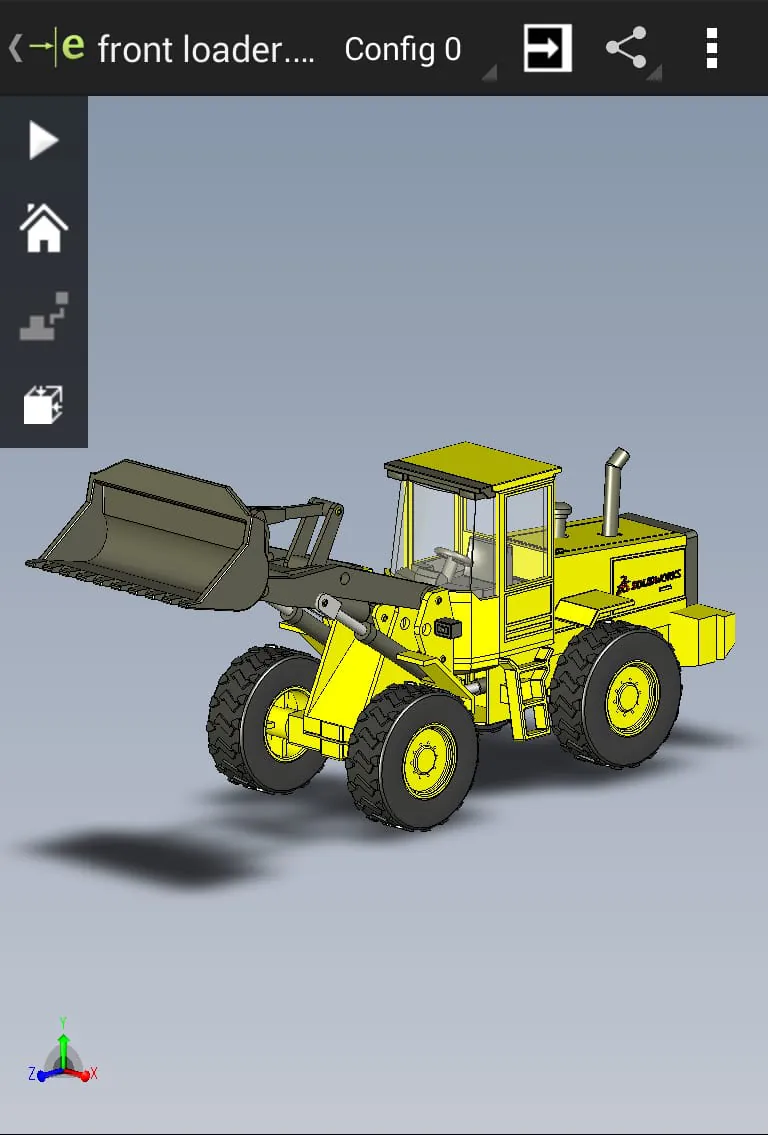
 Download








