



Control Center Control Center
Category
PersonalizationTag
user-friendly interface | Android customization | Device Management | Control Center App | Quick access tools
Rate
4.80
★★★★★
Reviews
500 +
Installs
5M +
Developer
AceTools Team
Content Rating
Everyone
Control Center: Quickly access apps & control music, network from control panel
 APK
APK  Google Play
  iOS
iOS  4.80
4.80 Author's Review
Appspicked Review
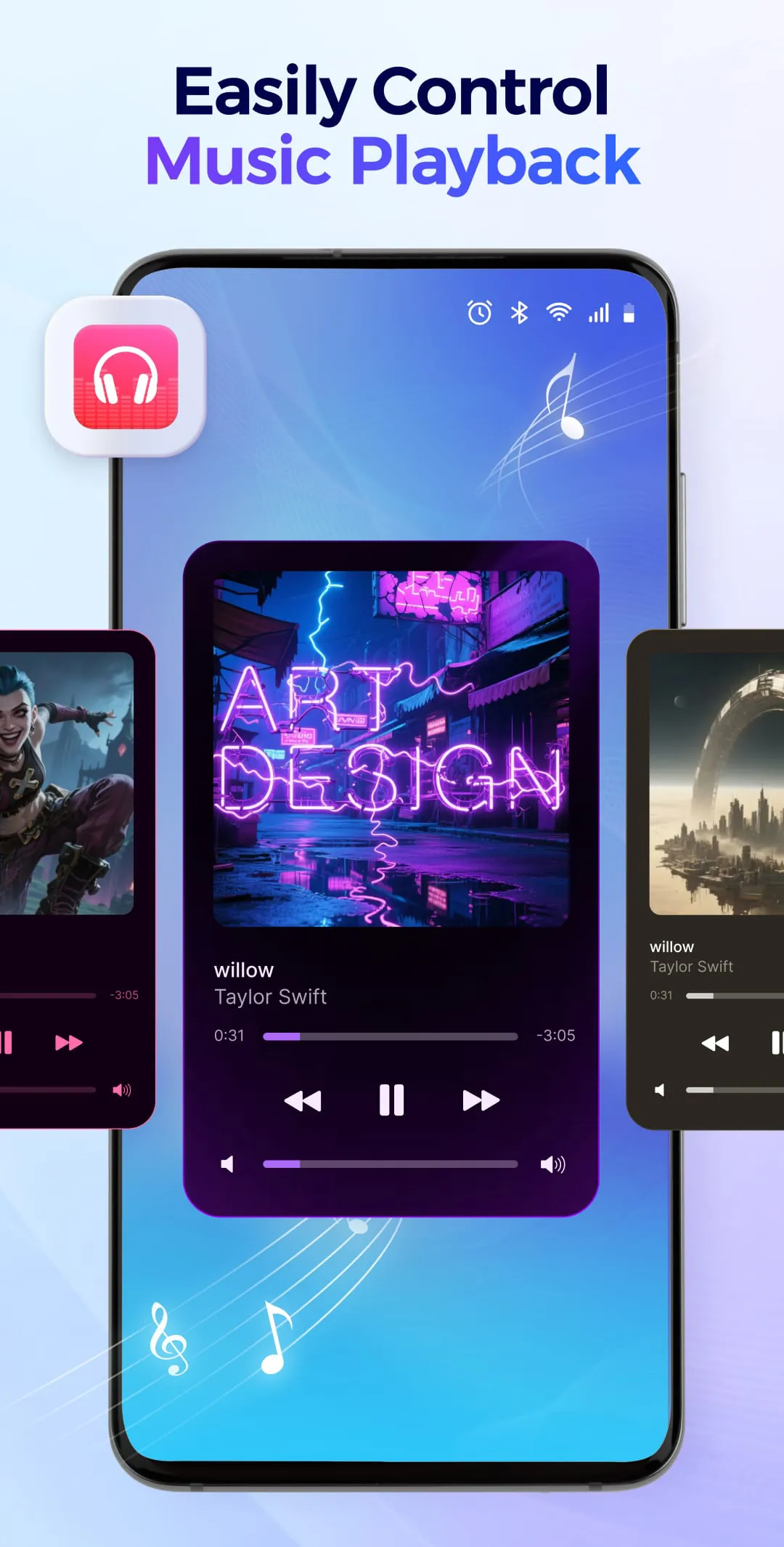
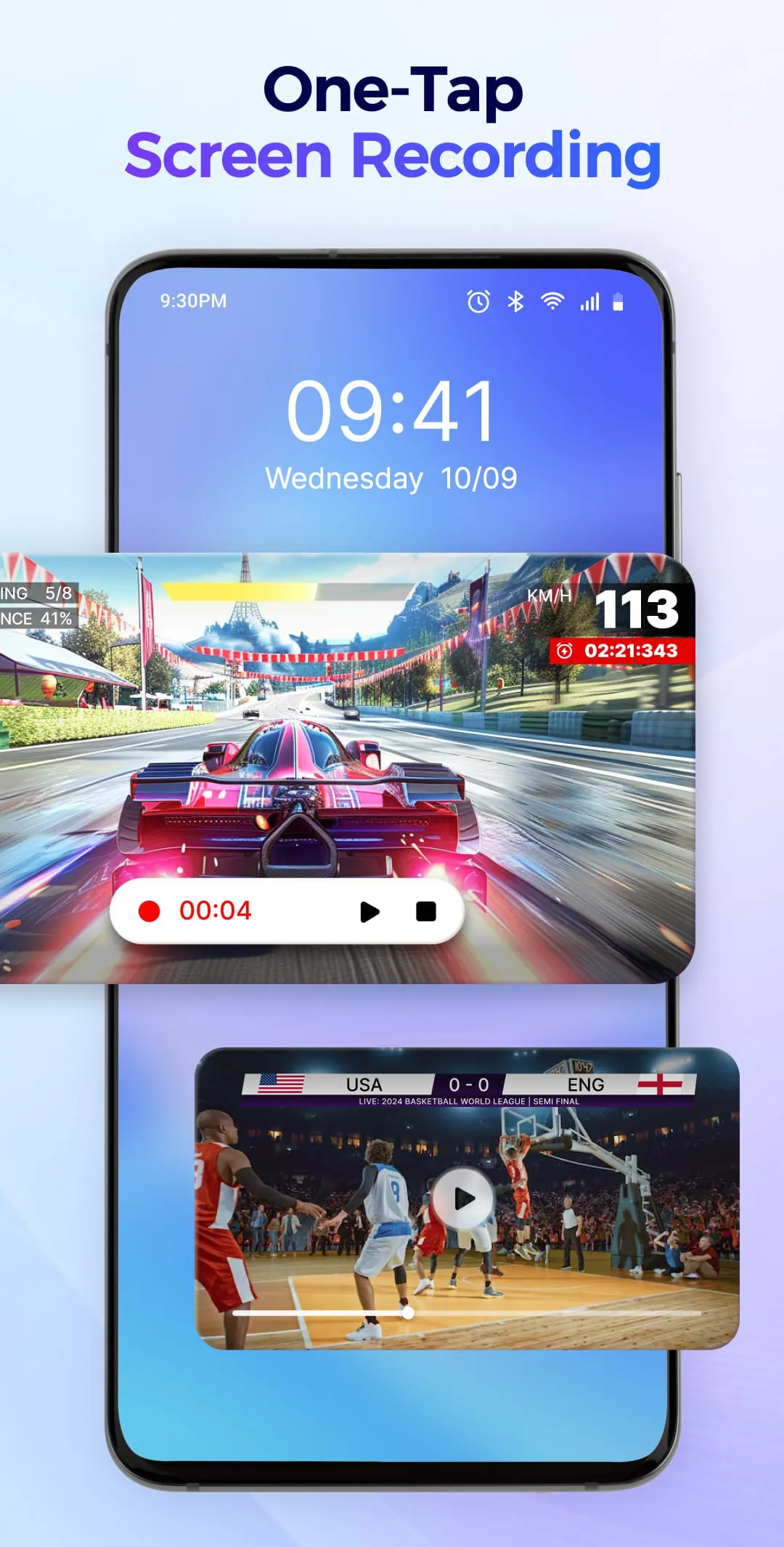
The "Control Center - Stable & Easy" application presents itself as an indispensable management tool for Android devices, offering users a customizable control panel that provides immediate access to device settings and applications from any location. This application aims to streamline the user experience by consolidating various functionalities into a single, easily accessible interface. The primary focus of the Control Center is to simplify device operations, enabling users to adjust volume and brightness, control music playback, capture screen recordings and screenshots, and activate the flashlight with a single tap. Furthermore, the application emphasizes personalization, allowing users to customize the control panel with a variety of themes to match their individual styles. The core promise of the Control Center is to eliminate the complexities of navigating through multiple menus, providing a centralized hub for essential device functions. By offering a stable and straightforward approach to Android device management, the application seeks to enhance user satisfaction and optimize the overall mobile experience. The application's commitment to accessibility is evident in its intuitive design and comprehensive feature set. It simplifies common tasks, such as adjusting volume levels for various audio channels (ringtone, media, alarms, and calls) and modifying screen brightness through an easily navigable slider. The integrated music player controls allow users to play, pause, skip tracks, and adjust volume directly from the control panel, while also displaying detailed information about the current song. This level of integration aims to minimize the need to switch between different applications, thereby saving time and effort. The screen capture and recording capabilities further enhance the application's utility, enabling users to quickly capture screenshots or record their screen activity, with options to save directly to the device's gallery. These features are particularly useful for creating tutorials, documenting app usage, or simply capturing memorable moments. The application also provides extensive control over connectivity settings, allowing users to toggle Wi-Fi, mobile data, hotspot, Bluetooth, cast, sync, location services, and airplane mode directly from the control panel. This centralized control simplifies the process of managing network connections and device settings, eliminating the need to navigate through the Android system settings. The sound mode management feature offers a convenient way to switch between different audio profiles, such as ringtone, vibrate, and silent, with a single tap. Users can also enable Do Not Disturb mode to filter notifications and prioritize important alerts. Additional features include screen rotation lock, screen timeout settings, flashlight activation, and dark mode/eye protection mode toggles, all of which contribute to a more personalized and comfortable user experience. The application also includes a smartphone control option, allowing users to quickly power off or restart their device. The Control Center's design prioritizes ease of use and efficiency, making it a valuable tool for both novice and experienced Android users. By centralizing essential device functions and providing a customizable interface, the application aims to simplify daily tasks and enhance the overall mobile experience. The inclusion of features like screen recording, connectivity management, and sound mode control further expands its utility, making it a comprehensive solution for Android device management. The application's emphasis on stability and ease of use underscores its commitment to providing a seamless and reliable experience for its users, solidifying its position as a key management tool for Android devices. The promise of a stable and easy operation, coupled with extensive customization options, positions the Control Center as a compelling choice for users seeking to optimize their Android experience and simplify their daily device interactions. The attention to detail in the design and functionality of the Control Center reflects a deep understanding of user needs and preferences, further enhancing its appeal and utility. The application's comprehensive feature set, combined with its user-friendly interface, makes it a valuable asset for any Android user looking to streamline their device management and enhance their overall mobile experience. The ability to customize the control panel to match individual styles and preferences further adds to its appeal, making it a truly personalized tool for Android device management.
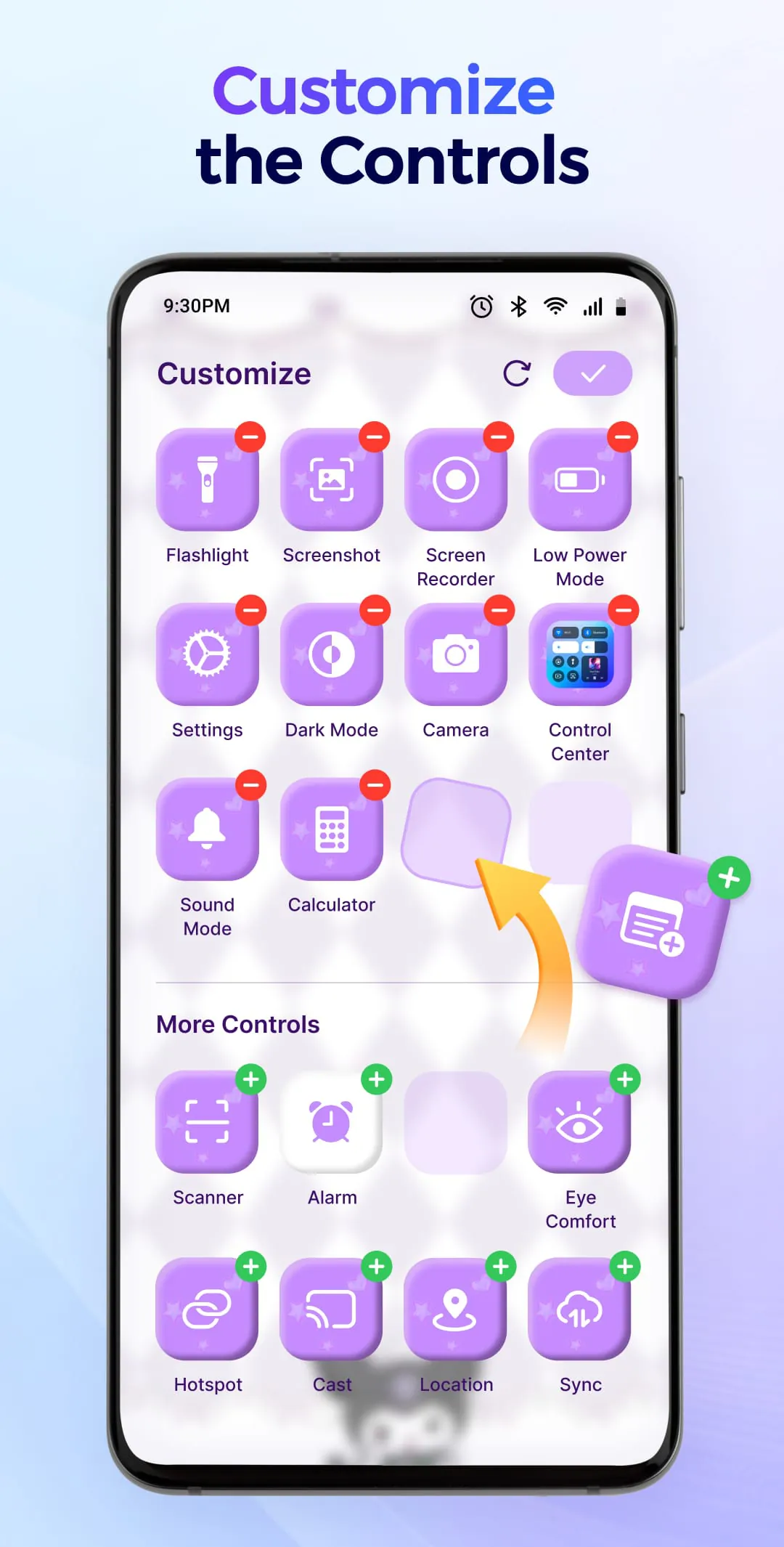
Beyond its core functionalities, the "Control Center - Stable & Easy" application extends its capabilities to provide immediate access to various applications and features, further streamlining the user experience. The inclusion of a junk removal tool, for example, allows users to quickly manage their storage by automatically scanning for similar photos, large videos, and screenshots. This feature is particularly useful for maintaining device performance and freeing up valuable storage space. In addition to storage management, the application offers quick access to commonly used applications such as the camera, voice recorder, alarm, scanner, memo, and calculator. By providing shortcuts to these essential tools, the Control Center eliminates the need to search through the app drawer, saving time and effort. Furthermore, users have the ability to set up shortcuts to their favorite applications, allowing them to open them with a single tap from the control panel. This level of customization ensures that the most frequently used apps are always within easy reach, further enhancing the application's utility. The choice to incorporate these application access features alongside device controls underscores the application's holistic approach to Android device management. By providing a centralized hub for both device settings and application shortcuts, the Control Center aims to simplify daily tasks and optimize the overall user experience. The inclusion of a junk removal tool further enhances its value, helping users maintain device performance and free up storage space. The flexibility to customize application shortcuts ensures that the control panel remains tailored to individual user needs, making it a truly personalized tool for Android device management. The emphasis on immediate access and streamlined functionality reflects a deep understanding of user preferences and priorities, further solidifying the application's position as a key management tool for Android devices. The seamless integration of these features contributes to a more efficient and intuitive user experience, making the Control Center a valuable asset for any Android user looking to simplify their device interactions. The ability to quickly access essential tools and manage storage effectively further enhances its appeal, making it a compelling choice for users seeking to optimize their Android experience. The attention to detail in the design and functionality of the application underscores its commitment to providing a comprehensive and user-friendly solution for Android device management. The incorporation of features that address both device settings and application access reflects a holistic approach to user needs, further enhancing the application's overall value and utility. The Control Center's design prioritizes efficiency and convenience, making it a valuable tool for both novice and experienced Android users. By centralizing essential device functions and application shortcuts, the application aims to simplify daily tasks and enhance the overall mobile experience. The inclusion of a junk removal tool further expands its utility, helping users maintain device performance and free up storage space. The flexibility to customize application shortcuts ensures that the control panel remains tailored to individual user needs, making it a truly personalized tool for Android device management.
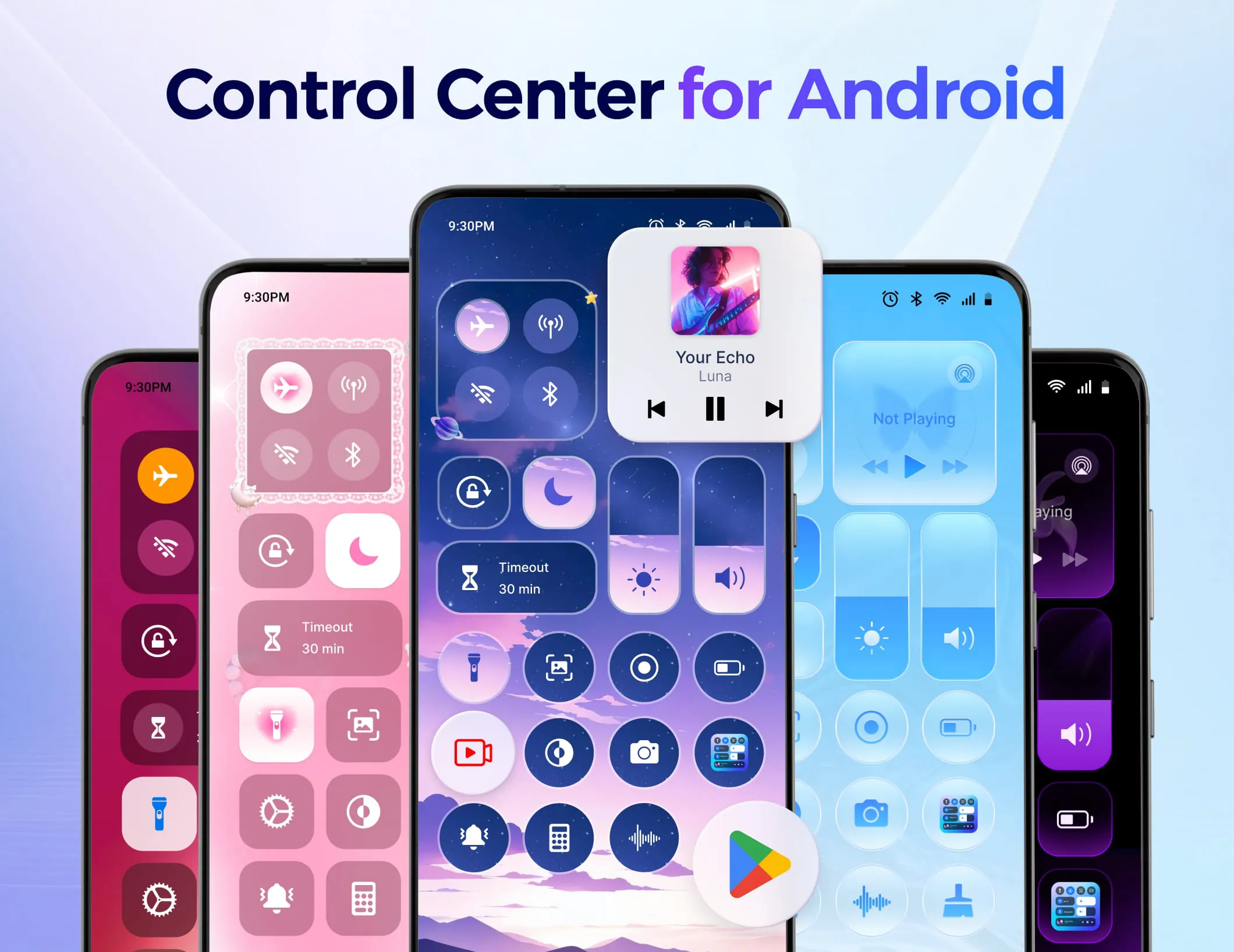
The unique value proposition of the "Control Center - Stable & Easy" application lies in its extensive customization options, seamless user experience, and commitment to accessibility. The application distinguishes itself by allowing users to personalize the control panel with a variety of themes, ranging from cute and simple to dreamy and visually appealing. The regular updates to these themes ensure that users always have access to fresh and engaging designs. Moreover, the application empowers users to create and submit their own themes, fostering a sense of community and personalization. The ability to add or remove applications and controls from the panel further enhances its customizability, allowing users to tailor the interface to their specific needs and preferences. The flexible edge trigger position allows users to position the control panel trigger at their preferred location on the screen, ensuring easy access from any application. Furthermore, the application allows users to quickly rearrange the order of applications on the control panel, optimizing the layout for maximum efficiency. The emphasis on a smooth user experience is evident in the application's simple and clear layout, which promotes efficient operation. The rapid launch and responsiveness of the application, even when offline, contribute to a seamless and intuitive experience. The support for multiple languages further enhances its accessibility, catering to a global audience. The lightweight and free nature of the application makes it accessible to a wide range of users, regardless of their device capabilities or budget. The application's use of the AccessibilityService API is essential for displaying the Control Center on the screen and performing actions throughout the device. The developers reassure users that this permission is used responsibly and that no unauthorized access or disclosure of personal information to third parties occurs. This commitment to privacy and security is paramount in building user trust and ensuring the responsible use of sensitive device permissions. The developers also encourage users to provide feedback and suggestions, demonstrating their commitment to continuous improvement and user satisfaction. The availability of a dedicated email address for support inquiries further enhances the application's accessibility and responsiveness. Overall, the "Control Center - Stable & Easy" application stands out as a user-friendly, customizable, and accessible tool for Android device management. Its extensive feature set, combined with its emphasis on a smooth and intuitive user experience, makes it a valuable asset for any Android user looking to simplify their daily tasks and enhance their overall mobile experience. The application's commitment to privacy and security, coupled with its responsiveness to user feedback, further solidifies its position as a trusted and reliable solution for Android device management. The ability to personalize the control panel to match individual styles and preferences adds to its appeal, making it a truly personalized tool for Android device management. The attention to detail in the design and functionality of the application underscores its commitment to providing a comprehensive and user-friendly solution for Android device management.
Screenshots
 Download
 Additional Information
Category
PersonalizationVersion
Unknown
Tag
user-friendly interface | Android customization | Device Management | Control Center App | Quick access tools
Rate
4.80
★★★★★
Reviews
500 +
Installs
5M +
Developer
AceTools Team
Content Rating
Everyone
Control Center: Quickly access apps & control music, network from control panel
Previous Versions
ZIP files require a Split APKs Installer (e.g., SAI) from Google Play to install. Steps: 1. Download SAI from Google Play; 2. Open SAI and tap "Install APKs"; 3. Select the ZIP file; 4. Complete installation.
You Might Like









