



ADVERTISEMENT
ADVERTISEMENT
DVDMireru DVDMireru
Category
Video Players & EditorsTag
DVD Mireru app | I-O Data devices | DVD playback | Firmware update | Mobile DVD streaming
Rate
0.00
★★★★★
Reviews
500 +
Installs
50k +
Developer
GreenBee, Inc.
Content Rating
Everyone
Wireless DVD-Video Streaming Player / Wi-Fi DVD Streamer for IO-DATA CDReco
 APK
APK  Google Play
  iOS
iOS  0.00
0.00ADVERTISEMENT
ADVERTISEMENT
Author's Review
appspicked Review
The "DVD Mireru" application is a free DVD-Video viewing application specifically designed for use with certain I-O Data device models. These compatible models include the CD-5WD series, DVRP-W8AI3, DVRP-W8AI2, DVRP-W8AI, and DVRP-LU8IXA. It is crucial for users to verify that their I-O Data device is listed among these compatible models before attempting to use the "DVD Mireru" application. Using the application with an incompatible device could result in unexpected errors, diminished performance, or complete failure of the application to function as intended. I-O Data also provides other applications, such as "DVD Mireru for CD Reco (Paid)," which are intended for use with different I-O Data device models like the CD-6W series, CD-5W series, CDRI-W24AI2 series, and CDRI-W24AI series. The company explicitly warns users to avoid purchasing applications that are not compatible with their specific drives. This is vital to prevent unnecessary costs and frustration associated with using an incompatible application. It is also important to acknowledge that while a device might technically meet the minimum requirements, such as the operating system version, the application's full functionality is not guaranteed across all smartphones and tablets. Varying environmental factors and device configurations can influence performance, potentially leading to operational issues. Therefore, users should recognize that compatibility is conditional and that performance might vary depending on the specific device and environment. In order to ensure smooth and error-free usage, users should periodically check for updates to both the "CD Reco Music App" and the "DVD Mireru" application itself. Keeping these applications updated is essential for maintaining compatibility with the latest operating systems and device drivers. These updates often contain critical bug fixes, performance improvements, and security patches that are necessary for optimal application functionality. Additionally, before using the "DVD Mireru" application, users must update the drive's firmware through the application. The process involves connecting the device to Wi-Fi (either IODATA_01 or IO-mireru), launching the "DVD Mireru" application, and selecting the "Firmware Update" option. A confirmation message will appear, and the user should select "Yes" to proceed. The update is complete when the drive's POWER light changes from blinking to solid after approximately two minutes. If the firmware is already up to date, the application will display a message indicating that no update is needed. Firmware updates are essential for addressing potential compatibility issues, improving the drive's performance, and adding new features or enhancements. Regular updates contribute to a more reliable and efficient DVD playback experience. It is also important to note that the application does not support viewing programs recorded in DVD-VR format, which are typically created using DVD recorders. Furthermore, the "DVD Mireru" application does not support mirroring functionality or output to TVs via HDMI cables. The application is also not compatible with devices that have pen input capabilities or dual screens. These limitations should be carefully considered by users who intend to utilize these features.
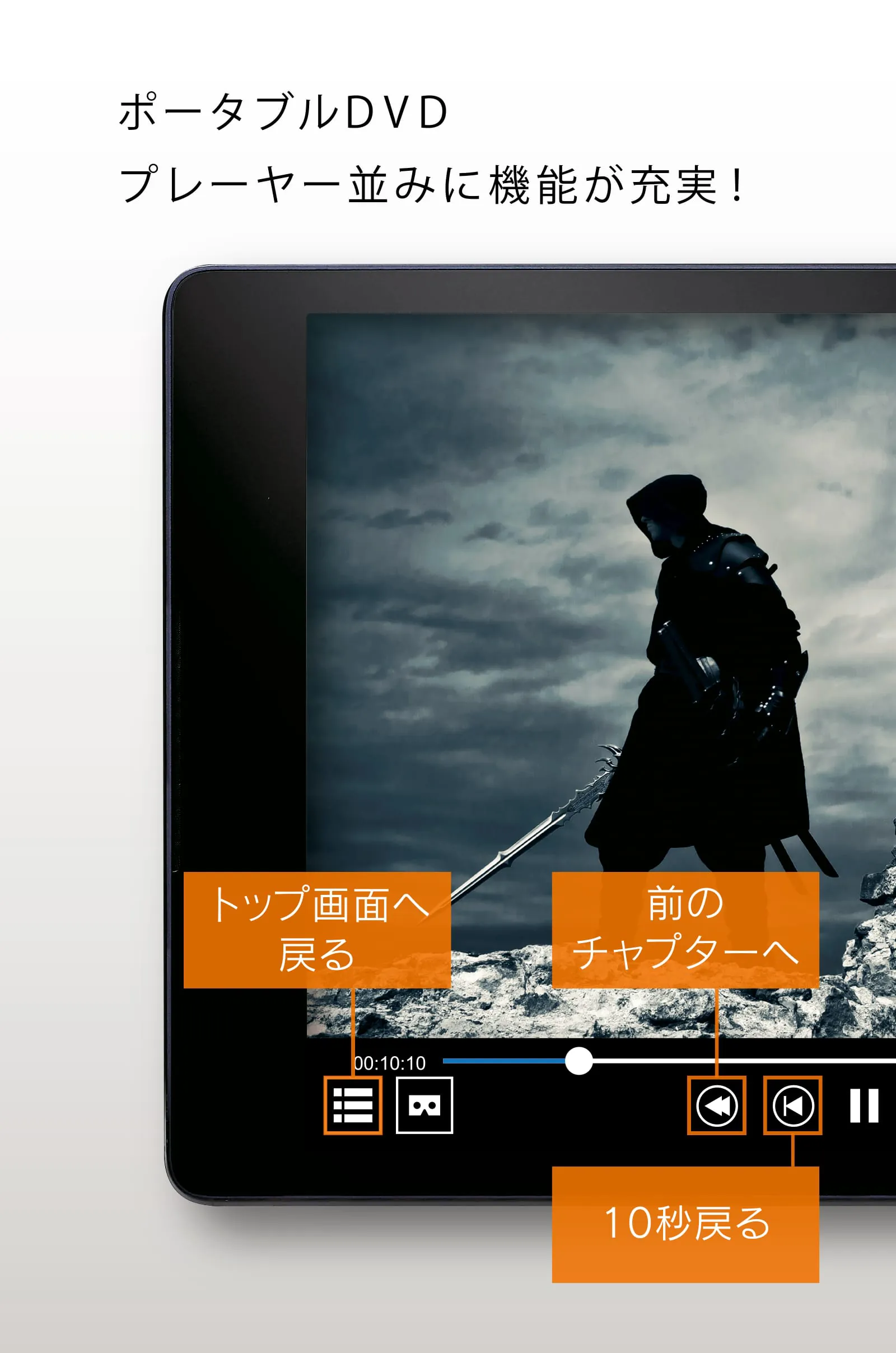
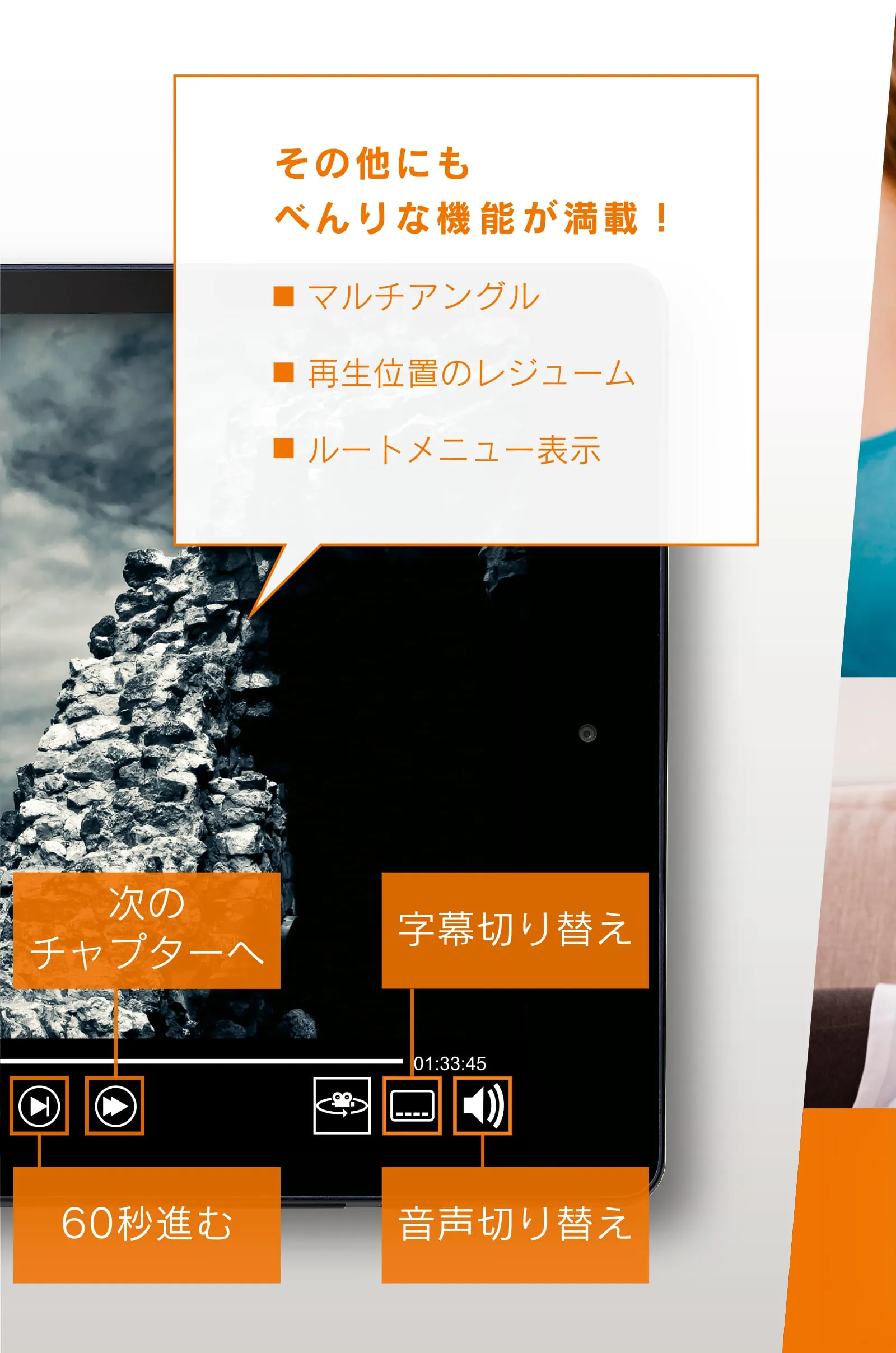
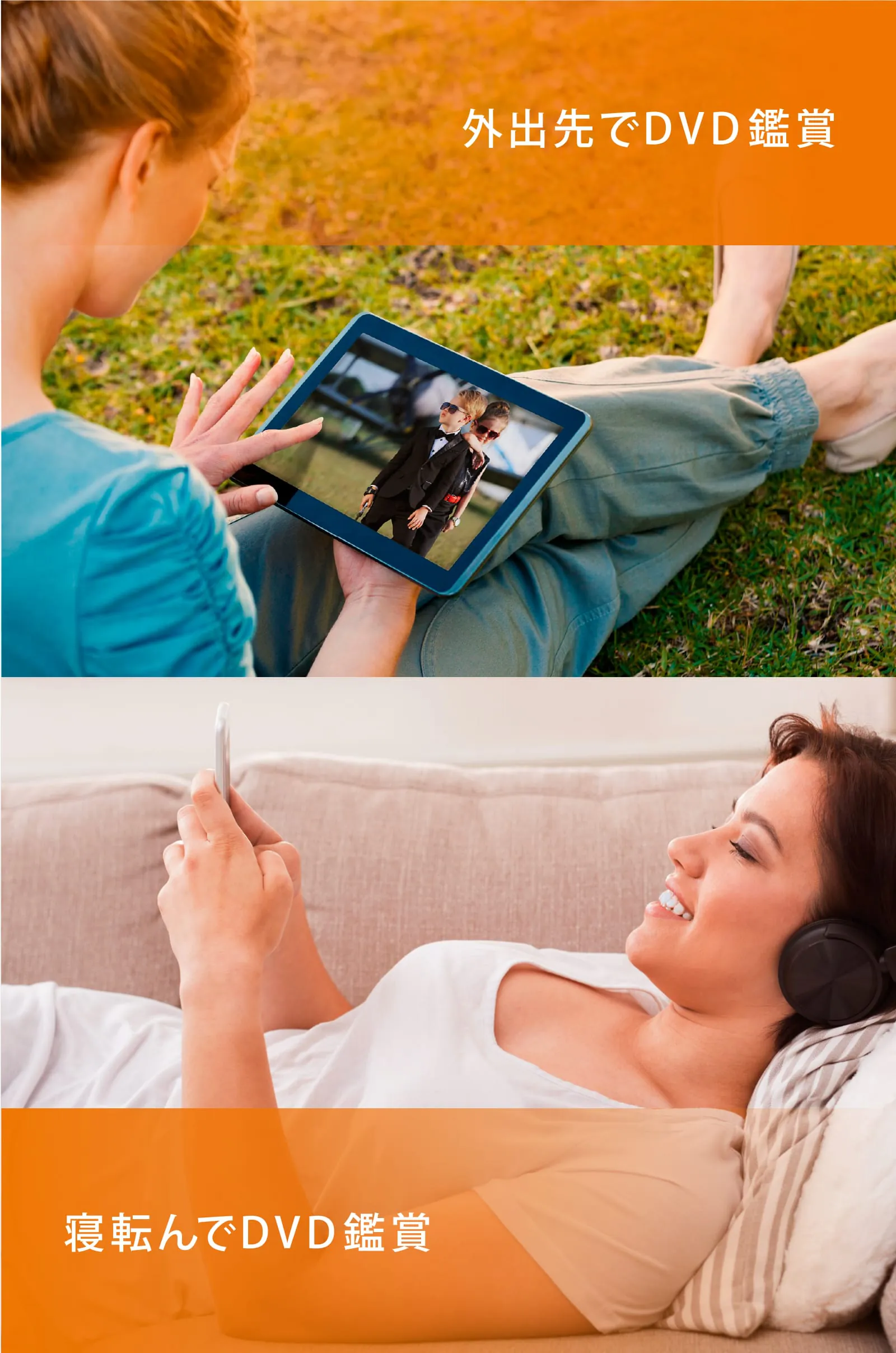
The "DVD Mireru" application offers users a convenient way to stream and watch DVDs on their smartphones or tablets. This is achieved through a straightforward connection process, requiring only a Wi-Fi or cable connection between the DVD Mireru drive and the mobile device. The simplicity of this connection makes it easy for users to quickly access their DVD content without the need for complex configurations or technical expertise. Once connected, users can enjoy a variety of DVD content, including bonus DVDs that come with their favorite artists' CDs, movies, and TV shows. This allows users to maximize the value of their physical media by making it accessible on their portable devices. The application also caters to personal preferences and hobbies, enabling users to transform their leisure time into engaging and entertaining experiences. For example, a user could watch their favorite movie during a lunch break or catch up on a TV series while waiting for an appointment. The portability of the application and its compatibility with mobile devices make it an ideal solution for on-the-go entertainment. In addition to its streaming capabilities, the DVD Mireru drive can be powered by a mobile battery, eliminating the need for a power outlet. This feature enhances the device's portability, making it suitable for use in various locations, such as during travel or in vehicles. The ability to use a mobile battery allows users to enjoy their DVD content even when they are away from traditional power sources, further expanding the application's utility. The application offers several features to enhance the viewing experience, including the ability to change subtitles and audio tracks while the DVD-Video disc is playing. This allows users to customize the playback according to their preferences and needs. The application also supports resume playback, allowing users to pick up where they left off, which is particularly useful for watching longer movies or TV series. Additionally, the application enables users to access the DVD's root menu, providing them with full control over the playback and navigation of the disc's contents. The DVD Mireru application also provides information and resources to help users optimize their experience. The application provides links to external resources, such as the I-O Data website, where users can find information about compatible mobile batteries. These batteries enable users to power the DVD Mireru drive without needing a power outlet. The application also includes a link to a comprehensive help manual, which provides detailed instructions and troubleshooting tips for using the application. These resources can assist users in resolving common issues and maximizing their enjoyment of the application. By providing both streaming capabilities and support for mobile battery power, the "DVD Mireru" application offers a flexible and convenient way for users to enjoy their DVD content on the go. The application's features, such as customizable subtitles and audio, resume playback, and root menu access, further enhance the viewing experience. With the addition of links to external resources and a detailed help manual, the application provides users with the tools and information they need to optimize their use of the device.
It is essential for users to understand the limitations of the "DVD Mireru" application and its compatibility with various devices and formats. One significant limitation is the lack of support for DVD-VR format, which is commonly used for recording TV programs on DVD recorders. Users who have recorded content in this format will be unable to play it back using the "DVD Mireru" application. This restriction is crucial for users to consider when determining the suitability of the application for their needs. Another important limitation is the absence of mirroring functionality and HDMI output support. This means that users cannot mirror the content playing on their smartphone or tablet to a larger screen, such as a TV, using the "DVD Mireru" application. Similarly, they cannot connect their device to a TV using an HDMI cable to view the content on a larger display. These limitations may be a drawback for users who prefer to watch DVDs on a larger screen. The application is also incompatible with devices that have pen input capabilities or dual screens. This excludes a range of devices, such as certain tablets and smartphones that are equipped with these features. Users who own such devices will not be able to use the "DVD Mireru" application. It is essential for users to check the compatibility of their devices before purchasing or attempting to use the application. Before utilizing the "DVD Mireru" application, users must ensure that their drive's firmware is up to date. The firmware update process is straightforward and can be initiated directly within the application. Users need to connect their device to a Wi-Fi network (either IODATA_01 or IO-mireru), launch the "DVD Mireru" application, and select the "Firmware Update" option. A confirmation message will appear, and the user should select "Yes" to proceed. The update is complete when the drive's POWER light changes from blinking to solid after approximately two minutes. If the firmware is already up to date, the application will display a message indicating that no update is needed. Keeping the firmware up to date is essential for maintaining compatibility with the latest devices and operating systems. The update process also includes several steps to ensure the user's understanding of the application's functionalities and limitations. The initial caution regarding compatible devices and the warning against purchasing incompatible apps highlights the importance of user awareness. The application also emphasizes the need to update the drive's firmware through the app, guiding users through the update process step by step. The process also includes explicit instructions on how to update the firmware, as well as a clear indication of the update's completion status. These instructions are designed to minimize user errors and ensure a smooth update experience. The application also provides information about additional features, such as subtitle and audio changes, resume playback, and root menu access, all of which contribute to a more user-friendly experience. In addition, the application offers access to external resources, such as links to mobile battery information and a comprehensive help manual, further enhancing the user's ability to utilize the application effectively. Overall, the "DVD Mireru" application offers a portable and convenient solution for DVD playback on smartphones and tablets, but users should be aware of its limitations regarding format compatibility, mirroring functionality, and device compatibility.
Screenshots
 Download
 Additional Information
Category
Video Players & EditorsVersion
Unknown
Tag
DVD Mireru app | I-O Data devices | DVD playback | Firmware update | Mobile DVD streaming
Rate
0.00
★★★★★
Reviews
500 +
Installs
50k +
Developer
GreenBee, Inc.
Content Rating
Everyone
Wireless DVD-Video Streaming Player / Wi-Fi DVD Streamer for IO-DATA CDReco
ADVERTISEMENT
ADVERTISEMENT
Previous Versions
ZIP files require a Split APKs Installer (e.g., SAI) from Google Play to install. Steps: 1. Download SAI from Google Play; 2. Open SAI and tap "Install APKs"; 3. Select the ZIP file; 4. Complete installation.
ADVERTISEMENT
You Might Like









