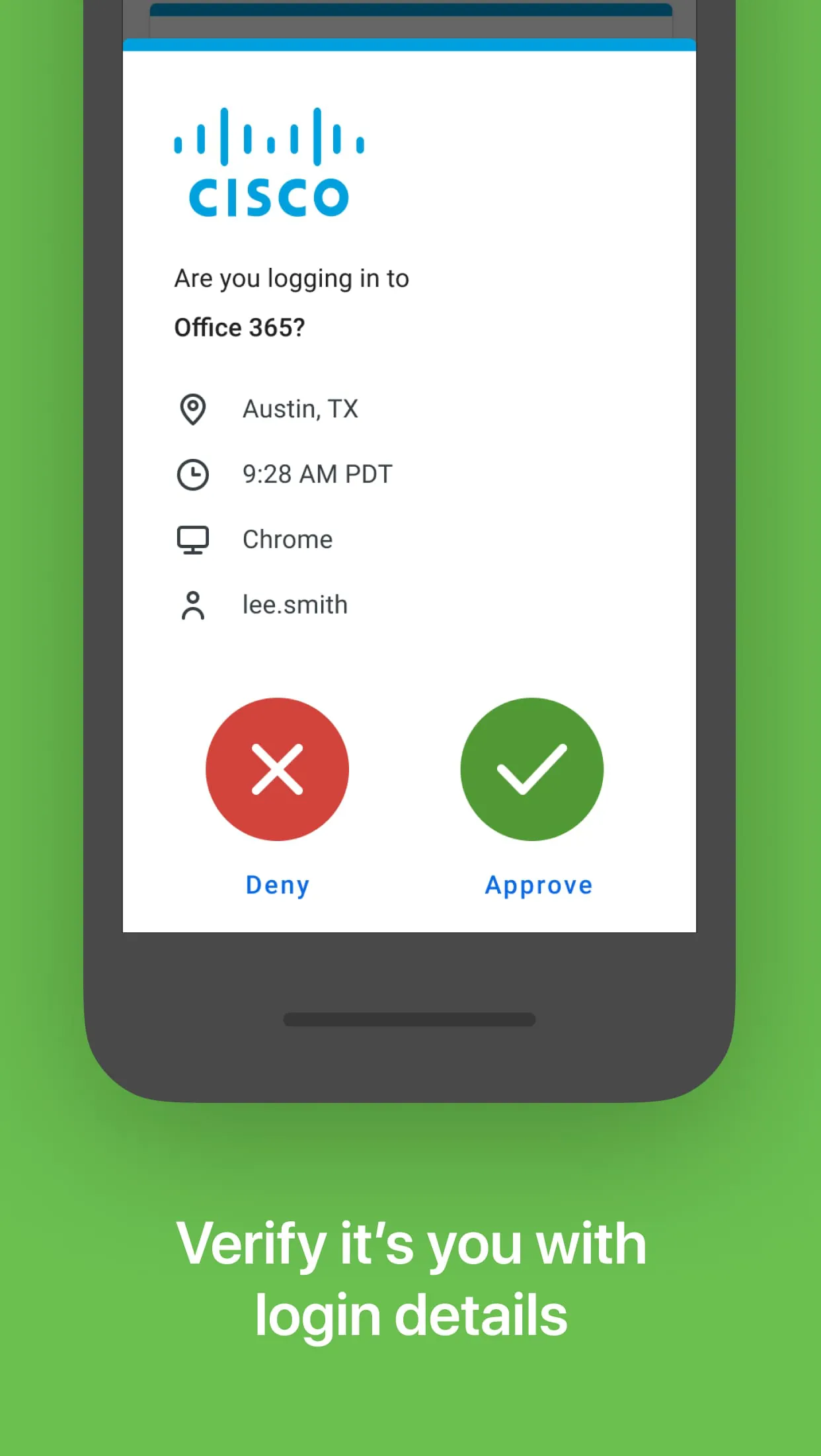
Duo Mobile is an application developed by Duo Security to enhance the security of logins through two-factor authentication. It functions by generating passcodes, which users can then utilize to verify their identity when logging into various online services and applications. The application also provides the convenience of push notifications, which allow for one-tap authentication, streamlining the login process and making it more user-friendly. In essence, Duo Mobile serves as a security tool that adds an extra layer of protection to online accounts, ensuring that even if a password is compromised, unauthorized access remains significantly more challenging. The application's integration with Duo Security's services ensures a robust and reliable authentication process. This is especially crucial in an era where cyber threats are increasingly sophisticated and prevalent. Furthermore, Duo Mobile’s compatibility extends beyond Duo Security accounts, allowing users to manage two-factor authentication for other applications and web services that support passcode-based authentication. This versatility makes it a central hub for managing multiple layers of security across various platforms. The application’s design prioritizes user experience, aiming to make the often complex process of two-factor authentication as simple and intuitive as possible. The inclusion of push notifications and one-tap authentication significantly reduces the friction associated with traditional two-factor authentication methods. In addition to its core functionality, Duo Mobile also incorporates features that cater to users with wearable technology. The availability of a companion app for Wear OS, known as Duo Wear, allows users to authenticate securely directly from their smartwatches. This integration further enhances convenience, enabling users to verify their identity without needing to reach for their smartphones. The smartwatch app provides a quick and easy way to approve login requests, making the authentication process even more seamless. Moreover, the application emphasizes security best practices by requiring users to enable and link Duo Mobile to their Duo accounts before it can be fully functional. This ensures that the application is properly set up and configured to provide the intended level of security. The initial setup process involves scanning a QR code, which requires camera access. However, alternative methods are available for users who prefer not to grant camera access. This demonstrates Duo Security's commitment to user privacy and flexibility. The application also provides transparency regarding its use of third-party open-source libraries. Information about the licenses governing these libraries is readily available on Duo Security's website, ensuring that users are informed about the software components used within the application. Overall, Duo Mobile provides a comprehensive and user-friendly solution for two-factor authentication, catering to both individual users and organizations seeking to enhance their security posture. The application’s combination of features, ease of use, and compatibility with various platforms makes it a valuable tool for protecting online accounts and data.
The core function of Duo Mobile revolves around the principle of two-factor authentication (2FA), a security measure that requires users to provide two different authentication factors to verify their identity. This is typically done by combining something the user knows (their password) with something the user possesses (a code generated by Duo Mobile or a push notification). This approach significantly reduces the risk of unauthorized access, as even if a password is compromised, the attacker would still need access to the second factor to gain entry. Duo Mobile excels in providing a seamless and user-friendly 2FA experience. The application generates time-based one-time passcodes (TOTP) that users can enter when prompted during the login process. These passcodes are unique and change frequently, making them highly resistant to interception or reuse. Alternatively, users can opt to receive push notifications on their smartphones, which they can then approve with a single tap. This method offers a more convenient and faster authentication experience. The application's ability to manage multiple accounts is another key feature. Users can add and manage 2FA for various online services and applications within a single interface. This eliminates the need to install and manage multiple authentication apps, simplifying the user experience and reducing clutter on their devices. Duo Mobile supports a wide range of services and applications that implement the TOTP standard, making it a versatile tool for securing various online accounts. Furthermore, the application incorporates security measures to protect the generated passcodes and user data. The passcodes are securely stored within the application and are not transmitted over the network unless explicitly requested by the user during the authentication process. This ensures that the passcodes remain protected from eavesdropping or interception. Duo Mobile also emphasizes user privacy by minimizing the amount of personal information collected and stored. The application does not track user activity or collect sensitive data beyond what is necessary for authentication purposes. This commitment to privacy helps to build trust with users and ensures that their data is handled responsibly. In addition to its core functionality, Duo Mobile also provides features to help users recover their accounts in case of device loss or other emergencies. The application allows users to generate backup codes that can be used to regain access to their accounts if they are unable to use the primary authentication method. These backup codes should be stored securely and kept in a safe place. Overall, Duo Mobile is a comprehensive and reliable two-factor authentication solution that provides a high level of security without compromising user experience. The application's ease of use, versatility, and commitment to privacy make it an excellent choice for individuals and organizations looking to enhance their online security.
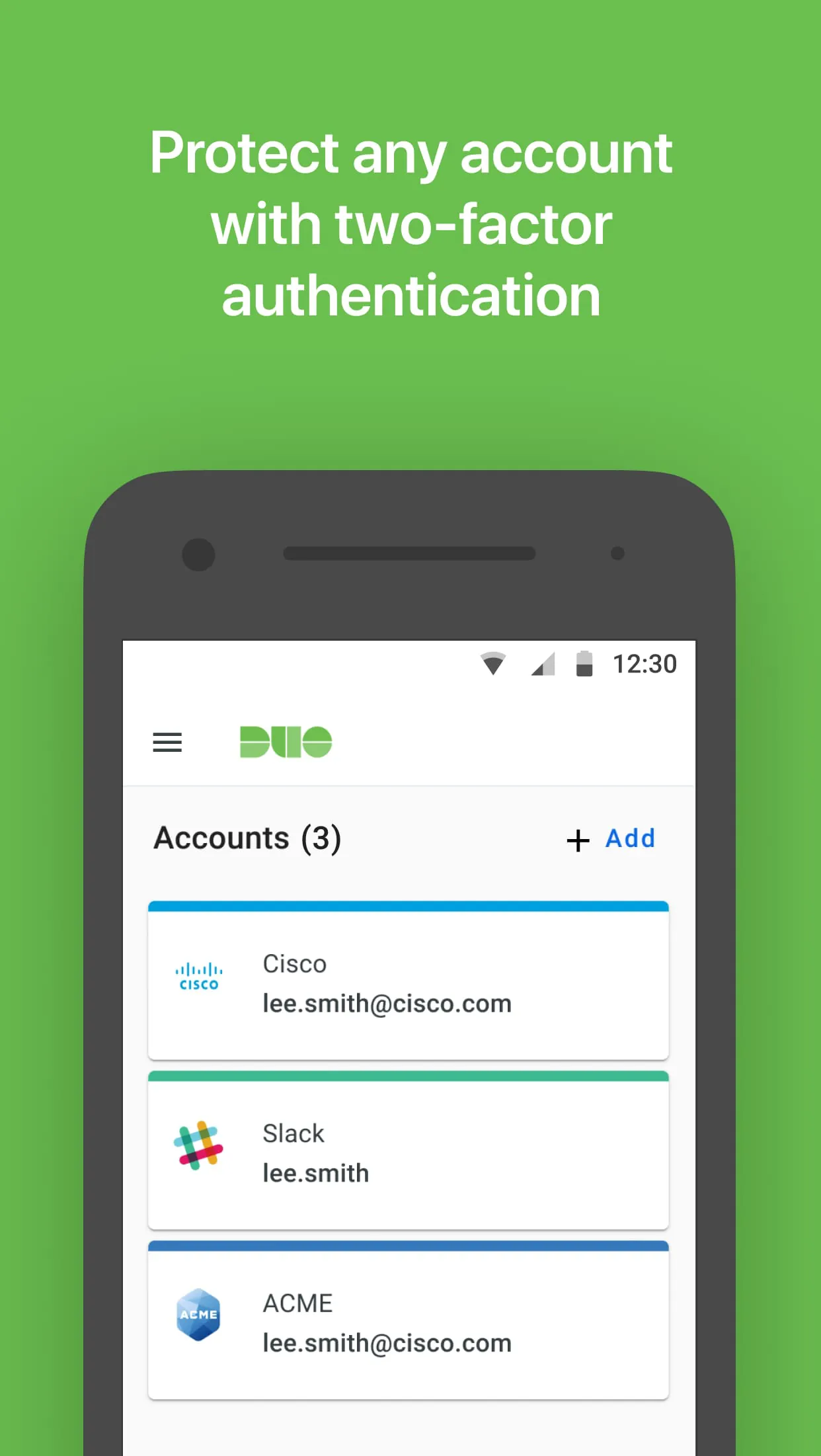
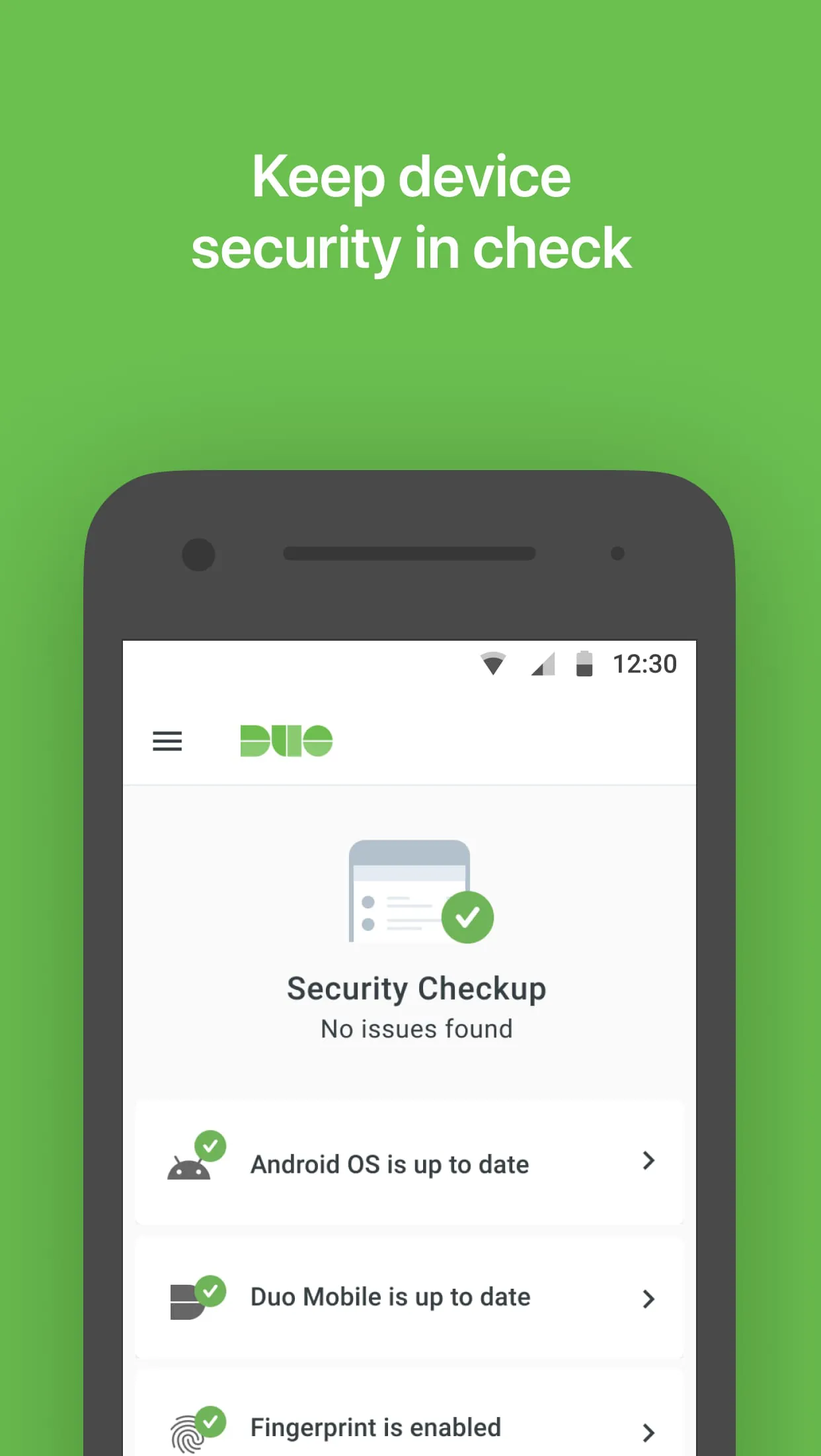
Duo Mobile's user interface is designed to be intuitive and straightforward, making it accessible to users of all technical skill levels. The application features a clean and uncluttered layout, with clear instructions and helpful prompts to guide users through the authentication process. The main screen displays a list of accounts that have been added to the application, along with the corresponding passcodes or push notification options. Users can easily add new accounts by scanning a QR code or manually entering the account details. The application also provides options to customize the appearance and behavior, such as enabling dark mode or adjusting the notification settings. The application's settings menu allows users to configure various security options, such as enabling biometric authentication or setting a PIN code to protect the application from unauthorized access. Biometric authentication allows users to use their fingerprint or facial recognition to unlock the application, adding an extra layer of security. The PIN code provides an alternative authentication method for users who do not have biometric capabilities or prefer to use a traditional PIN code. Duo Mobile also provides detailed logs of authentication activity, allowing users to track their login history and identify any suspicious activity. The logs display the date, time, and location of each authentication attempt, as well as the result of the attempt (successful or failed). This information can be useful for identifying unauthorized access attempts or troubleshooting authentication issues. Furthermore, the application provides access to help resources and documentation, which can assist users in troubleshooting common issues or learning more about the application's features. The help resources include FAQs, tutorials, and contact information for Duo Security's support team. The application is regularly updated with new features and security enhancements to ensure that it remains a reliable and effective security tool. Duo Security actively monitors the security landscape and releases updates to address emerging threats and vulnerabilities. Users are encouraged to keep their application updated to ensure that they are protected by the latest security measures. In conclusion, Duo Mobile is a well-designed and user-friendly two-factor authentication application that provides a comprehensive set of features to enhance online security. The application's ease of use, versatility, and commitment to security make it an excellent choice for individuals and organizations looking to protect their online accounts and data. The regular updates and active support from Duo Security ensure that the application remains a reliable and effective security tool in the ever-evolving threat landscape. The companion app for Wear OS further enhances the user experience by providing a convenient way to authenticate directly from their smartwatches.