



All Document Reader All Document Reader
Category
ToolsTag
File management | PDF Editor | Document Scanner | Document Reader | Mobile Office
Rate
4.50
★★★★★
Reviews
500 +
Installs
1M +
Developer
FlexOffice
Content Rating
Everyone
Document Reader: view PDF, Word, Excel, PPT, TXT easily in one reader.
 APK
APK  Google Play
  iOS
iOS  4.50
4.50 Author's Review
Appspicked Review
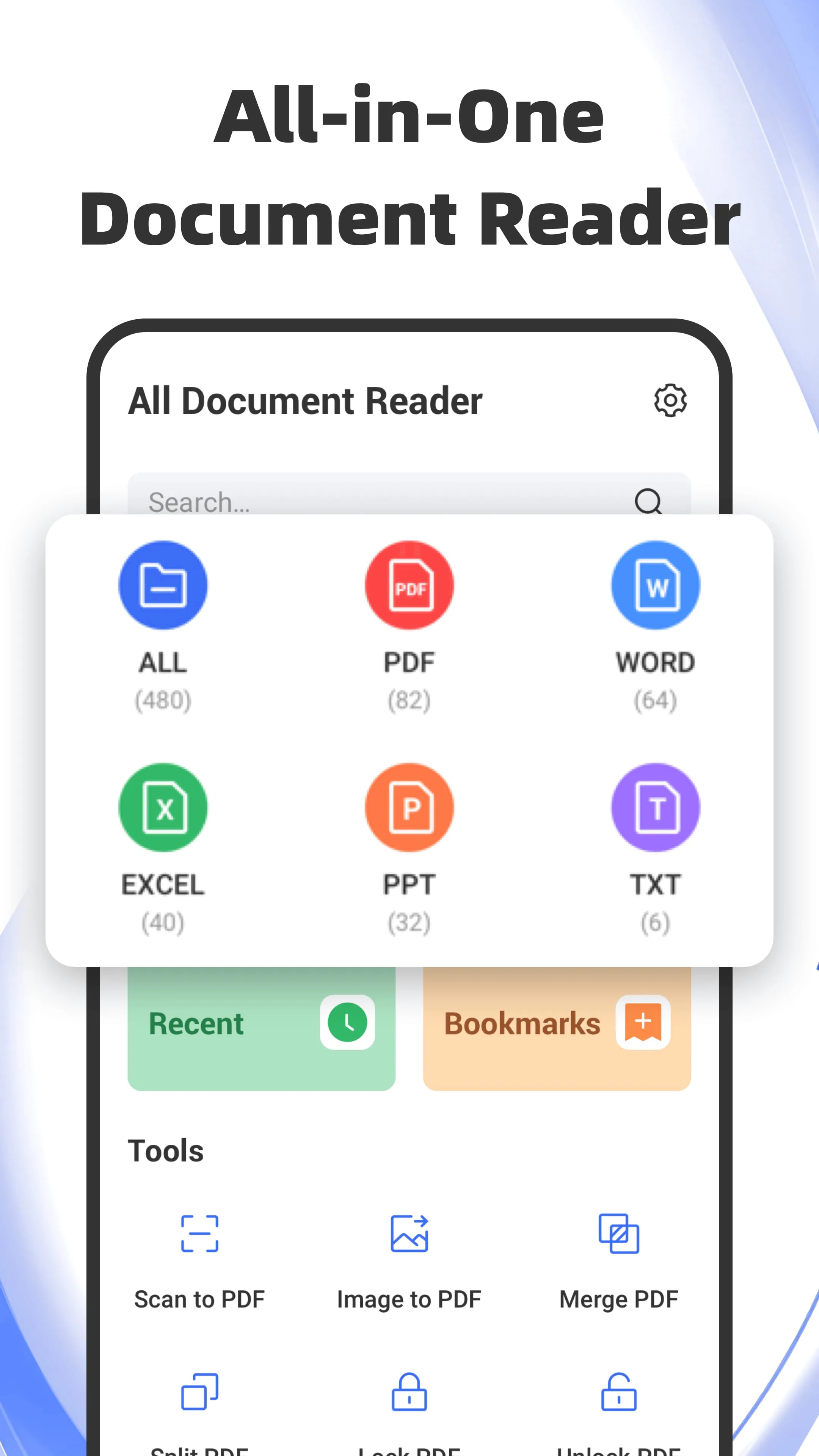
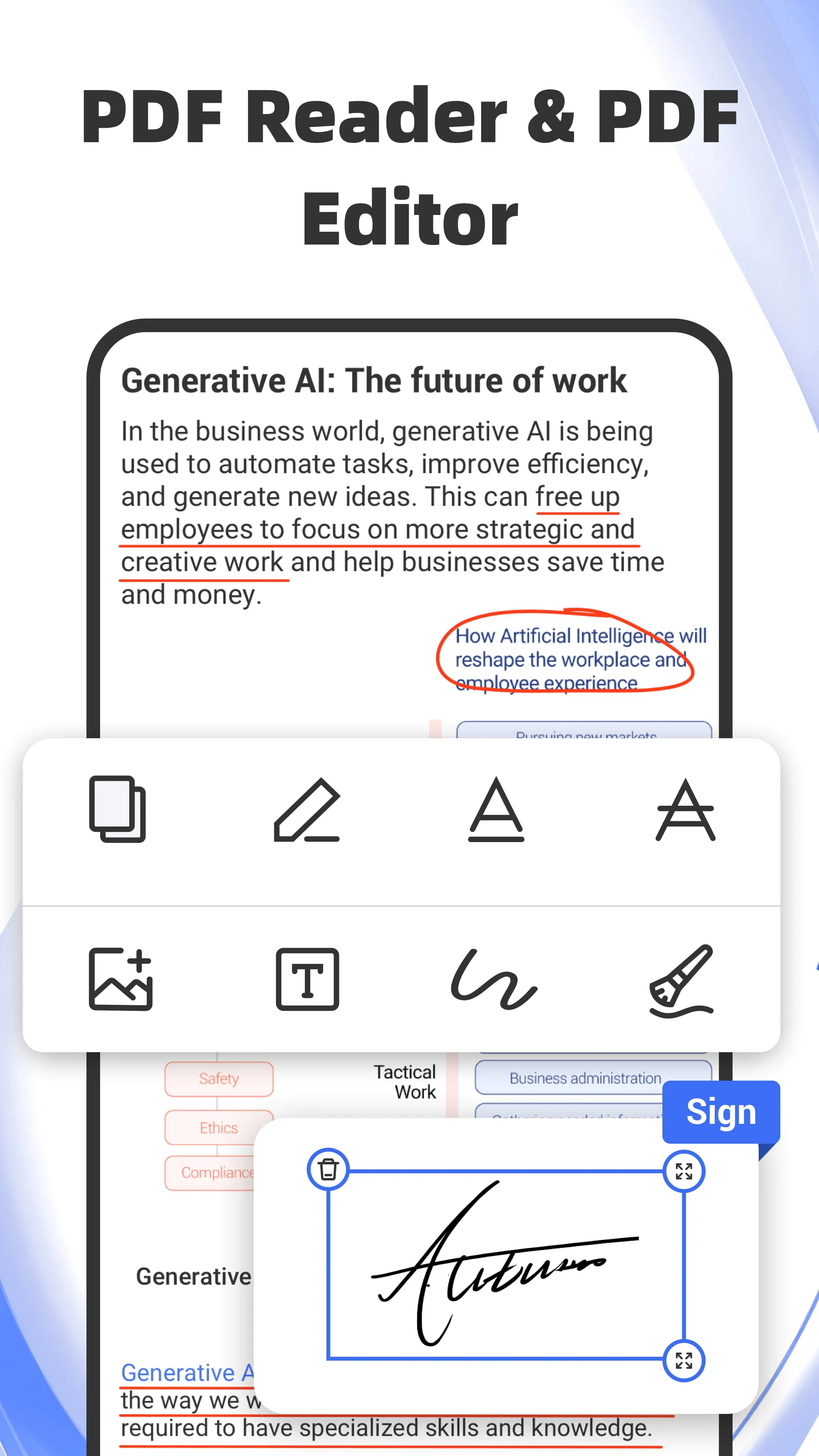
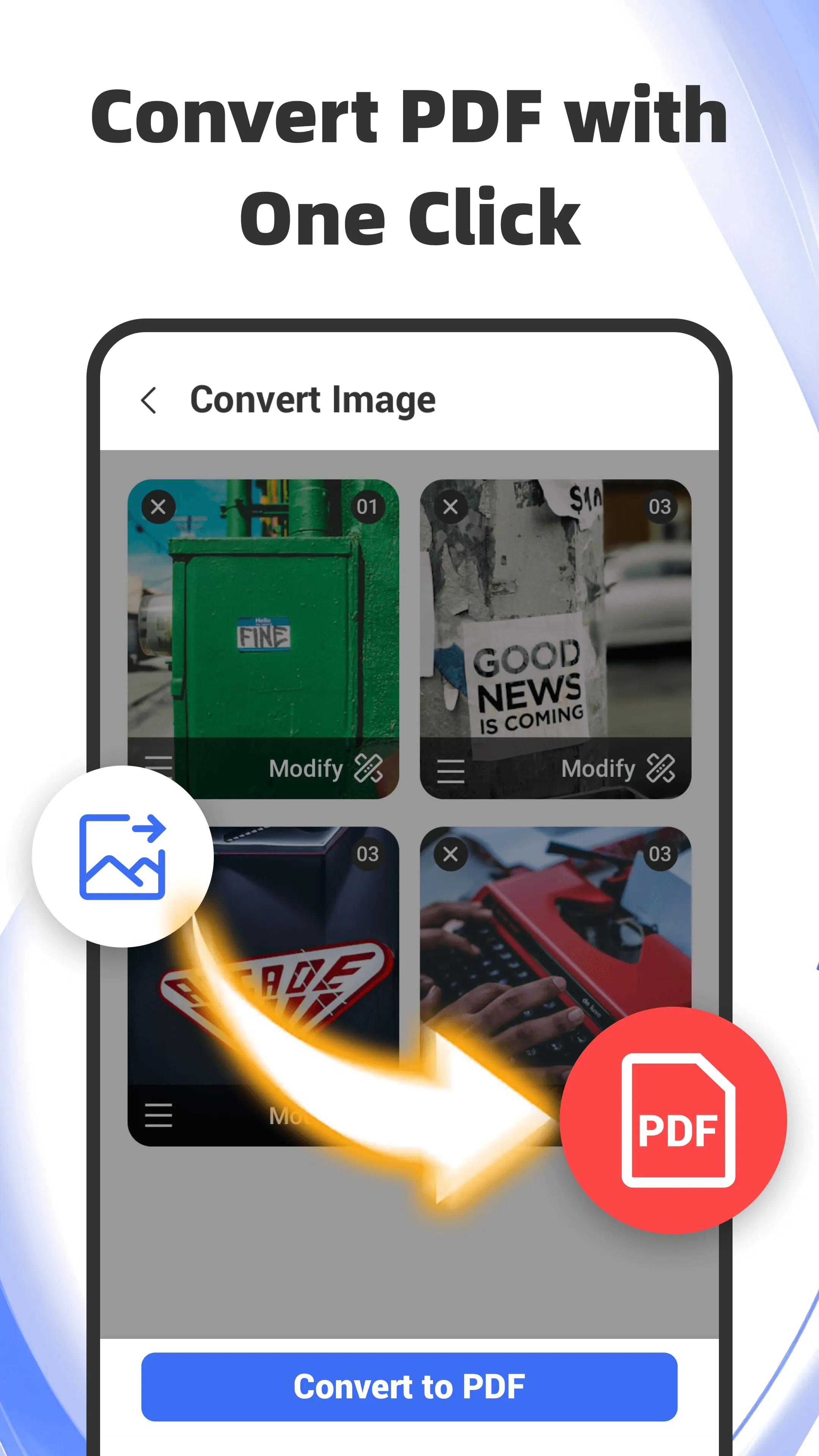
All Document Reader: Word, PDF is presented as a versatile mobile application designed to streamline the management and interaction with various document formats, including PDF, Word, Excel, PPT, and TXT files. The application emphasizes its user-friendly interface and comprehensive feature set, aiming to provide users with a convenient and efficient solution for handling document-related tasks directly from their smartphones. The core functionality of the app revolves around enabling users to view, edit, and share documents seamlessly, regardless of their location or time constraints. The application boasts a range of features tailored to enhance the user experience, such as the ability to effortlessly switch between landscape and portrait modes for detailed PDF viewing, a dark mode to reduce eye strain during prolonged reading sessions, and a built-in search function for quickly locating key information within documents. Furthermore, the app offers advanced annotation tools for PDF editing, allowing users to highlight, underline, strikethrough, or copy text with ease. The inclusion of text and image addition capabilities further enhances the editing functionality, empowering users to customize and innovate their PDF documents. The application also incorporates a PDF scanner, enabling users to convert paper documents into digital PDFs directly from their phones, thereby saving time and effort. The image-to-PDF conversion feature with rich filter options adds another layer of versatility to the app's scanning capabilities. Additional PDF tools, such as the ability to merge and split PDFs, provide users with greater control over their document management. The password protection feature ensures the privacy and security of sensitive PDF files, safeguarding them from unauthorized access. In addition to its PDF-centric features, All Document Reader also supports various other document formats, including Word, Excel, and TXT files. The app offers dedicated viewers for each format, ensuring optimal viewing experiences. Features such as dark mode, offline access, and search functionality are also available for these formats, providing users with a consistent and seamless experience across all document types. The app's document management capabilities further enhance its usability. Users can bookmark documents for quick access, sort files by format, and perform various file management tasks, such as searching, sharing, copying, moving, and renaming documents. The recent tab allows users to quickly locate recently accessed documents, while the home screen widget provides one-click access to recent files for uninterrupted productivity. The option to set All Document Reader as the default reader ensures a seamless viewing experience, even when accessing documents from other apps. The application's overall design prioritizes user convenience and efficiency, aiming to simplify document management and interaction for users on the go. By offering a comprehensive suite of features in a user-friendly interface, All Document Reader strives to be the ultimate all-in-one document solution for mobile users. The app's developers encourage users to provide feedback and suggestions to further improve its functionality and user experience.
The All Document Reader: Word, PDF application distinguishes itself through its comprehensive suite of features designed to cater to a wide array of document-related needs. The PDF reader component offers a seamless viewing experience with customizable options such as landscape and portrait modes, allowing users to optimize their viewing preferences. The inclusion of a dark mode addresses the growing concern for eye strain, particularly during prolonged reading sessions in low-light environments. The built-in search function and preview pages enable users to quickly locate specific information within PDF documents, enhancing efficiency and productivity. The ability to extract text from PDFs further enhances the reading experience, allowing users to easily copy and paste content as needed. The adjustable font size ensures readability for users with varying visual needs. The PDF editor component empowers users to modify and annotate PDF documents with ease. The advanced annotation tools, including highlighting, underlining, and strikethrough, provide users with a range of options for marking up text. The ability to add text and images allows for further customization and innovation. The electronic signature feature streamlines paperwork processes, enabling users to sign documents digitally from their mobile devices. The PDF scanner component transforms the application into a mobile scanning solution, allowing users to convert paper documents into digital PDFs on the go. The image-to-PDF conversion feature with rich filter options provides users with additional flexibility in creating PDF documents. The PDF tools component offers a range of utilities for managing PDF files. The merge and split PDF features allow users to combine multiple PDFs into a single document or extract specific pages from a PDF. The password protection feature ensures the security and privacy of sensitive PDF files. The application's support for various document formats, including Word, Excel, and TXT files, further enhances its versatility. The dedicated viewers for each format provide users with optimal viewing experiences. The inclusion of features such as dark mode, offline access, and search functionality across all formats ensures a consistent and seamless user experience. The document manager component provides users with a centralized hub for organizing and managing their documents. The ability to bookmark documents, sort files by format, and perform file management tasks such as searching, sharing, copying, moving, and renaming documents streamlines document organization and access. The recent tab and home screen widget provide quick access to recently accessed documents, enhancing productivity. The option to set All Document Reader as the default reader ensures a seamless viewing experience when accessing documents from other applications. The application's overall design prioritizes user convenience and efficiency, aiming to simplify document management and interaction for users on the go. By offering a comprehensive suite of features in a user-friendly interface, All Document Reader strives to be the ultimate all-in-one document solution for mobile users.
All Document Reader: Word, PDF is designed to be a comprehensive solution for managing and interacting with various document formats on mobile devices. The application's core strength lies in its ability to seamlessly handle PDF, Word, Excel, PPT, and TXT files, providing users with a unified platform for viewing, editing, and sharing documents. The application's user-friendly interface and intuitive design make it accessible to users of all skill levels. The emphasis on convenience and efficiency is evident in the app's features, such as the ability to switch between landscape and portrait modes, enable dark mode, and quickly search for key information within documents. The advanced annotation tools for PDF editing provide users with a range of options for marking up and customizing their documents. The inclusion of text and image addition capabilities further enhances the editing functionality. The PDF scanner component transforms the application into a mobile scanning solution, allowing users to convert paper documents into digital PDFs on the go. The image-to-PDF conversion feature with rich filter options provides users with additional flexibility in creating PDF documents. The PDF tools component offers a range of utilities for managing PDF files. The merge and split PDF features allow users to combine multiple PDFs into a single document or extract specific pages from a PDF. The password protection feature ensures the security and privacy of sensitive PDF files. The application's support for various document formats, including Word, Excel, and TXT files, further enhances its versatility. The dedicated viewers for each format provide users with optimal viewing experiences. The inclusion of features such as dark mode, offline access, and search functionality across all formats ensures a consistent and seamless user experience. The document manager component provides users with a centralized hub for organizing and managing their documents. The ability to bookmark documents, sort files by format, and perform file management tasks such as searching, sharing, copying, moving, and renaming documents streamlines document organization and access. The recent tab and home screen widget provide quick access to recently accessed documents, enhancing productivity. The option to set All Document Reader as the default reader ensures a seamless viewing experience when accessing documents from other applications. The application's overall design prioritizes user convenience and efficiency, aiming to simplify document management and interaction for users on the go. By offering a comprehensive suite of features in a user-friendly interface, All Document Reader strives to be the ultimate all-in-one document solution for mobile users. The developers actively seek user feedback to further improve the application and enhance the user experience.
Screenshots

 Download
 Additional Information
Category
ToolsVersion
Unknown
Tag
File management | PDF Editor | Document Scanner | Document Reader | Mobile Office
Rate
4.50
★★★★★
Reviews
500 +
Installs
1M +
Developer
FlexOffice
Content Rating
Everyone
Document Reader: view PDF, Word, Excel, PPT, TXT easily in one reader.
Previous Versions
ZIP files require a Split APKs Installer (e.g., SAI) from Google Play to install. Steps: 1. Download SAI from Google Play; 2. Open SAI and tap "Install APKs"; 3. Select the ZIP file; 4. Complete installation.
You Might Like









