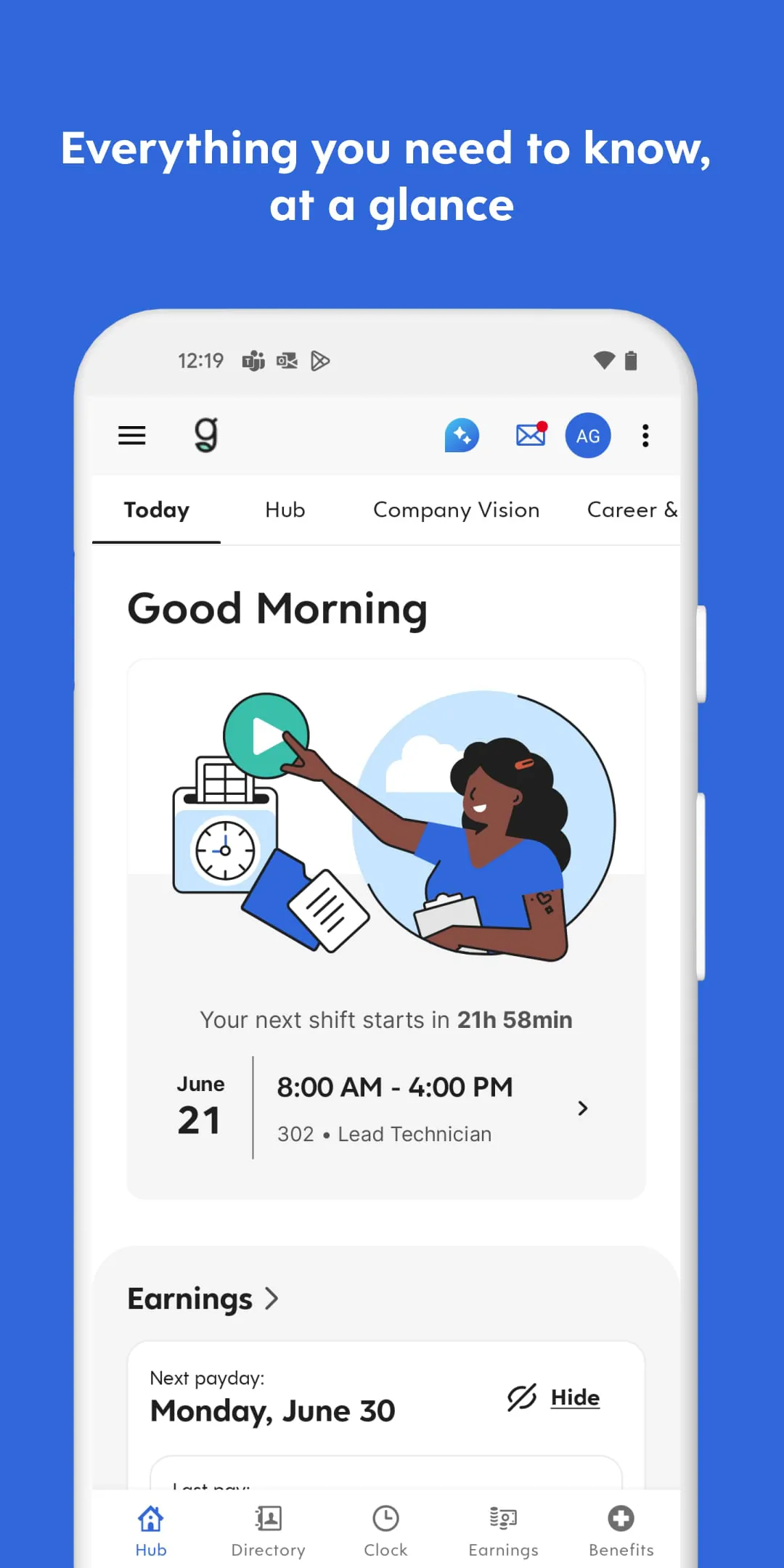
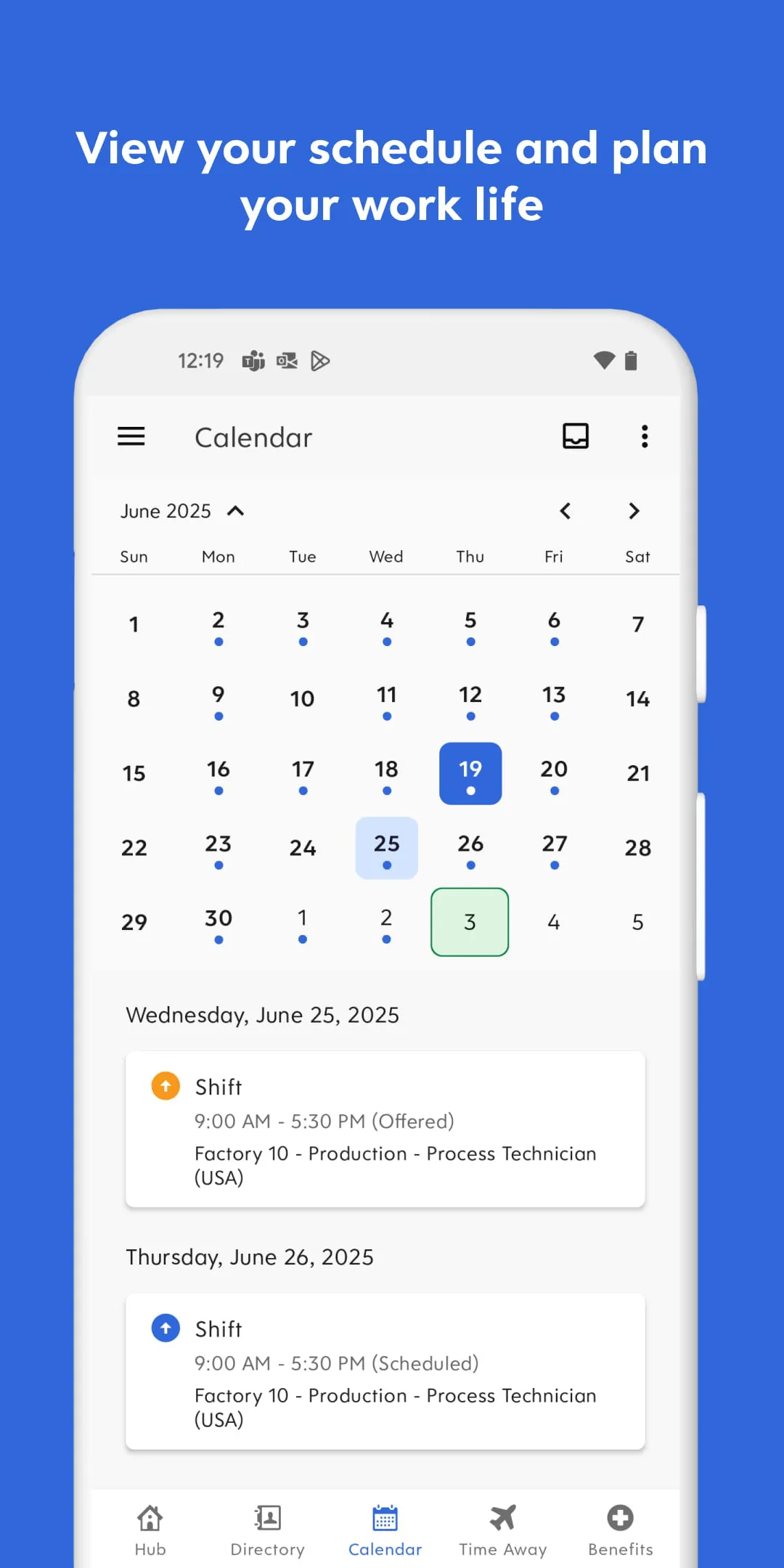
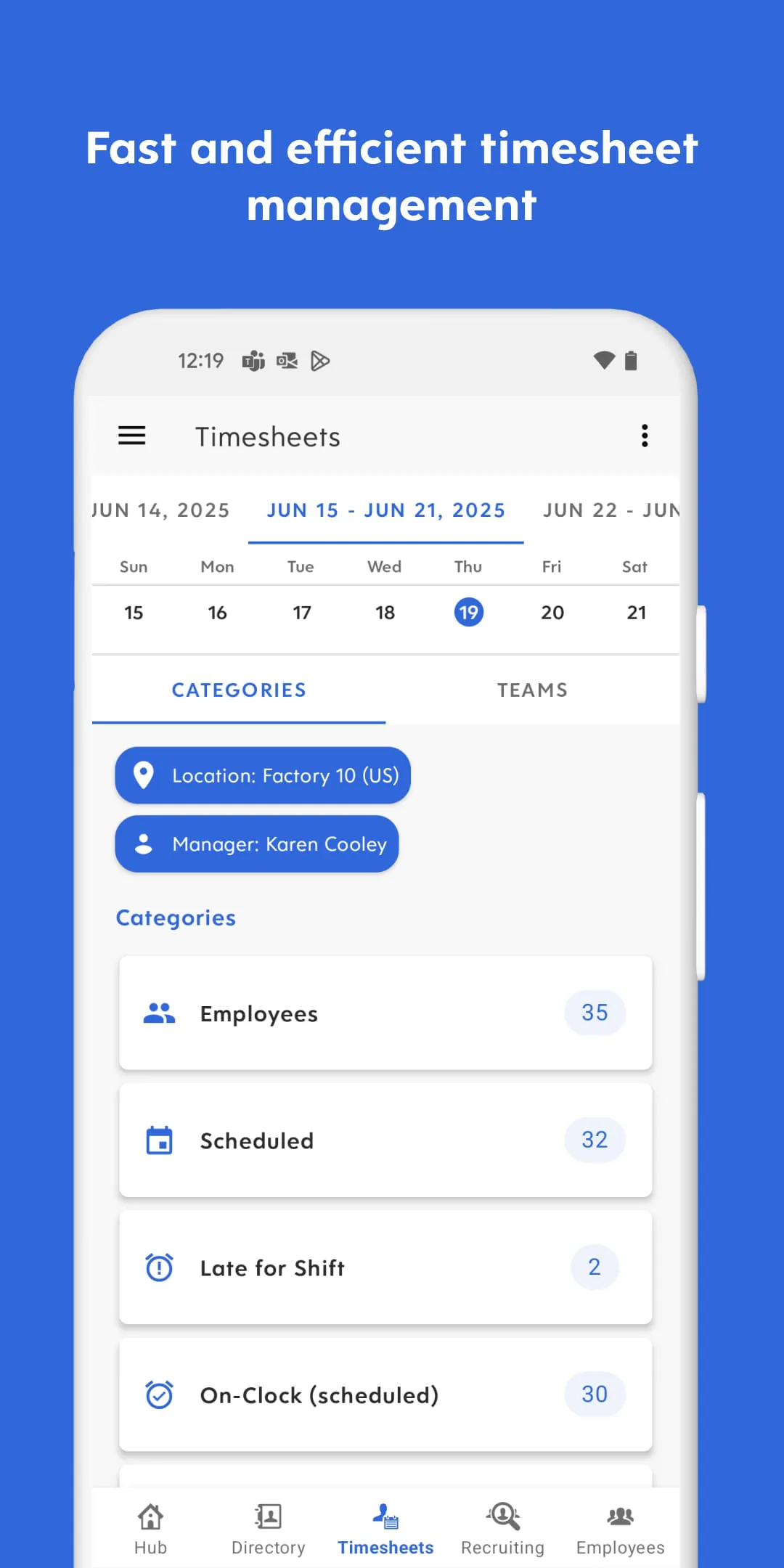
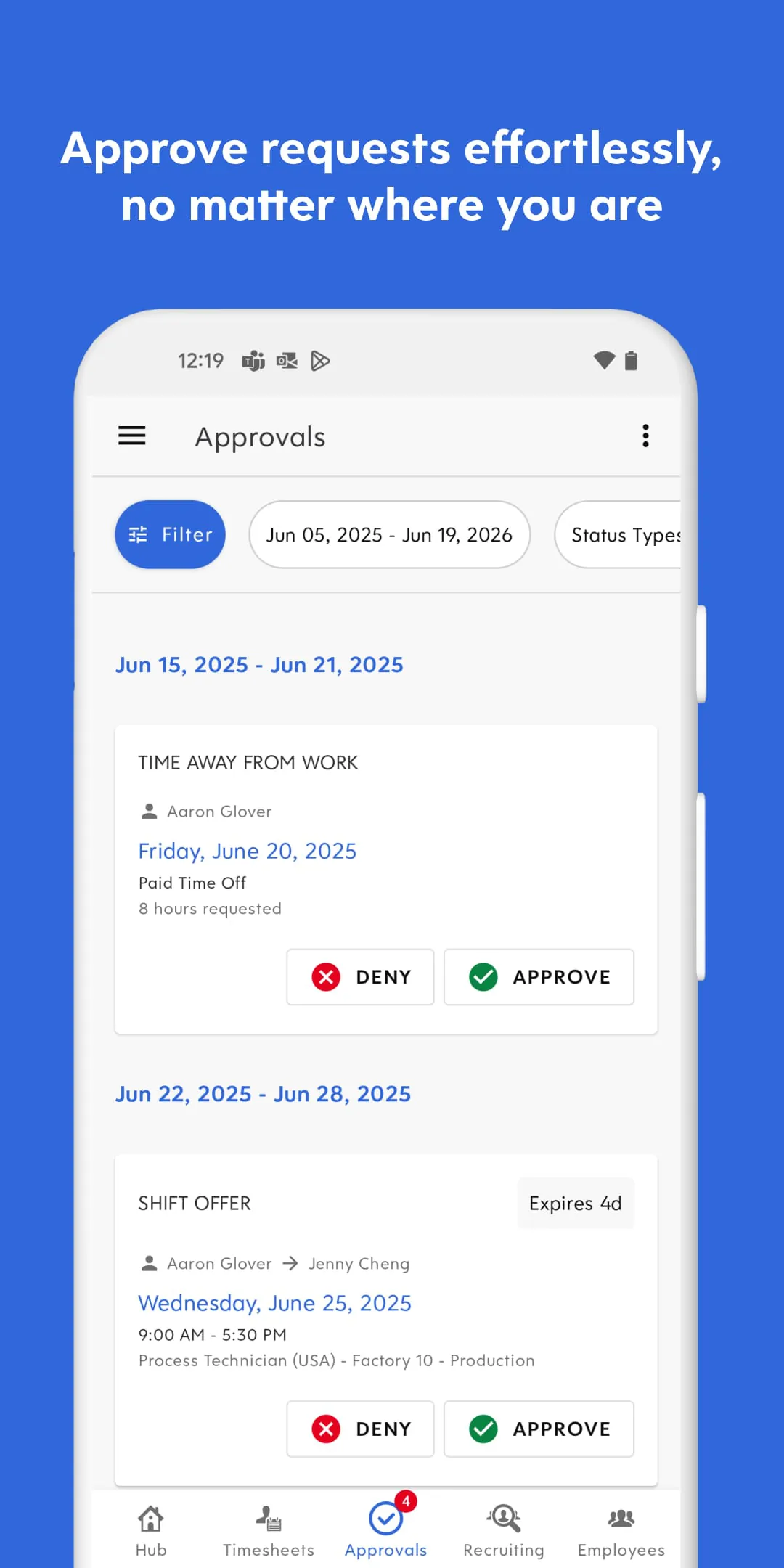
Dayforce is a comprehensive workforce management application designed to streamline essential employee and managerial tasks, serving as a centralized digital hub for accessing pay information, reviewing work schedules, requesting time off, and clocking in or out directly from a mobile device or computer, thereby facilitating greater workplace connectivity and efficiency.
Key Features
The application stands out by integrating several critical workforce functions into a single, user-friendly platform. Its real-time capabilities ensure that information is always current, which is crucial for dynamic work environments. The design focuses on providing immediate access to the most important details for daily work life.
- Real-time access to work schedules and shift details.
- Interactive pay statements with earnings and deduction breakdowns.
- Mobile clock-in and clock-out with location verification.
- Direct submission and tracking of time-off requests.
- Company news and announcement feeds for staying informed.
Pros & Cons
Like any tool, Dayforce offers distinct advantages and faces certain limitations depending on organizational implementation and user perspective. Its strengths lie in consolidation and accessibility, while some users note a learning curve with its extensive features.
- Pros: Consolidates multiple HR and work functions into one app, offers significant convenience for mobile access, provides transparent and immediate pay data, and reduces paperwork for time tracking and requests.
- Cons: The interface can feel complex for new users, features available may vary by employer's configuration, and occasional syncing delays have been reported depending on the company's backend systems.
Functions
Dayforce operates as a multi-faceted tool that serves both employees and managers, though individual access to functions is role-dependent. Its core purpose is to digitize and simplify traditional paper-based or fragmented digital processes.
- Time and Attendance: Log work hours, take breaks, and view attendance records.
- Payment Management: View current and historical pay statements, tax forms, and earning summaries.
- Scheduling: Check upcoming shifts, view co-worker schedules, and receive shift change notifications.
- Leave Management: Request vacation, sick, or personal time and see remaining balances.
- Communication: Receive important alerts from employers and access company directories.
How to Use
Click the button "Check All Versions" below to download and install it. The app is typically distributed through your employer, so you will need your company-specific login credentials to access it. After installation, open the app and enter the web address or login portal provided by your organization. Use your assigned username and password to sign in. Once inside, you can navigate the main menu to explore the available modules like "My Pay," "My Schedule," or "Time Clock." For most tasks like viewing a schedule or checking a pay stub, simply tap the relevant tile. To clock in or request time off, find the dedicated button, fill in any required details, and submit. It is recommended to enable notifications to receive timely alerts about schedule changes or approved requests.





 APK
APK  Google Play
  iOS
iOS  4.50
4.50