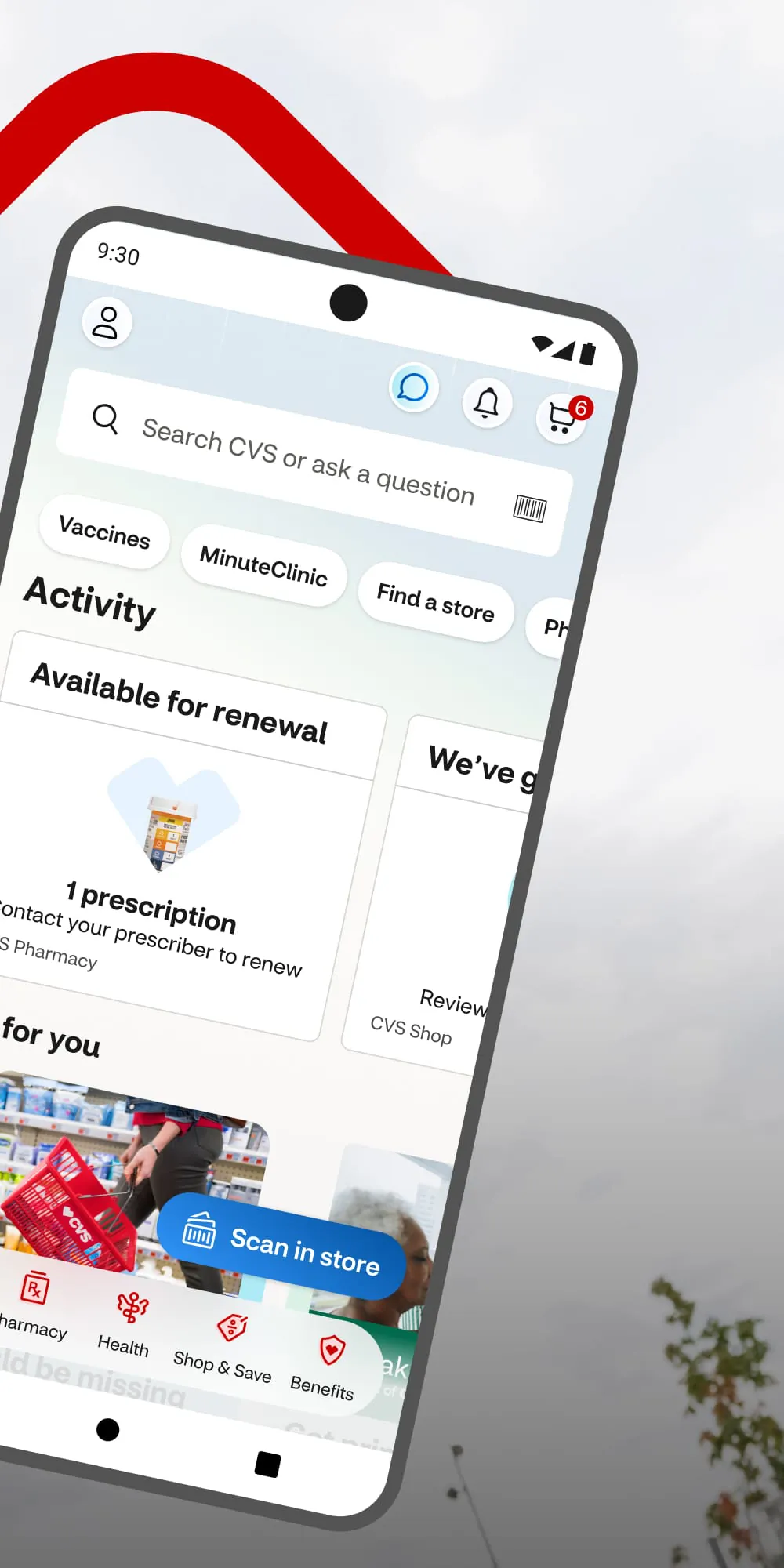
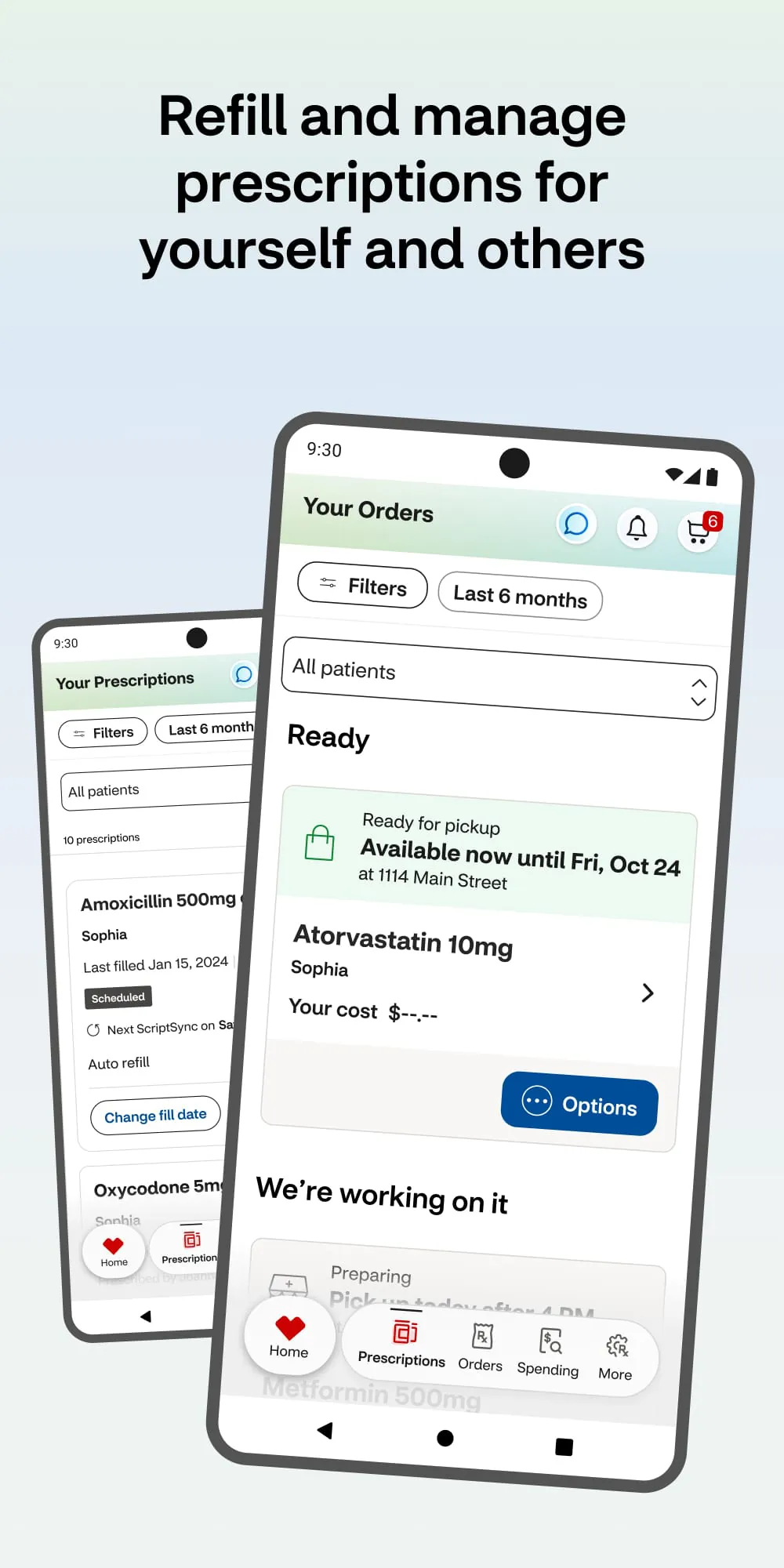
CVS Health is a comprehensive mobile application designed to simplify personal healthcare management for individuals across the United States. Developed by CVS Pharmacy, the app integrates pharmacy services, health tracking, virtual care, and personalized wellness tools into one centralized platform. It allows users to manage prescriptions, schedule immunizations, access digital vaccination records, consult with licensed healthcare professionals via telemedicine, and receive tailored health recommendations—all from their smartphone. By connecting seamlessly with CVS retail locations, MinuteClinic services, and HealthHUB locations, the app ensures that users can conveniently coordinate both online and in-person care.
Key Features
- Prescription management with refill reminders and status updates
- Digital access to vaccine and prescription history
- Telehealth appointments through MinuteClinic Virtual Care
- Medication price comparisons and savings alerts
- Integration with Apple Health and other fitness platforms
- Store locator with real-time wait times at nearby clinics
- Personalized health content based on medical profile
Pros & Cons
- Pros:
- Centralized platform for prescriptions, health records, and appointments
- Easy-to-navigate interface with clear prompts
- Supports multiple family members under one account
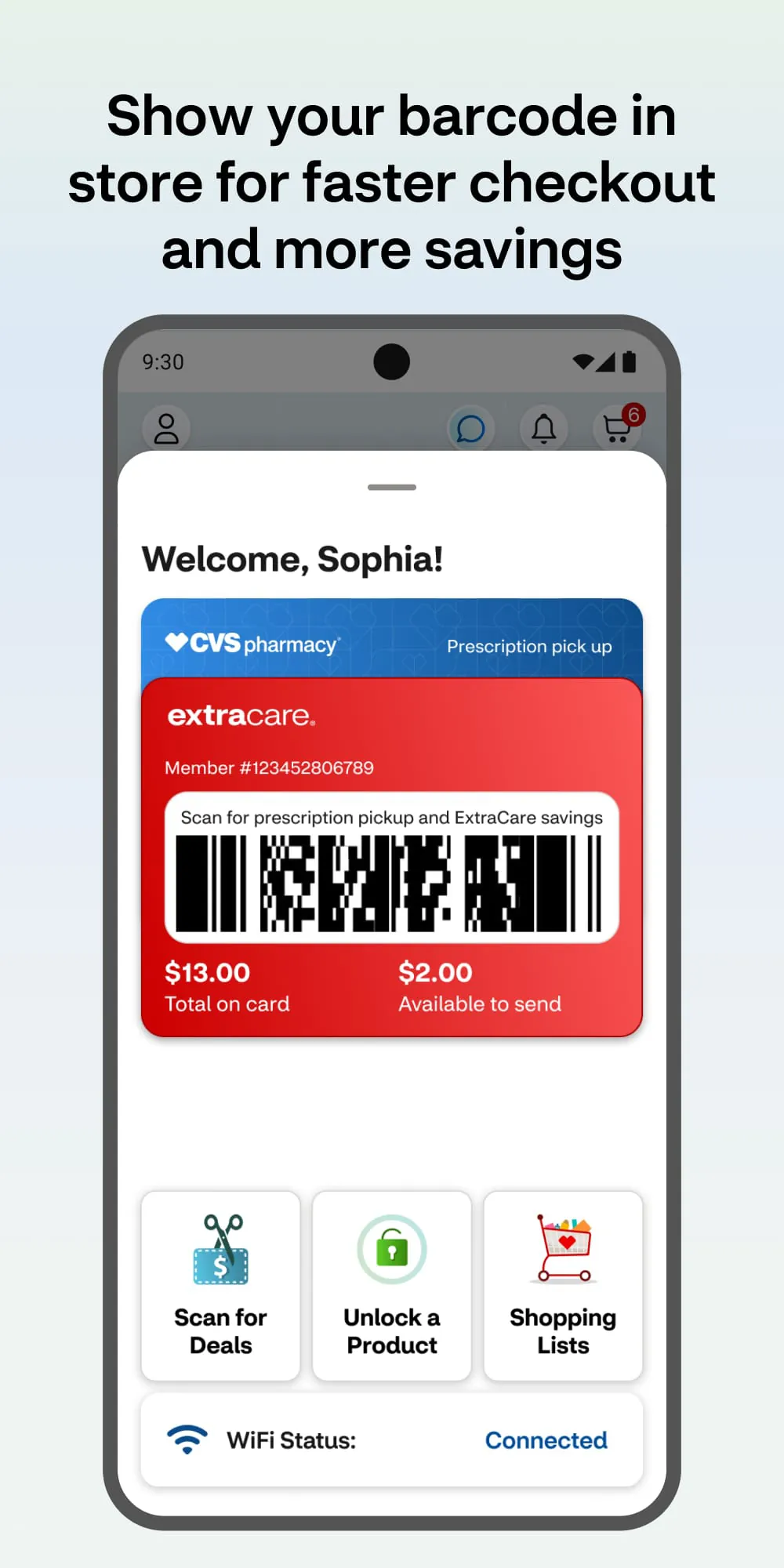
- Access to exclusive discounts and ExtraCare rewards
- Strong data security measures and HIPAA compliance
- Cons:
- Some features limited to CVS service areas
- Requires stable internet for telemedicine sessions
- Occasional sync delays with wearable devices
Functions
The CVS Health app functions as a personal healthcare assistant, streamlining everyday medical needs. Users can scan prescription barcodes to instantly add medications to their profile, set medication reminders, and receive notifications when refills are due. The app also supports appointment scheduling at MinuteClinics for services ranging from flu shots to minor illness treatment. Through its integration with HealthHUB, users can explore chronic care programs, nutrition planning, and wellness coaching. Additionally, the app provides access to COVID-19 testing resources, vaccination scheduling, and digital insurance card storage.
How to Use
Click the button "Check All Versions" below to download and install it. After installation, open the app and create an account using your email address or sign in if you already have one. Enter your personal details, including date of birth and zip code, to link your existing CVS prescriptions automatically. Navigate through the menu to set up medication reminders, connect wearable devices, or schedule a virtual care visit. Use the store locator feature to find nearby CVS pharmacies and view current clinic wait times. For family accounts, select “Manage Family” to add dependents and oversee their prescriptions and appointments. Regularly check the home screen for health tips, special offers, and updates related to your care plan.





 APK
APK  Google Play
  iOS
iOS  3.40
3.40