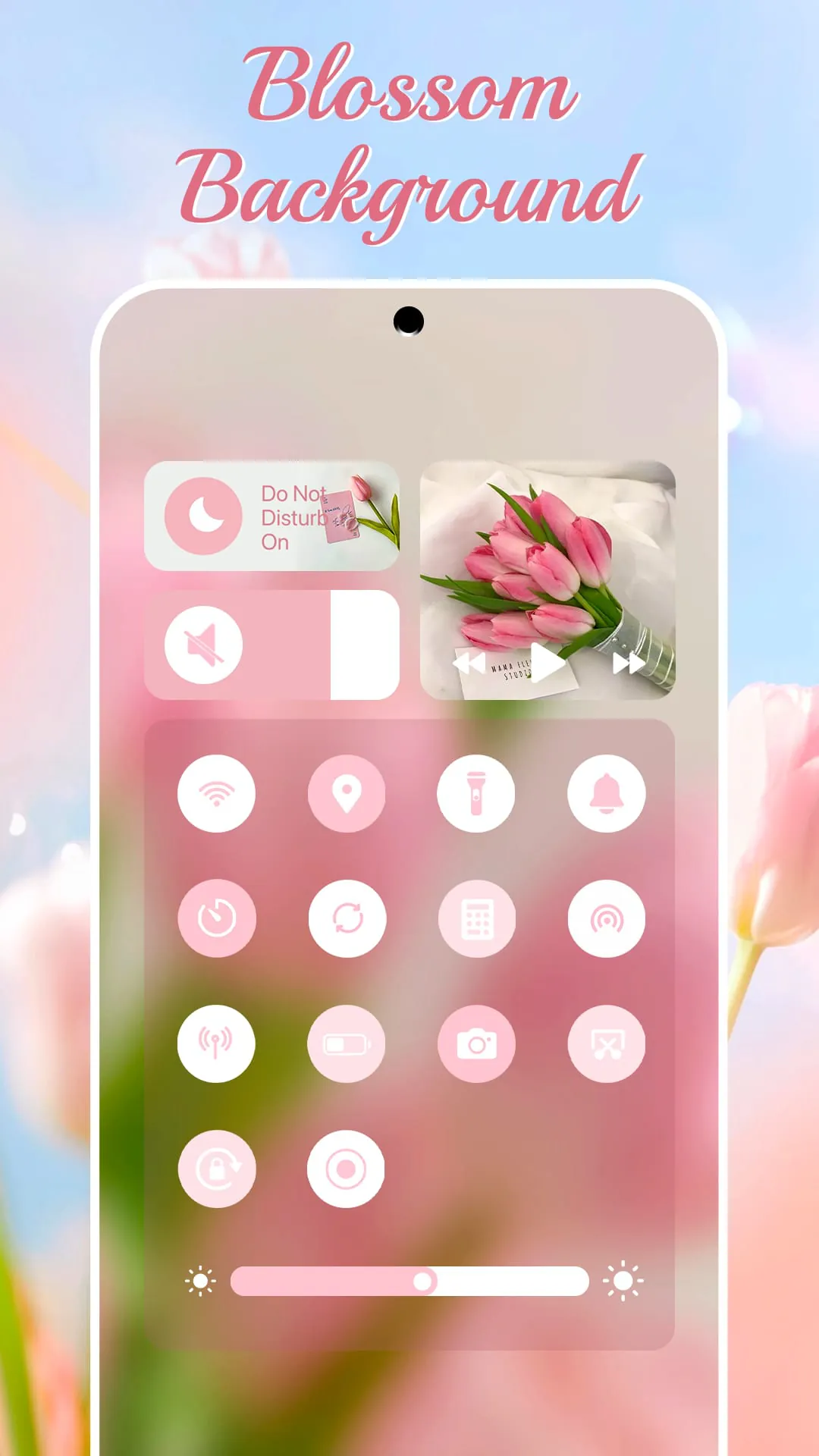
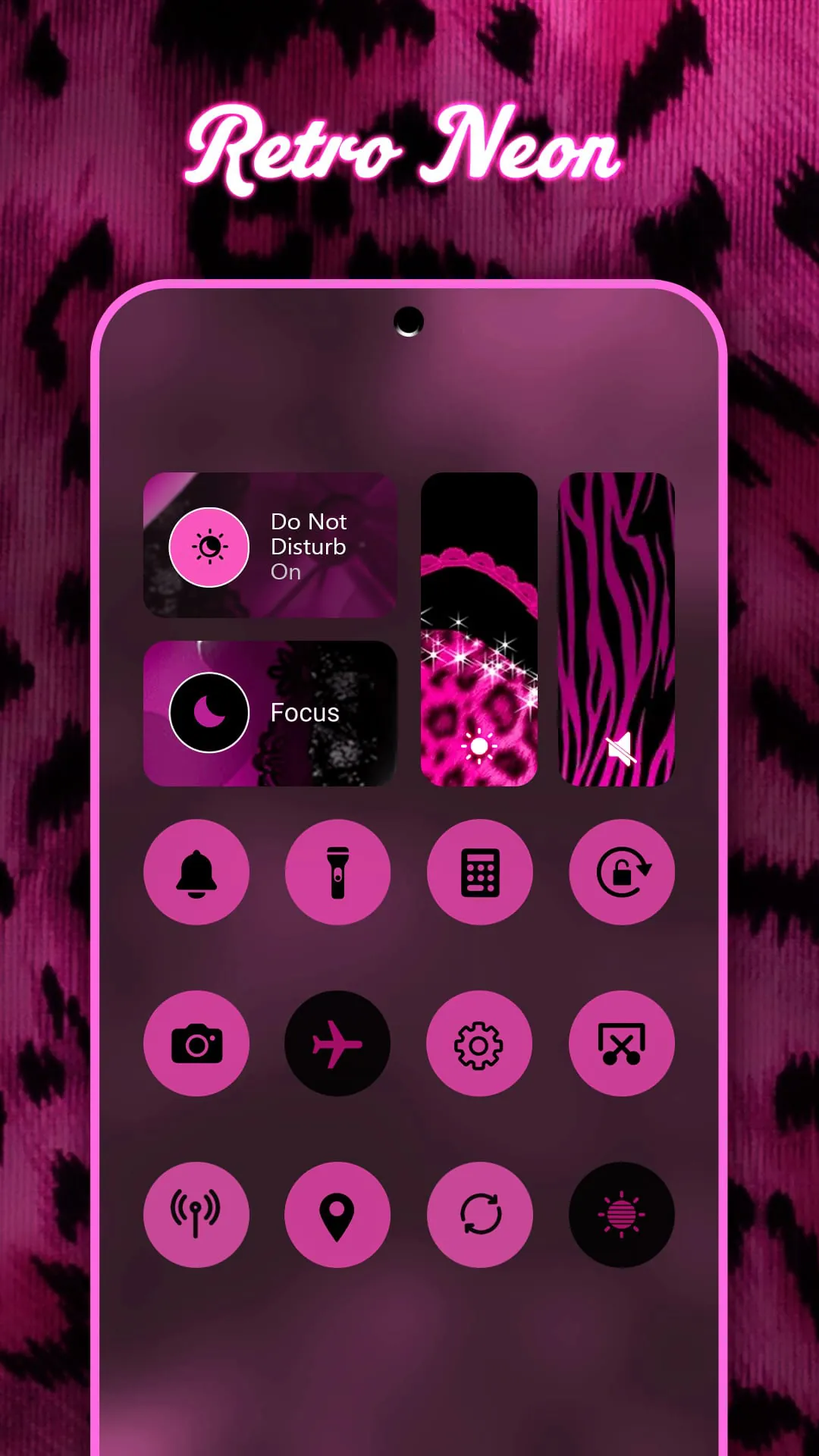
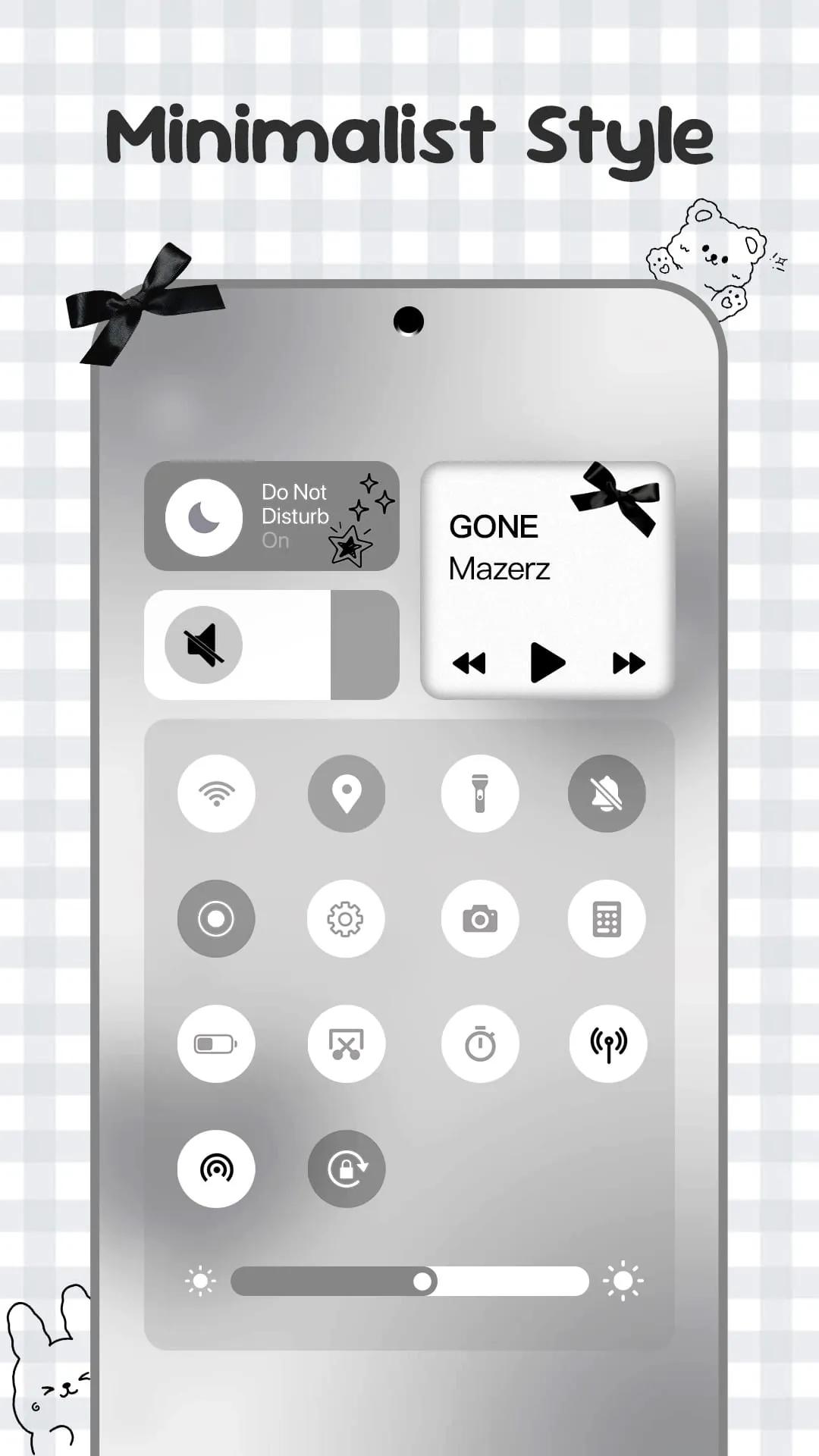
Control Widget emerges as a compelling solution for Android users seeking to redefine their device's quick settings panel. This application distinguishes itself by seamlessly merging sophisticated control functionalities with an unparalleled degree of personalization, effectively transforming the mundane task of managing settings into an engaging and aesthetically pleasing experience. Inspired by contemporary mobile design principles, Control Widget empowers users to transform their Android devices into personalized canvases of creativity, offering streamlined, one-tap access to a plethora of essential features. The application's core strength lies in its extensive theming capabilities, allowing users to curate their device's style from an expansive library of thousands of options. These options span a diverse range of aesthetic collections, encompassing popular themes such as anime, K-pop, neon gradients, minimalism, soft coquette, sports, festivals, and even TV/film themes. This vast selection ensures that users can find a theme that perfectly aligns with their individual tastes and preferences. Moreover, Control Widget offers live style updates, enabling users to effortlessly switch between different panels to match their current mood, home screen setup, or seasonal preferences. This dynamic theming feature ensures that the device's interface remains fresh and engaging, preventing monotony and fostering a sense of continuous discovery. The application's one-tap magic feature further enhances the user experience by providing instantaneous transformations of the entire control panel, ensuring that what users see is precisely what they get. This eliminates any ambiguity or unexpected changes, resulting in a seamless and intuitive customization process. Beyond its aesthetic appeal, Control Widget incorporates a suite of smart tools designed to streamline essential device functions. The application features smooth sliders for precise adjustments of brightness and volume levels, allowing users to fine-tune these settings to their exact preferences. Furthermore, Control Widget provides convenient one-tap access to critical connectivity options such as Wi-Fi, Bluetooth, and Airplane Mode, enabling users to quickly connect or disconnect from networks and devices as needed. The inclusion of a Do Not Disturb mode allows users to instantly silence distractions, creating a focused environment for work or relaxation. Control Widget also incorporates screen tools such as screenshot capture, screen recording, and screen rotation lock, further enhancing its utility and convenience. Finally, the application features a built-in flashlight function, providing users with a quick and easy way to illuminate their surroundings in low-light conditions.
The appeal of Control Widget extends beyond its aesthetic enhancements and functional utilities, offering a comprehensive solution that addresses several key pain points for Android users. One of the primary advantages of Control Widget is its all-in-one access to essential features. By consolidating Wi-Fi, sound, music, brightness, and other frequently used settings into a single, easily accessible panel, the application eliminates the need for users to navigate through multiple menus and settings screens. This streamlined approach saves time and effort, making it easier for users to manage their device settings on the go. Moreover, Control Widget empowers users to realize their unique visions through its custom theme request feature. Users can actively participate in the design process by requesting custom themes that reflect their individual preferences and styles. This collaborative approach fosters a sense of ownership and allows users to create truly personalized control panels that stand out from the crowd. The application's sleek and sync-ready design further enhances its appeal, ensuring that it seamlessly complements any wallpaper, icon pack, or widget setup. This cohesive design aesthetic creates a visually harmonious experience, elevating the overall look and feel of the Android device. Control Widget's dedication to user satisfaction is further underscored by its commitment to providing exceptional help and support. The application encourages users to reach out with any questions, concerns, or feedback, demonstrating a genuine desire to improve the product and services offered. This responsive approach fosters a strong sense of community and ensures that users feel valued and supported. To ensure transparency and address potential user concerns, Control Widget provides clear and concise information regarding application access. The application explicitly states that it utilizes Accessibility Services to display the control panel on the Android screen. It also explains that enabling Accessibility Services is necessary to utilize features such as music and volume control. Furthermore, Control Widget clarifies that it requires Foreground Service permission to enable screen recording and screenshot functionality. Most importantly, the application unequivocally assures users that it does not disclose any user information or store any data related to Accessibility Services.
In conclusion, Control Widget presents a compelling proposition for Android users seeking to elevate their control panel aesthetic and streamline their device management experience. By seamlessly blending stylish layouts with personalized controls, the application offers an unparalleled level of customization and convenience. The extensive theming options, smart tools, and all-in-one access to essential features make Control Widget an indispensable companion for anyone looking to take their Android's quick settings panel to the next level. Whether you're a design enthusiast seeking to express your unique style or a productivity-minded individual looking to optimize your workflow, Control Widget offers something for everyone. The application's intuitive interface and seamless integration make it easy to explore different designs, choose your favorite themes, and fine-tune your settings to perfection. With Control Widget, you can transform your Android device into a personalized reflection of your individual tastes and preferences. Beyond its functional benefits, Control Widget also fosters a sense of community and connection. By actively soliciting user feedback and offering responsive support, the application creates a collaborative environment where users feel valued and empowered. This commitment to user satisfaction is a testament to the developers' dedication to creating a truly exceptional product. As the Android ecosystem continues to evolve, Control Widget stands out as a shining example of innovation and user-centric design. By pushing the boundaries of what's possible with quick settings panels, the application sets a new standard for customization and convenience. Whether you're a seasoned Android user or a newcomer to the platform, Control Widget is an essential tool for unlocking the full potential of your device. So, if you're ready to elevate your control panel aesthetic and experience the ultimate in Android customization, look no further than Control Widget. With its stylish layouts, personalized controls, and unwavering commitment to user satisfaction, Control Widget is the perfect companion for transforming your Android device into a true reflection of your individual style and preferences. The future of Android customization is here, and it's called Control Widget.





 APK
APK  Google Play
  iOS
iOS  4.40
4.40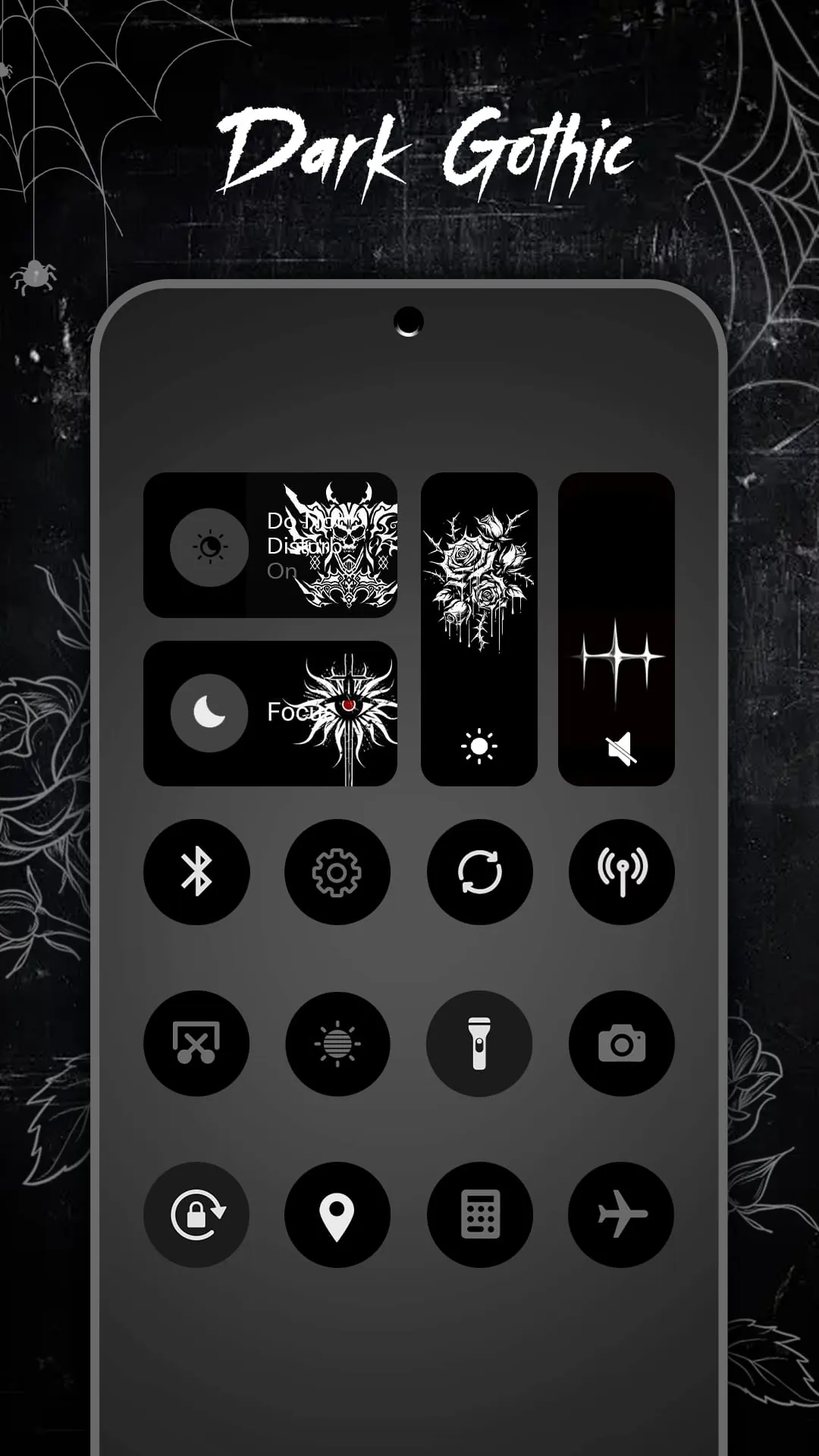
 Download








