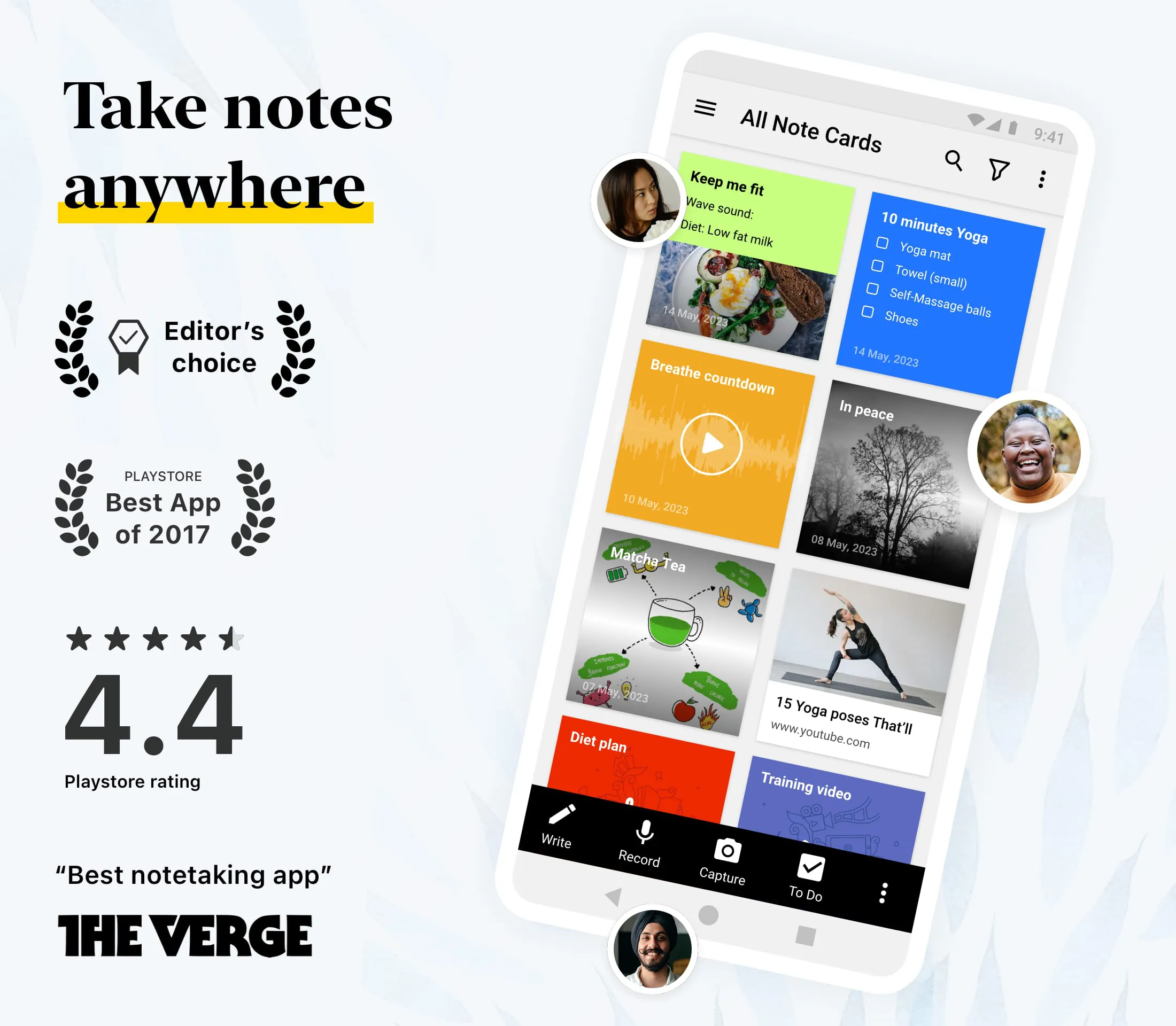
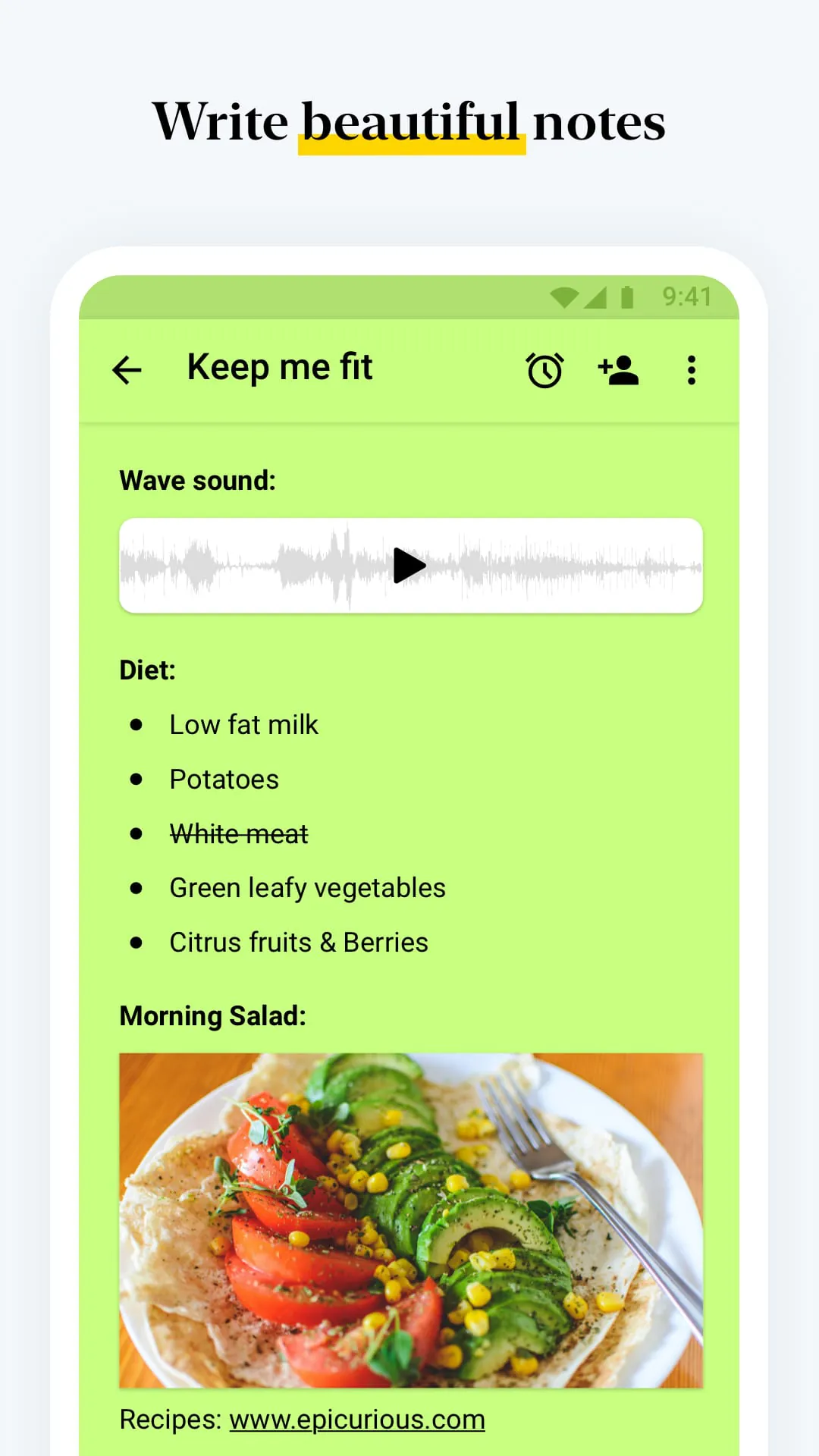
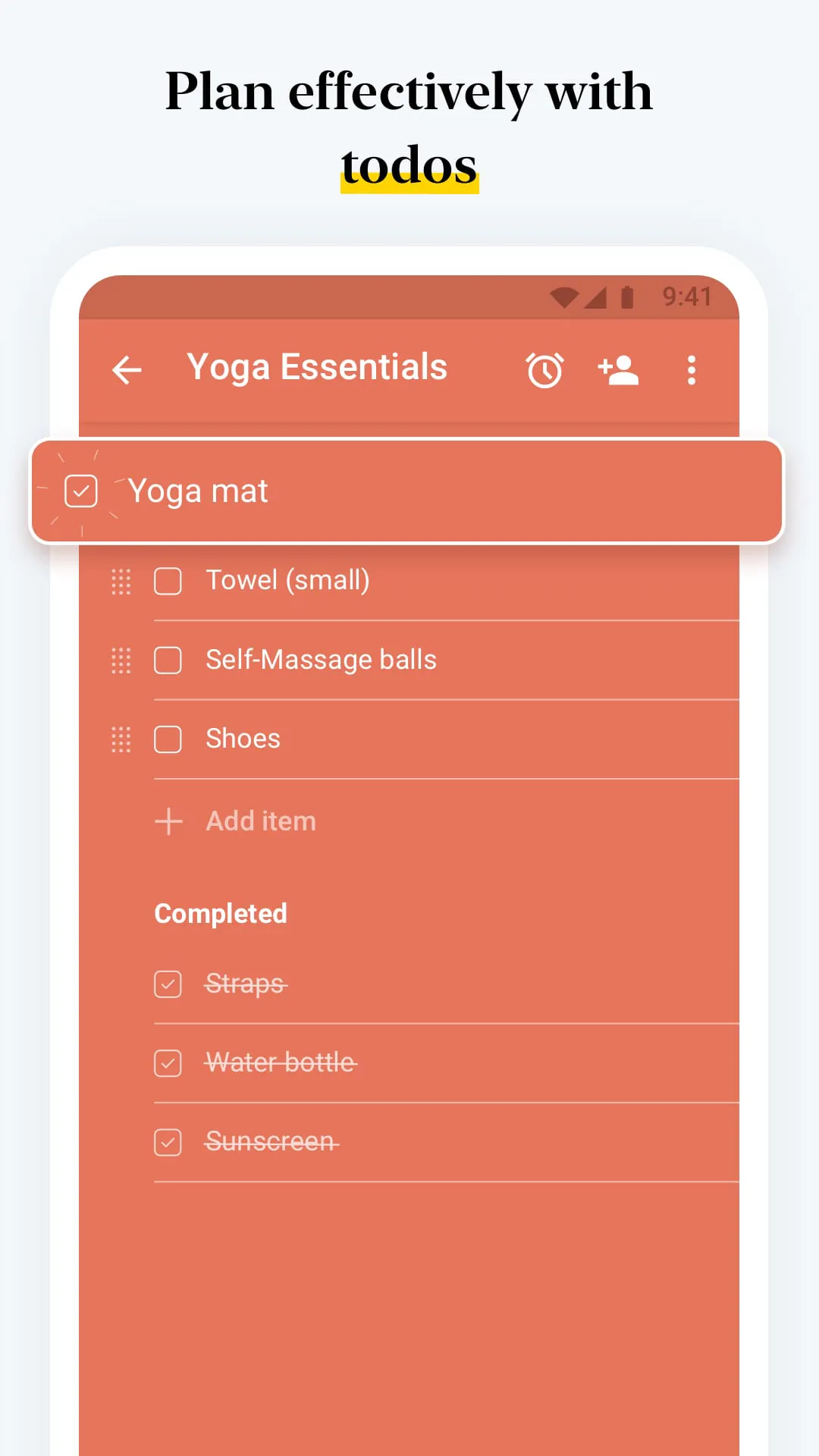
Notebook is a versatile note-taking app that is available on various platforms, including Android, iOS, Mac, Windows, and Linux. It also offers web clippers for popular browsers like Chrome, Firefox, Safari, and Edge. Users can sign in to notebook.zoho.com to access and take notes online. The app provides different ways to take notes, such as writing text notes with the option to add images, checklists, and audio. It also allows users to create dedicated checklist notes, record voice notes, capture moments with photo notes, and even scan documents and business cards. Additionally, users can attach Microsoft documents, PDFs, and other files to their notes.
Notebook offers a rich text editor that allows users to format their notes using various tools like bold, italics, strikethrough, underline, align, indent, outdent, and text highlighter. Users can also add hyperlinks, data tables, lists, ruler, quotes, and codes to their notes. The app provides options to organize notes effectively, including the ability to group notes into notebooks and note stacks. Users can sort their notes alphabetically or based on time, reorder notes within a notebook, and move or copy notes between notebooks. The search function allows users to find specific notes within a notebook or across notebooks. Notebook also offers security features like passcode and fingerprint lock for individual notes.
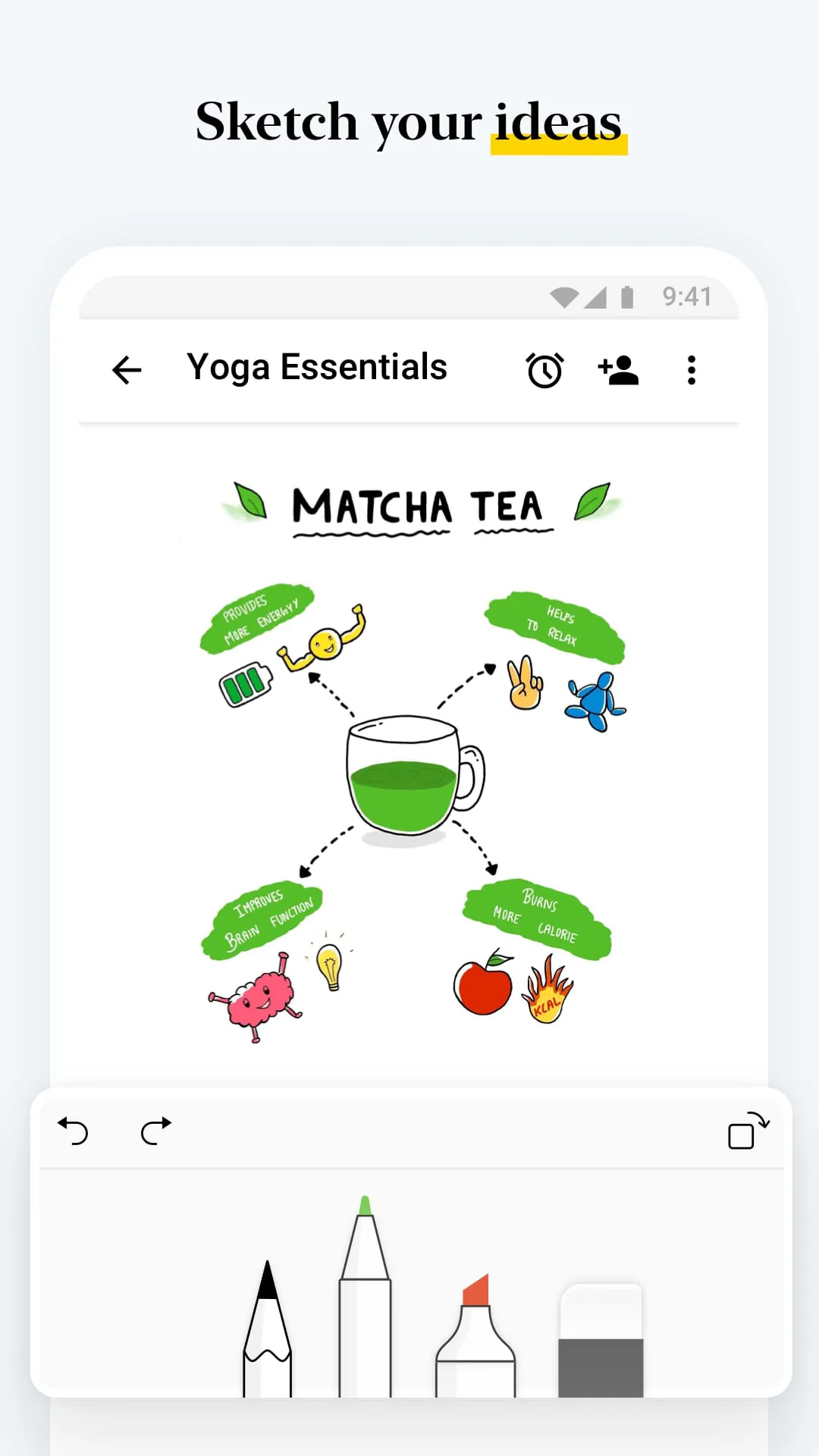
One of the standout features of Notebook is its synchronization capability. Users can sync all their notes and notebooks across devices and to the cloud, ensuring that their notes are accessible from any device or browser. The app supports notable gestures like swiping for additional information, pinching to group notes into a stack, and flicking to find the desired note. Notebook also provides customization options, allowing users to change the color of their notes, choose notebook covers, and view notes in grid or landscape style views. Sharing ideas is made easy with options to share notes directly within the app, through email, or as PDF files. The app also offers exclusive features for Android users, such as a widget, multi-window support, Google Assistant integration, and launcher shortcuts. Additionally, Notebook provides a web clipper feature for clipping articles, cropping photos, and adding them to the app. It also caters to students with features like audio recording, sketching, scanning reference books, and clipping research content. In day-to-day life, Notebook can be used for tasks, creativity, planning events, and as a daily journal. The app is also available for Wear OS watches, allowing users to take notes, create checklists, and record audio on the go.





 APK
APK  Google Play
  iOS
iOS  4.10
4.10