



PDF Reader PDF Reader
Category
ToolsTag
user privacy | File Conversion | PDF Management | Document display | Mobile reading
Rate
4.30
★★★★★
Reviews
500 +
Installs
1M +
Developer
yaohuo
Content Rating
Everyone
An excellent choice for reading documents.
 APK
APK  Google Play
  iOS
iOS  4.30
4.30 Author's Review
Appspicked Review
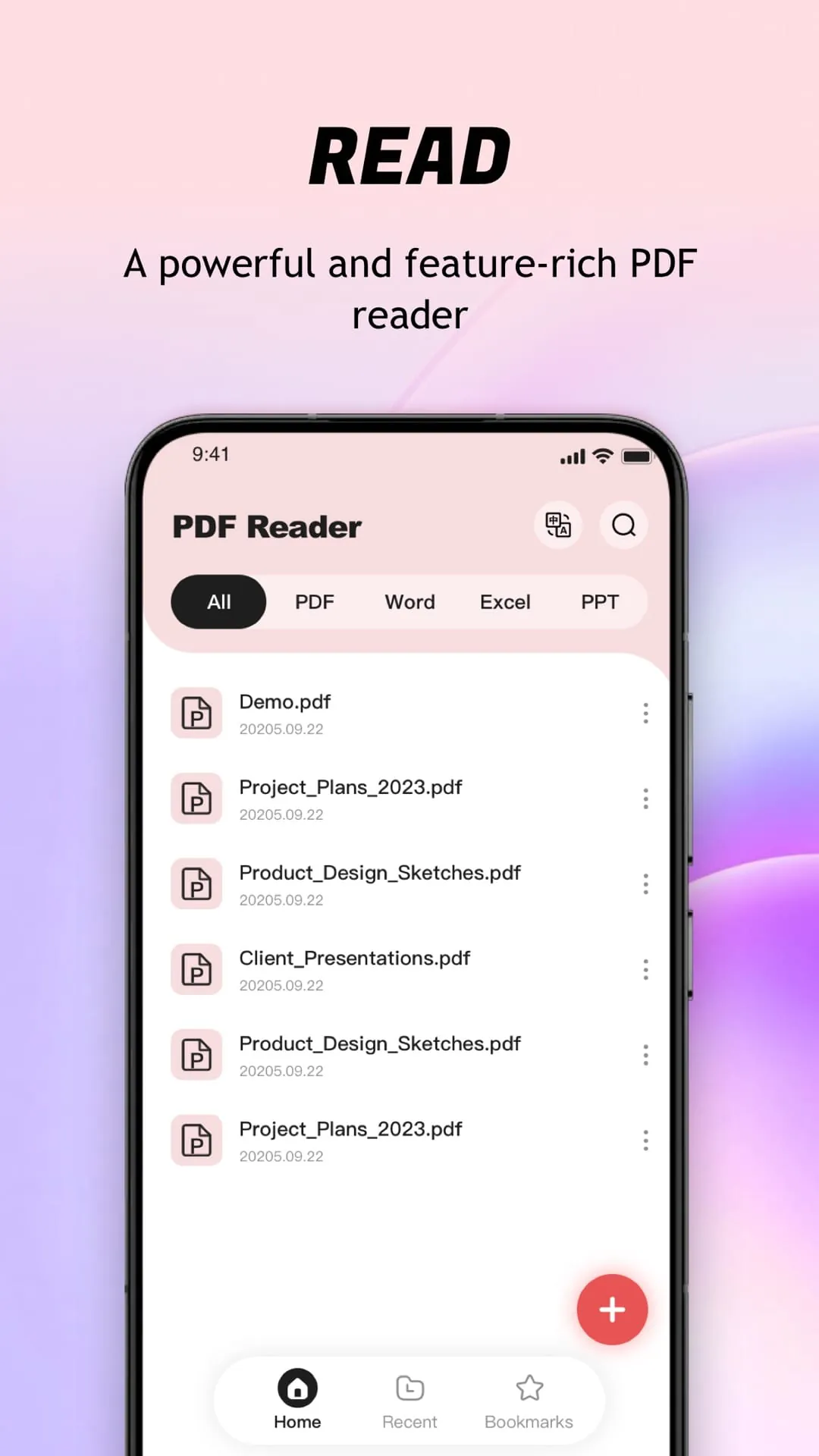
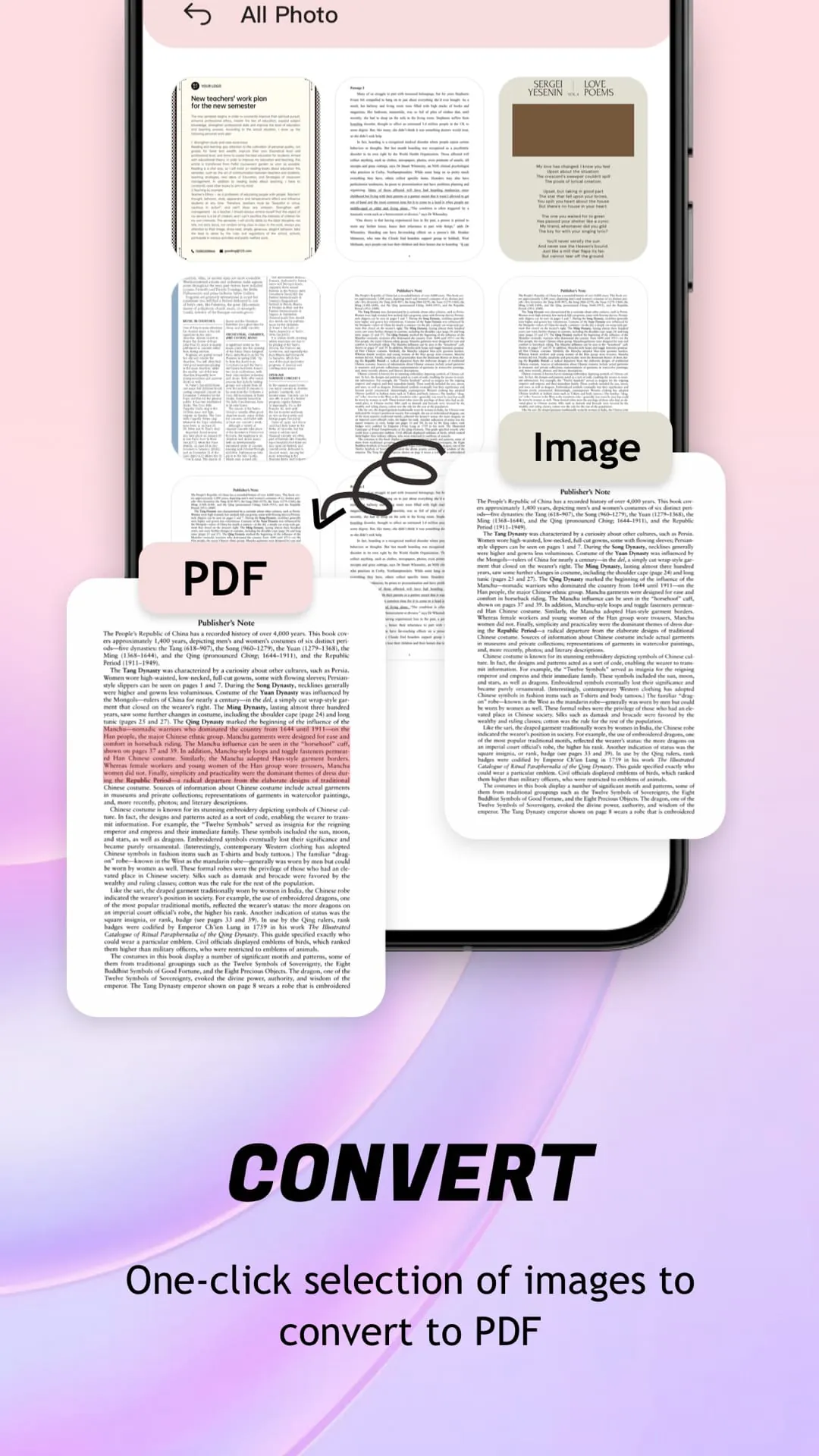
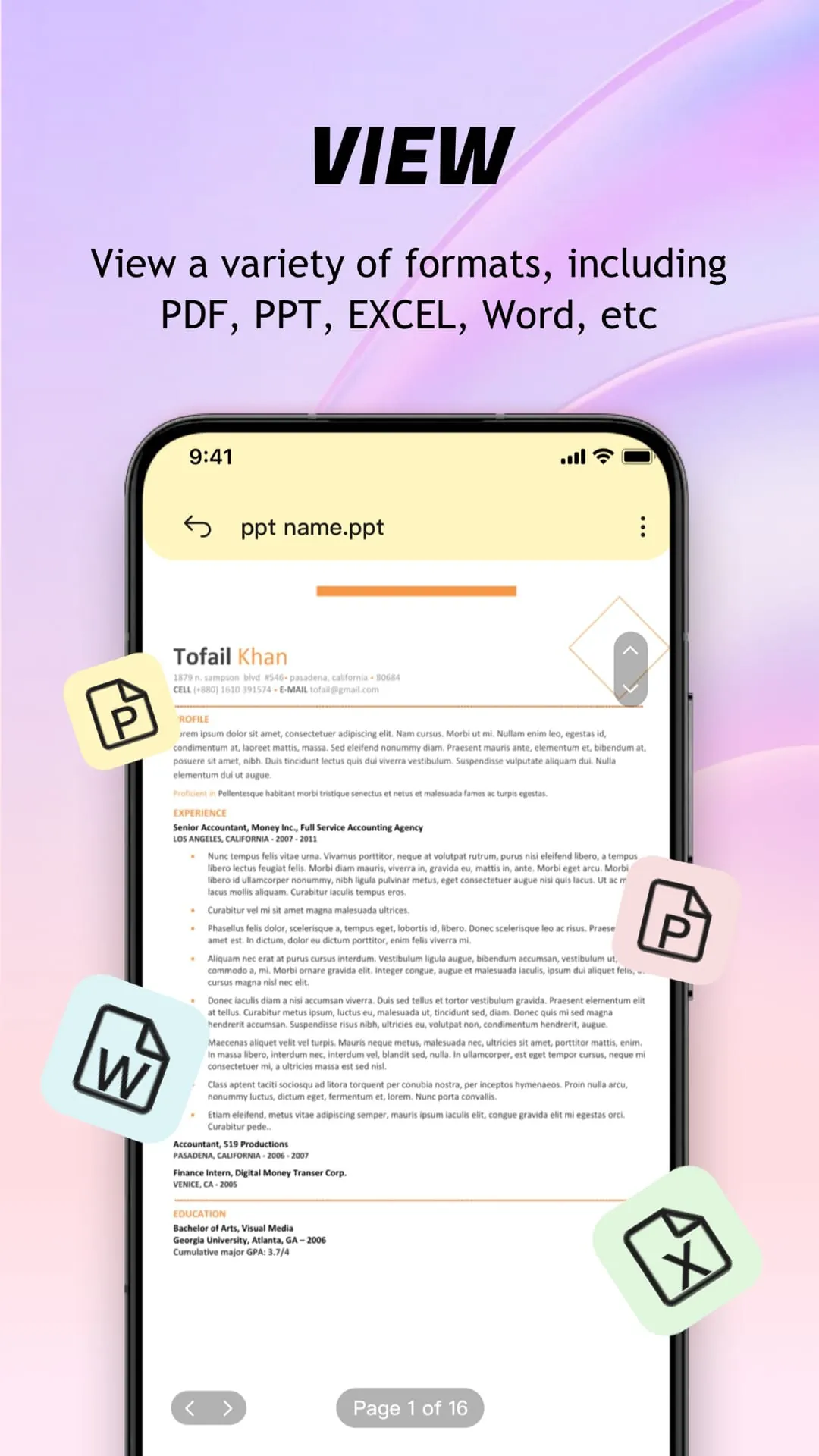
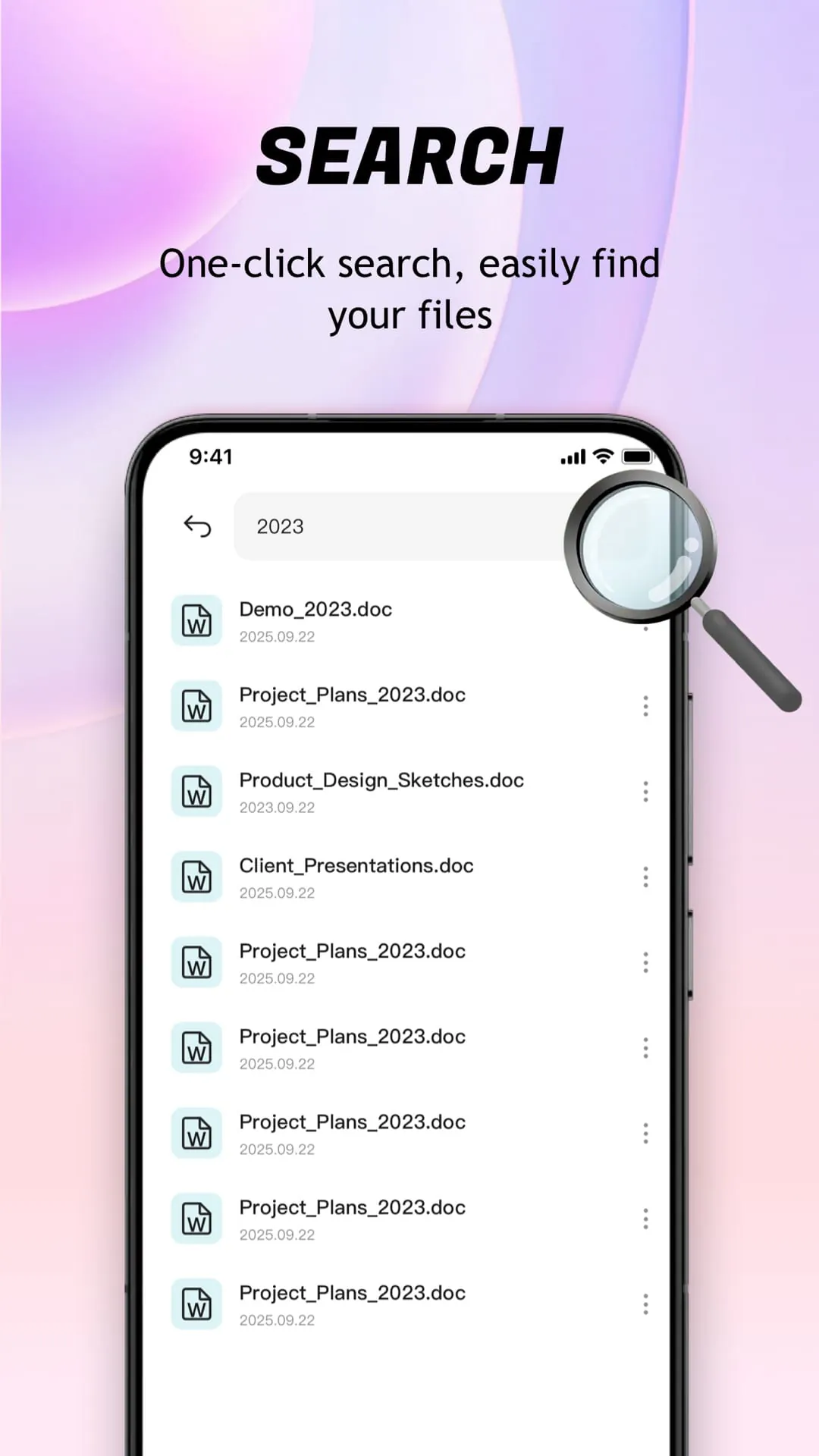
This mobile application is designed to provide users with a comprehensive and convenient PDF management and reading experience. It focuses on simplicity and ease of use, making it accessible to users with varying levels of technical expertise. The core functionality revolves around automatically searching and displaying PDF files stored on the user's mobile device, presenting them in a unified and easily navigable interface. This feature streamlines the process of locating and accessing PDF documents, eliminating the need for manual searching through various folders and directories. The application supports a wide range of file formats, ensuring compatibility with diverse document types. It accurately renders files, pictures, and tables, preserving the integrity of the original content. The file preview function is particularly noteworthy, as it intelligently identifies and displays all documents on the device, presenting the content smoothly and without distortion. This is achieved through advanced rendering techniques that optimize the display for mobile screens, ensuring readability and visual clarity. The application also offers different scrolling modes for viewing PDF documents, catering to individual user preferences. Users can switch between various scrolling styles to find the mode that best suits their reading habits. Smooth page turning is another key feature, contributing to a seamless and enjoyable reading experience. The application ensures that text and images are displayed clearly, allowing users to easily view content details without straining their eyes. In addition to its core PDF reading capabilities, the application includes a built-in image-to-PDF converter. This function allows users to convert images into PDF format, automatically optimizing the layout for efficient file management and sharing. The conversion process is designed to be simple and intuitive, requiring only a single click to generate the PDF file. This feature is particularly useful for users who need to create PDF documents from scanned images or photos. The application also functions as a powerful PDF manager, providing users with tools to organize and manage their PDF files. It displays recently opened files in chronological order, allowing for quick access to frequently used documents. Users can also delete files, mark them as favorites for easy retrieval, and share collaborative files with others. The sharing functionality is designed to be seamless and convenient, enabling users to easily send PDF files via email, messaging apps, or cloud storage services. Furthermore, the application supports direct printing of PDF files from the user's mobile phone, eliminating the need to transfer files to a computer for printing. This feature streamlines the printing process, making it more efficient and convenient for users who need to print documents on the go. The application developers emphasize their commitment to user privacy and data security. They clearly state that the application requires MANAGE_EXTERNAL_STORAGE and FOREGROUND_SERVICE_SPECIAL_USE permissions to implement essential functions such as file search and display, file classification management, and ensuring smooth reading of complex PDF files. They assure users that these permissions are only used with explicit consent and that they are fully aware of the importance of protecting user privacy and data security. The application's privacy policy and terms of service are readily available for users to review, providing transparency and accountability. The developers also actively encourage user feedback and suggestions, demonstrating their commitment to continuously optimizing the application's performance and enhancing the user experience. They provide a contact email address for users to submit their feedback and suggestions. Overall, this mobile application offers a comprehensive suite of features for managing and reading PDF files on mobile devices. Its focus on simplicity, ease of use, and user privacy makes it a valuable tool for anyone who regularly works with PDF documents.
The application's design philosophy centers around providing a user-friendly interface that simplifies the process of managing and interacting with PDF documents on mobile devices. This approach is evident in its intuitive navigation, clear presentation of features, and streamlined workflows. The automatic PDF search and display function is a prime example of this philosophy in action. By automatically scanning the device for PDF files and presenting them in a unified list, the application eliminates the need for users to manually search through folders and directories. This saves time and effort, making it easier for users to find the documents they need. The application's compatibility with multiple file formats is another key aspect of its user-friendliness. By supporting a wide range of document types, the application ensures that users can open and view virtually any PDF file they encounter. This eliminates the frustration of encountering unsupported file formats and the need to use multiple applications to view different types of documents. The accurate rendering of files, pictures, and tables is also crucial for a positive user experience. The application's advanced rendering techniques ensure that content is displayed clearly and without distortion, preserving the integrity of the original document. This is particularly important for documents that contain complex formatting or graphics. The different scrolling modes offered by the application allow users to customize their reading experience to suit their individual preferences. Whether users prefer continuous scrolling, page-by-page navigation, or other scrolling styles, the application provides options to accommodate their needs. The smooth page turning feature further enhances the reading experience by providing a seamless and fluid transition between pages. The clear display of text and images is essential for readability and comprehension. The application ensures that text is sharp and easy to read, even on small screens. Images are also displayed with clarity and detail, allowing users to view them without straining their eyes. The built-in image-to-PDF converter is a valuable addition to the application's feature set. This function allows users to easily convert images into PDF format, making it simple to create PDF documents from scanned images or photos. The automatic layout optimization feature ensures that the converted PDF documents are well-formatted and easy to read. The application's PDF management tools provide users with the ability to organize and manage their PDF files effectively. The display of recently opened files allows for quick access to frequently used documents, while the ability to delete files and mark them as favorites provides additional organization options. The seamless file sharing functionality makes it easy for users to share PDF documents with others via email, messaging apps, or cloud storage services. The direct printing feature allows users to print PDF files directly from their mobile devices, eliminating the need to transfer files to a computer. This feature is particularly useful for users who need to print documents on the go. The application's commitment to user privacy and data security is evident in its clear explanation of the required permissions and its readily available privacy policy and terms of service. The developers' active engagement with user feedback demonstrates their dedication to continuously improving the application and providing a positive user experience. Overall, this mobile application is a well-designed and user-friendly tool for managing and reading PDF files on mobile devices. Its comprehensive feature set, intuitive interface, and commitment to user privacy make it a valuable asset for anyone who regularly works with PDF documents.
The application distinguishes itself through a combination of functional richness, user-centric design, and a strong emphasis on data privacy. Its ability to seamlessly handle a multitude of file formats underscores its versatility, catering to users who deal with diverse document types. The robust file preview capability ensures that documents are rendered accurately, preserving the integrity of visual elements like images and tables. This is further enhanced by the availability of different scrolling modes, allowing users to tailor their reading experience according to their preferences. The integrated image-to-PDF conversion tool is a significant value addition, simplifying the process of transforming images into a universally compatible document format. This functionality is particularly beneficial for professionals and students who frequently need to digitize physical documents or create shareable files from visual content. The application's file management system is designed for efficiency, offering features such as quick access to recent files, options for deletion and categorization, and seamless sharing capabilities. These tools empower users to maintain a well-organized digital workspace, enhancing productivity and reducing the time spent searching for specific documents. The direct printing functionality further streamlines workflows, enabling users to produce hard copies of their PDF files without the need for intermediary devices. The application's developers have clearly prioritized user privacy and data security, as evidenced by their transparent communication regarding required permissions and their commitment to using these permissions responsibly. The readily accessible privacy policy and terms of service provide users with a clear understanding of how their data is handled. The application's continuous optimization efforts and responsiveness to user feedback demonstrate a commitment to long-term improvement and customer satisfaction. The developers actively encourage users to share their suggestions and concerns, fostering a collaborative environment that drives innovation and ensures that the application continues to meet the evolving needs of its user base. In summary, this mobile application offers a holistic solution for PDF management and reading on mobile devices. Its combination of powerful features, intuitive design, and commitment to user privacy make it a compelling choice for individuals and professionals seeking a reliable and efficient way to handle their PDF documents on the go. The application's versatility, ease of use, and focus on data security position it as a valuable tool for anyone who regularly interacts with PDF files.
Screenshots
 Download
 Additional Information
Category
ToolsVersion
Unknown
Tag
user privacy | File Conversion | PDF Management | Document display | Mobile reading
Rate
4.30
★★★★★
Reviews
500 +
Installs
1M +
Developer
yaohuo
Content Rating
Everyone
An excellent choice for reading documents.
Previous Versions
ZIP files require a Split APKs Installer (e.g., SAI) from Google Play to install. Steps: 1. Download SAI from Google Play; 2. Open SAI and tap "Install APKs"; 3. Select the ZIP file; 4. Complete installation.
You Might Like









