Workday is a comprehensive cloud-based platform designed for enterprise resource planning and human capital management, integrating critical business functions such as HR, finance, payroll, and workforce planning into a unified system to help organizations manage their operations and people more effectively and adaptively.
Key Features
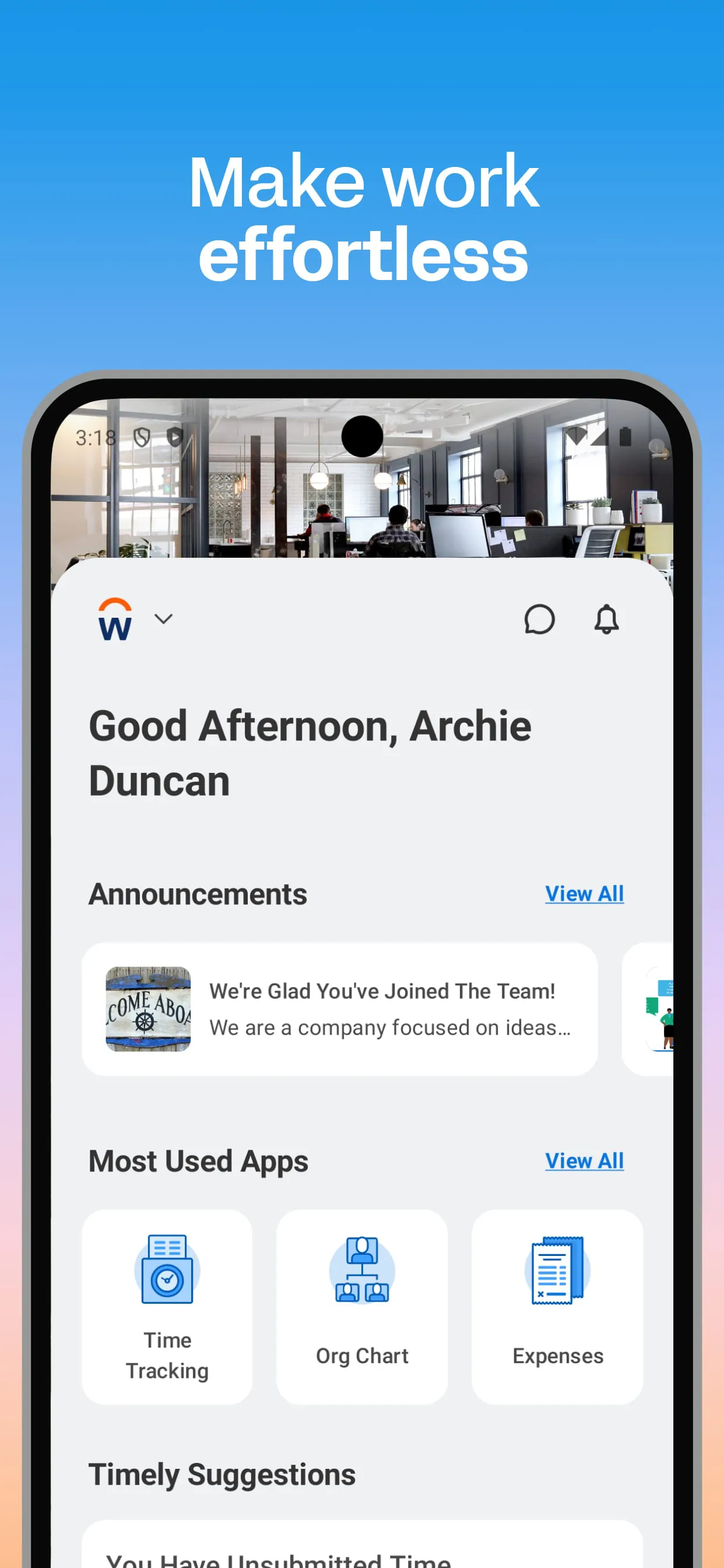
The platform stands out through its integrated design and user-centric approach. It provides a single source of truth for employee and financial data, enabling real-time reporting and analytics. Its core features include talent management, benefits administration, time tracking, and advanced financial management tools. A significant aspect is its focus on continuous updates, delivering new functionalities regularly without disruptive upgrades for customers.
Pros & Cons
Every software solution has its strengths and limitations. Below is a summary of the common advantages and disadvantages associated with Workday.
- Pros: Offers a modern, intuitive user interface that improves adoption; delivers powerful analytics and reporting capabilities; operates on a unified architecture that reduces data silos; provides robust mobile access for on-the-go management; ensures high standards of security and compliance.
- Cons: Can be cost-prohibitive for small to mid-sized businesses; the implementation process is often complex and lengthy; requires significant internal change management; customizations can be limited compared to on-premise systems; the ecosystem of third-party integrations, while growing, may not match some competitors.
Functions
Workday’s functionality is extensive, covering the entire employee lifecycle and core financial operations. Key functional areas include:
- Human Resources: Centralized employee profiles, organizational management, and compensation planning.
- Talent Management: Recruiting, performance reviews, succession planning, and learning management.
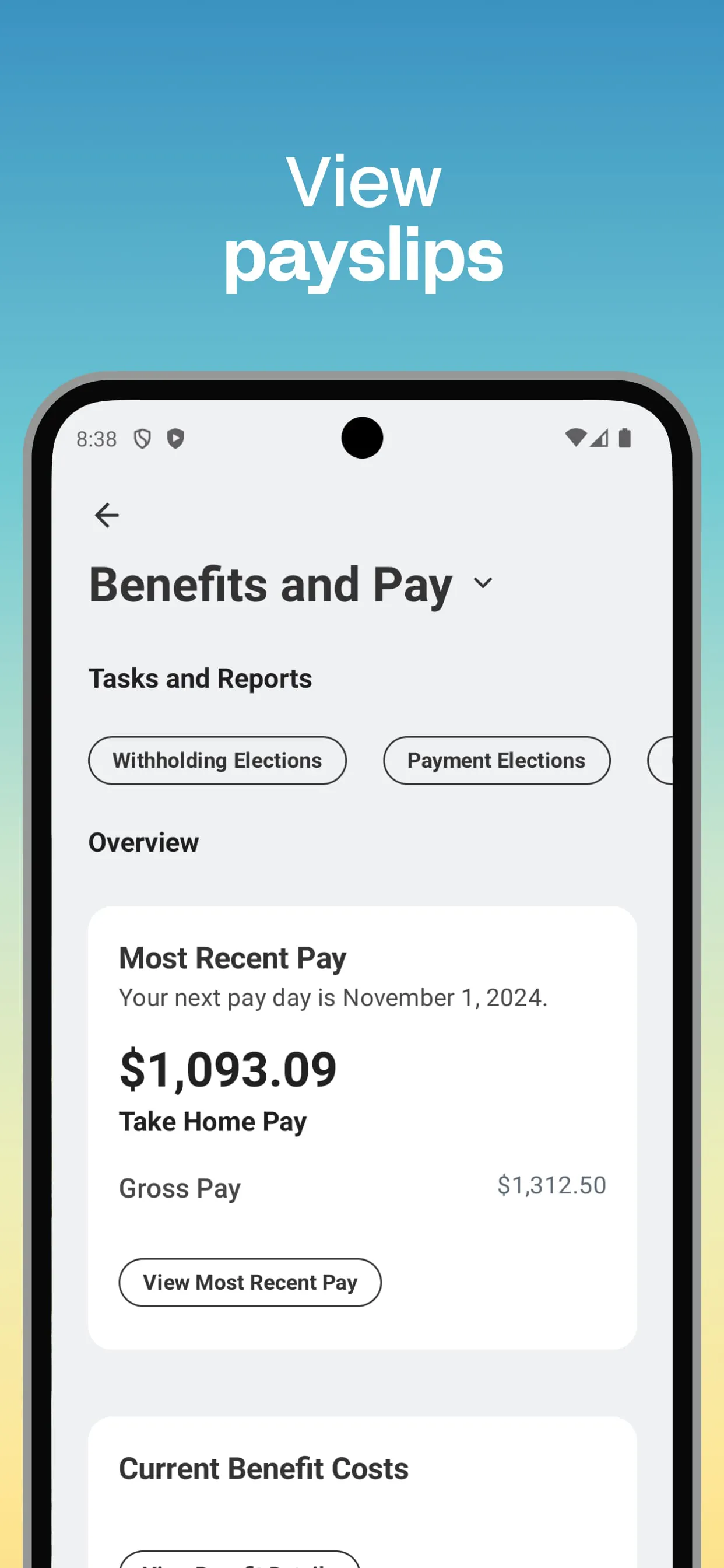
- Payroll & Benefits: Global payroll processing, benefits administration, and time/attendance tracking.
- Financial Management: Accounting, budgeting, procurement, and project costing.
- Analytics & Reporting: Embedded analytics and customizable dashboards for data-driven decision-making.
How to Use
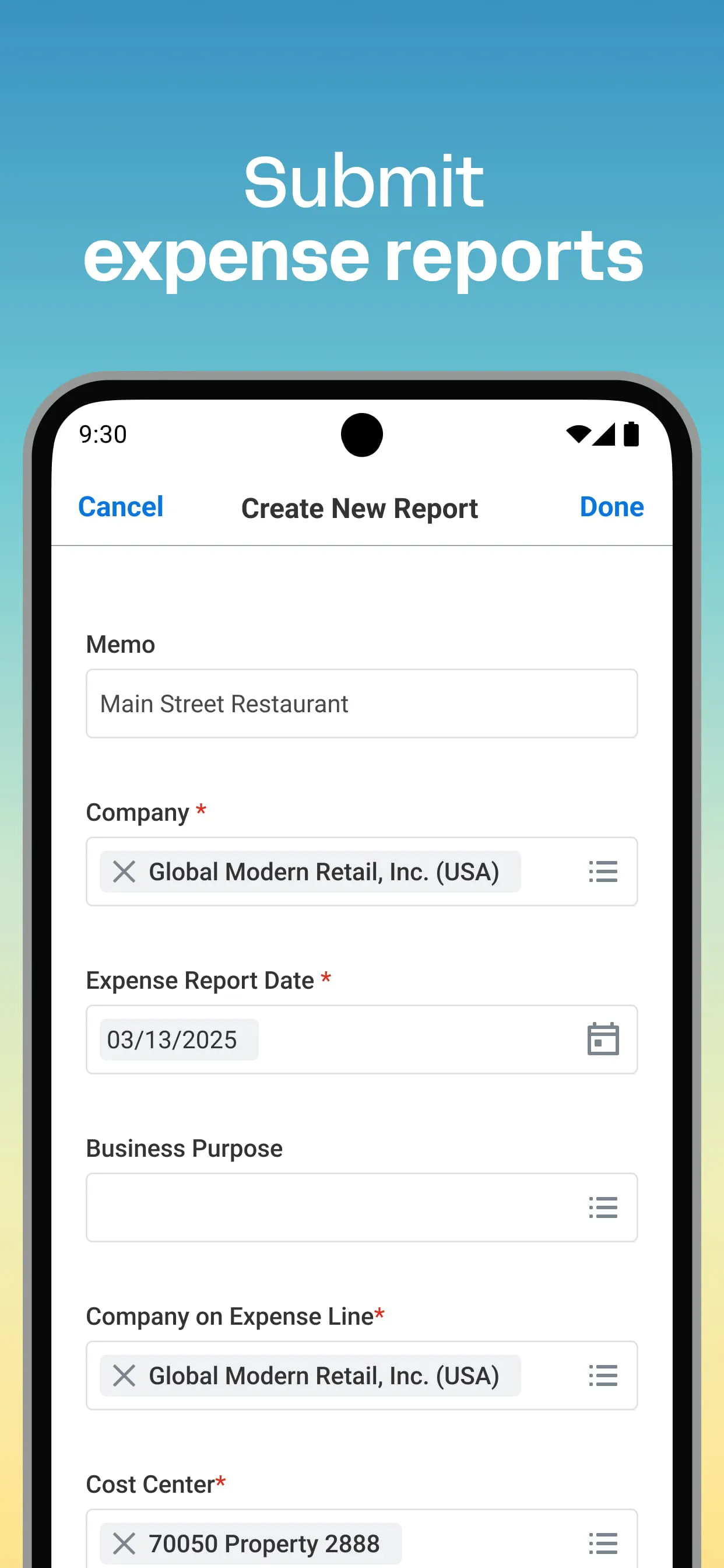
Click the button "Check All Versions" below to download and install it. As Workday is a cloud-based enterprise platform, it is not downloaded or installed in a traditional sense. Access is typically provisioned by your organization's system administrator. You will receive login credentials to access your company's specific Workday tenant through a web browser or official mobile app. Once logged in, you can navigate the homepage to access tasks, inbox notifications, and applications. Common user activities include updating personal information, submitting time-off requests, approving workflows, and running reports, all through the centralized menu system.





 APK
APK  Google Play
  iOS
iOS  4.30
4.30